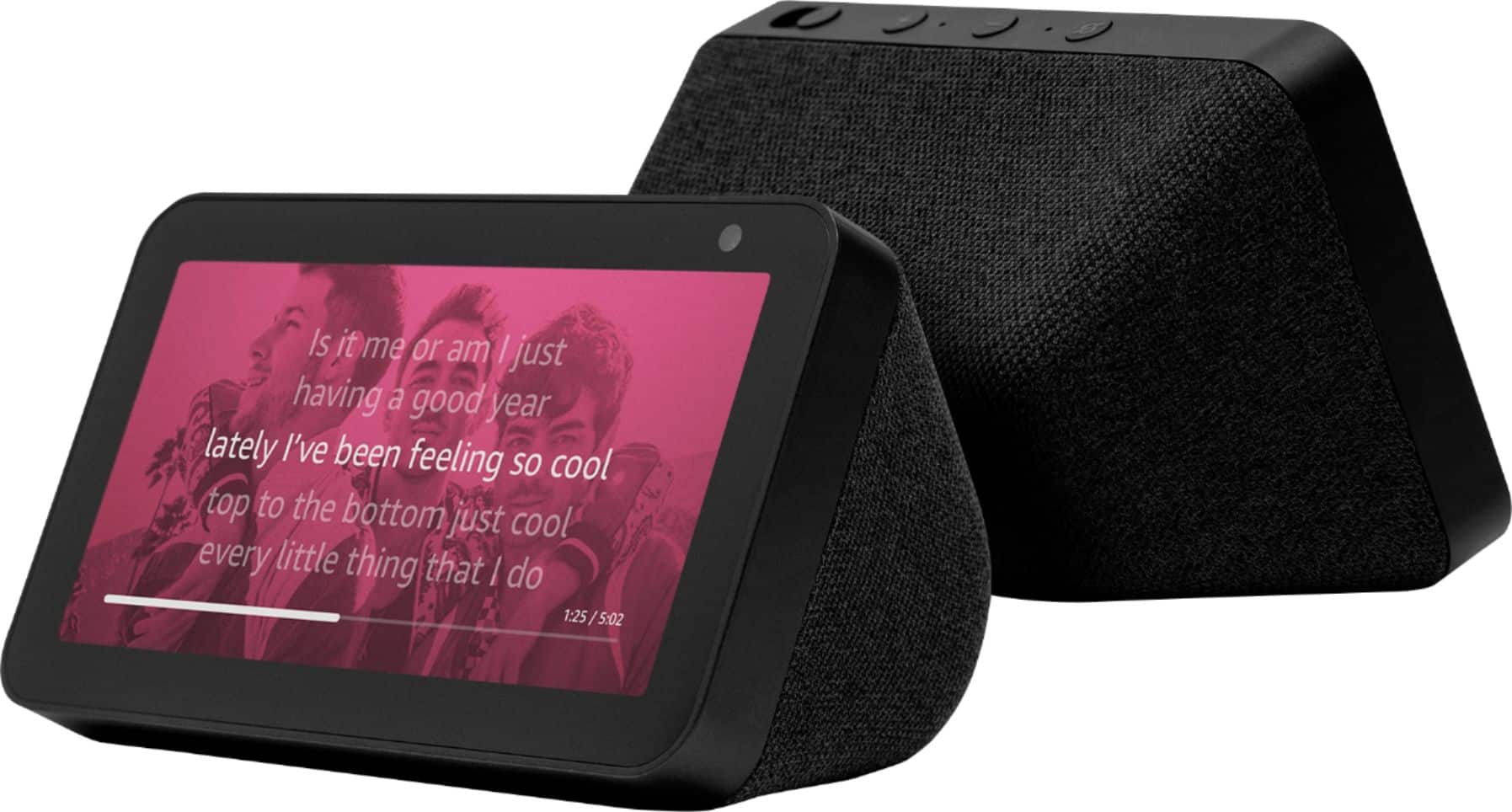
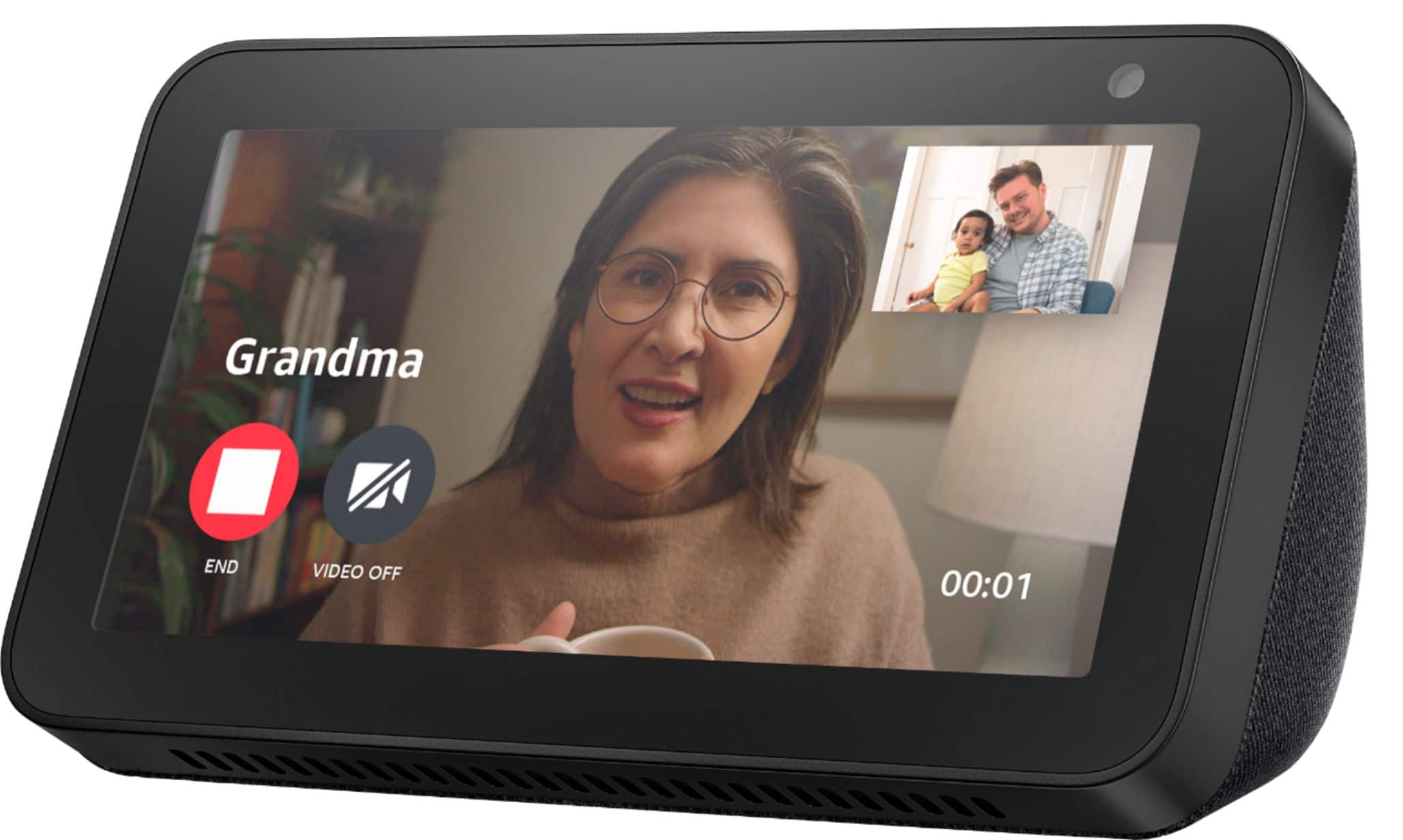
A:AnswerIt depends on how you are playing music through it.
The only times I’ve noticed mine display lyrics are if I’m listening to songs via Amazon Music, either directly on the Show 5 or by using the Amazon Music App and “casting” to the device.
However, the vast majority of the time I listen to music through either Apple Music or iHeartRadio and have not witnessed it displaying lyrics through either of these mediums.
A:AnswerYes, my daughter's house uses Blink brand cameras and they can be viewed on the Show 5. Be aware that it can take nearly a minute for the camera to connect.
A:AnswerThe echo show 5 has/does everything that the regular show does as well as the rest of the echo line. It just has a smaller footprint and to me anyway is more eye appealing.
A:AnswerThere is an Alexa Skill you can install on the app that lets it work with Arlo Pro (and newer) cameras, but it will not work with the FIRST generation of Arlos.
A:AnswerThey say it will, and if you Google it, there are tutorials online about how to put an Alexa Skill on your phone app that will allow this device via a specific command to view your doorbell video feed.
A:AnswerI am assuming it would. It's performance and function would be based on internet connectivity, as that is the mechanism that SIRI, Alexa, etc operate on. If you're concerned about that, I would make sure that there is adequate internet service in the location where this would be used.
Hope this helps.
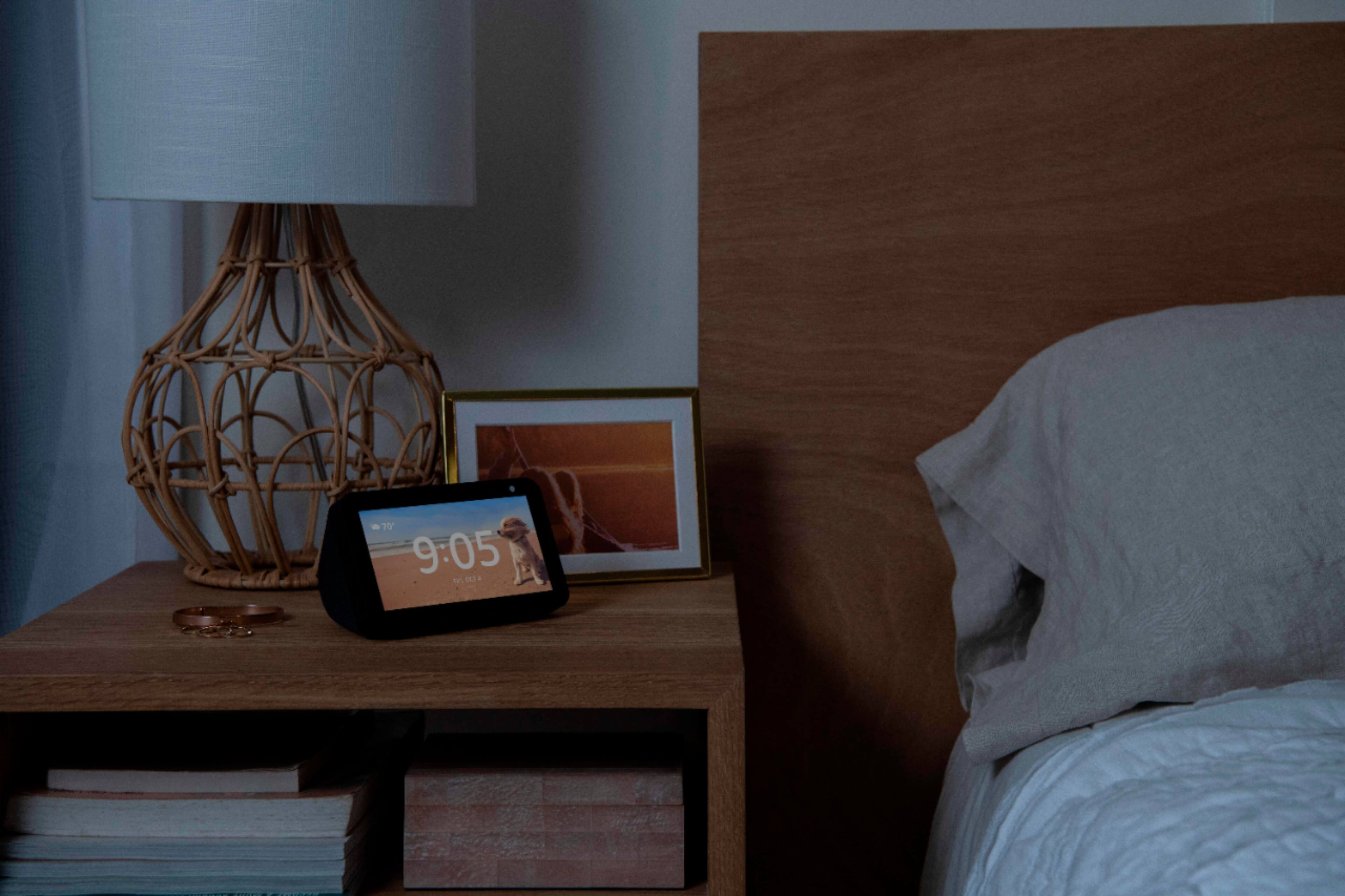
A:AnswerYes it does. When the room or area where the echo is located is dark, the screen darkens and as soon as the lights come on the screen brightens up again.
A:AnswerHello and thank you so much for your question! If I am reading this correctly it sounds like you are asking if you can have both an Echo 4th Generation and the Echo Show 5 being utilized in the same household. You can definitely have these and multiple other Echo devices in the same house and use them for things such as whole home music, intercoms using Drop In and Drop Out, and to make announcements like "Dinner's Done!".
In addition to these features, if you are asking if you can link them together for stereo sound, then yes you can do this as well with up to 2 speakers and 1 sub per grouping. You can do this by selecting the Echo in the Alexa app and selecting Stereo Pair / Subwoofer in the device settings. Once you select the Show 5 as the second speaker, it will play stereo sound out of the Echo and Show 5.
I hope this answers your question and that you have an amazing day!
A:AnswerHello,
There is no Z-wave hubs built into this device. There is a Zigbee hub built into the Echo Show, Echo Studio and Echo, but no Z-wave in any of our Echo products. Hope that helps.
A:AnswerThe Blink cameras can record video with the Blink App. You have to sign up for a Blink account and subscribe to one of the monthly plans.
The Echo Show 5 does not have recording capabilities.
A:AnswerI have an Echo Show 5 and 2 Echo Dots. I just tried to drop in from Show 5 to Dot and Dot to Show 5. It worked both ways. I'd never get a Show 5 again. Useless if you don't know all the commands to get to anything done with it. The Echo Dot us FAR better in my opinion.