Questions & Answers
- Model:
- B08C1W5N87
- |
- SKU:
- 6457959
Q: QuestionCAN YOU CONTROL THE VOLUME WITH THE FIRESTICK REMOTELY
Asked by PATTY.
- A:Answer Yes. Go to settings.
Answered by ShakTheBarber
Q: QuestionDo all Firesticks need wifi and/or highspeed internet?
Asked by technophobe.
- A:Answer Yes you have to have some kind of internet connection to use your fire stick. Without it, the screen just tells you to connect to internet.
Answered by EssenceM
Q: QuestionI’m having trouble pairing my remote. I’m stuck on the screen alternating with the different languages.
Asked by Jim.
- A:Answer Not an expert but try from your tv first and make sure your internet connection and WiFi connection are working properly. I dished out the cable only kept the internet and WiFi at home has many channels easy to use you just plug in and scan I don’t recommend to jailbreak it. It’s not worth it as you get many channels.
Answered by Uera1989
Q: QuestionCan you get live channels like 3-6 and 10?
Asked by Anonymous.
- A:Answer Yes i think
Answered by DonnaH
Q: Questioncan i connect to xfinity/comcast with this device?
Asked by Anonymous.
- A:Answer Absolutely
Answered by ShakTheBarber
Q: QuestionIs it compatible with Gen 1
Asked by Fred.
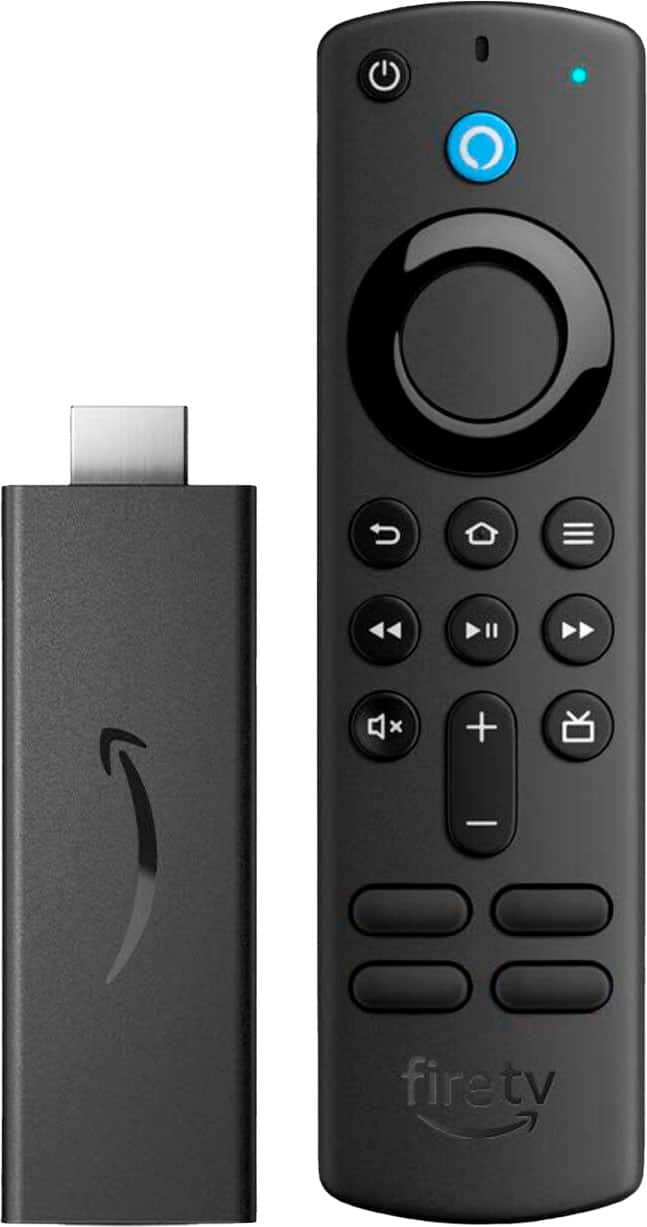
- A:Answer Hi Fred! This listing is for the 3rd Generation Fire TV Stick, and includes everything you need to get set up and watching your favorite streaming content! If you've already got an older generation Fire TV Stick then all your apps and purchases should be compatible, and can be loaded up easily during set up by selecting your other Fire TV Stick to restore from it's online backup. Just make sure you're using the same Amazon account on each device. I hope that helps, have a great rest of your day!
Answered by Amazon Devices Customer Support
Q: Questiondo you have to have alexa to use this fire stick.
Asked by robert.
- A:Answer No
Answered by ReginaK
Q: QuestionI have a 32inch Samsung tv but i lost the remote. will the Amazon-Fire TV stick(3rd Gen) remote work or do i also have to get a new samsung remote?
Asked by Rhazbonya.
- A:Answer The remote should work. If you are able to put the tv on the right setting to watch the fire stick
Answered by ReginaK
Q: QuestionWill I have to purchase a subscription from Fire Stick TV in order to stream on the apps?
Asked by Duckie.
- A:Answer Depends on which subscription channel you are wanting to watch. There are free apps.
Answered by ReginaK
Q: QuestionDoes this model work for mirror casting from a PC?
Asked by Del.
- A:Answer Yes. Hold the home button and the option to mirror/cast will appear.
Answered by ShakTheBarber
Q: QuestionDoes the Amazon Firestick allow streaming of TIDAL music? Or do I need to buy a separate streaming device?
Asked by Mike.
- A:Answer You have to download Amazon Music app or other apps.
Answered by SilviaM
Q: QuestionWhere are the channel controls on this model of firestick? Thank you!!
Asked by Auntsis61.
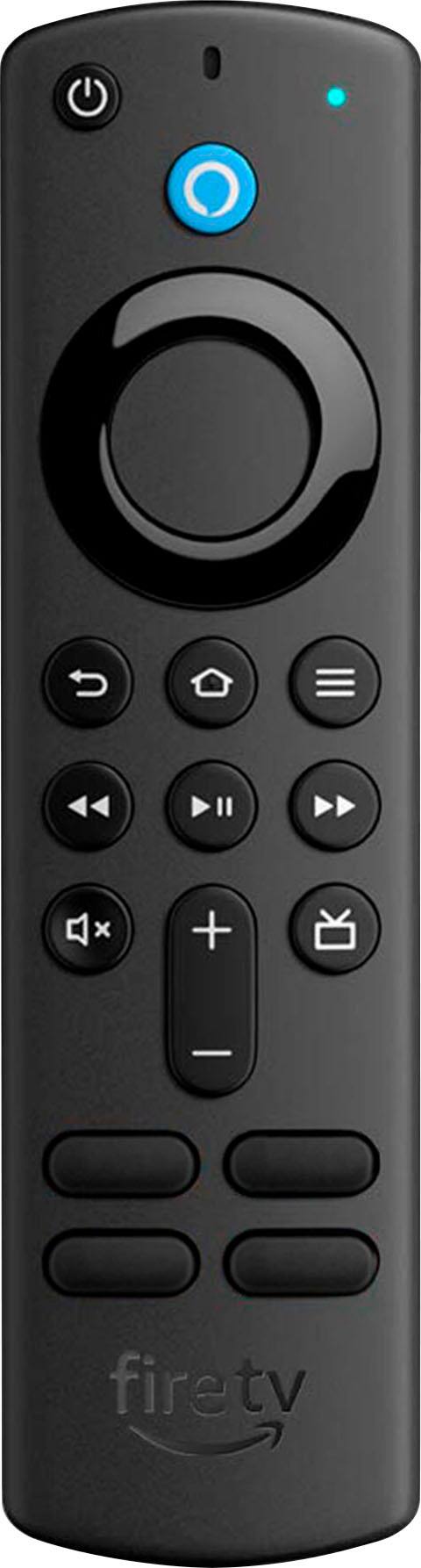
- A:Answer Hello Auntsis61, Thank you for your question. The Fire TV Stick has a navigation button in the shape of a circle underneath the blue Alexa button on the remote, you can use it by pressing up, down, right or left. You can also use the blue Alexa button with your voice to find a channel or selection. Simply press and ask Alexa to find, launch, and control content, or even switch to cable. Hope this helps, have a nice day!
Answered by Amazon Devices Customer Support
Q: QuestionIs this stick compatible for Vizio TV?
Asked by Anonymous.
- A:Answer yes its just hooked up using a HDMI port on the t,v
Answered by PamelaB
Q: QuestionCan you download the spectrum app with this fire stick?
Asked by Dallas.
- A:Answer Yes
Answered by ElizaW
Q: QuestionDoes this firestick control volume on tv if paired?
Asked by Debbie.
- A:Answer Yes it does, also sound bars and receivers
Answered by chuck
Q: QuestionDo you have to have cable or antenna or satellite for it to work
Asked by RamonaR.
- A:Answer I have the internet connection
Answered by MichelleS
Q: QuestionDo I need a Firestick to use HULU service?
Asked by Mike.
- A:Answer Hello Mike, the Amazon Fire TV Stick is a great device to use for streaming your favorite TV shows and movies. There are thousands of apps available including Hulu. Have a great day!
Answered by Amazon Devices Customer Support
Q: QuestionCan you get CBCGem on the fire stick in the US if so how
Asked by Kat.
- A:Answer Hello Kat, Thank you for your question. There are geo-restrictions from the providers that will prevent you from watching their content in another country, unfortunately. Have a great day!
Answered by Amazon Devices Customer Support
Q: QuestionCan you get the GEM app with this firestick?
Asked by Kat.
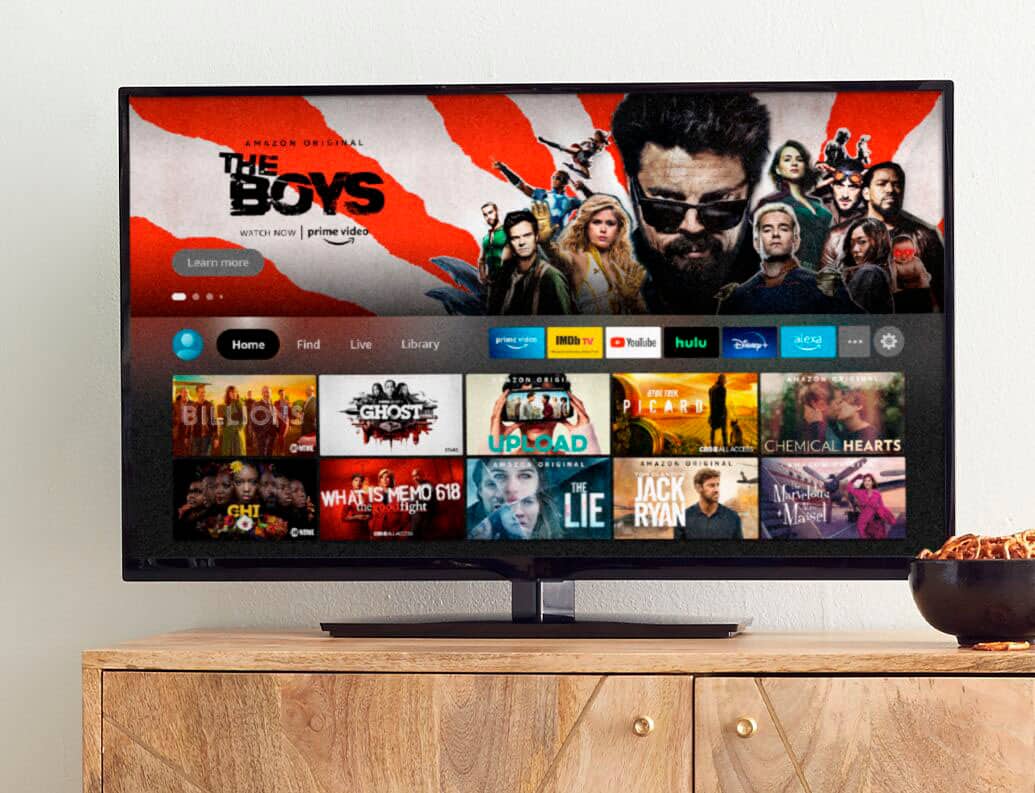
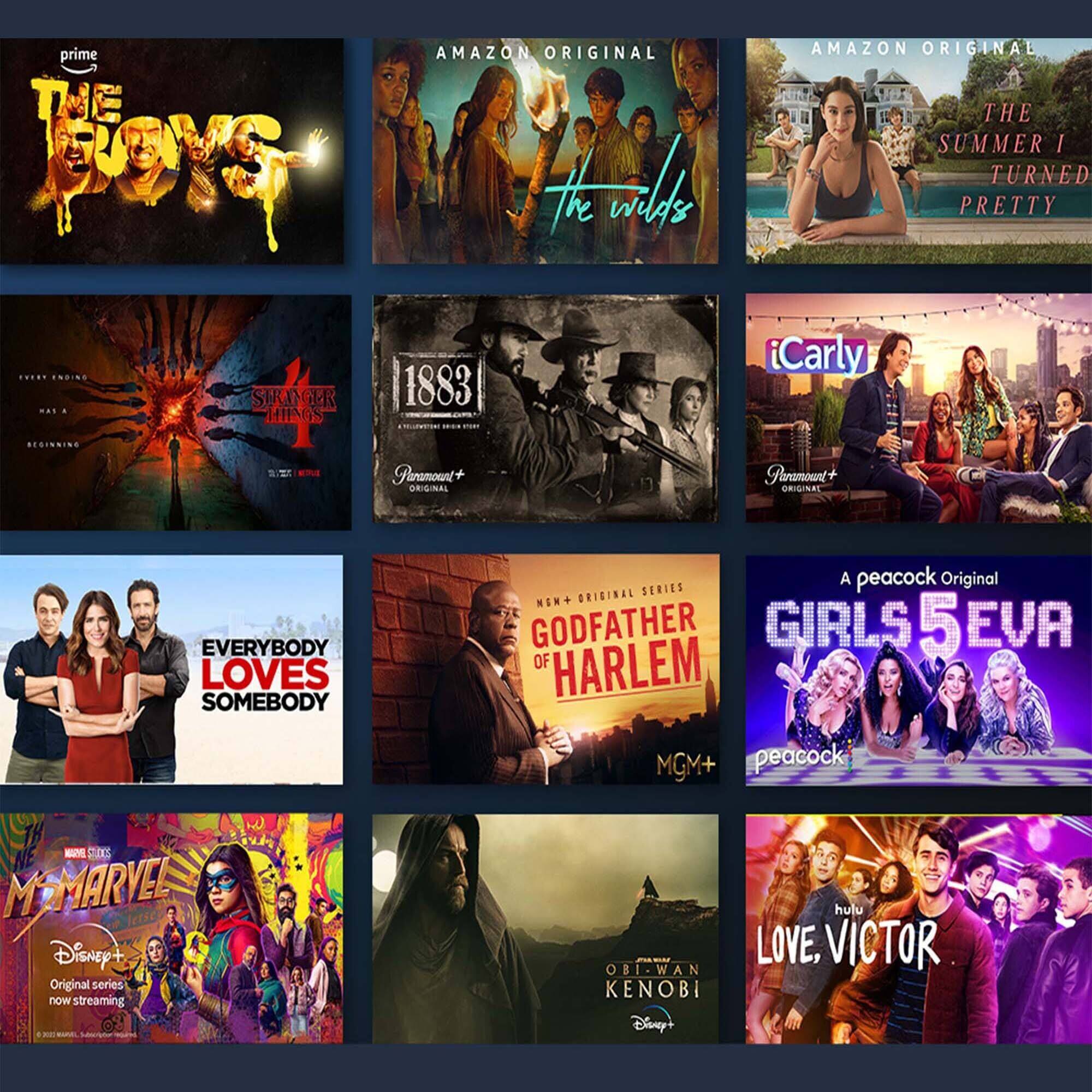
- A:Answer "Hello, Kat! The CBC Gem app for Fire TV is available on the Amazon Fire TV stick. The Fire Stick plugs into your televisions HDMI Port and gives you fast streaming in Full HD. It includes Alexa Voice Remote with power and volume buttons. You can stream 500,000+ movies and TV episodes by downloading your favorite services. Tens of thousands of channels, Alexa skills, and apps - Including Netflix, YouTube, Prime Video, Disney+, Apple TV, and HBO Max. Subscription fees may apply depending on what you wish to stream. You can also watch your favorite live TV, news, and sports with subscriptions to SLING TV, YouTube TV, and others. Use the Guide button to see what's available and when. The Fire Stick also gives you access to over 20,000 free movies and TV shows from apps like IMDb TV, Tubi, Pluto TV, and more. You can listen to music with Amazon Music, Spotify, Pandora, and others. Subscription fees may apply. The Alexa Voice Remote lets you use your voice to search and launch shows across apps. All-new preset buttons get you to favorite apps quickly. Plus, control power and volume on your TV and soundbar if you’ve got one, with a single remote! Have a great day!"
Answered by Amazon Devices Customer Support
Q: QuestionI want to view NHK TV Japan using the JME TV App. What steps do I take to make it work?
Asked by LSBraz.
- A:Answer Hello, both the JME TV app and NHK World are available to download on the Amazon Fire TV Stick. Once the device is set up, you will go to the search bar and type in the app you are wanting. When you find it, you can select download and it will install it on the Fire TV Stick. I hope that helps, have a great day!
Answered by Amazon Devices Customer Support
Best-selling streaming media players
- $19.99Your price for this item is $19.99$34.99The comparable value for this item is $34.99
- $39.99Your price for this item is $39.99$59.99The comparable value for this item is $59.99
- $29.99Your price for this item is $29.99
- $149.99Your price for this item is $149.99
- $39.99Your price for this item is $39.99
- $129.99Your price for this item is $129.99
- $29.99Your price for this item is $29.99$49.99The comparable value for this item is $49.99
- $24.99Your price for this item is $24.99$39.99The comparable value for this item is $39.99
- $27.99Your price for this item is $27.99$34.99The comparable value for this item is $34.99
- $99.99Your price for this item is $99.99$139.99The comparable value for this item is $139.99
- $74.99Your price for this item is $74.99$99.99The comparable value for this item is $99.99
- $199.99Your price for this item is $199.99
- $79.99Your price for this item is $79.99
- $29.99Your price for this item is $29.99
- $25.99Your price for this item is $25.99