A:AnswerNo you do not have to switch over to the Fire tv stick to watch Netflix, but that's exactly what you should do. Why, simply because by using your Fire tv stick you will have many more options than what is offered with what comes with your smart television. AND, when you go on vacation you can simply bring your Fire tv stick with you and plug it in any device that supports the Fire tv stick and you will not miss a beat watching the tv programming you are accustomed to watching. Tip, when using a Fire tv stick on a smart television be sure to turn off the Wi-Fi to your smart television because the Fire tv stick has a built in Wi-Fi.
A:AnswerNo. But some apps displayed on fire stick may require a subscription. But there are a alot of great free apps to use. Well worth the money! Good luck Kim....
A:AnswerThe Fire Stick requires you to set up an Amazon account and provide a credit card number. However, you don't have to buy anything from Amazon. Many streaming services such as Netflix require you to subscribe to their services. For example, I have AT&T streaming television and pay $60.00 per month for it. Hope this helps.
A:AnswerIf you download Kodi it has a lot of things that are legally free to watch. There are also illegal ones that are offered so be careful, you have to read to be sure your legal. It gives you the pay services as well, Hulu, Amazon, Netflix, Disney, etc. The free ones are good too. Google Kodi and it should tell you more about it. The interface is very easy to use.
A:AnswerIt MIGHT be possible to buy an adaptor box, run this in to that, and hook that to the tv, but a better choice would be buying Roku’s once device left that supports analog connections, or possibly even an Xbox 360.
A:AnswerCreate a verizon hotspot if data is unlimited..you will broadcast this wifi network with a password and this network will be shown on your firestick and you will supply the password...i prefer a 5G network unless your house has alot of walls then use 2.4 G..it penetrates farther and thicker walls. Blue tooth will not play a role here. Its not necesarey but can provide added benefits
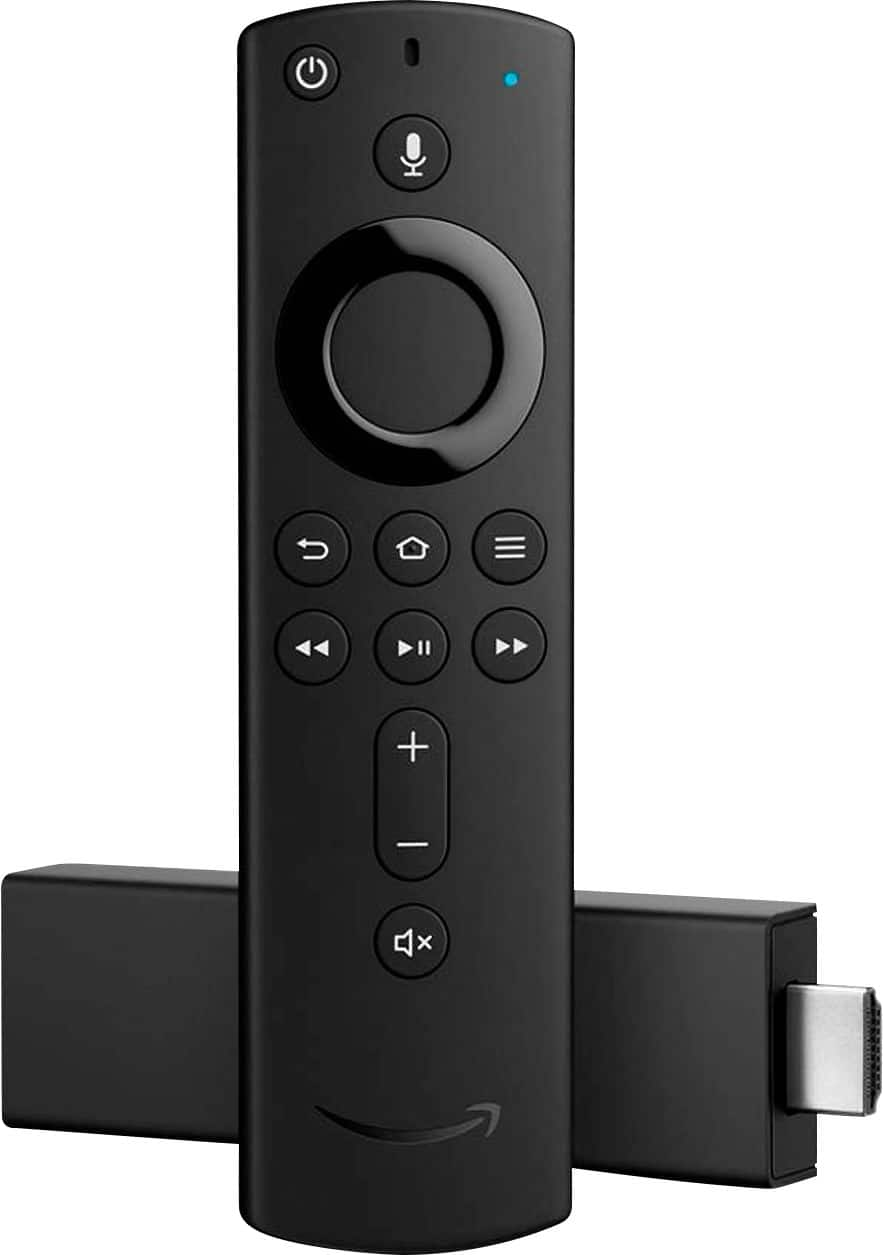
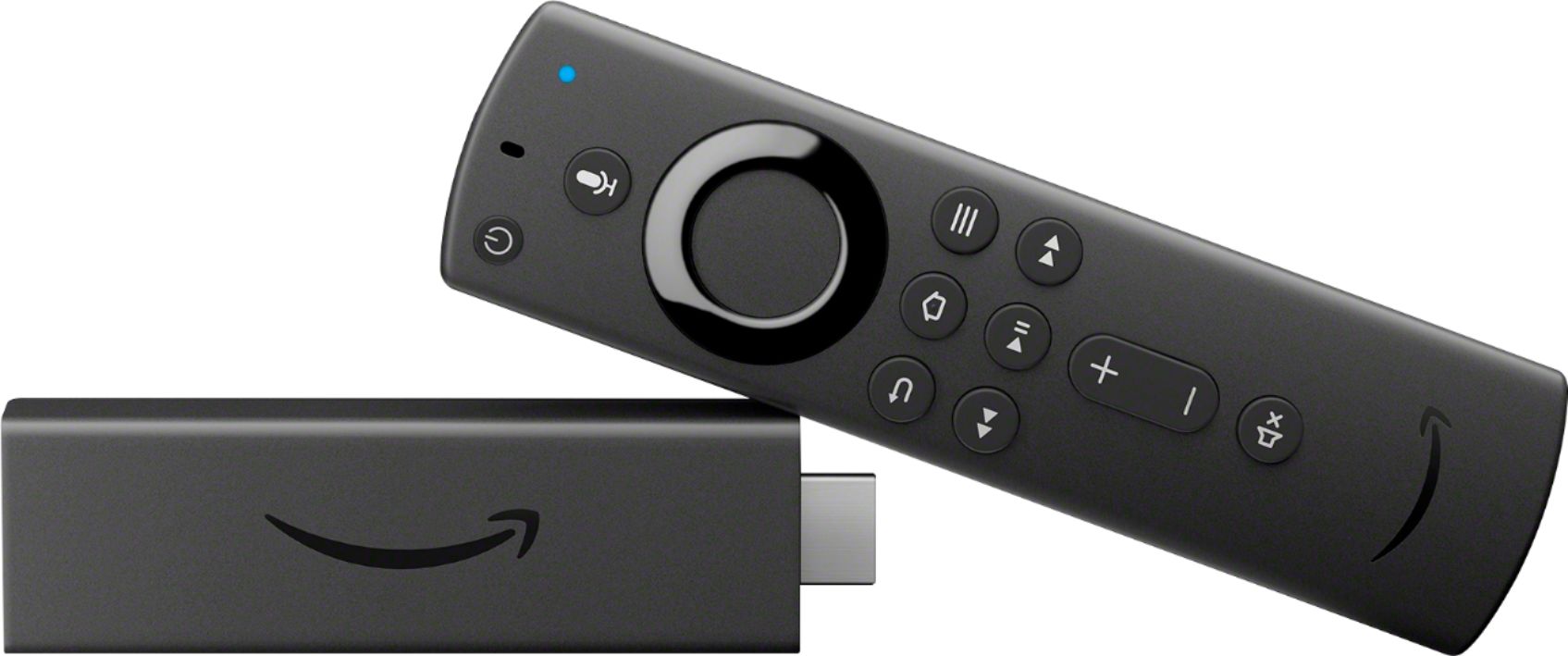
A:AnswerThe voice remote only listens when you push the mic button located on the remote. the feature is there to make searching for videos and content easier than typing in every search letter by letter. so shes not listening unless you push the button on the remote.