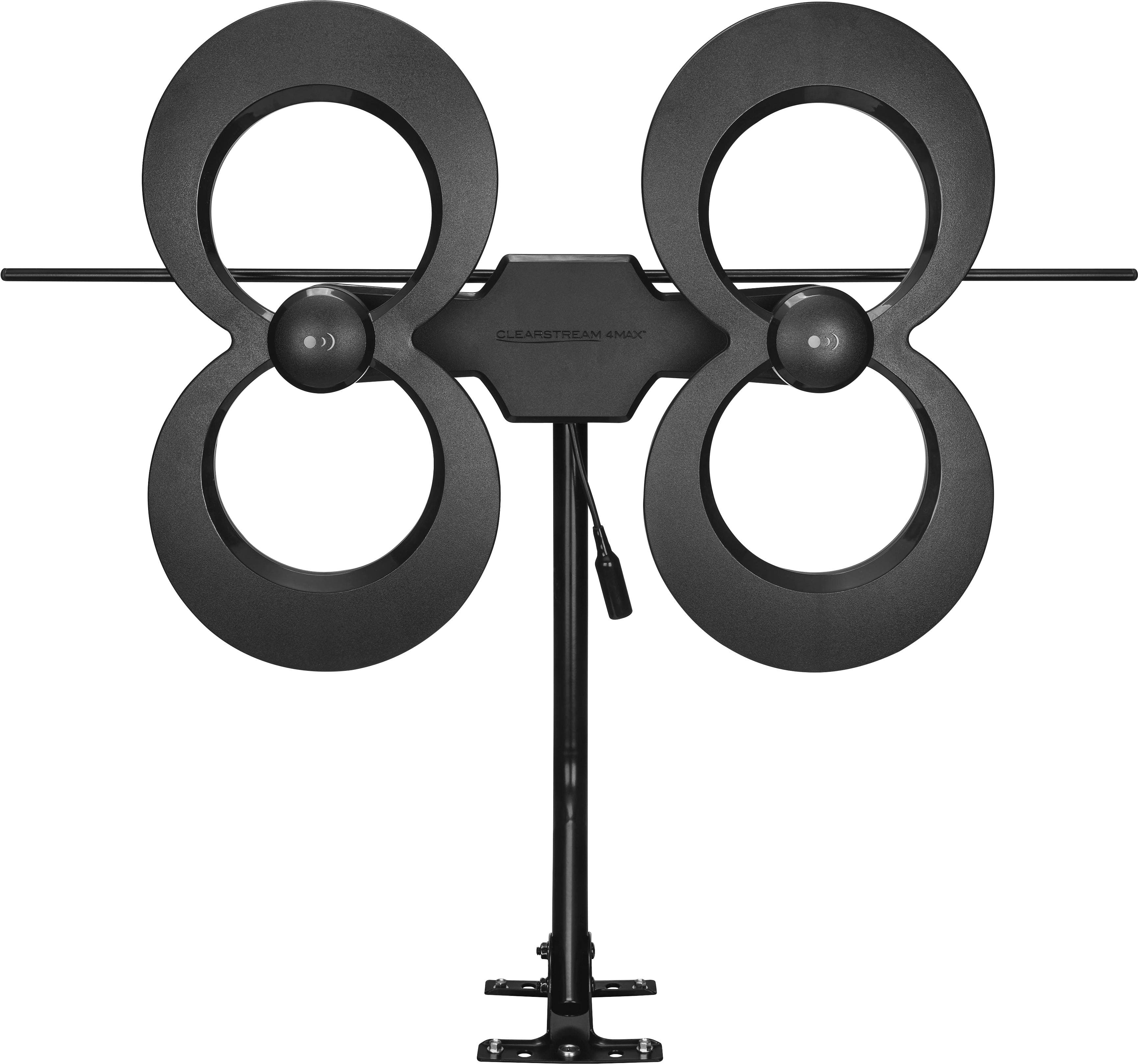
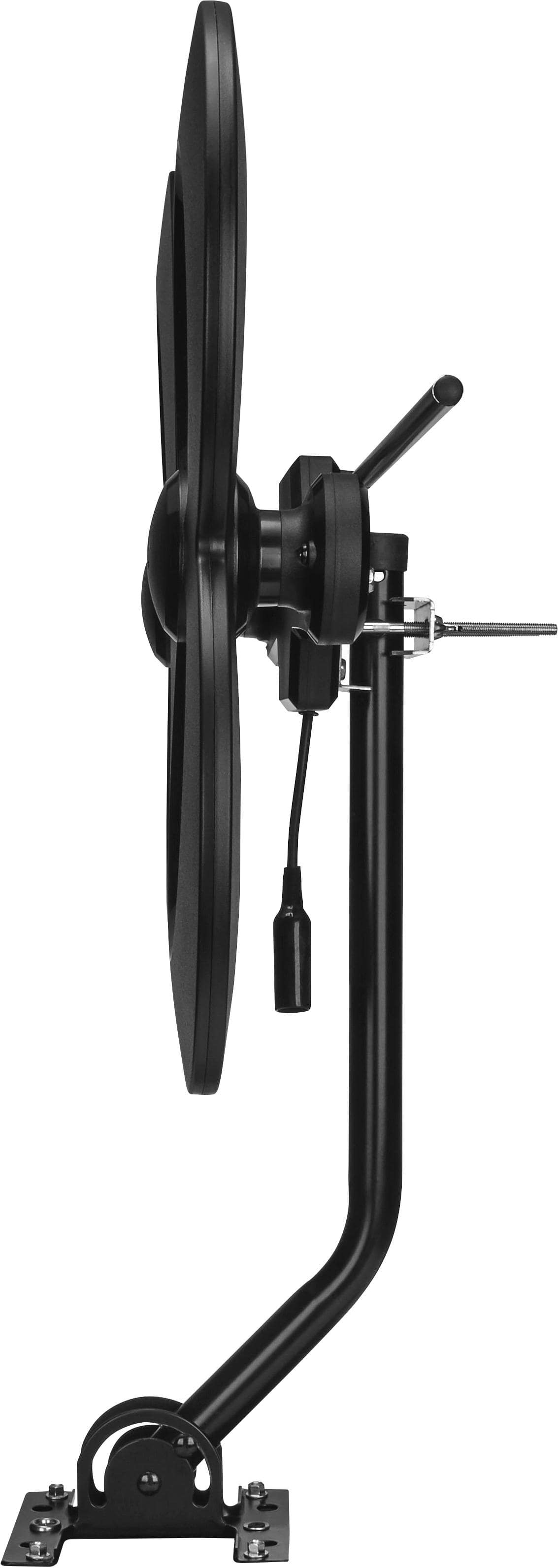
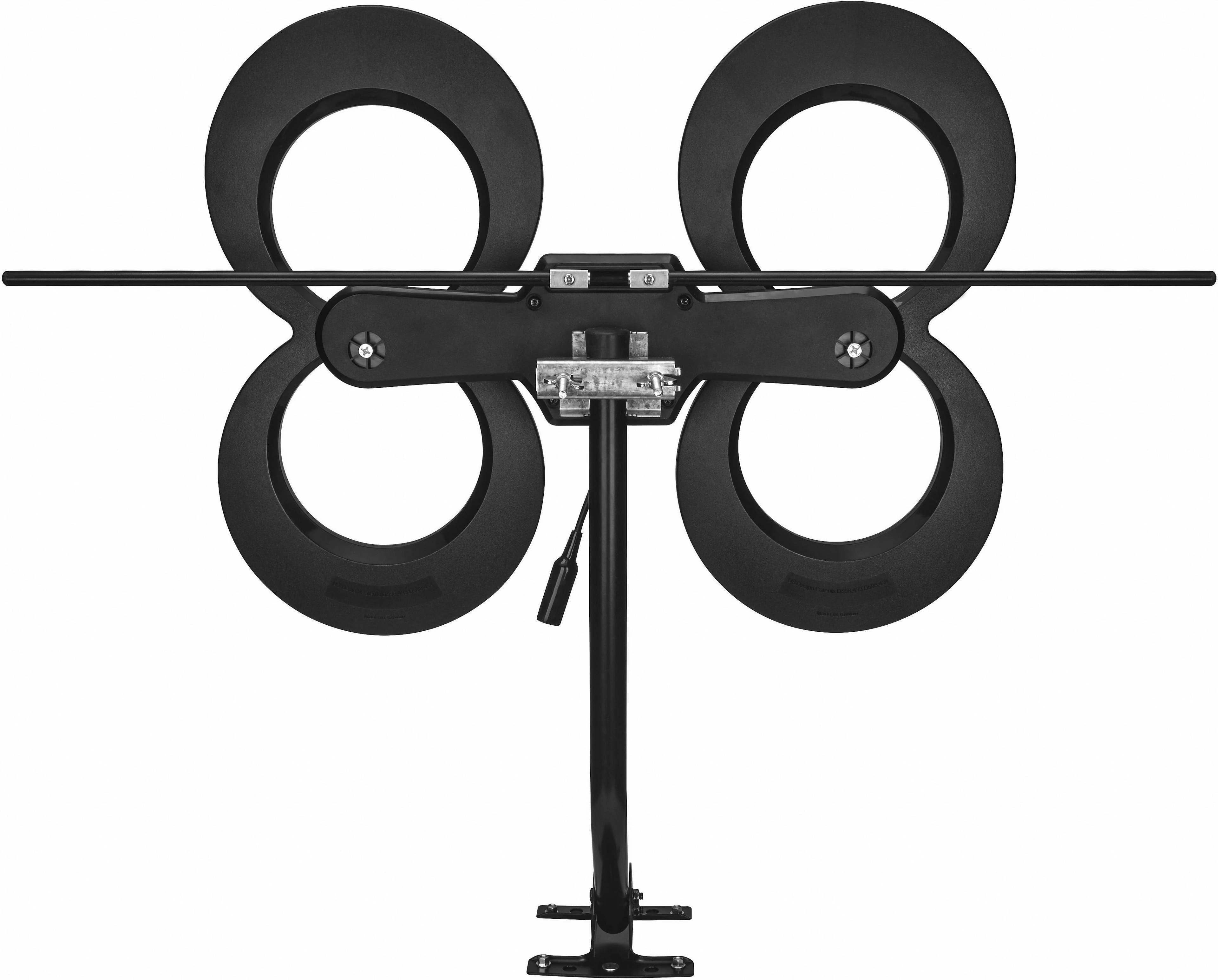
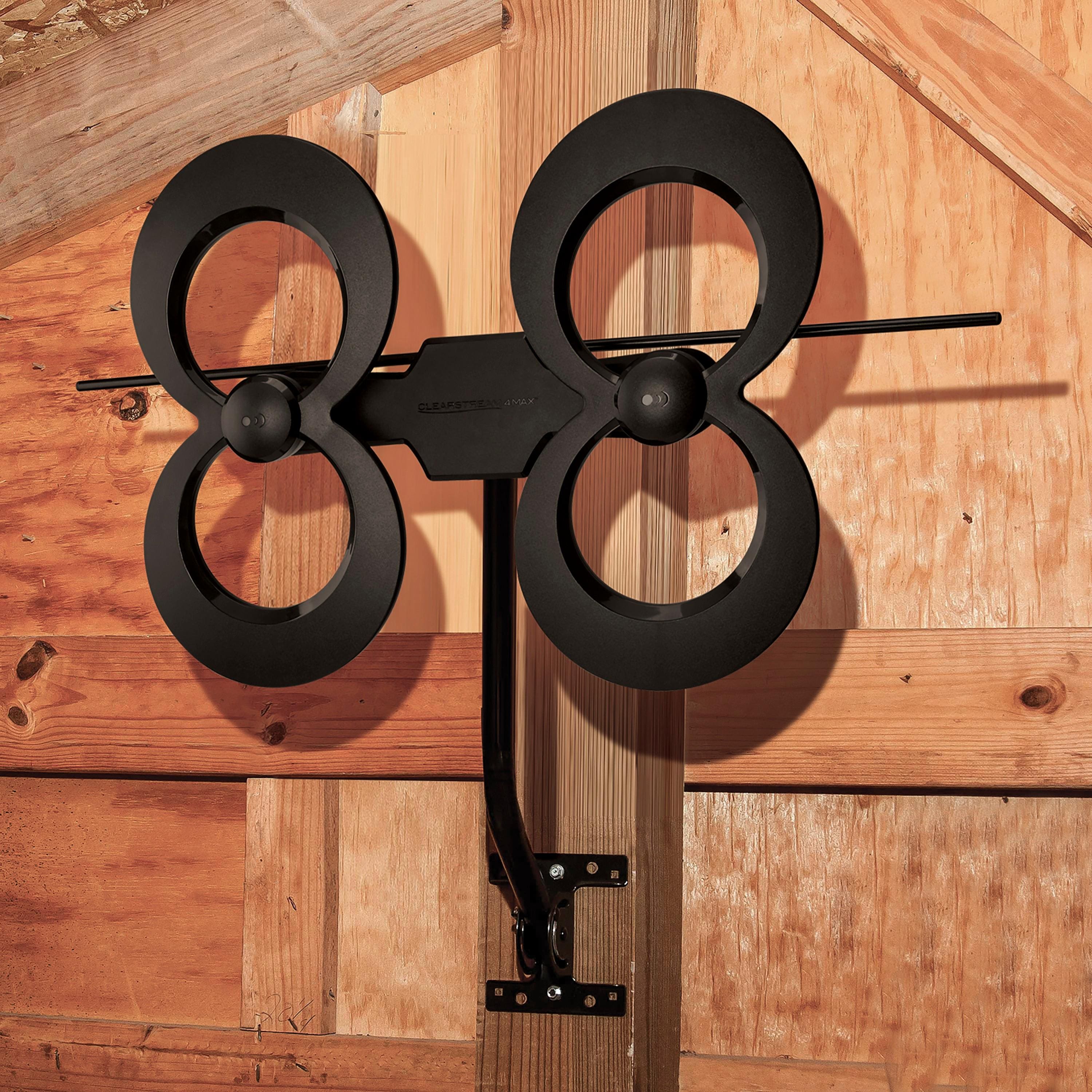
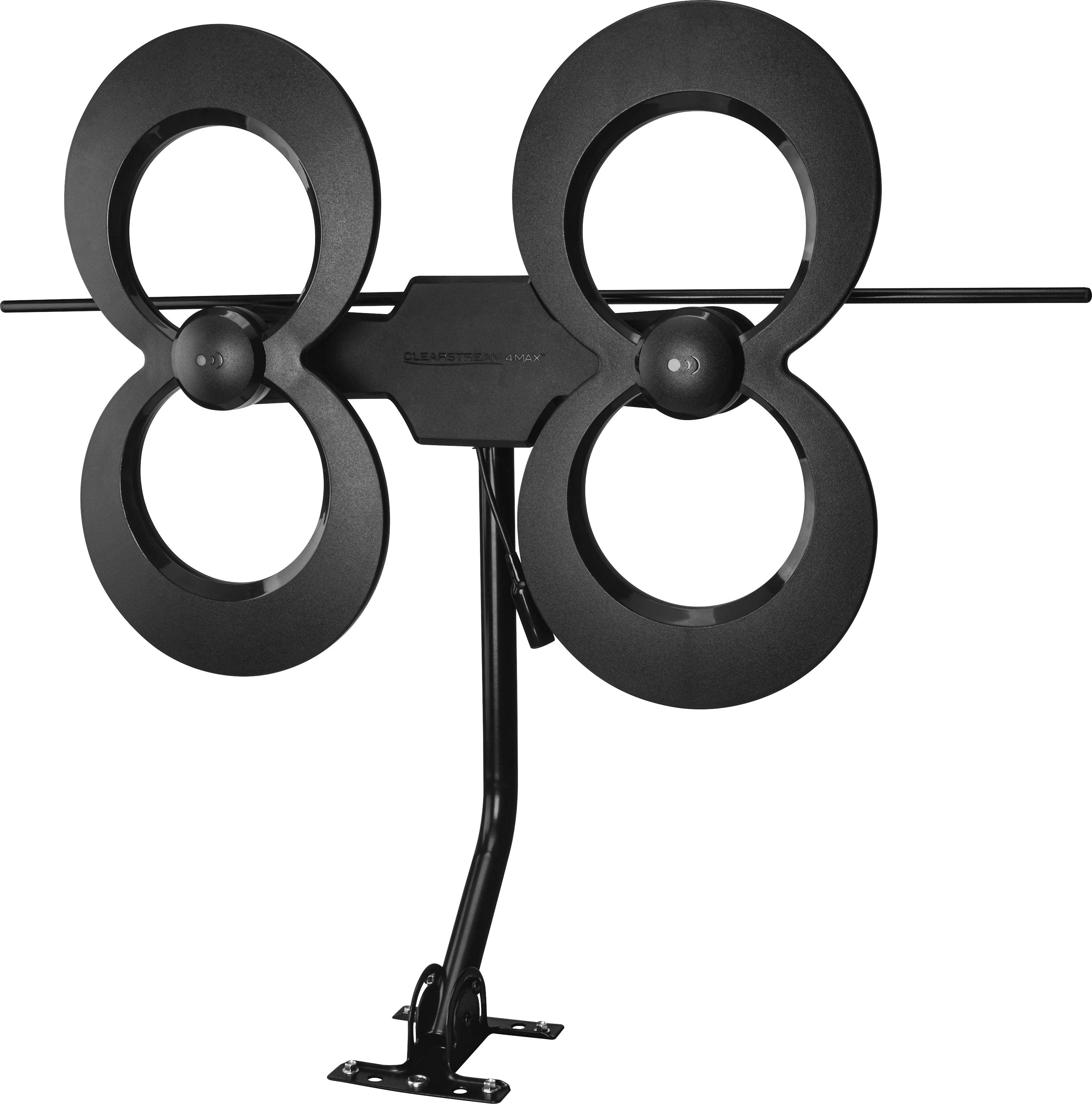
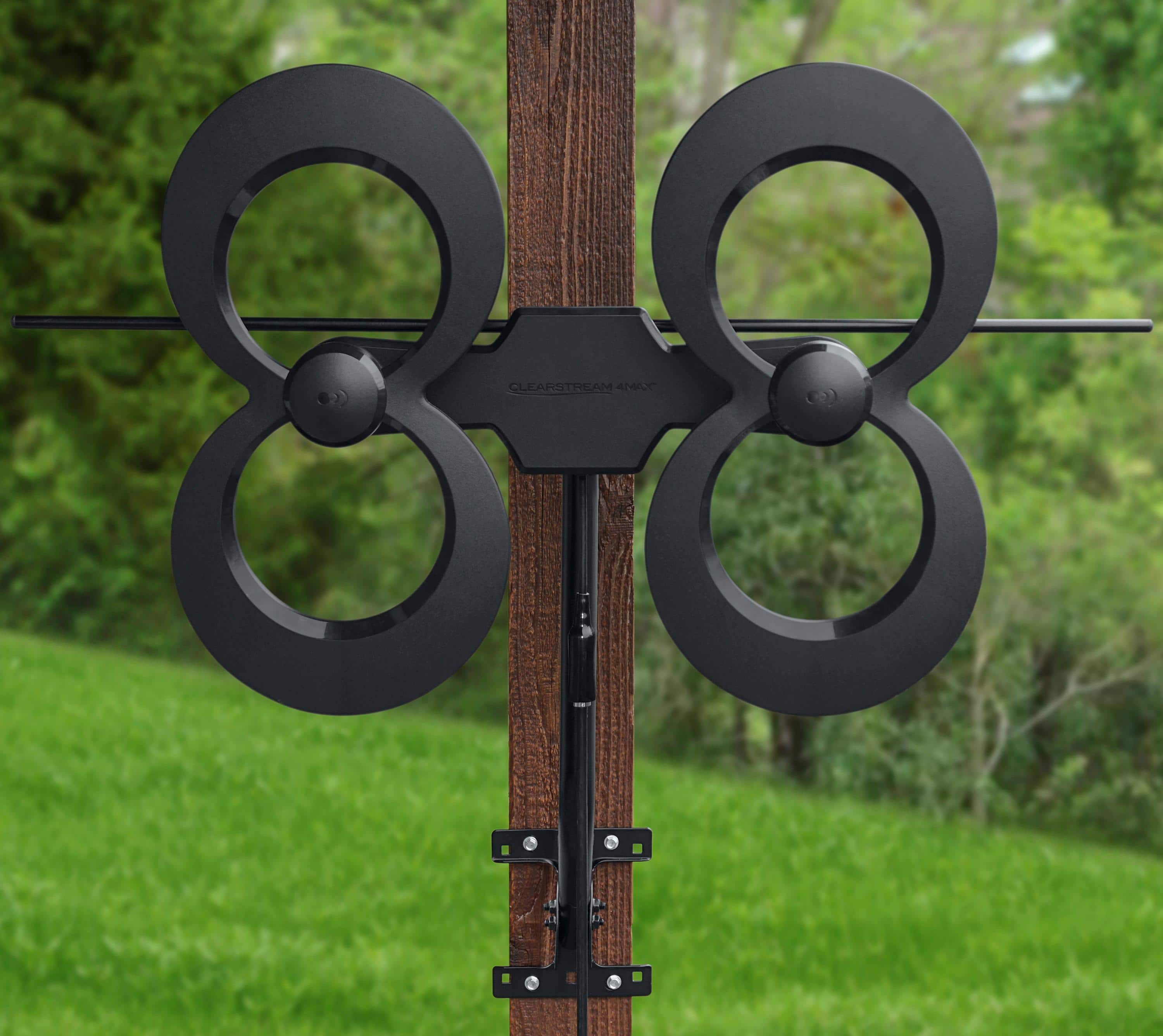
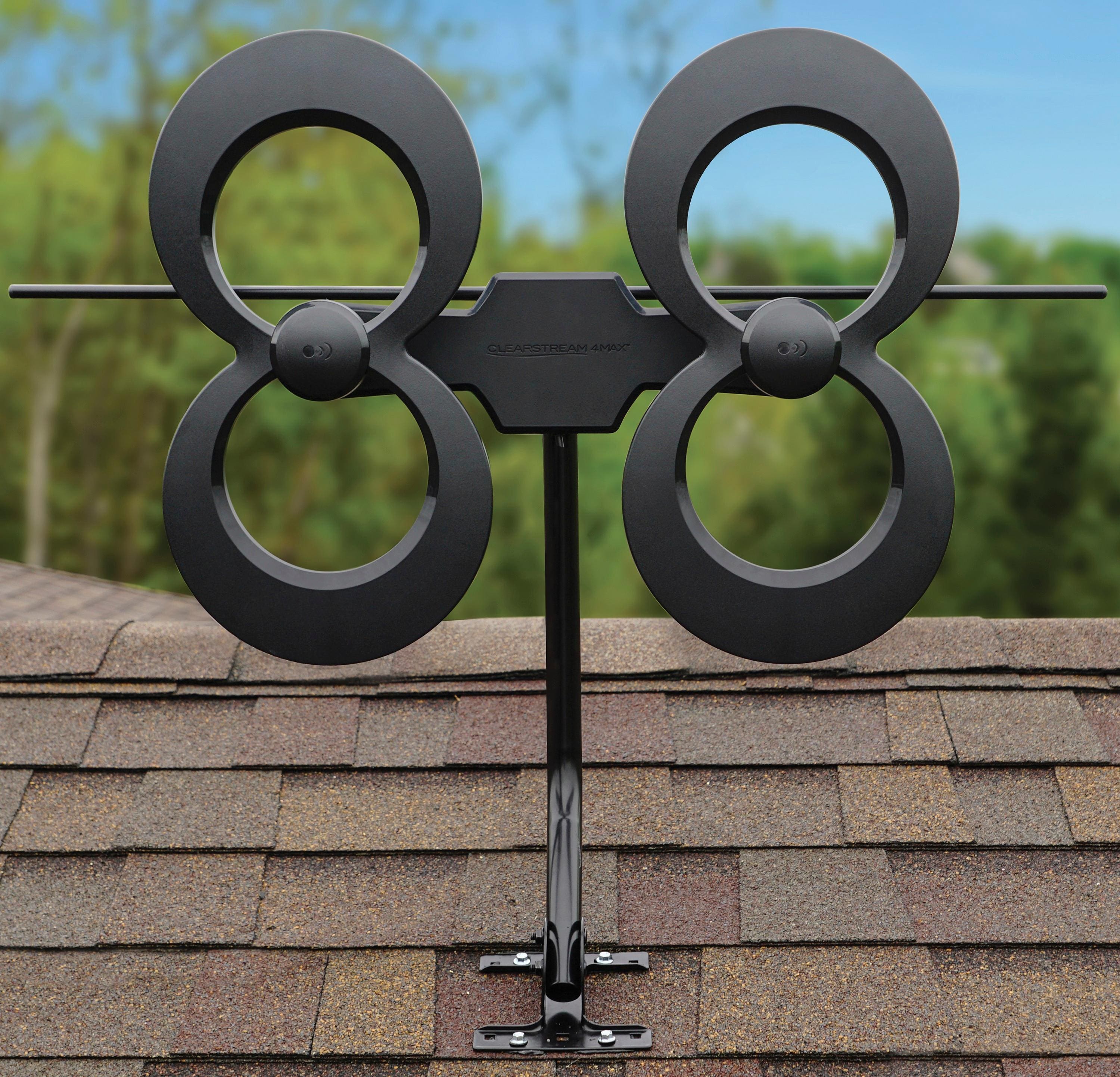
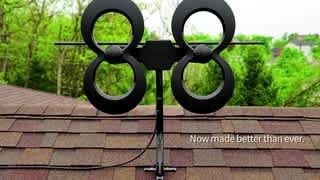
A:AnswerI don’t see why not. I mounted this on the outside edge of my house and it works fantastic! Definitely download the antenna finder app so you can point it to the best antennas in your area.
A:AnswerI would have to say that the woods would not be the best location for a “line of sight” antenna. If you can get a clear path to a tower there would be a possibility, but I don’t know if it would be worth it for one or two channels that could be lost with a strong breeze.
A:AnswerI am able to get channels in both VHF and UHF range. In fact, the channel that is in Pensacola, FL (I live in Mobile, AL) is broadcast in the lower VHF range.
A:AnswerThe only limiter on TV Antennas is the signal. However with a good quality splitter and amplifier you could get a few TVs on one antenna. Compared to paying for cable monthly, however. I would include an antenna in the rental agreement and provide one for each. One cost upfront to setup (Antenna, cable, amplifier, pole), and then it’s free!
Do some research on this for your needs, however. All of the TVs would be subject to the antenna being aimed in one direction. And multiple antennas might interfere with each other. I hope this answered your question.
FYI: goto to TitanTV.com, enter your zip code, and you will get a TV GUIDE showing you the channels you can get.
A:AnswerI also live in a place with trees all around. I searched for the tv towers on the app sugested by manufacturer. First time I installed four feet above ground and got 17 channels. Then I installed by the side of the house overlooking the roof and got double the channels.
For me is a good antenna that works among trees.
A:AnswerI haven't had the same issue. I would check your cable connections and make sure be they are tighten appropriately. It sounds like you may have e loose connection.
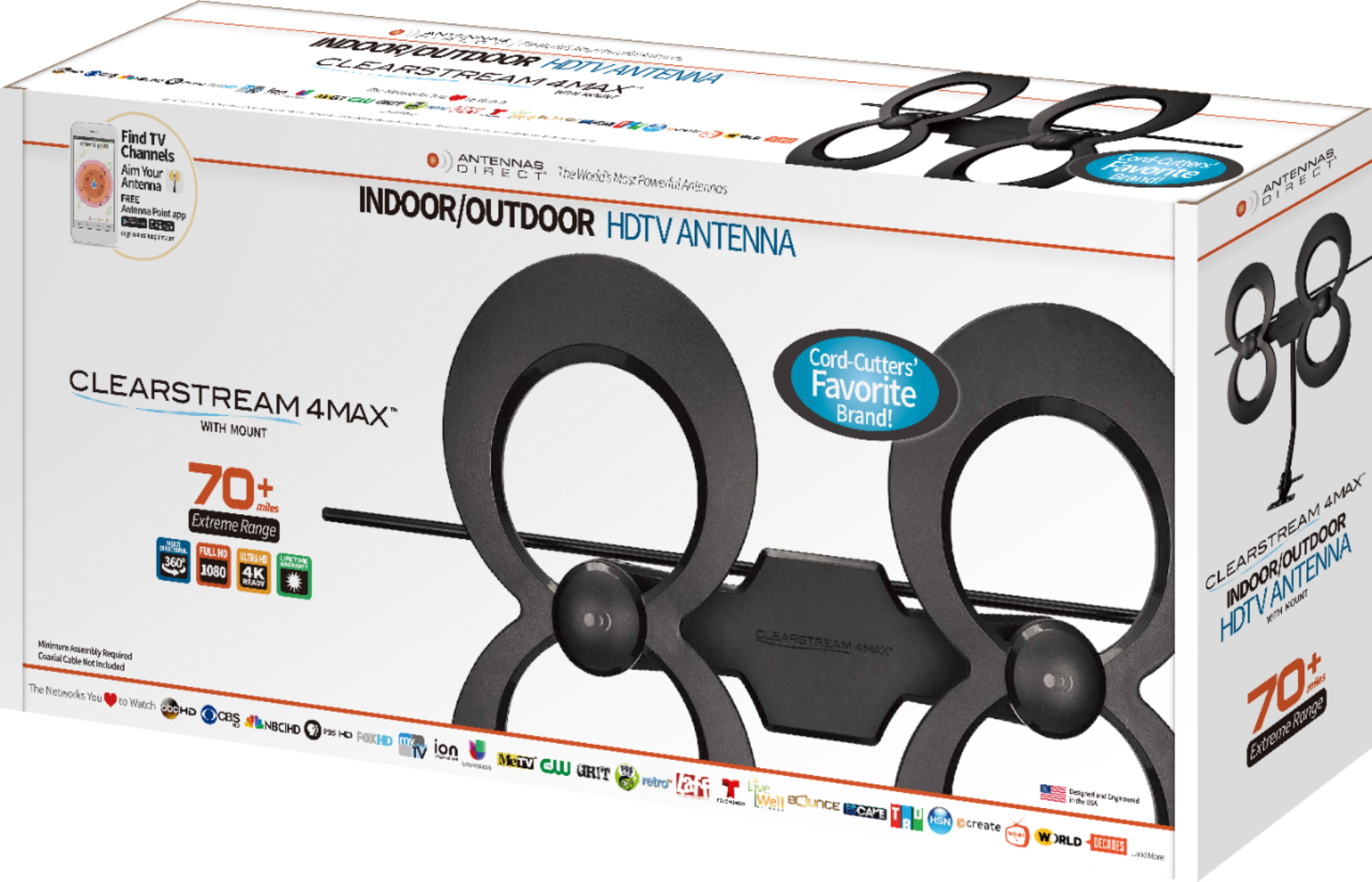
A:AnswerManufacturer claims 70 miles, but I suspect that is a clear line of sight number from a roof mount with no obstructions between the antenna and the station transmitter. The advantage of this antenna is how well it picks up VHF stations compared to lesser antennas.
A:AnswerSave money and do it yourself. While I’m not sure of the cost to have it installed, all you need to do to install it is put it on a pole (it comes with a small j-pole), and attached the cable (one end to the antenna cable, the other to the TV.
If you absolutely can’t do it yourself, get a child family member to do it for you. It’s that easy!
A:AnswerTypically, with a satellite dish you will need to check which line is connected to the receiver. That is the coaxial line you need to use. You can do this my connecting 1 line and scanning the TV for channels. If the one you have connected doesn't work, try the other line. Also, when the dish it connected to more than one TV, you likely need to replace the splitter in the junction box, usually located outside your home, with a full-range splitter. Oftentimes, satellite installs a splitter that have filters built-in to eliminate unwanted frequencies. After you check the coax line connection, be sure the antenna is facing the correct direction towards the towers and then do a channel scan. If this does not resolve the issues send us a chat on antennasdirect.com and well help you with more in-depth troubleshooting.
A:AnswerYou will need coax cable to connect your TV to the antenna. If you are near a major city, there are probably TV service companies that do TV, antenna, and coax installations. If your house/apartment has coax connections already installed in your rooms, the TV service people may be able to easily connect your antenna and coax to an existing wired network that uses those coax wall connectors.
If you are close to the TV transmitters you want to receive, using your antenna indoors might work, connected directly to your TV, so you may get by with just getting a short length of coax with the connectors installed on each end, from your friendly local Best Buy, or even a department store.
A:AnswerNo, you can only receive Over-the-Air broadcast TV signals with this antenna. For cable shows, you will need to consult your local cable TV provider.
A:AnswerWhether you can receive signals from NOLA, depends on many factors--their signal output power, their signal direction (probably more toward north), topological barriers between you and the transmitter, and your antenna height and orientation, among others. Antennasdirect.com can show you the stations and distances away from you. You may need an amplifier, if the signal strength to your location is weak, however, that has not been my experience with stations as far as 75 miles from me.