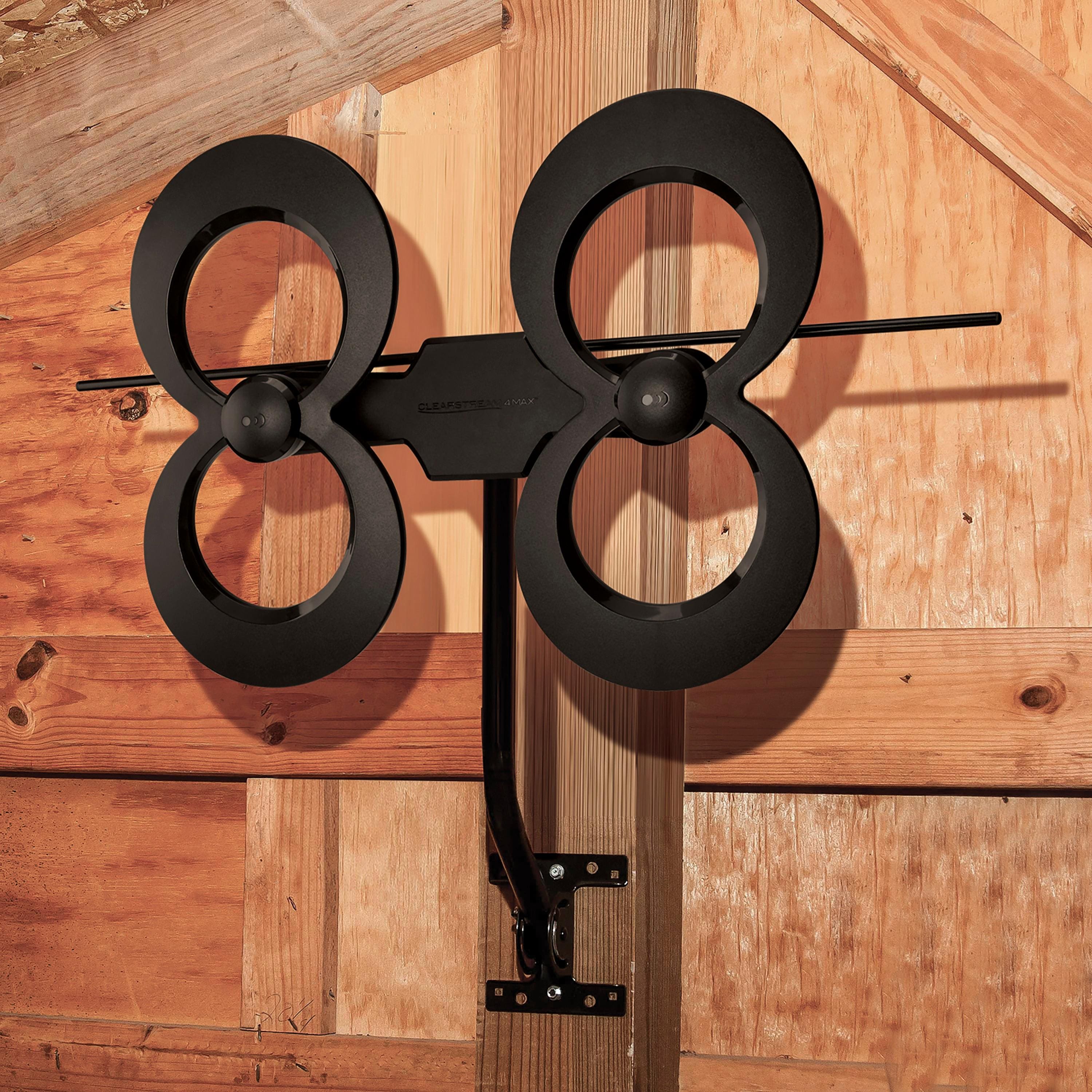
A:AnswerCan’t tell you. I had Total Tech install it in my attic. Antenna is receiving 69 channels. Happy with the performance. It’s a backup for UTube tv local channels if I have internet issues.
A:AnswerA proper setup will allow you to use two different antennas but you will need other components. See internet or youtube for devices required for this kind of setup
A:AnswerThe coax which delivered the cable TV signals is not suitable for the antenna. A coax directly from the antenna to the TV will work. The coax will decrease the signal, so depending on the length of the coax and the strength of the over-the-air signals in your location, you may need to add an amplifier. If so, the Winegard LNA-100 is one of the best choices. If you watch movies, the Internet is a source for both free and paid movies and news.
A:AnswerLine of sight to the station antennas is important for the antenna to pick up the signal. From your description, it sounds like you have the entire building between you and the towers. If that is true I think the antenna will struggle. That said, you can always give it a shot and see.
A:AnswerDOWNLOAD The app "Antenna Point" On your Phone.
It will list what you will receive. The Clearstream 4Max took me from 30 channels to 88 channels. IMO Best Antenna out there for the money and Quality. MY Daughter and son in law live in a 4g 5g dead zone. Zero over the air TV reception. Gave them my single Clearstream. I upgraded to the 4MAX, now they get 35 channels.
A:AnswerProbably. I mounted mine behind the television located within an industrial complex. I wasn't expecting much of a signal to reach the antenna. I was surprised at how well the antenna picked up signals. Only one channel is missing and that channel is always tough to hone in. I would give it a shot if that location is easiest.
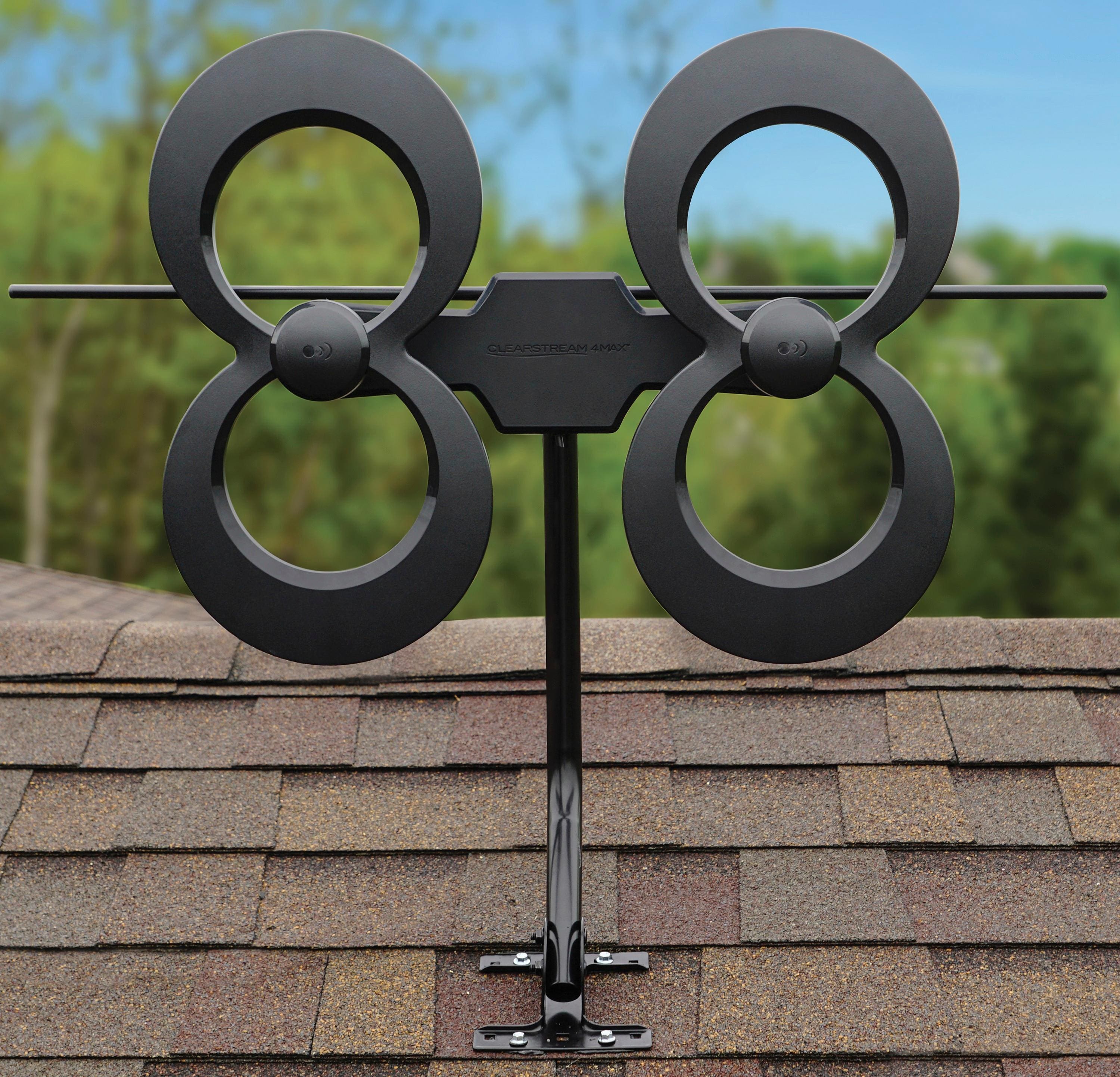
A:AnswerGreetings from Antennas Direct! Thank you for your question. The ClearStream 4MAX, or any indoor/outdoor antenna, will almost always perform better outdoors. However, every location is different. Please give us a call at 877-825-5572 and we can assist you in your setup by phone. We will have tips on how to simplify the installation and ways to improve your reception in general once it is installed. We are here 7 days a week to help!
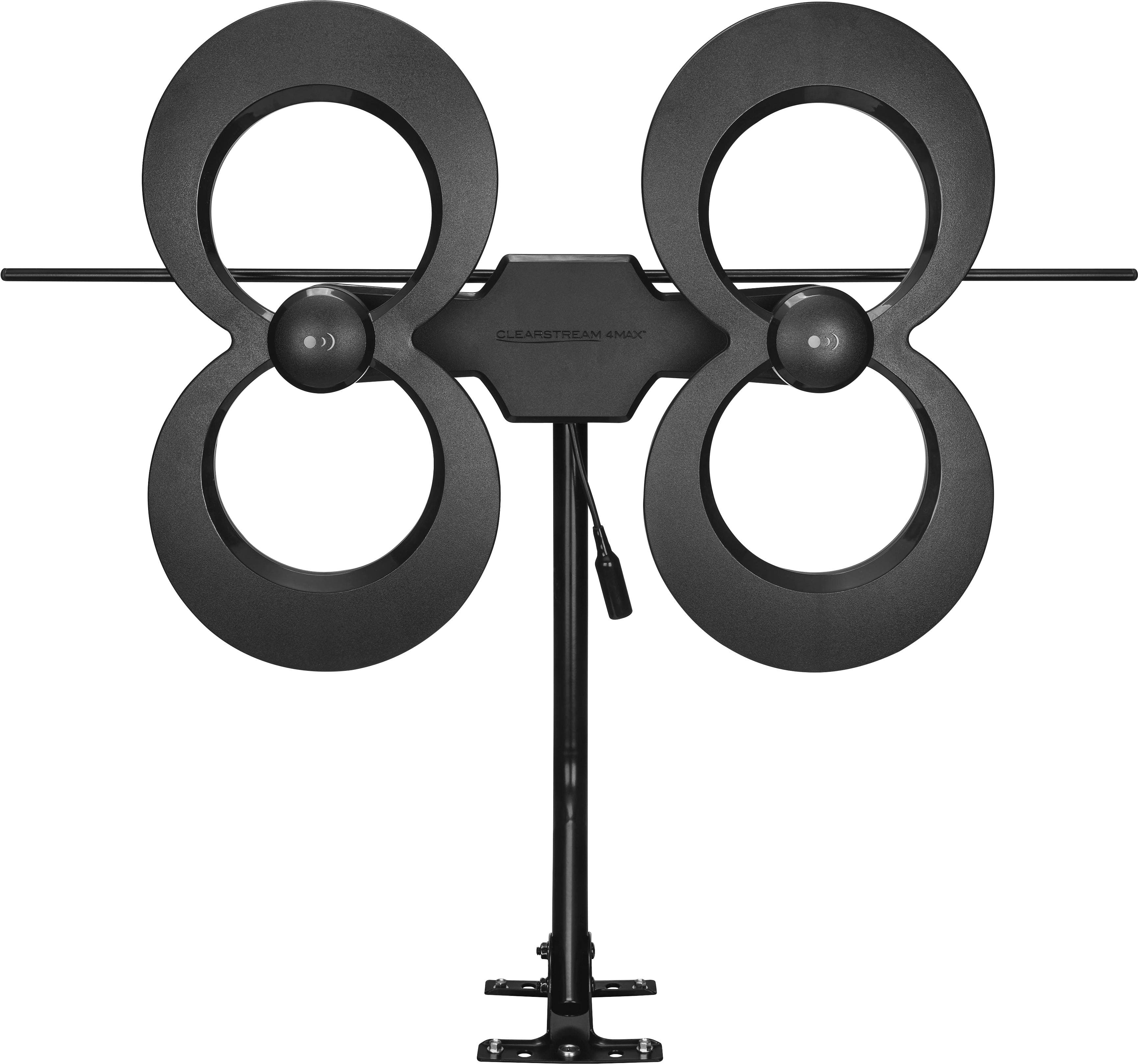
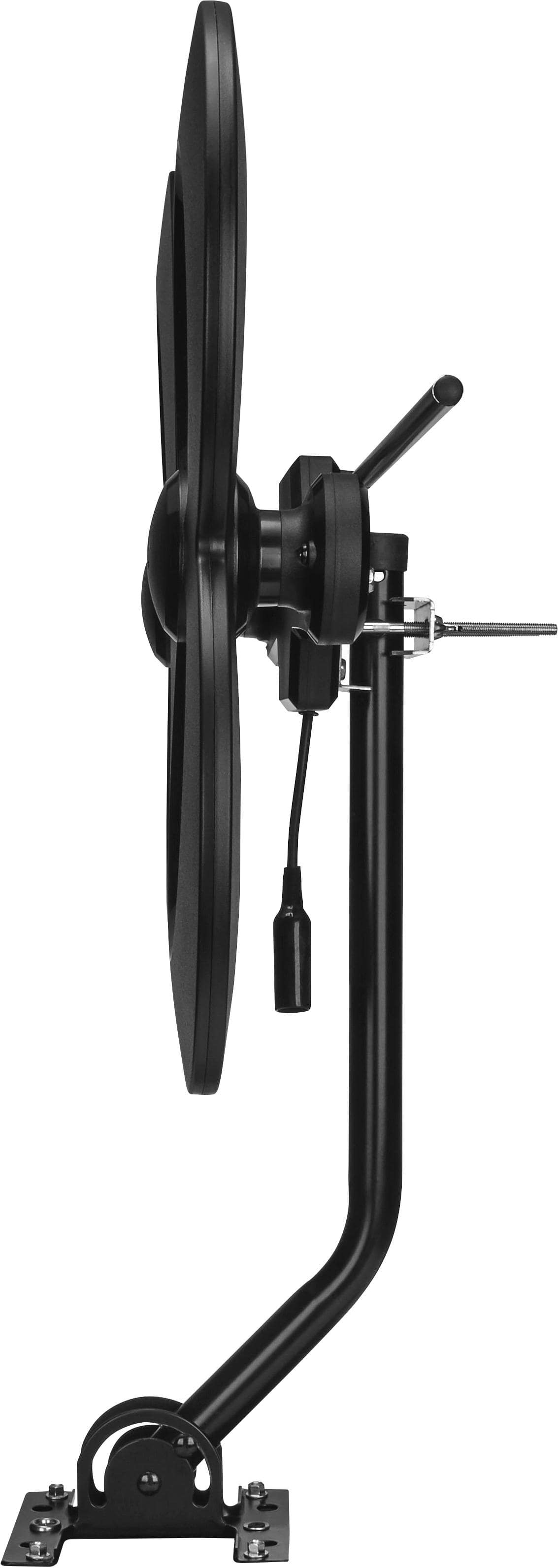
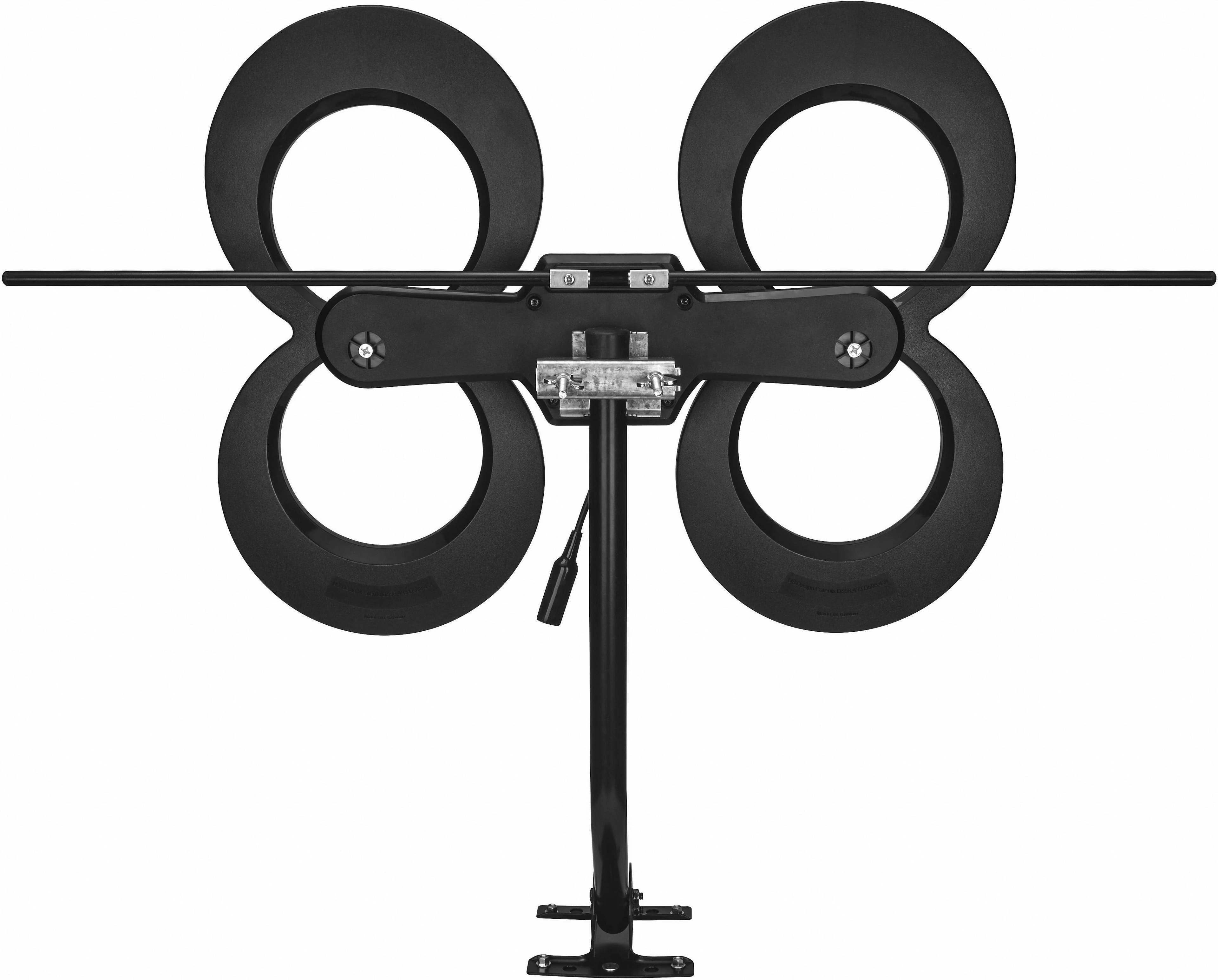
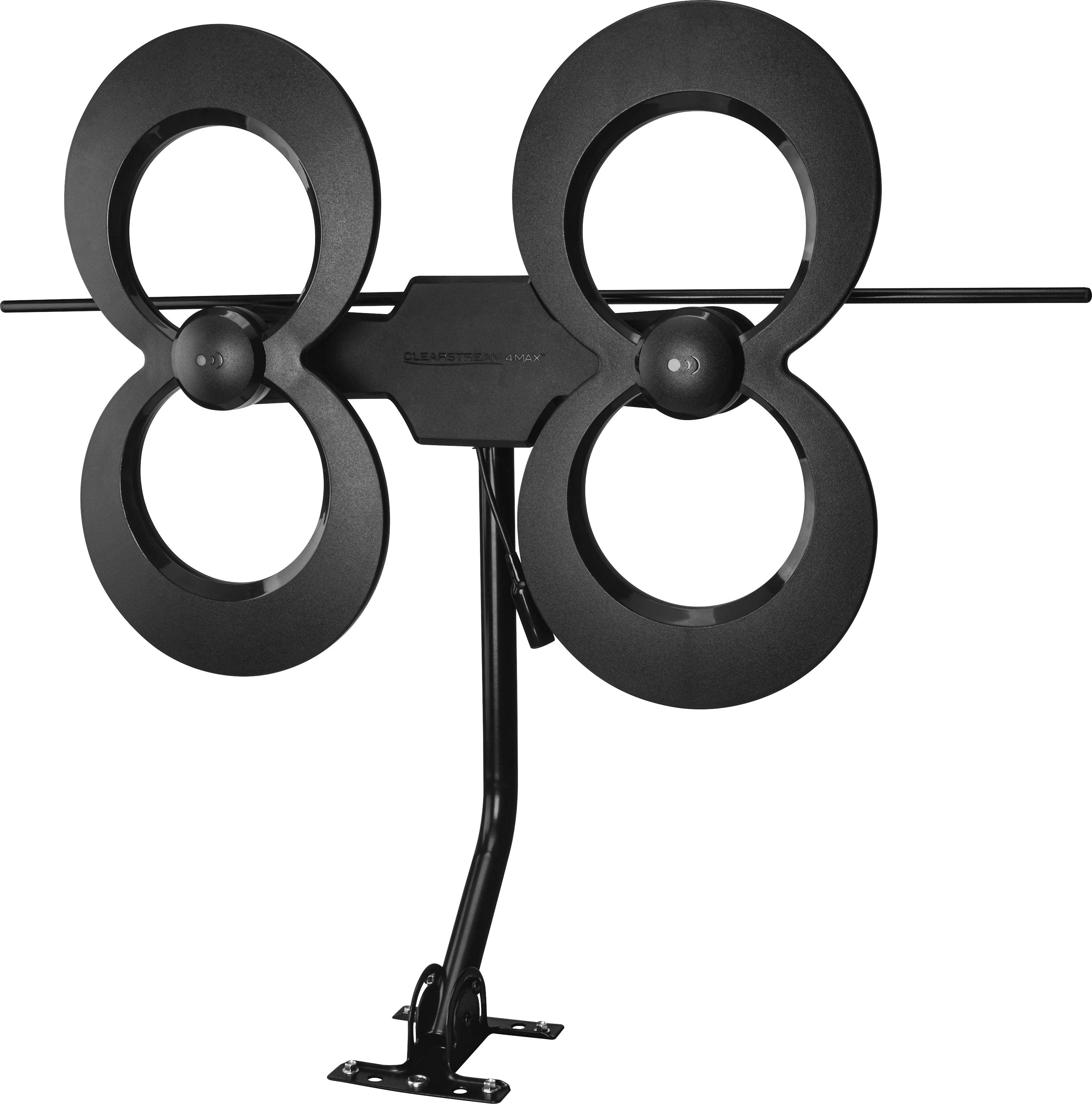
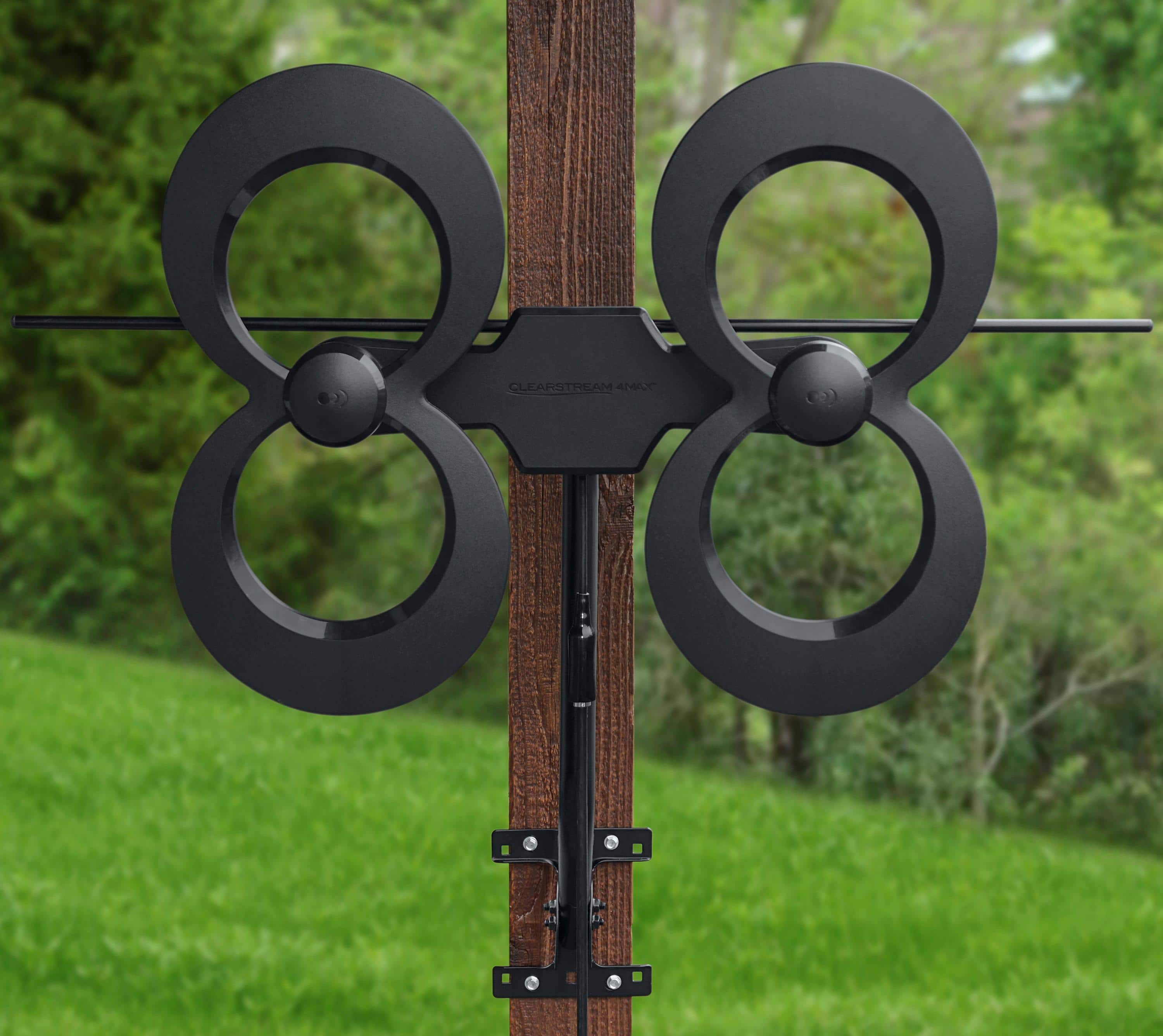
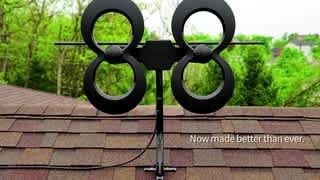
A:AnswerIt’s about 32” tall and 32” wide. Although the description does state it is an indoor/outdoor antenna, the build is more so made for outdoors. It will work great inside your home, but it won’t be the most pleasing aesthetically as long as you don’t mind that.
A:AnswerIt will but the signal is inconsistent. I suspect it will also depend on how far away and the terrain where the back side signal is coming from. I can get a signal from about 38 miles away through some pretty hilly terrain when facing the signal source but when coming from the back side it breaks up.
A:AnswerIf your TV has a coaxial connection, this will work without an adapter. You'll need a coax cable to link them, though. If it requires a UHF/VHF dual wire flat cable, you'll need an adapter.
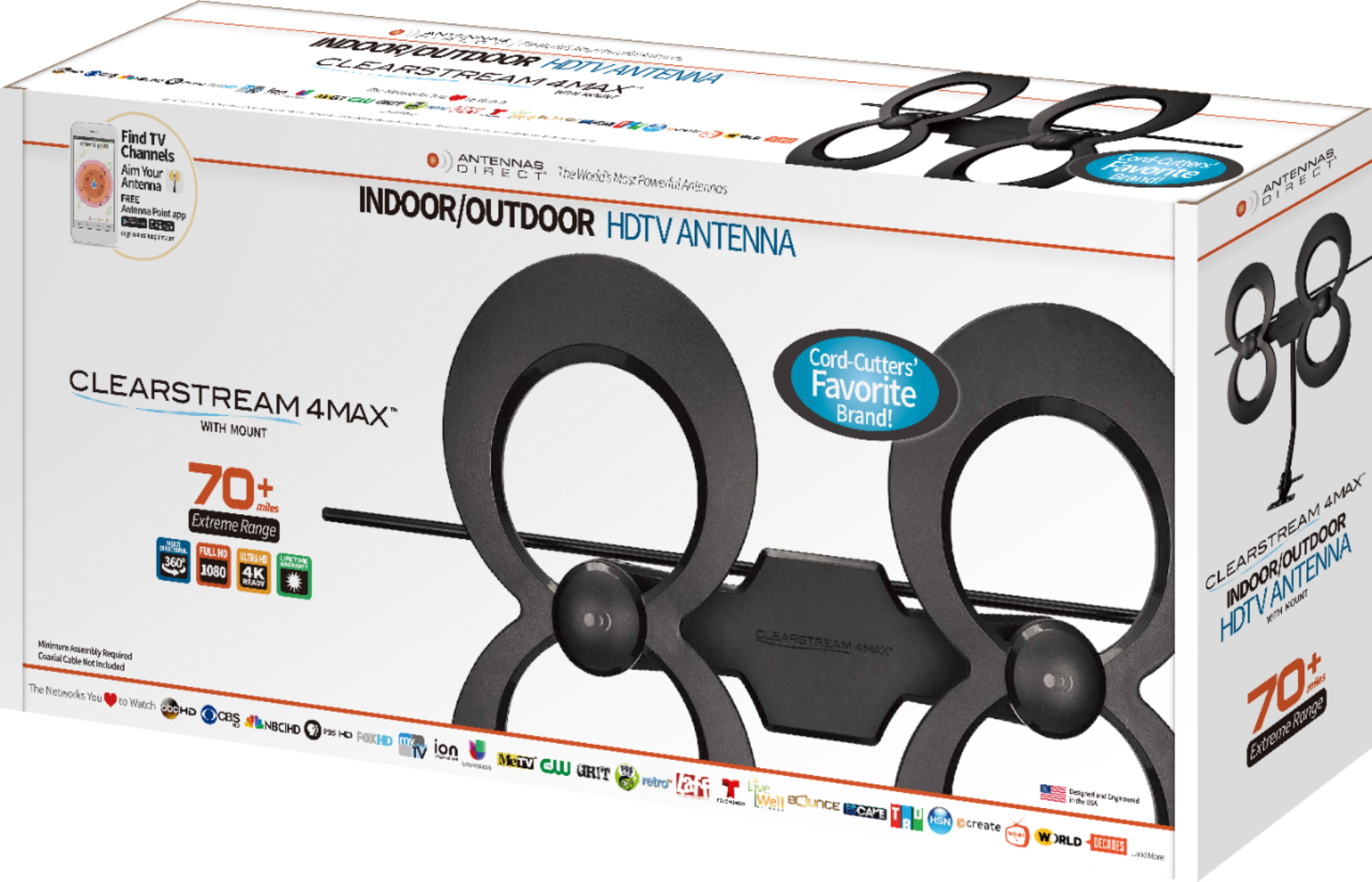
A:AnswerHi Babita! Our ClearStream 4MAX does require a coaxial cable in order to utilize the antenna. With this particular version you will need to purchase the cable separately. However, Best Buy does sell the version that includes the cable needed, a 3-way splitter to connect to multiple TVs, a 20in mast, and an amplifier for added signal boost. I will attach a link for it below: https://www.bestbuy.com/site/antennas-direct-clearstream-4max-complete-amplified-indoor-outdoor-hdtv-antenna-with-mast-coaxial-cable-amplifier-and-3-way-splitter-black/6452358.p?skuId=6452358. It is the ClearStream 4MAX Complete. If you have any farther questions please contact us by phone at 877-825-5572 or chat with us online at https://www.antennasdirect.com/clearstream-tv-support.html. We are here 7 days a week to help, thank you.
A:AnswerThe antenna comes with instructions to use an app that helps you identify the channels you have access to and the best location to place the antenna. Might not be next to your dish.