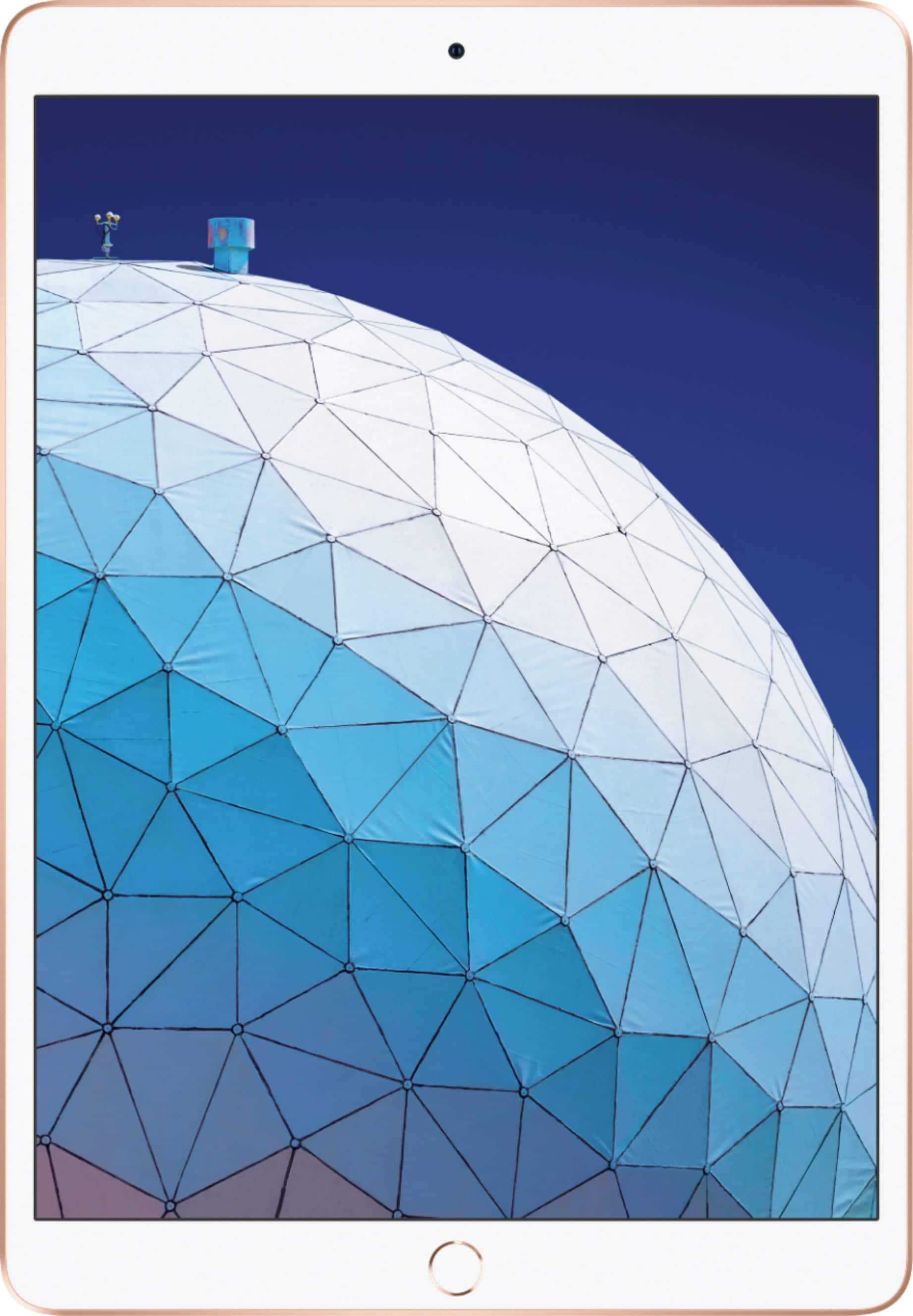
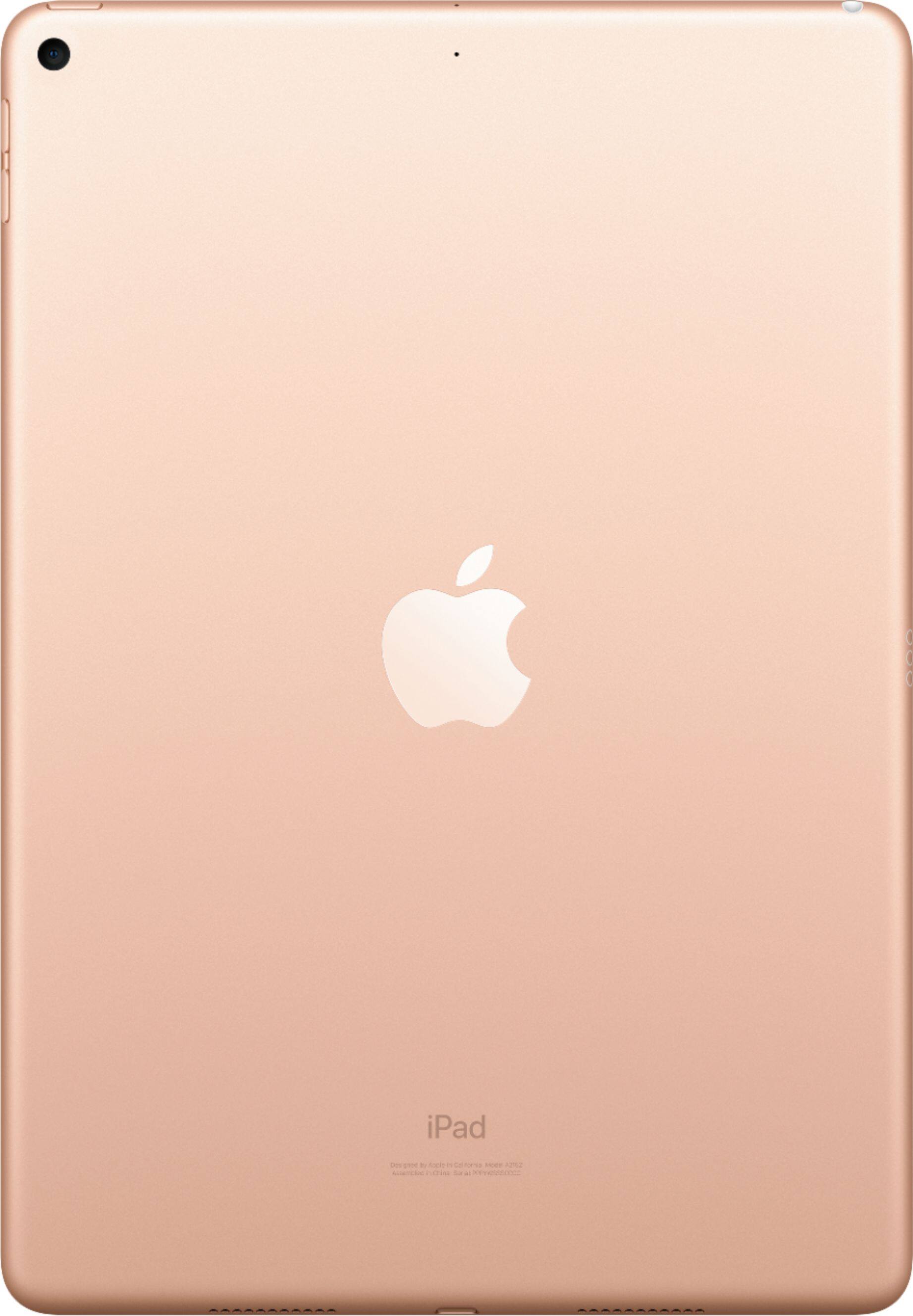
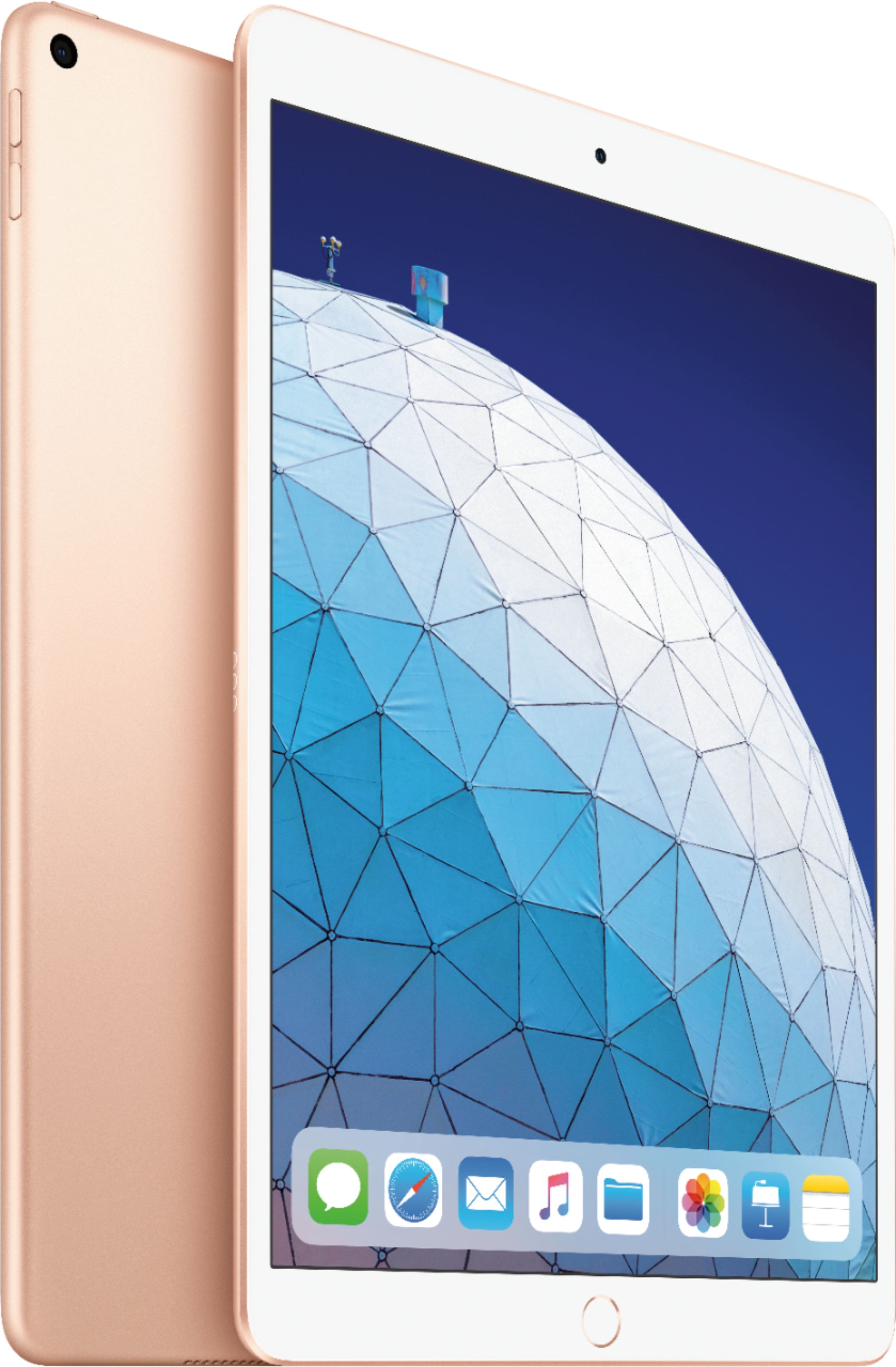
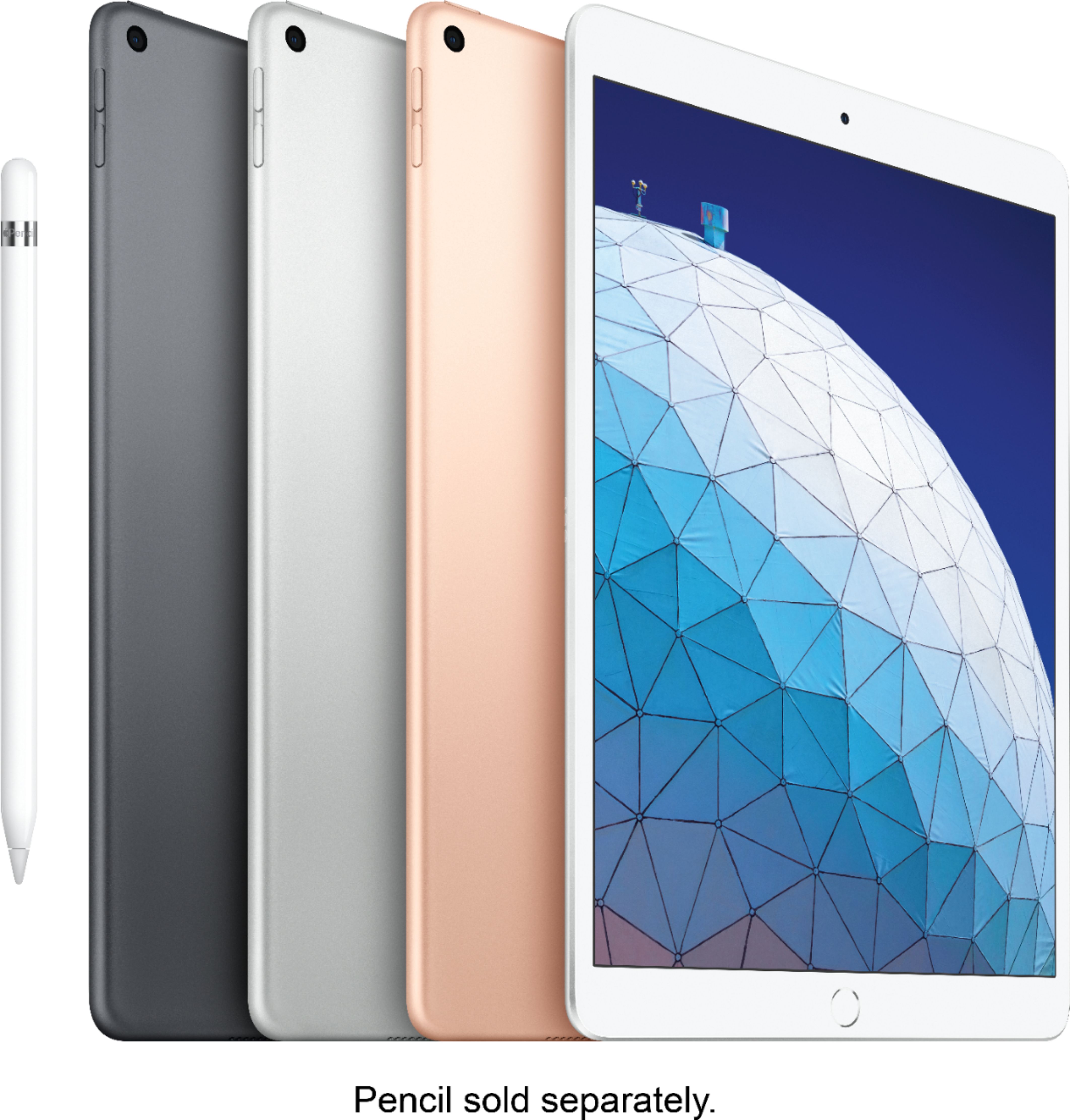
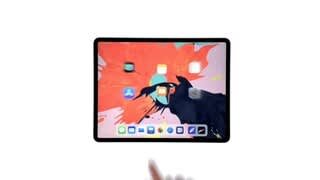
A:AnswerAll other current iPads feature Touch ID, the iPad Pros have Face ID. ... Both the iPad Pro models have bigger screens than the rest of the iPad range. That difference is no longer so stark when the new iPad Air's screen is now 10.5 inches as compared to the 11 inches of the smaller iPad Pro.
A:AnswerWiFi and unlocked means you can use it kind of like a phone and get internet places without WiFi. If you have an internet carrier like Sprint or Verizon or another carrier unlocked means you can bring it to any carrier. If you don’t plan to use it with a carrier or only plan to use it where there’s wifi you don’t really need it unlocked. I wanted unlocked and WiFi but it was more expensive so I just got WiFi and so far it’s been great for home use with my WiFi and my work place has free WiFi so it’s been perfect
A:AnswerThis is the third generation in the Air series. The original iPad Air was followed by the iPad Air 2, which is now followed by the iPad Air. Since Apple chose not to name this model the iPad Air 3, I can understand your uncertainty, but it is the iPad Air 3rd generation.
A:AnswerGo with the 256 GB, other wise you will be placing lots of info on the cloud. You will gain storage space, and would not have to delete games to be able to download new ones.
A:AnswerYou only need phone service if you get wifi with cellular.
I've always get the cellular service but this time I bought wifi only, saved 200 bucks and I can use my phone as a hotspot so I can always use my iPad.
A:AnswerFor the iPad Air 3, the dimensions I have are 6.8" x 9.8" x 0.24" thick, and 10.5" diagonal display. These are available on the Apple web site under iPad-- iPad Air-- Tech Specs.
A lot of cases are advertised to fit both the iPad Air 3 10.5" AND a similar-size iPad Pro.
I got an OtterBox Defender case, which is very rugged and protective. It has a clear screen protector layer (works well with the touch screen), and a removable exterior screen cover with a flip-up support which becomes a base to prop up the iPad at either a high or low angle. I like folio cases, but opted for the Defender so the screen cover can be removed completely.
I hope this helps; I did a lot of digging online. Some cases had features I liked along with features I didn't like, I finally settled on the Defender.
A:AnswerThe 64 gb will be plenty unless you plan to take lots of photos and or videos. If you have an iPhone or Apple ID remember to not sync your photos to iPad so that you will save space. I have the 256 and I am only using 80 GB with 5000 photos and hours of videos.
A:AnswerThe measurement used to find the right fit for cases is that measuring from corner to corner. For the third generation IPad Air, the diagonal measurement is 10.5
A:AnswerI have an iPad mini but I think the Kindle app is the same no matter which iPad model you get. You’ll have to download the free app from the App Store once you get the iPad — it does not come pre-loaded on the tablet, but is very easy to download.
You won’t need the pencil to mark your place at the end of a session! There’s a bookmark feature in the Kindle app that you can access by touching the top right corner of whatever page you’re on when you finish reading. I’ve been using the Kindle app on my iPad and it works great. No pencil necessary!
Hope this helped!
A:AnswerThat’s up to you. I’ve never used a cellular tablet because I just don’t need that; I have a cell phone. My smart watch doesn’t have cellular either, because I have a cell phone.