A:Answer"Create a stereo pair
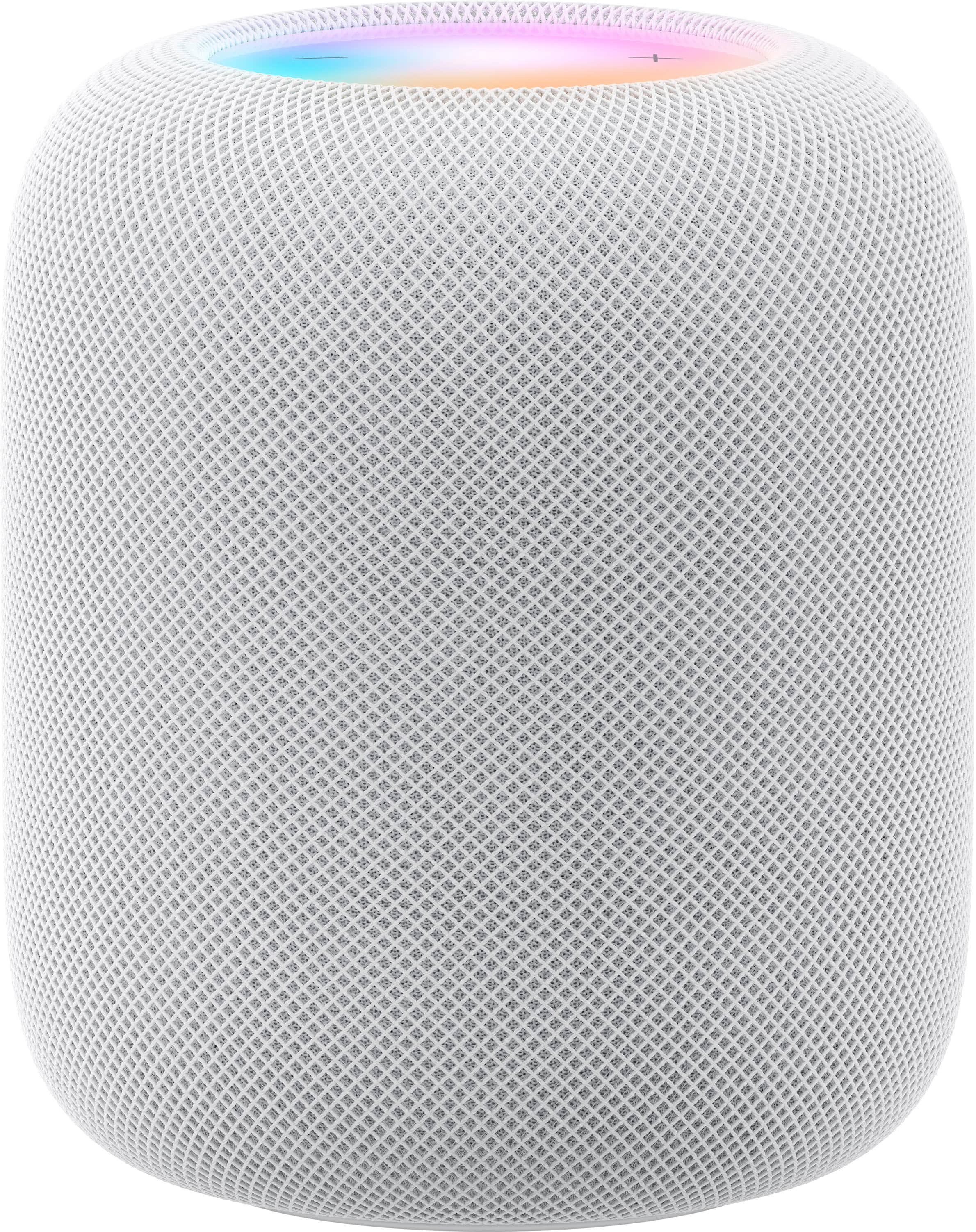
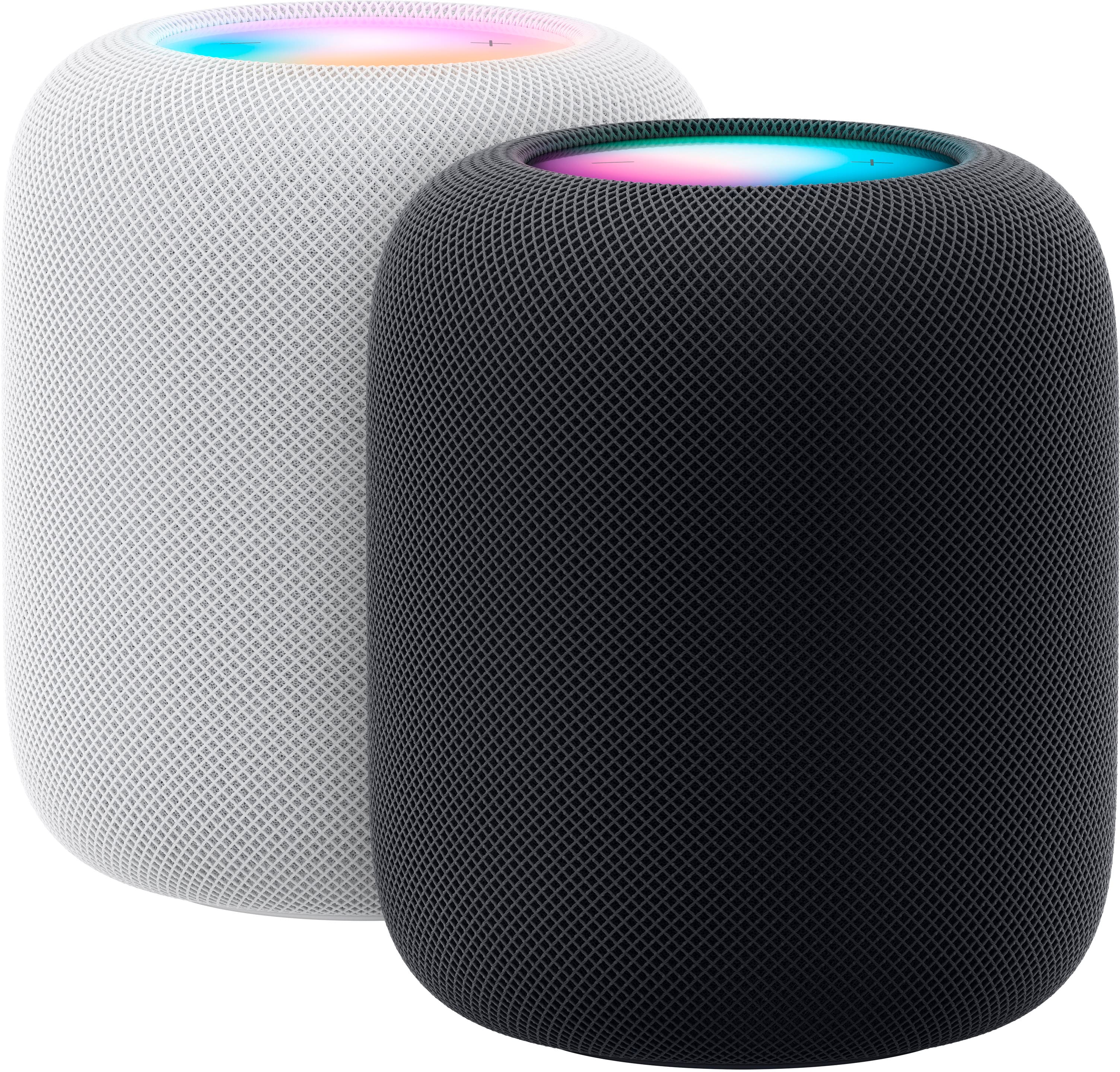
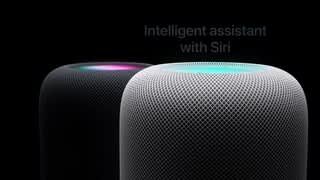
You can create a stereo pair with two HomePod mini, two HomePod (1st generation), or two HomePod (2nd generation) speakers.
To create a stereo pair, both HomePod speakers need to be assigned to the same room.
In the Home app on your iOS or iPadOS device, tap a HomePod.
Tap the Settings button.
Tap Create Stereo Pair and follow the onscreen instructions."
Apple's HomePod User Guide Online.
A:AnswerAccording to Apple's tech specifications website for the 2nd generation HomePod, the 7th generation iPod touch is not supported. The 2nd generation HomePod requires the latest version of iOS 16 on an iPhone or iPad in order to set it up.