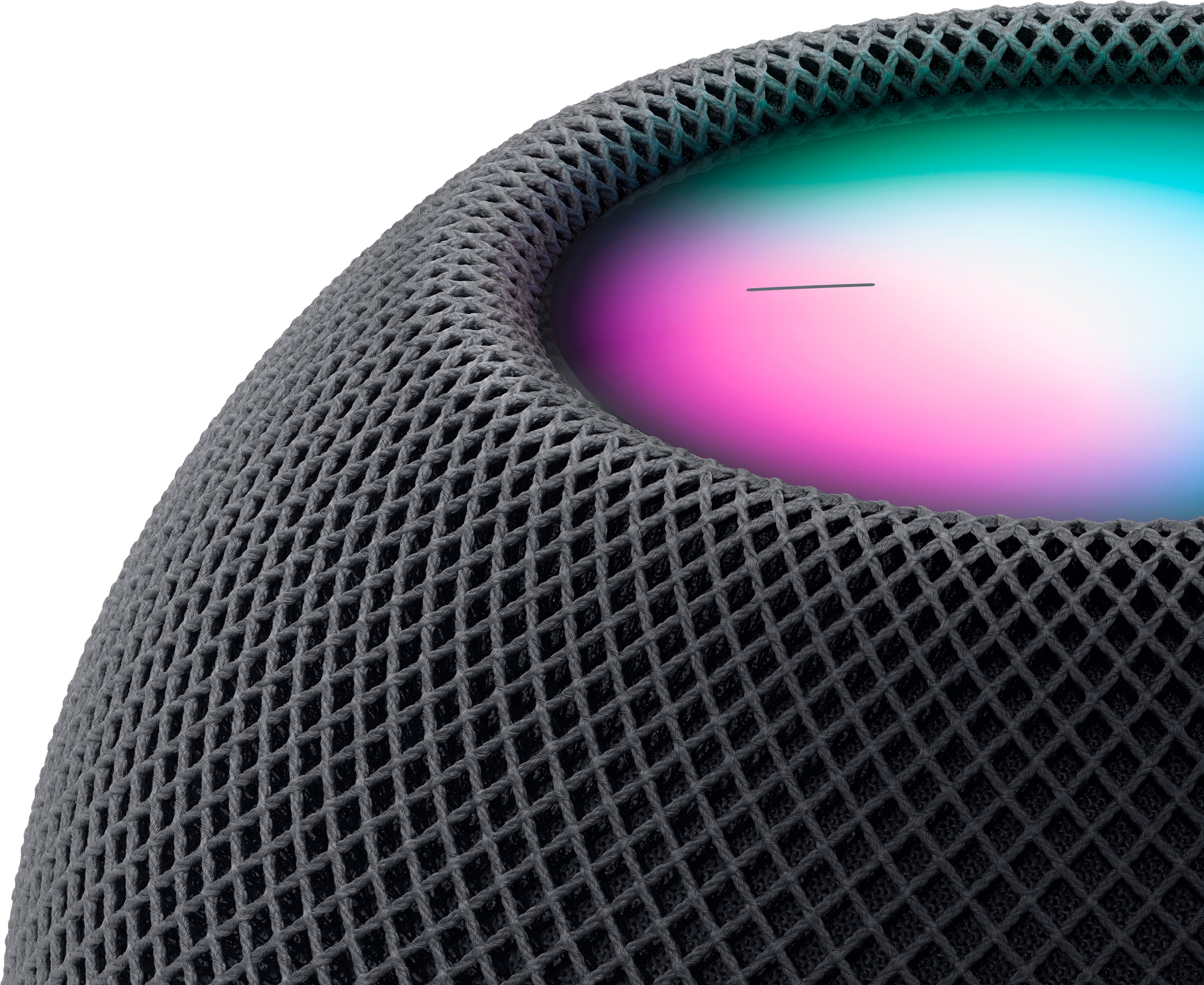
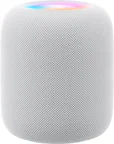
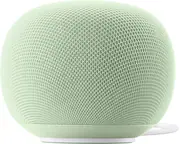
A:AnswerI’m sure it will I have a few of the minis in my home and everything works better on them. The minis are one of my favorite smart home devices.
A:AnswerThe speaker can be used with any tv HOWEVER you need to run a newer APPLE TV box. So your Roku box won’t work with the home pod unless you get an Apple TV, which then can be paired with the home pod.
A:AnswerThe HomePod and HomePod Mini supports multiple languages, including Spanish. In the settings you can change Siri’s language accordingly.
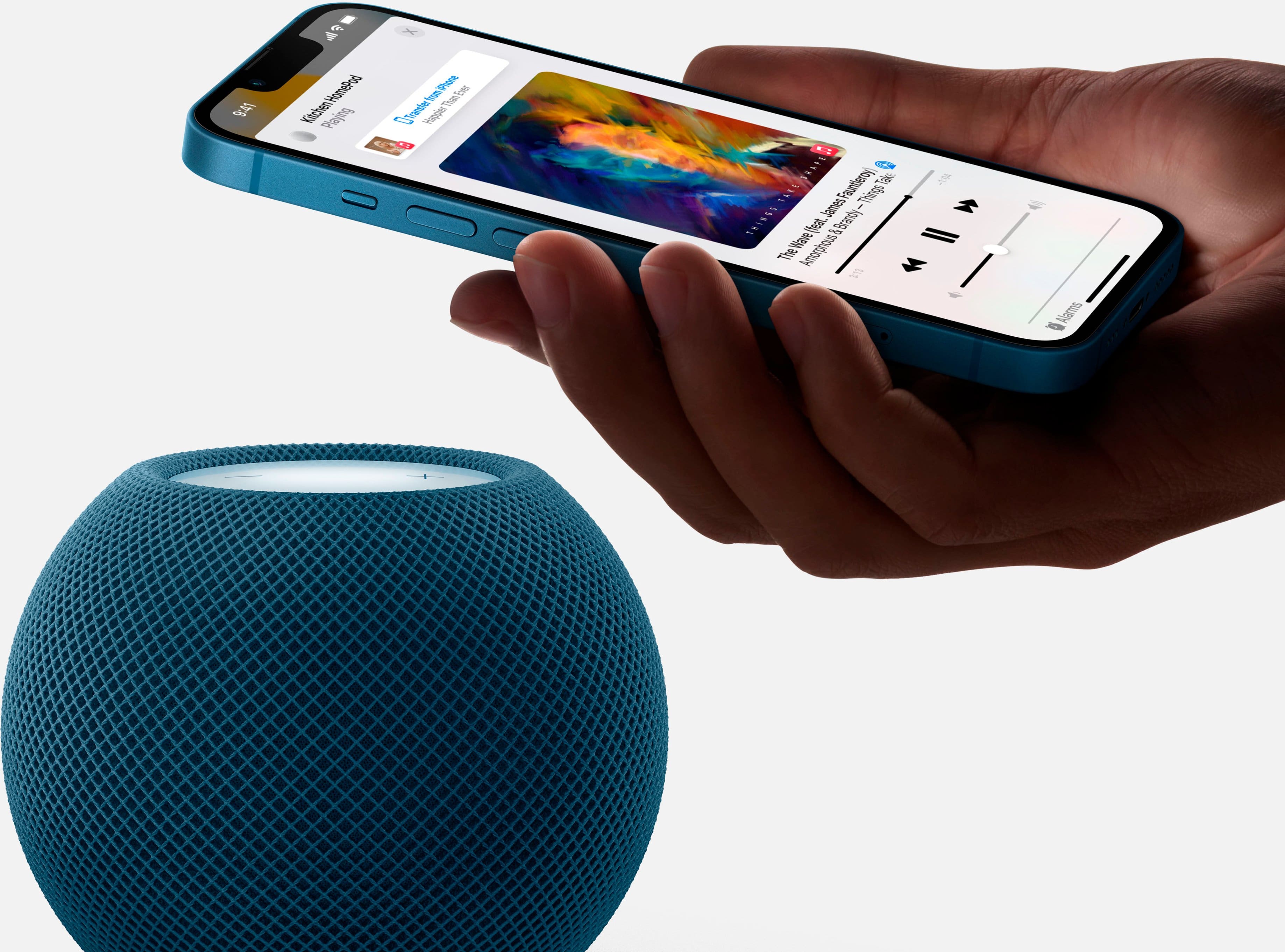
Personally I think it works best with Apple Music so it can connect to WiFi and stream music without the need of your iPhone.
A:AnswerYes it does, the user 'Kwe009' is not correct. You can AirPlay to the HomePod just as you would with any other app and Apple has built a framework that will allow third party apps to support directly using Siri integration with HomePod. Whether or not it happens is ENTIRELY up to Spotify themselves, as they develop their app. Just like how Spotify took a very long time to make an Apple Watch app and integrate Siri into their app, this is entirely up to them. Apple is not holding them back at all here. I do believe they even said they have plans to support it in the future.
A:AnswerYes! This is the best feature in my opinion. I have a HomePod in my office and added a mini in my bedroom. After one weekend of syncing them to play the same music I added another mini to give me “whole house “ audio.
However, leveraging this feature does require WiFi so if using your phone as a hotspot I would anticipate running into some issues or having to place both near each other and keeping your phone near it.
A:AnswerThere may be a setting for this, but is not the standard set up. These are intended to be in multiple rooms, and thus would ring the whole house if that were the case.