A:AnswerNot sure I'll be big help as I am newer with the home pod. The first thing I notice is you said, "Hey Alexa". I am assuming you meant "Hey Siri". Have found that Apple Music only has their music, podcasts, etc. Other sites need to be added using airplay. I access satellite radio that way as well as the podcasts I listen to.
DDD
A:AnswerFist you have to have voice recognition enabled if you have multiple Apple ID in one house and you have to have personal requests on as well, all this can be done within the home app under home settings. When you have a calll on you iPhone just say “hey Siri take the call” and your HomePods should here you and answer the call for you. This is the best I can do. The audio will never come from the HomePod or HomePod mini, maybe with a future update.
A:AnswerYes, if you are within range for the "Hey Siri" command to work, you can have a phone conversation on it and most people can't even tell they are on the HomePod mini due to the array of microphones that isolate background noise.
A:AnswerThis is a tricky question based upon how the wi-fi is setup. However, the entire HomePod mini setup is completed via your phone, so you should be good since it will get all access information for wi-fi shared from your phone. As far as connecting with others, it is possible if you don't change the settings. In the Home app (on iPhone) there is an option for it be available for anyone on the wi-fi network or just people inside your Home. You want the settings for people only in your Home so others can't play stuff on your HomePod mini.
A:AnswerYes you can and if you have a 4K Apple TV you can use the HomePod. If just the standard Apple TV the minis. They have to have the same name and be in the same room as the Apple TV.
A:AnswerYou don't need another HomePod, this was access Siri directly as long as it's connected to the internet so you can do anything with it that Siri can do.
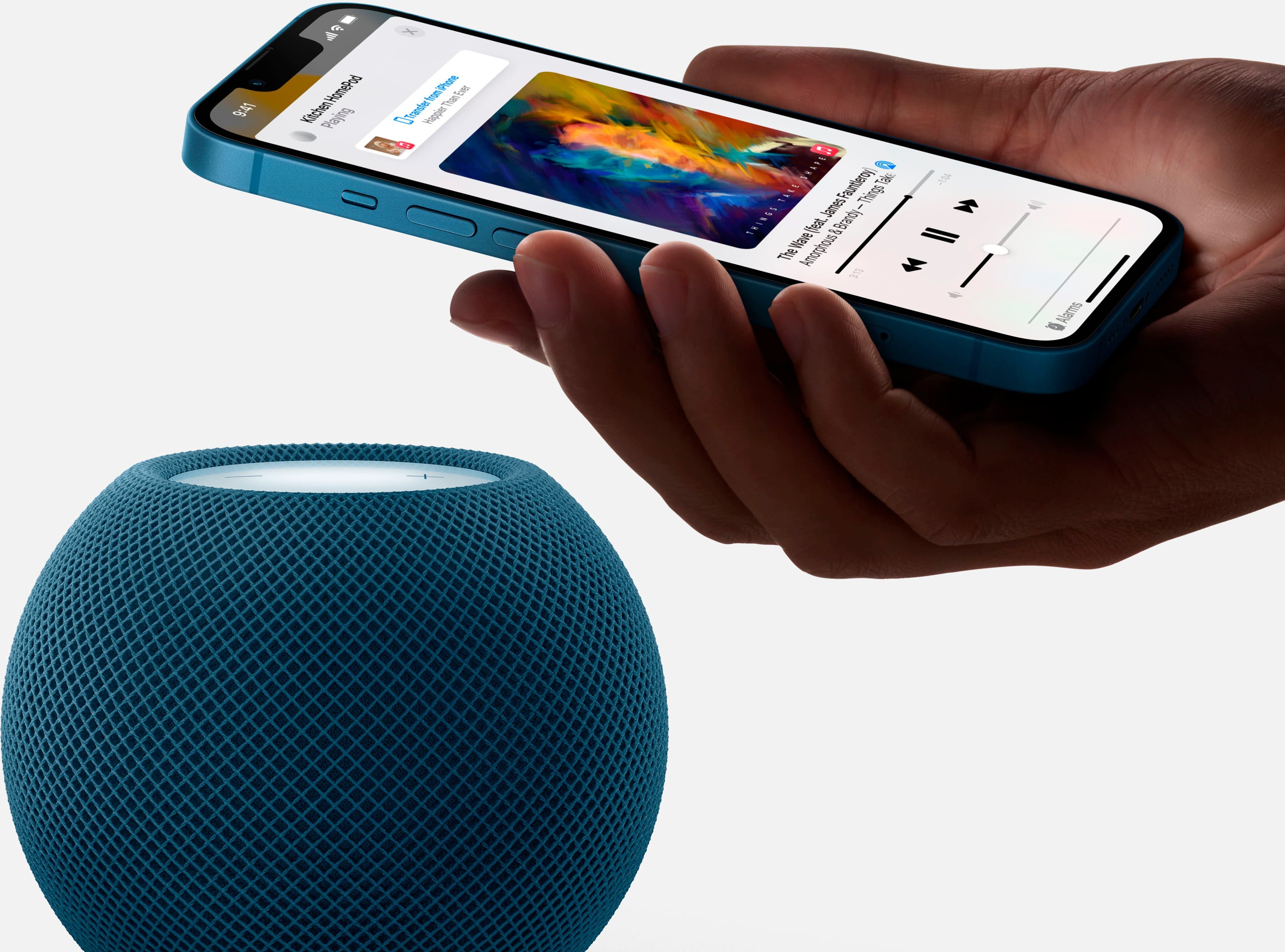
A:AnswerYes you can he’s going to come up as an airplane be wise so you have to be on the same Apple ID as the device you want Casted. Wi-Fi and Bluetooth must also be a enabled. Call down from the top right of your screen and under the music app there should be three circles in the top right corner of that that’ll be your airplay devices You can choose from. Also you can set up the home app and add it to a room there
A:AnswerI honestly don't know, BUT WHY would you want to?
The whole point of going (back) to Vinyl is to go analogue and not suffer from the fact that over bluetooth that constant stream of sound from the record will be broken down into digital samples. To get the return on your investment, you want a wired, analogue connection to your speakers, otherwise why put up with the drawbacks of the size and fragility of Vinyl records.
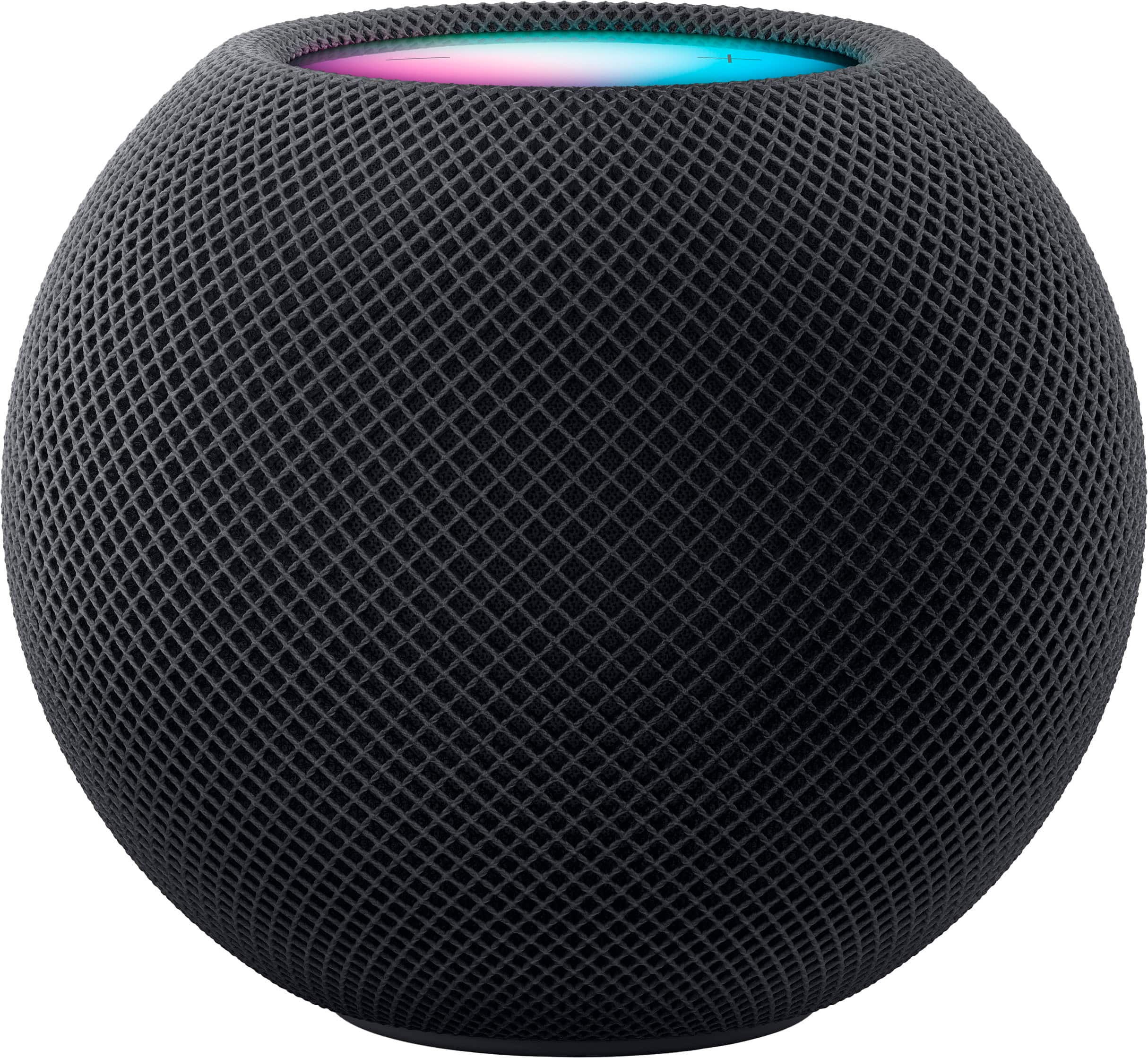
A:AnswerYes and no. HomePod works nativity with only apple music for the foreseeable future, but you can AirPlay most media directly from your apple devices by using the control center widget. Just swipe down from the top left corner of your iPhone or iPad then click on the media/music control widget. You should then be able to AirPlay it to your HomePod.
A:AnswerAbsolutely, your HomePod is considered a hub so all your Apple devices can and will connect to it. If you are the administrator you can invite others/devices to be able to connect to it, this way anytime that the owner/device is commanded to do something it will recognize that owner/device and act according to that owner/device preferences.
A:AnswerDon't count on pairing the speaker with your Windows or Android devices. Instead, HomePod uses only AirPlay to stream music from one device to the speaker. -CNET Article