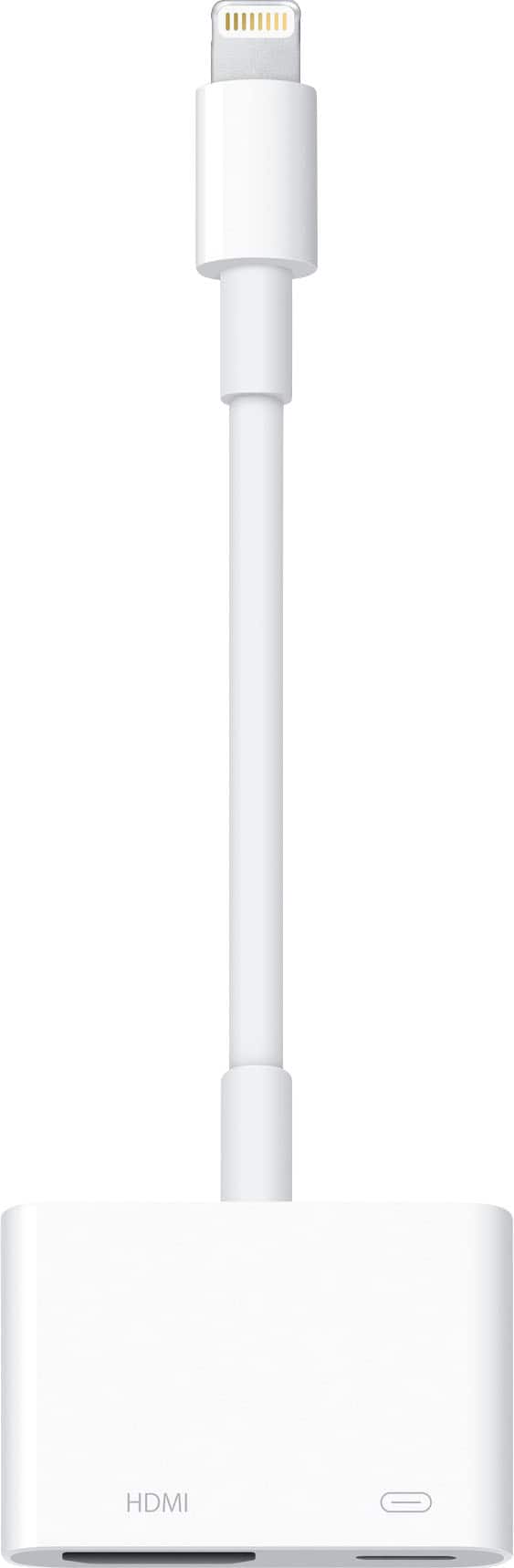
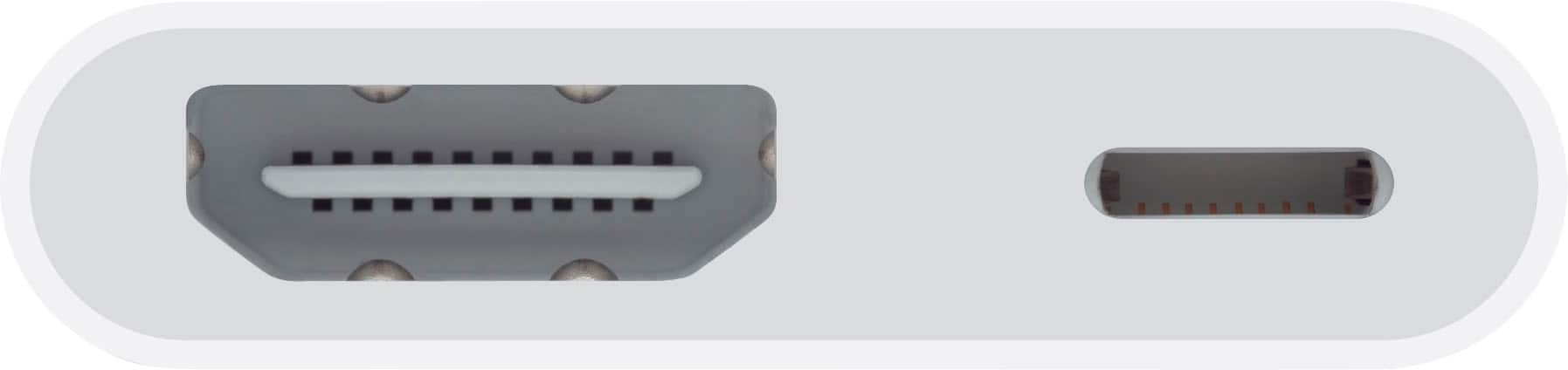
A:AnswerIt depends on which HDMI port you plugged into. You need to change the TV to look at that HDMI port, like 1, 2, 3 … Once it’s plugged in you would go to your remote and select which source it’s plugged into, a.k.a. the HDMI port. Every TV has number ones
A:AnswerYes, I have had at work like that. The only issue is you need to be looking at your phone if you want them to see you looking at them otherwise they’ll see you talking to them as if you look into somewhere else lol. So you would want to set the phone up in front of the TV possibly or in a position where you’re looking at the phone and the TV at the same time.
A:AnswerNo, it only needs to have an HDMI in, and you can plug your Apple device into the device and broadcast whatever you want to watch from your iPhone and iPad. So it does not need to be a smart TV of any kind
A:AnswerI’m plugging this device in isn’t going to damage your TV or other devices broadcasting. That’s such an odd question, when you plug your cable into your TV to watch cable TV does that shorten the lifespan of that TV?
A:AnswerIt’s not added power, it’s to allow your phone to charge and not die while it’s utilizing and running programs and stuff that you put on the TV.
A:AnswerI do know with other iPhones it doesn’t have an issue. I know with my phone I can broadcast pretty much everything with it. But then again I have a iPhone 11 and an iPhone 12 in my family and we don’t seem to have an issue. I am not 100% with the 13 but being this is an Apple connector and not third-party they should be compatible
A:AnswerIf you watching a video from your iPad or iPhone, and you use this connector to connect it to your TV then yes you should be able to with no problem. I watch all kinds of stuff from YouTube and other apps with my phone
A:AnswerIn some applications and stuff don’t work, but most work fine. What were you trying to watch? I do Know if you’re trying to watch Apple TV it won’t let you because they want you to buy the special Apple TV device. Which costs a lot of money. But most of the things should broadcast fine
A:AnswerWith your Apple device you can send sound and picture to an HDMI device. So yes? I think that answers your question. It’s kind of vague because you’re not saying what equipment but if you’re mentioning like a TV or something you should be fine
A:AnswerYes you can. I have done it with no problems at all and it’s kind of nice having a large screen to look at instead of a tiny one on the phone or iPad
A:AnswerBasically this plugs into your hdmi on your tv from your iPhone or iPad and tv will project whatever is on the phone so if you have yahoo sports on your phone then yes. Ipad has to have WiFi connection to project any yahoo app.
A:AnswerAre use it on an iPhone 11 and a 12. You should be able to get audio and video. If you’re trying to broadcast Apple TV it won’t work, because they want you to buy a more expensive Apple TV equipment that plugs into your TV. But if you’re trying to broadcast other applications and stuff you shouldn’t have too much of a problem and if you are most likely that item that you have defective and you need to swap it out