A:AnswerIf your AT&T TV streaming app is on your phone, then it should with no problem. The only after I seem to have an issue using it with is Apple TV Because they have a different device they want you to buy the cost more money. But I have found it pretty much every other application I can broadcast with no problems
A:AnswerYes, there is a little port that you connect your adapter into while you’re broadcasting. And it charges your phone and powers everything. It’s really great
A:AnswerNo, it doesn’t work that way but you should be able to plug in the charging cord to your phone and then the other end is a USB, you plug in a USB to a computer and it should automatically set it up so you can take the photos off
A:AnswerNo, you basically connected to your Apple device to send out. You can’t send any signals in. You’re going to display what is on your Apple device to the other device. If your laptop has a HDMI in, then you could essentially whatever you’re broadcasting in your Apple device you could possibly displayed on your Laptop. But not the other way around
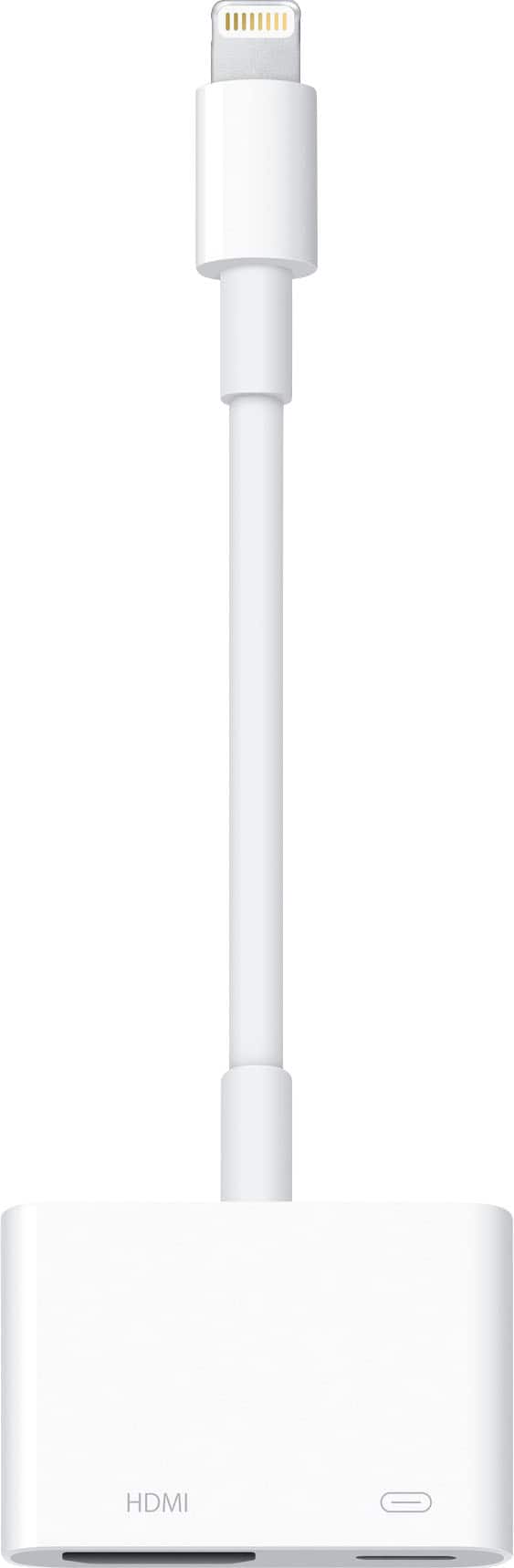
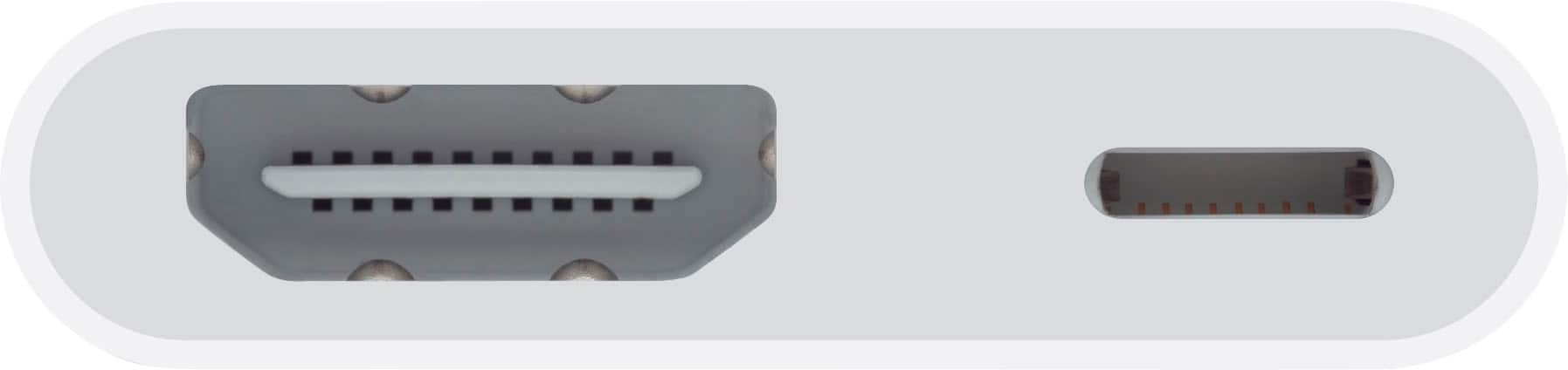
A:AnswerWhen you plug this adaptor into the charging slot, there is 2 plug holes in the adaptor, you plug your charging cable in the lightning hole and HDMI in the other. Thereby allowing you to keep your device charged while using HDMI mirroring to your tv.
A:AnswerSound should play through HDMI cable through the TV. Alternately, you may be able to send the sound to a bluetooth speaker to improve on the sound quality.
A:AnswerNo, Apple wants you to buy their Apple TV device which cost a ton of money. You can’t even use this to broadcast Apple TV. Once in a while it will work but it’s such a pain. That’s why I don’t bother with the Apple TV. They want to pay a lot more money for something you don’t shouldn’t need
A:AnswerI use the adapter to playback any info from the iPhone to my monitor. Not sure what you refer to as a “projector”. I typically always have the adapter plugged into the tv back with a long hdmi cable so it’s ready to go when I need it.
A:AnswerIf you play it on your IPhone/iPad then plug this into your device, then install a HDMI cable into adaptor on one end and direct into your tv with the other. I will work.
A:AnswerI have found that it works with pretty much every single app, it basically just broadcast what your phone is doing onto a TV or other things that have an HDMI. So I would assume yes it well, while it does do all the other apps that I’ve used with no problems