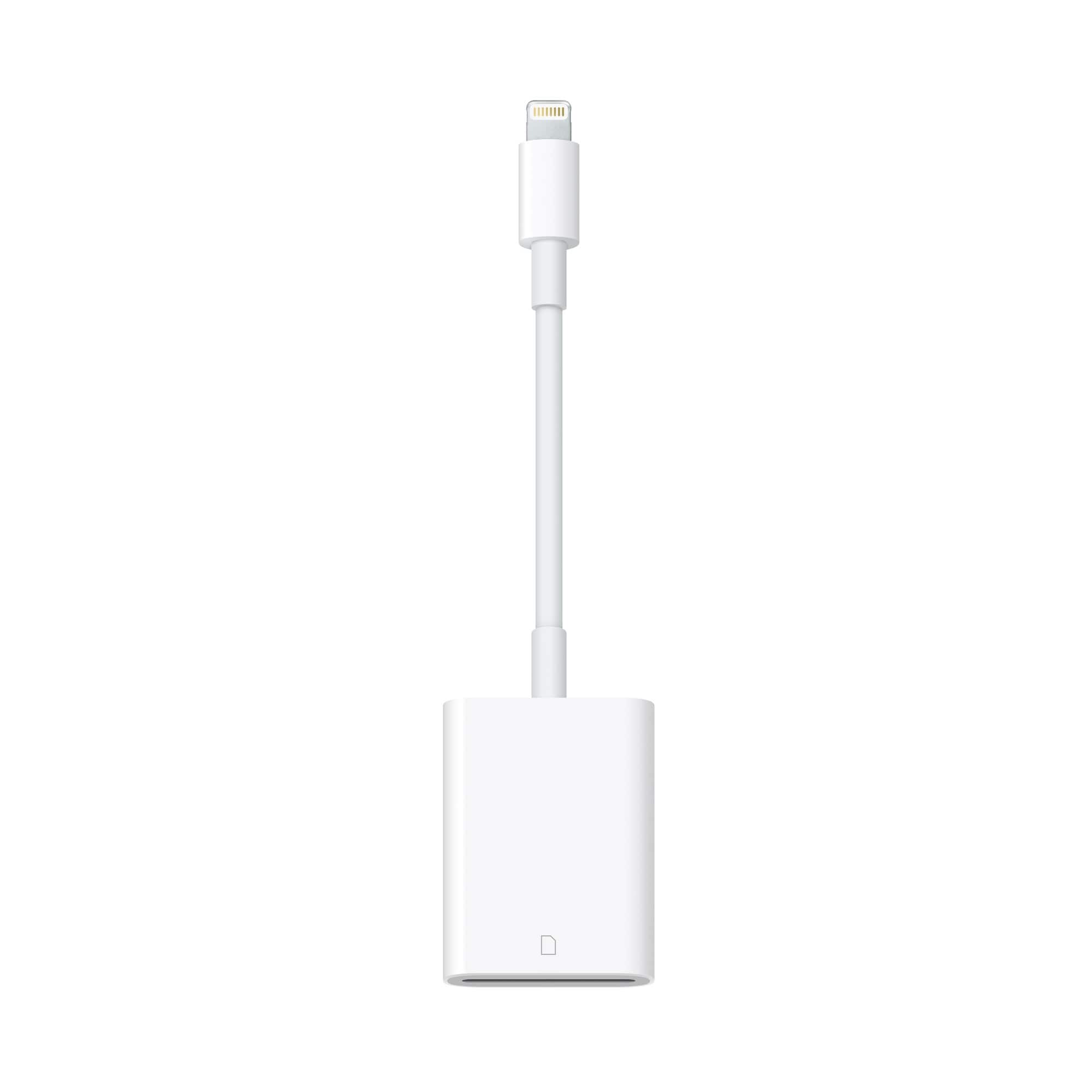
A:AnswerI bought this, but have not used it yet. My understanding is that it does not connect to your camera. You take the photo card out of the camera and put it into the slot on one end and plug the other end into an iPad or computer to download photos. It should work with any camera as long as the photo card is a mini.
A:AnswerYou can SEE the images on the SD card, yes. But you get a low-res preview only when viewing. Same thing when I connected the Nikon d500 directly to the port... low res preview. You must import pics to iPad photos to see hi-res image.
A:AnswerYup, exactly what I use it for, I use a iPhone X , but just tried on my moms iPhone 6s , and works perfectly.
As for the best app, when you plug it into the phone, then plug in the SD card into the adapter , it automatically opens photos for you, and goes straight to what’s on the sd card, and gives you the option to import (save to the phone) the ones you want.
A:AnswerThe connector on this is a Lightning Port Connector, providing your MacBook Pro has this, than it may. If you have one of the newer MacBook Pro's that has only USB-C ports, than no, this product will not work on that MacBook.
A:AnswerYes if your camera uses an SD card it should read the images no problem.Just take your camera’s SD card and place it into the adapter. I use a Canon 6D and it reads the Raw files no problem!