A:AnswerIt is super easy. You take the cap off and can either plug it directly into the bottom of your iPad (charging port) or use the adapter that came with the pencil. With the adapter, you plug the pencil into one side and your phone charger into the other, then plug the phone charger into an outlet. There are lots of explanations and even YouTube videos online--just search "charging apple pencil."
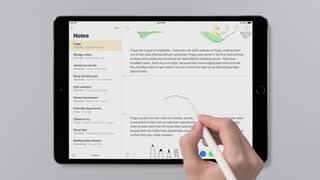
A:AnswerI use for drawing on the ipad. It's great for writing as well. It has a feature that turns your handwriting to computer fonts such as calibri and you can submit as a word documents. Wonderful for submitting assignments for school or writing a book on the go.
A:AnswerNo you don’t need an application, it comes w a charging port that fits onto any lighting cable. I suggest using it with notes before moving to the harder stuff like keynote and pages.
A:AnswerFrom what I remember, the cap of the pencil comes off and is your typical iPhone charger that you would use to plug into your phone. You can charge the pencil this way while it sticks out of your iPad. If I recall correctly, it also has a female-to-female adapter that you can put on your pencil which allows it to be charged via wall charger.
A:AnswerThe back end of the pencil comes off and you plug it into your tablet the same place you would plug the power cord into the tablet. The tablet charges it quickly.
A:AnswerYes - but make sure you have the latest adapter to synch with your new iPad. You need lightning to USB-c. My pencil came with the old adapter which did not work.
A:AnswerYou can use Apple Pencil (2nd generation) with these iPad models: iPad mini (6th generation) iPad Air (4th generation and later) iPad Pro 12.9-inch (3rd generation and later)Dec 20, 2022