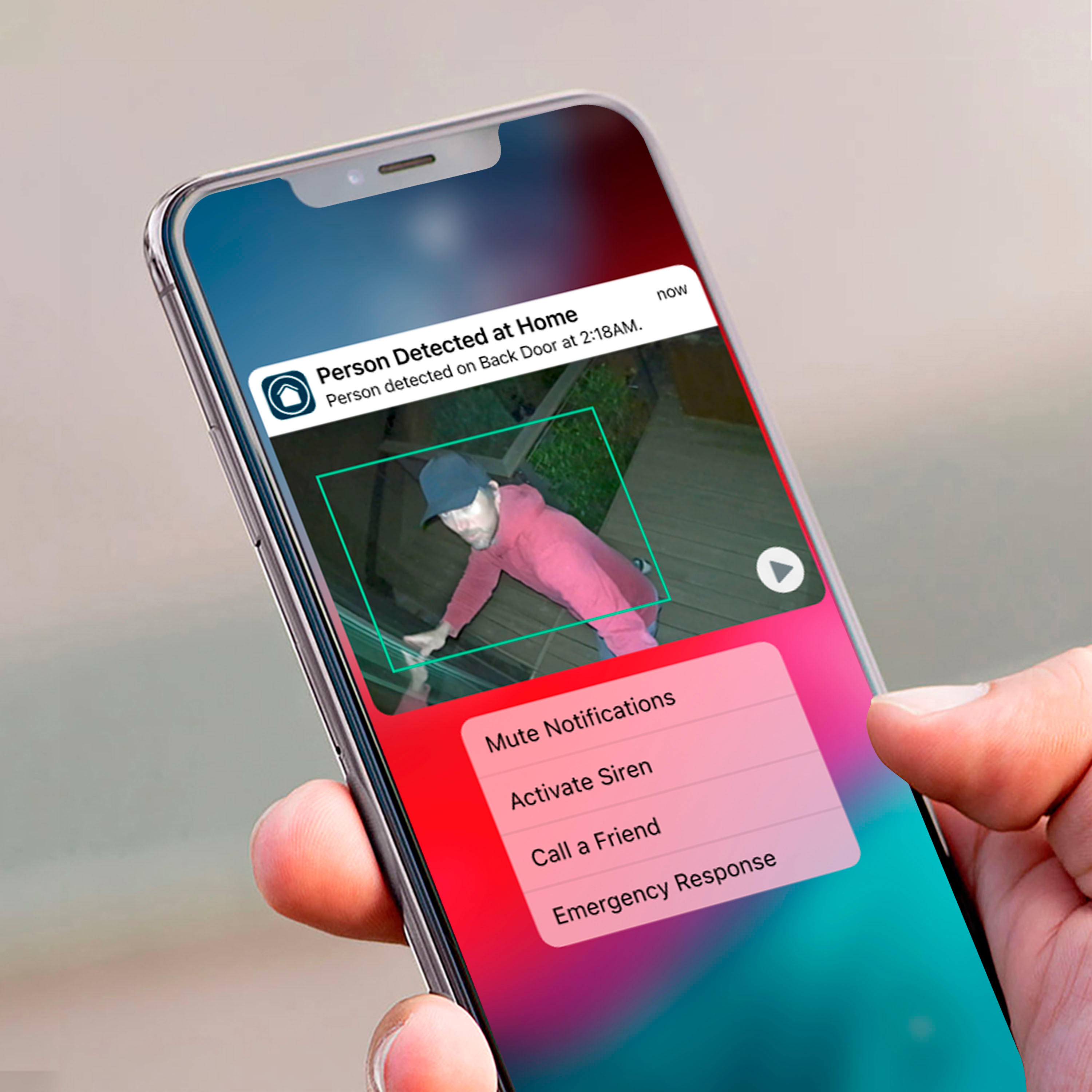
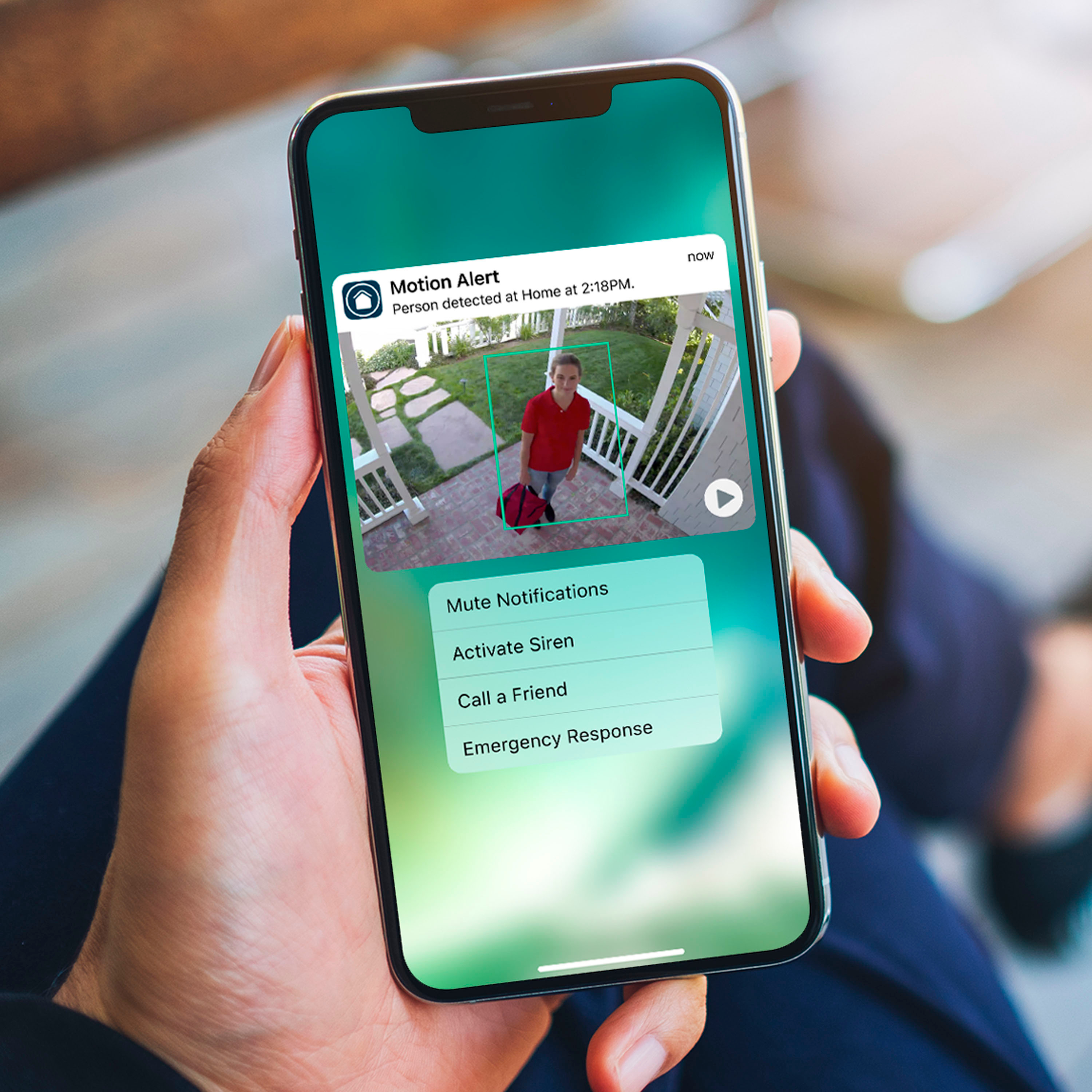
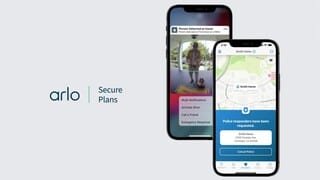
A:AnswerYou will need to purchase the plan if you want it to record for you. If you do not, then your camera is a brick at this point, and will only be useful for viewing "live" feeds. The plan will allow you to record, and receive alerts.
A:AnswerNo hub needed, just need WiFi and space on your phone to save videos. You can also use the cam system on desktop/laptop and route audio/video recordings to which ever cloud you may have or external memory driver.
A:AnswerWith my new system I have 4 Pro 4 cameras. After one week I've had to charge one so far. The other 3 are still at 90+%. I'm told it's because that camera has had a lot of activity and the more activity you have the faster the battery goes down. It comes with a charger cord that you just place on a special spot on the bottom of your camera and it attaches with a magnet. Place the other end in the same type of wall charger that you use for a smart phone or in the usb port outlet on a pc.
A:AnswerOpen the back of the camera and look behind the battery for the Model number. Then look for the last 5 digits of the serial number on the label. Go into your router settings / GUI and look for the device with the Host Name the Model number and the last 5 characters of the serial number. The MAC address will be listed in the settings for this device.
A:AnswerYou can add quite a few devices to the Arlo base station or Smart Hubs. we do not have an exact limit. Your Arlo subscription will determine device features. You can find more info here: https://www.arlo.com/en-us/arlosecure.html