A:AnswerYes. I have two monitors (this one, and another asus 1080 monitor) both run full 1080 but I generally use my second monitor for maps and basic browsing on the internet or having a stream up while I game on the main monitor. If you have any type of decent GPU you’ll be fine
A:AnswerUnplug the monitor for a few minutes and it’ll reset it. Once that’s working go update your drivers for gpu and Mobo. I had same issue with mine and this solution worked for me
A:AnswerDepending on how old your previous monitor is. If your monitor is more than 4 years old, you should probably buy this monitor. If not, your previous monitor should work fine
A:AnswerAs long as the computer has either one of the ports (HDMI, DVI, or DisplayPort) it should work. The OS needs to be able to support the resolution, but only really old OS (that you are almost certainly not using) will have a problem.
A:AnswerThis *monitor* will probably have updated versions / replacements as time goes on. If you're happy with a slightly older monitor when your time comes to buy this will still be a great option for several years if you can get your hands on one.
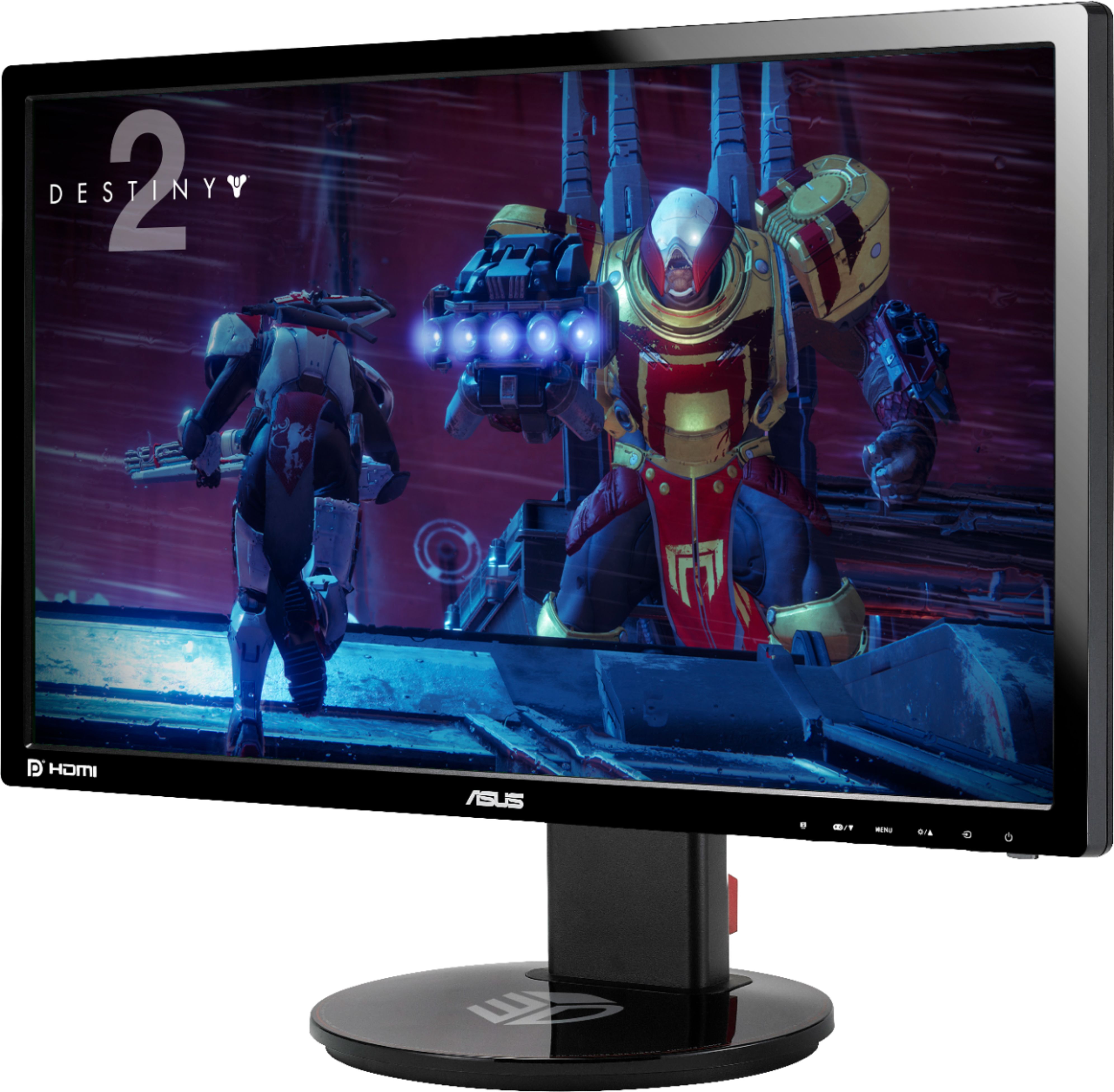
A:AnswerThis monitor comes with the DVI connector so that you can get the 144hz. It has the option to use HDMI but since it would make the better options of the monitor unusable it doesn’t come with an HDMI cord.
A:AnswerAs of Oct 22, 2017 I can still see that I could add this to my cart to purchase it https://www.bestbuy.com/site/asus-24-led-fhd-monitor-black/8767099.p?skuId=8767099