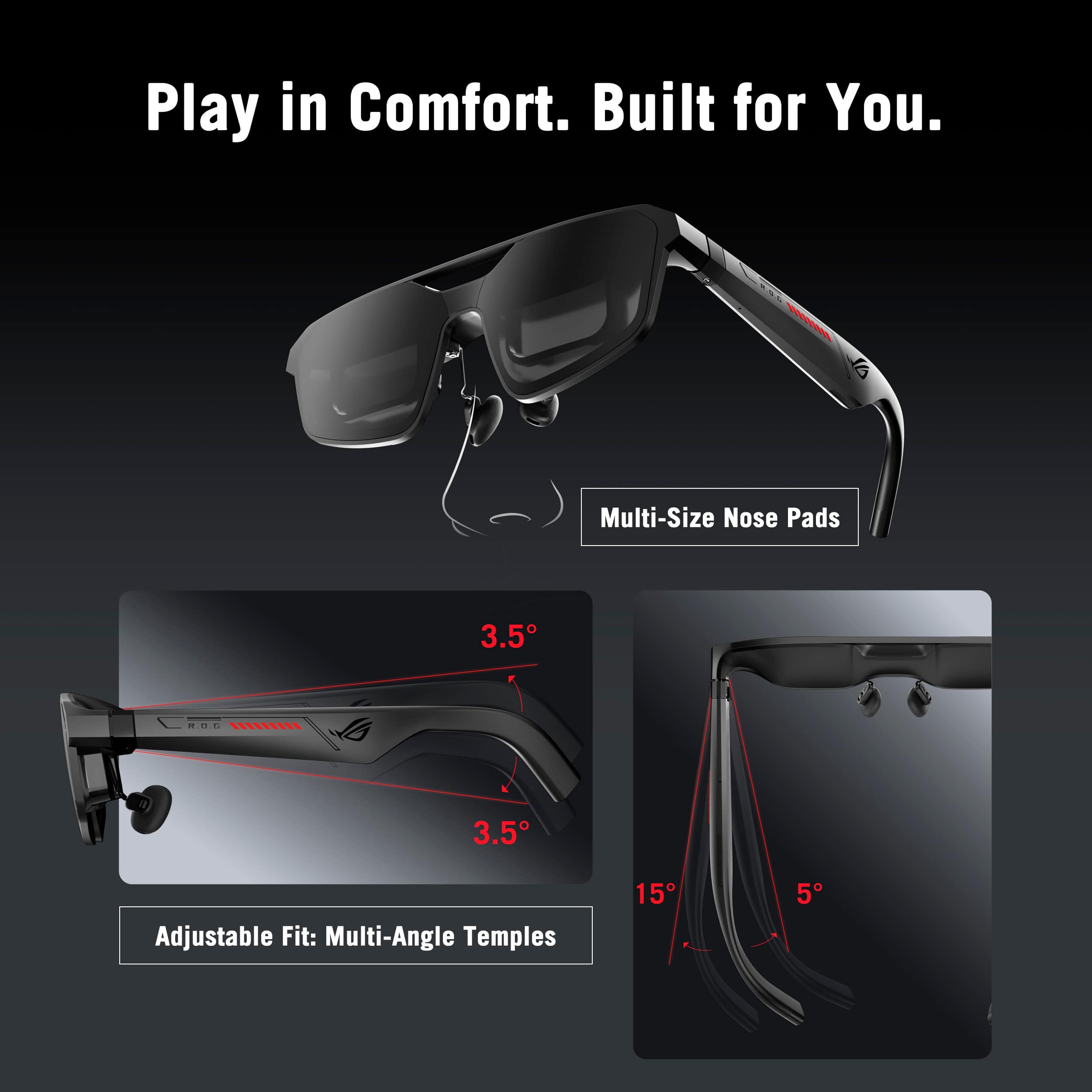
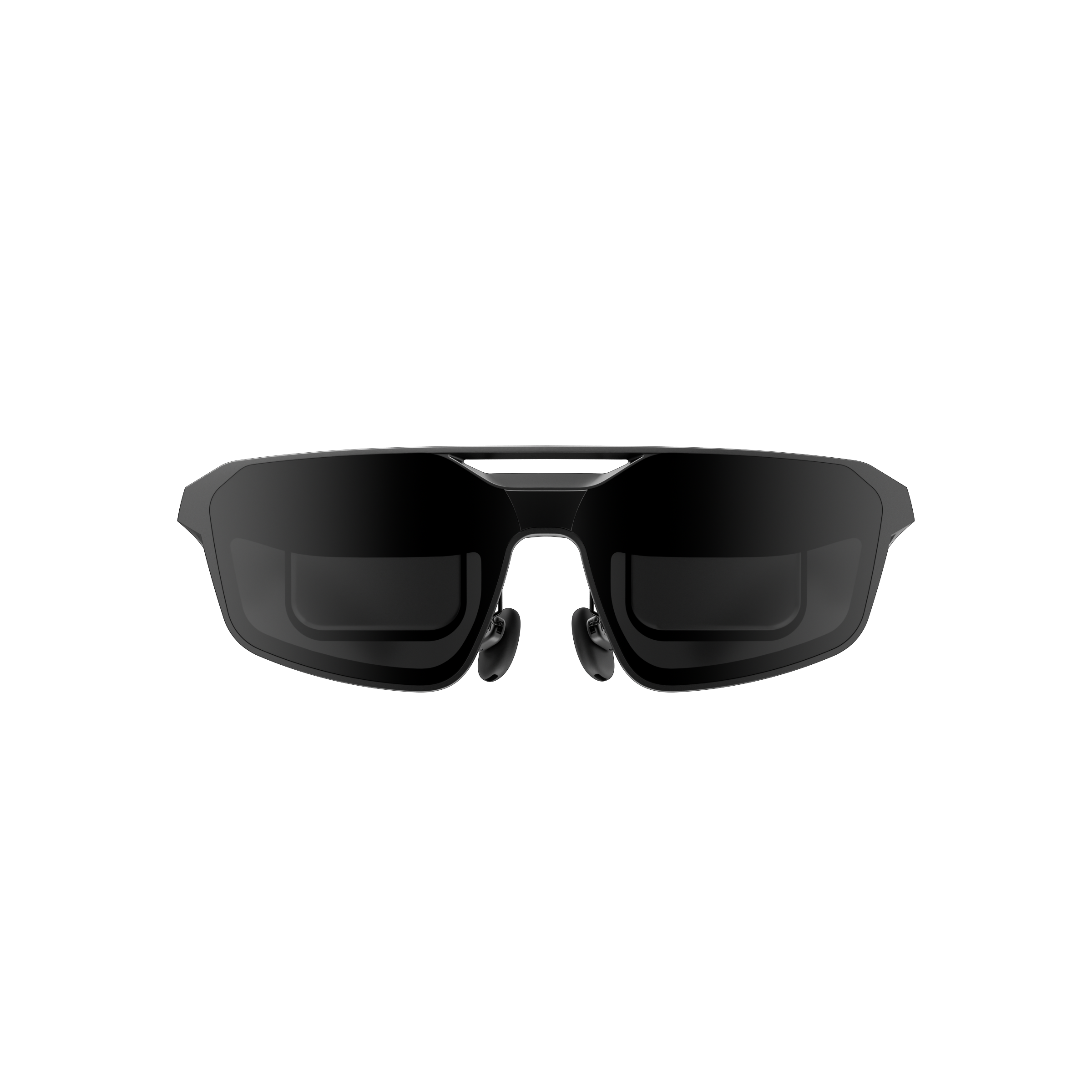
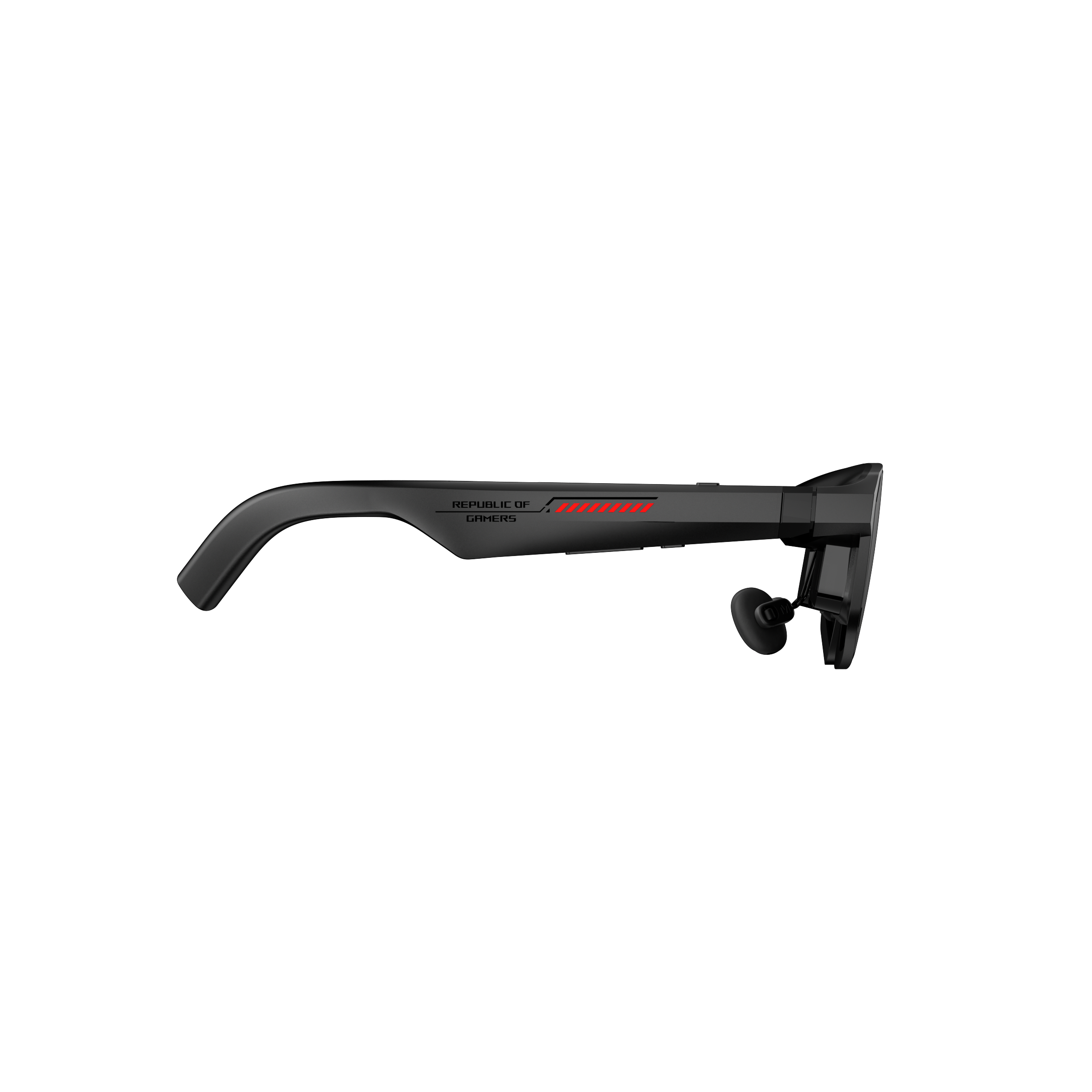
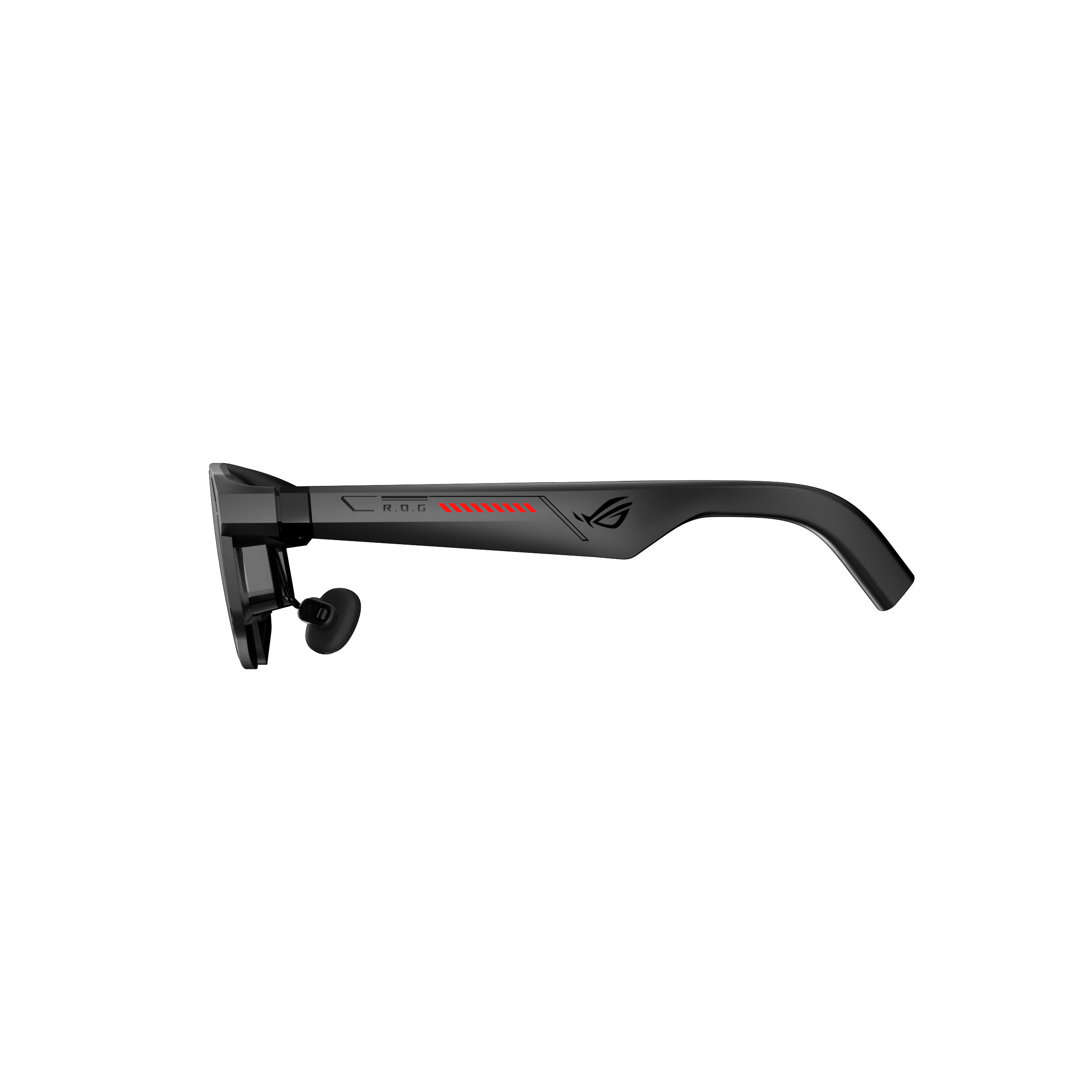
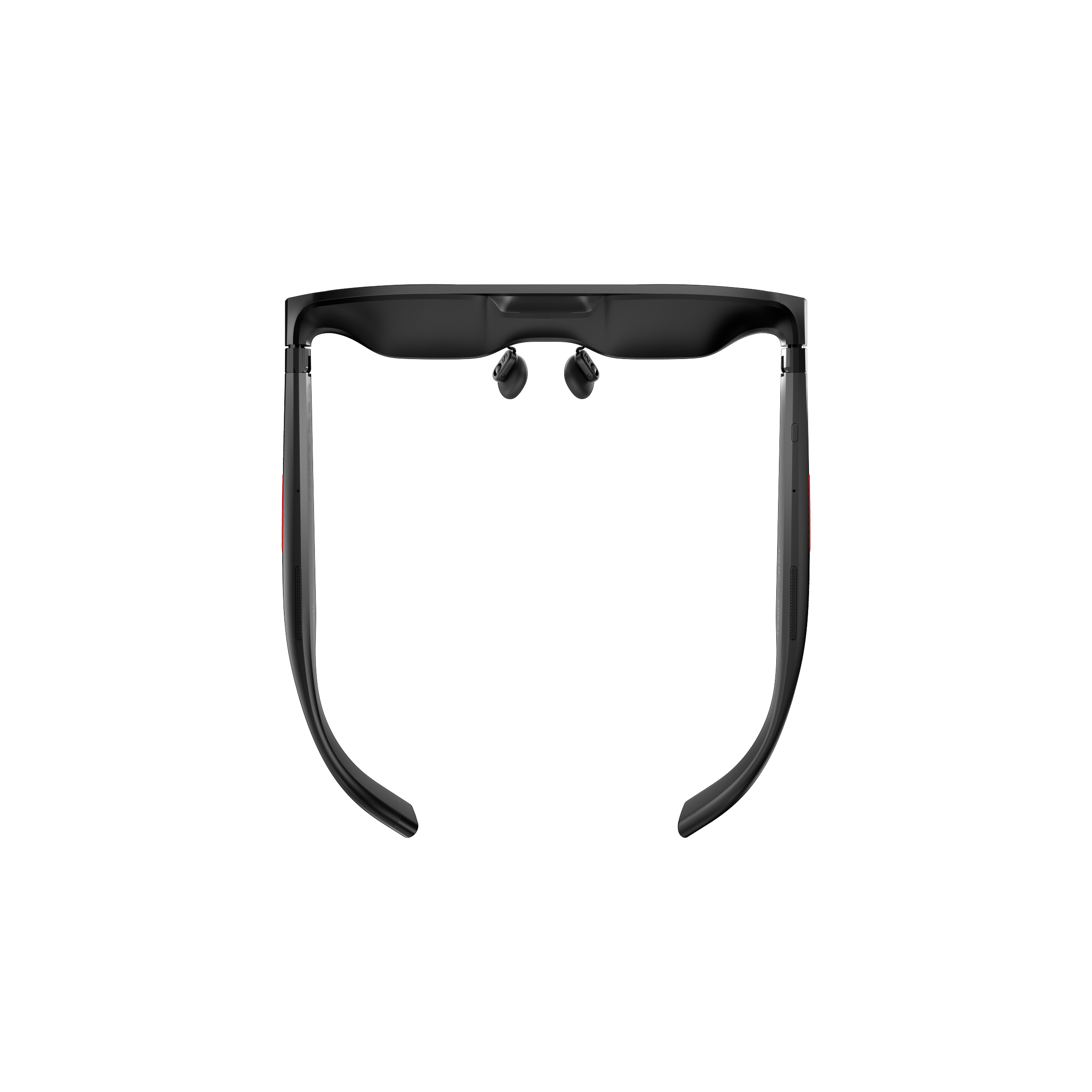
A:AnswerThe IPD is not adjustable. You need to select between two possible sizes at the time of purchase; however, this option is not available on the Best Buy website or app. This needs to be fixed.
A:AnswerNo. You do not need a specific controller to use them.
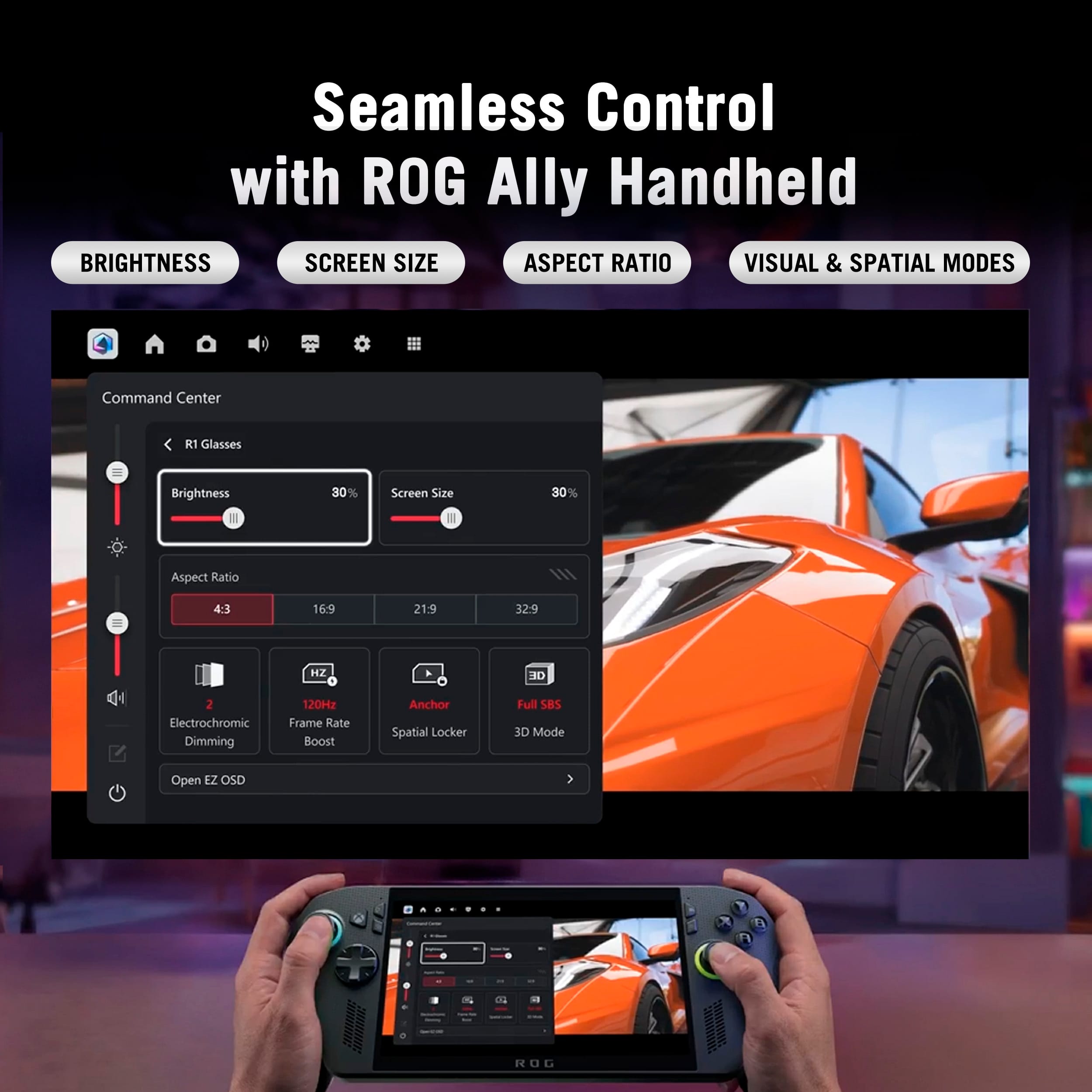
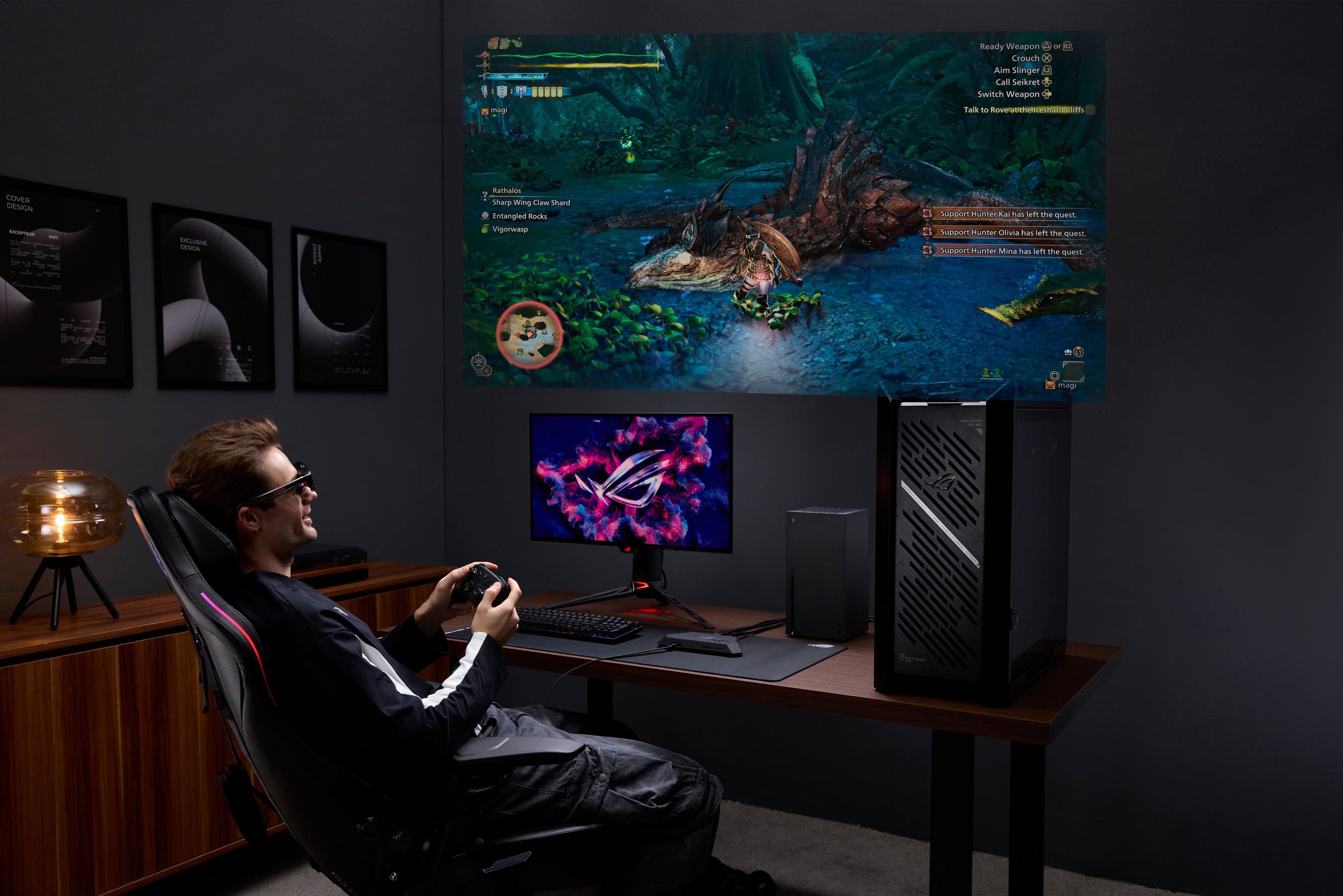
Think of these like monitor. It has controls to control the specific settings and menus for the Glasses themselves, but it only transmits video from whatever it's plugged into.
They aren't a console or computer on their own. so you do need a console, phone, computer, etc to display content.
So you'll use whatever you're using already.
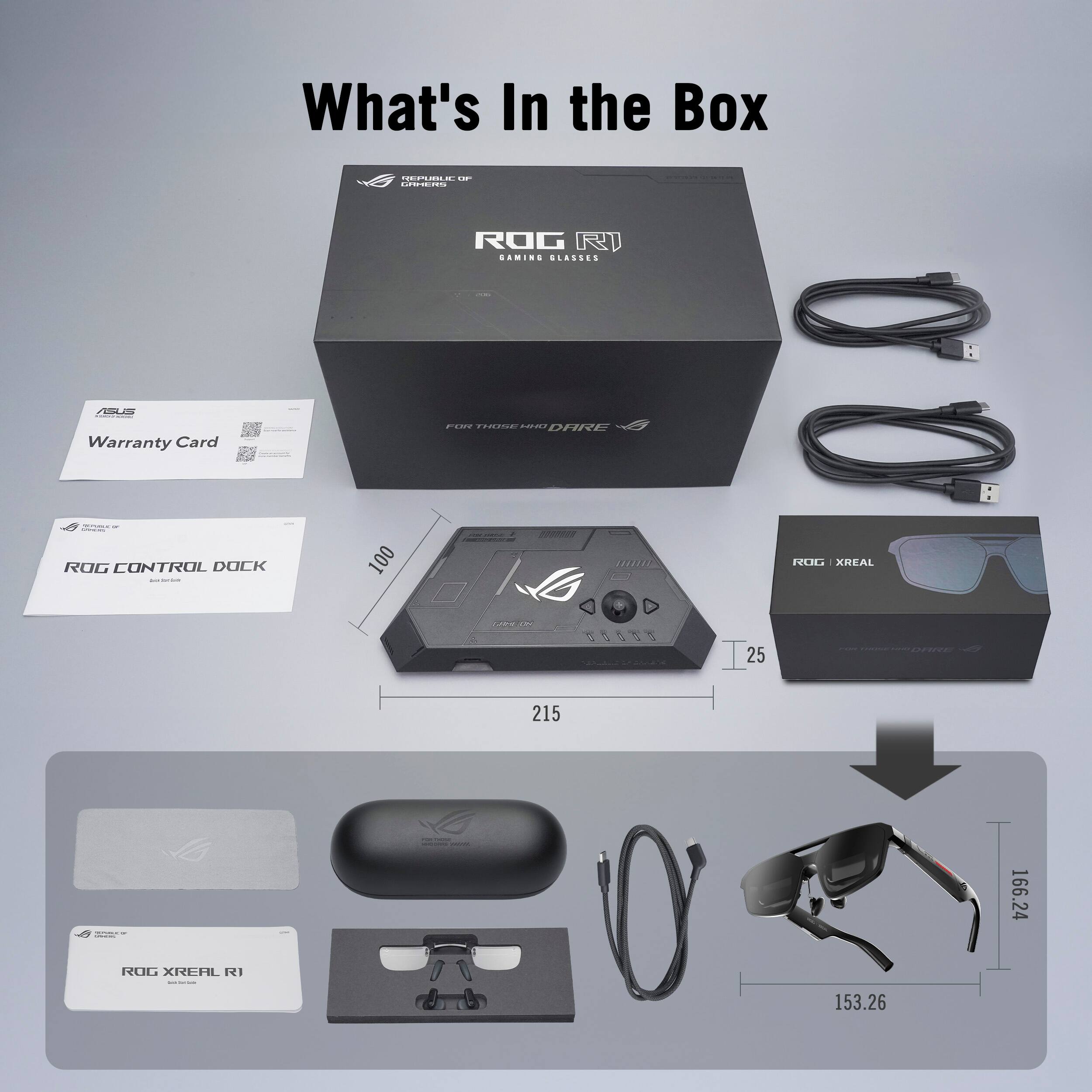
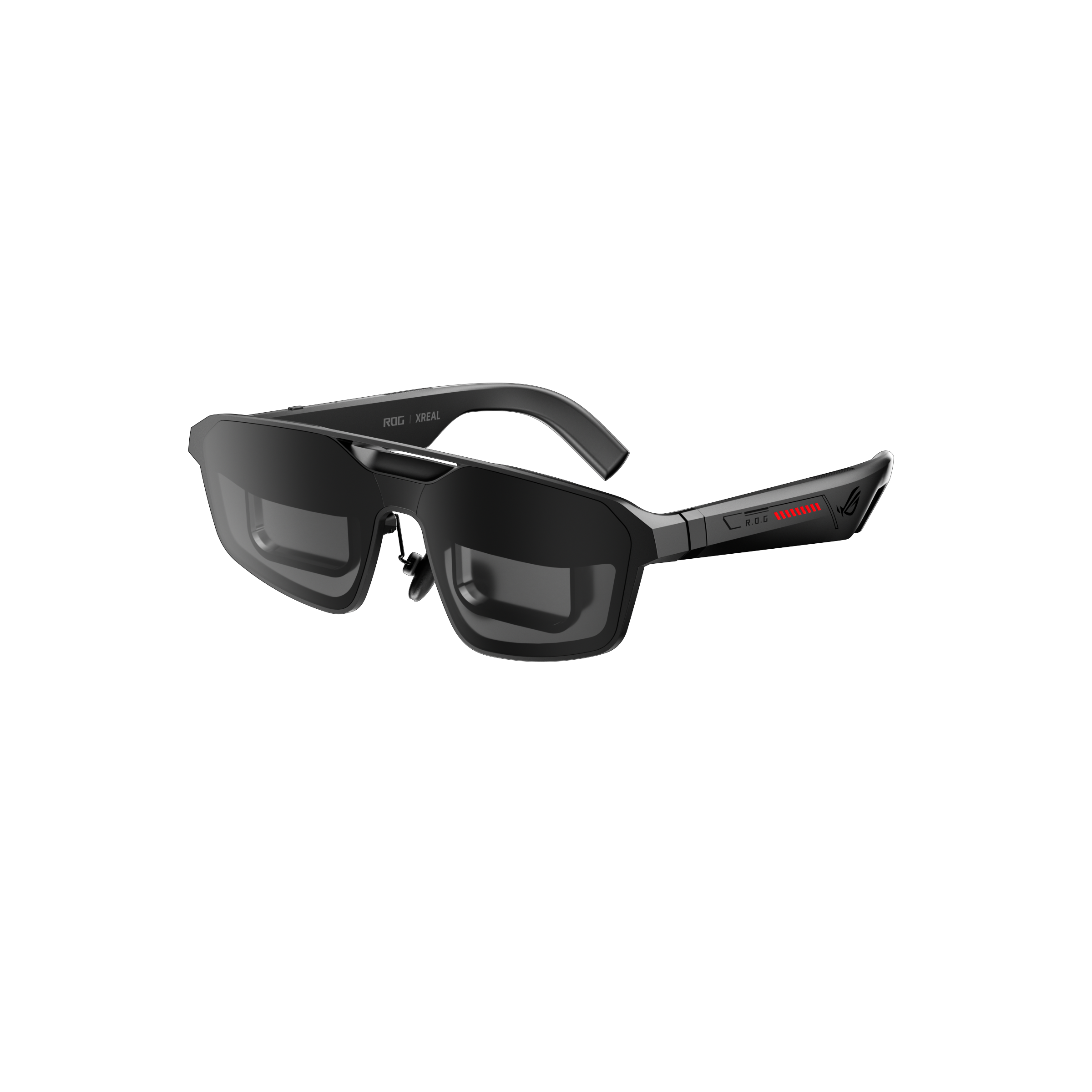
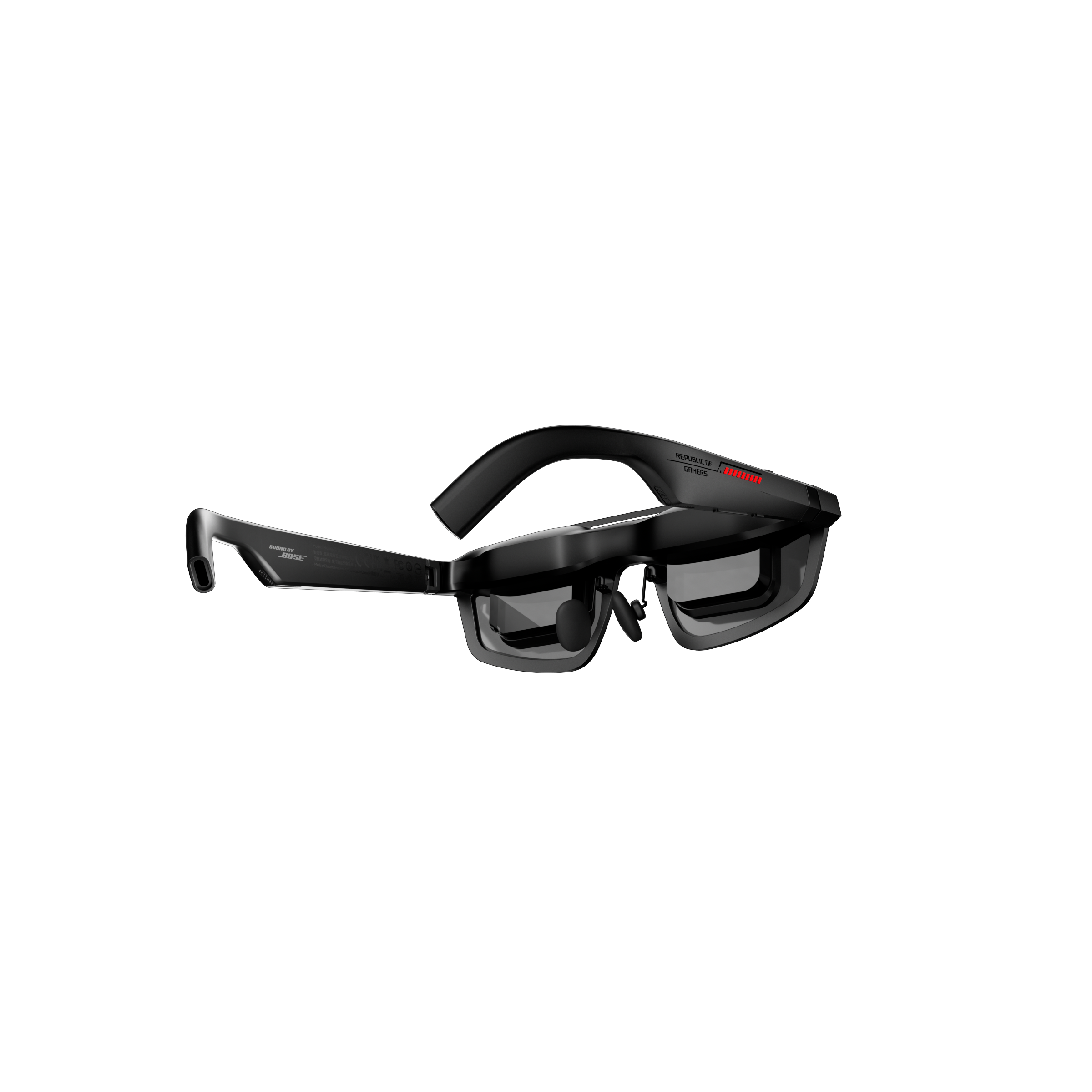
A:AnswerYeah I wouldn't recommend wearing these with glasses as it is uncomfortable but the prescription lenses are the way to go! And they just snap into the included prescription frame adapter just order them on xreal and then your set.
A:AnswerYou’re right; they do come in two different sizes: (M) and (L). Given that (M) covers 95% of the public, I’m going to guess these will be size (M). Plus, from what I know, Xreal will not have the (L) size available for shipping until July. This is why Best Buy will ship preorders before Xreal does.
A:AnswerThe Switch requires a powered dock. That's the main issue why you can't just straight-to-USB-C into it.
If you have a solution that bypasses the dock already, it should work how your familiar with.
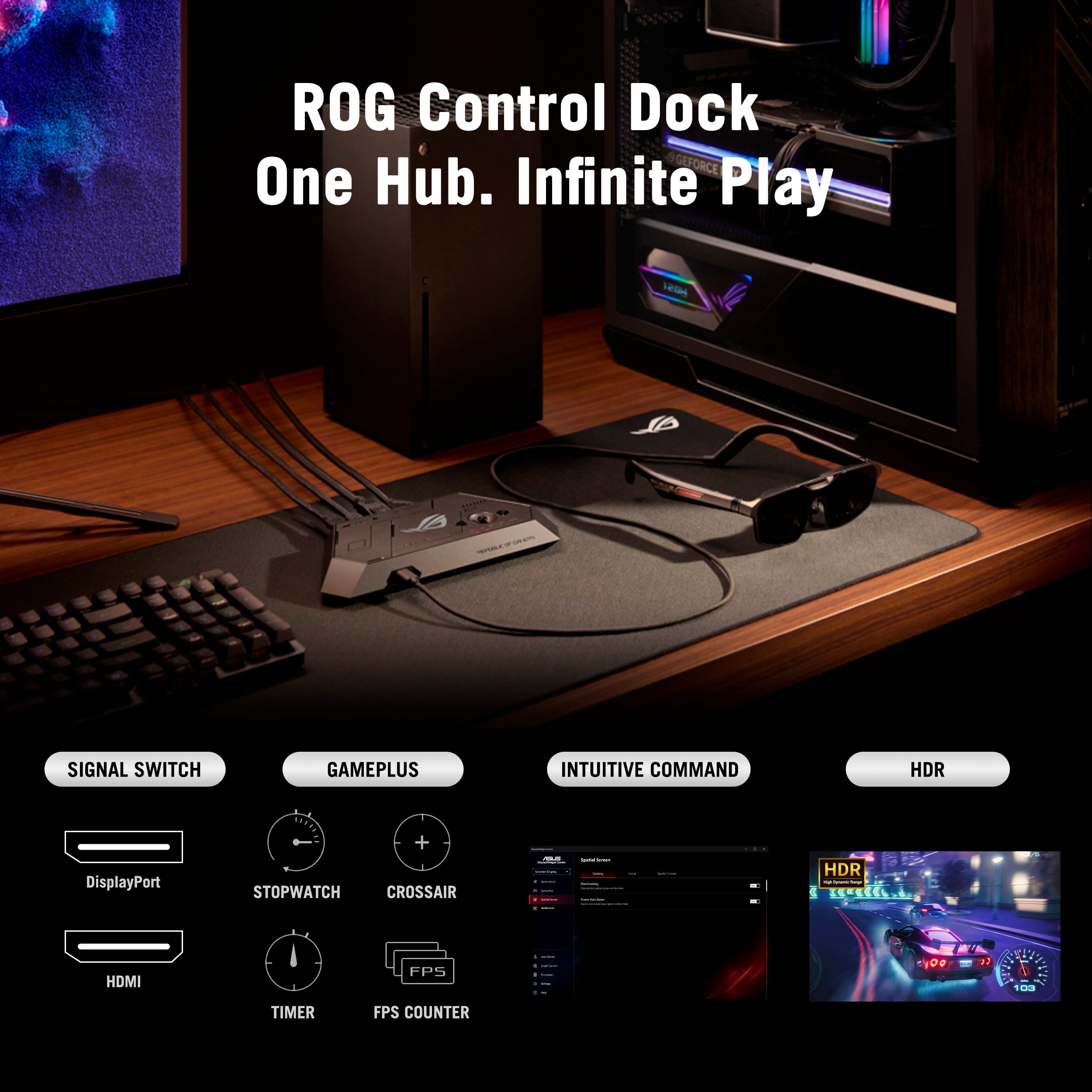
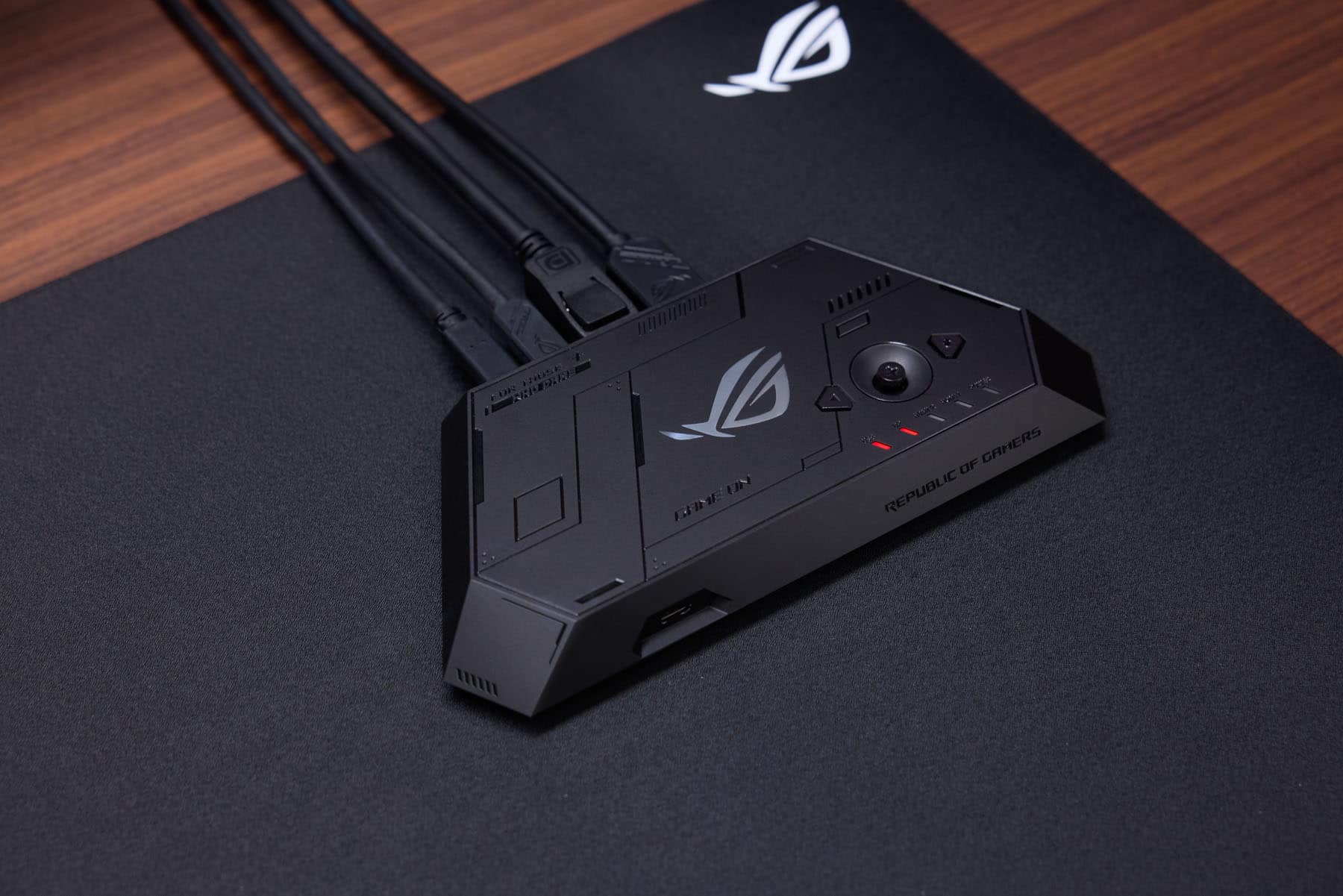
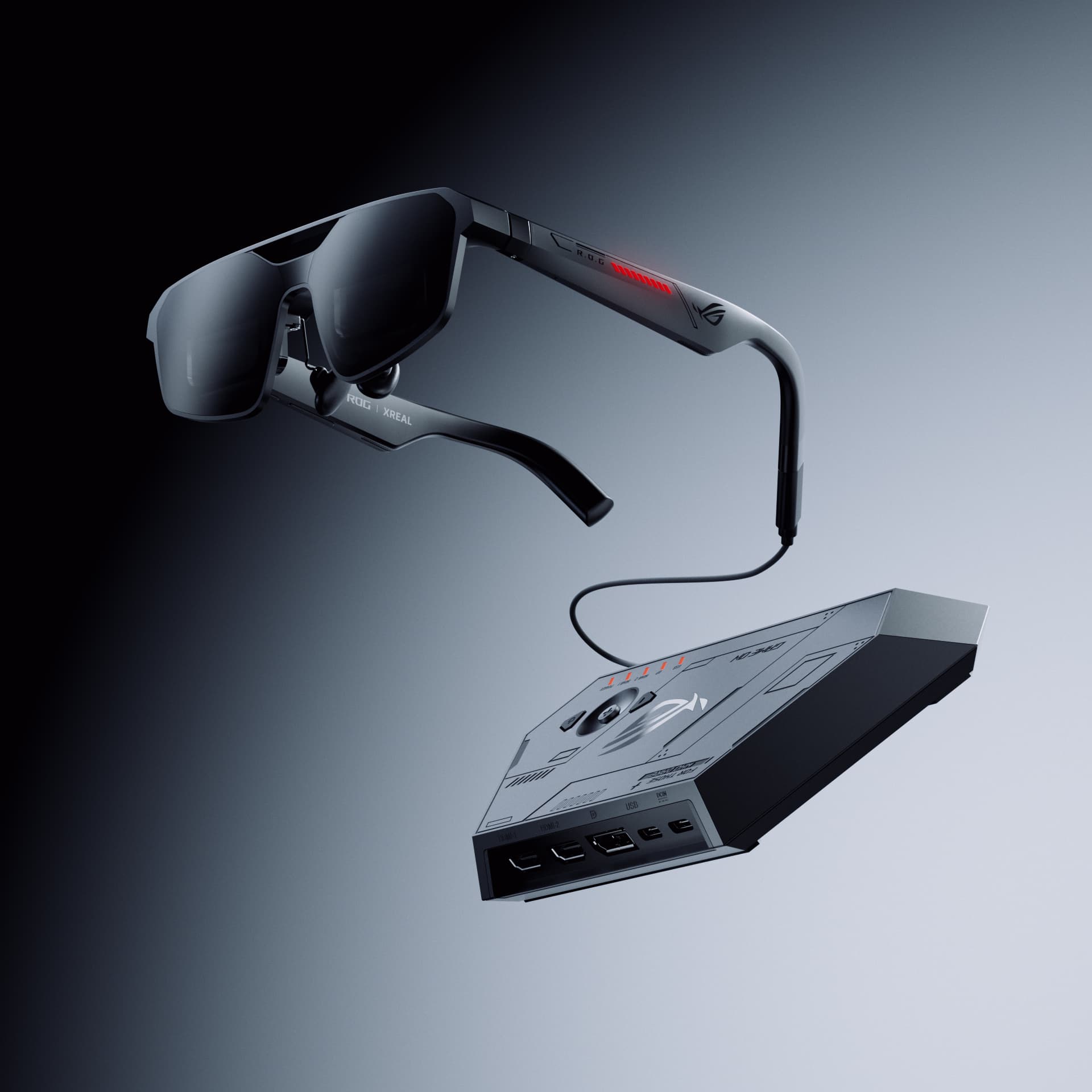
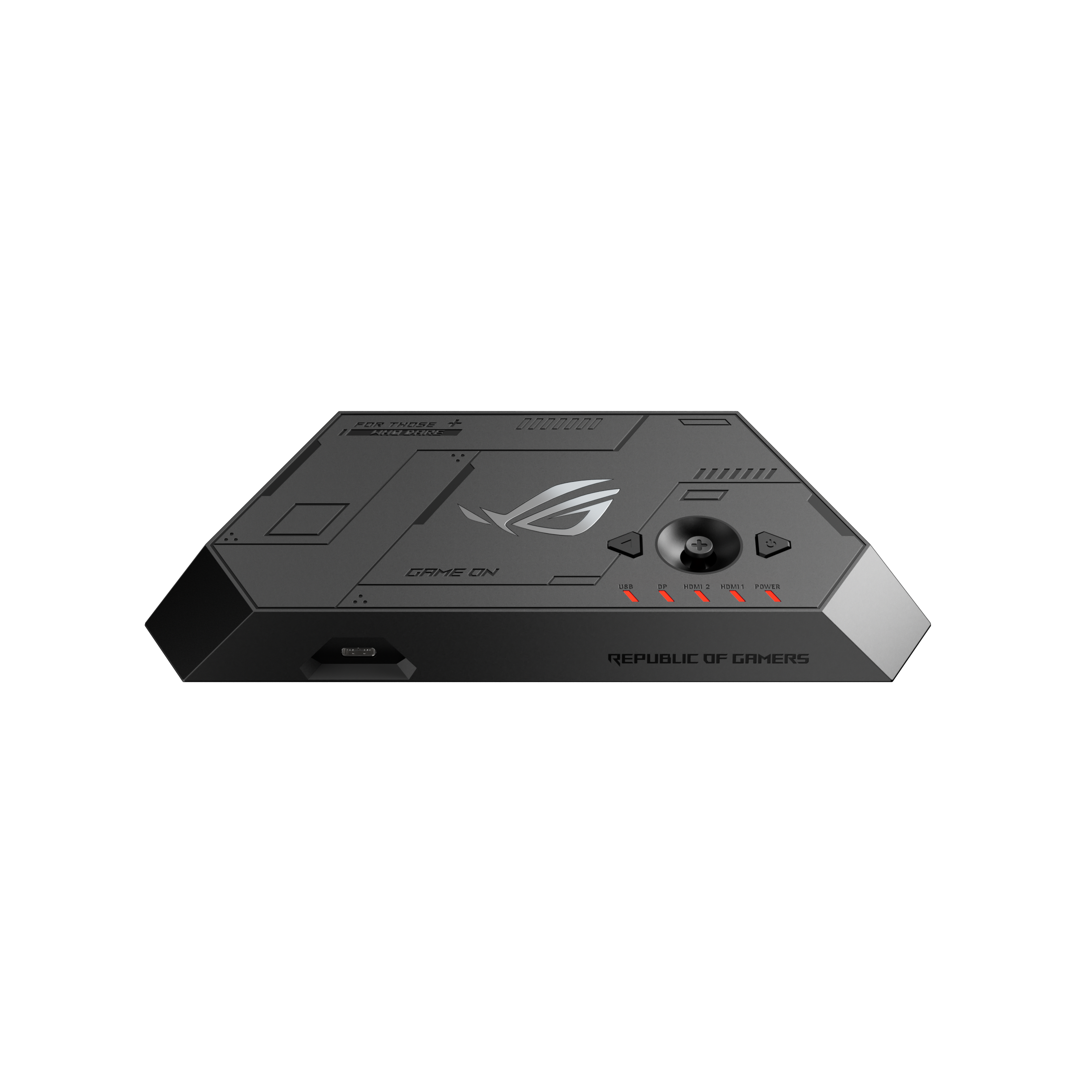
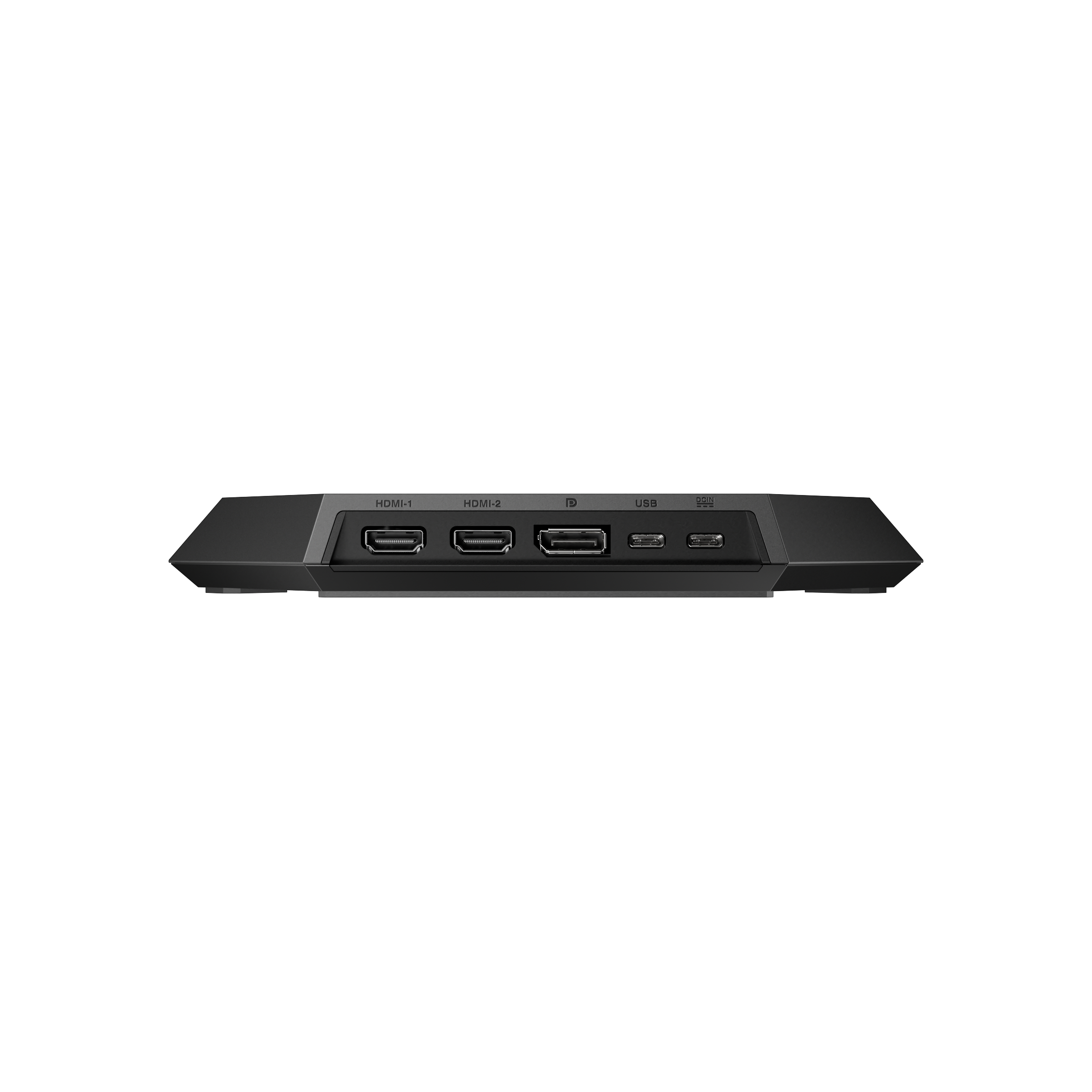
The good news is though that the ROG's Dock supports HDMI, so you should just be able to plug your Switch's HDMI into the Dock and use the glasses like that.
Less portable, yes, but without third party hardware, that's what you can do.
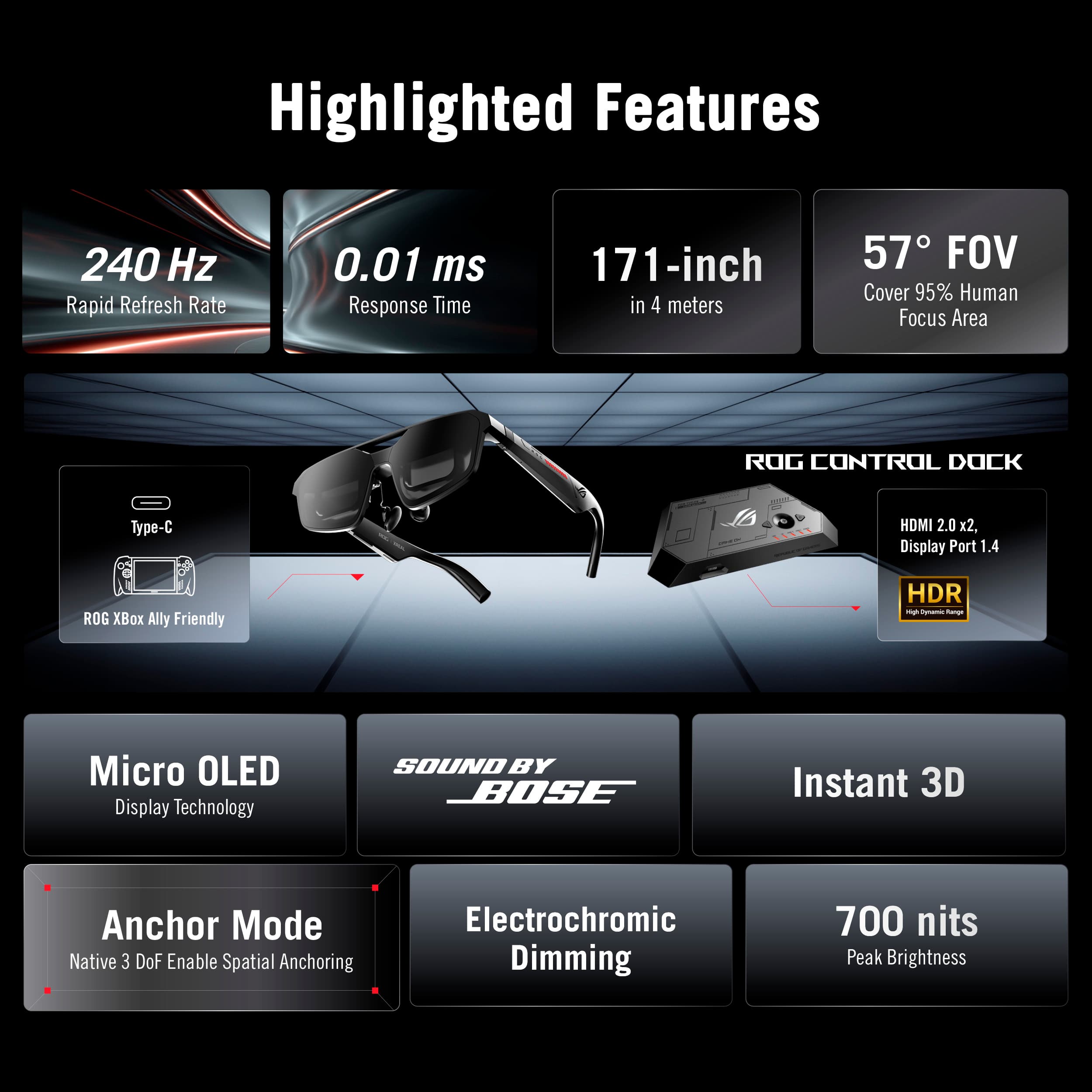
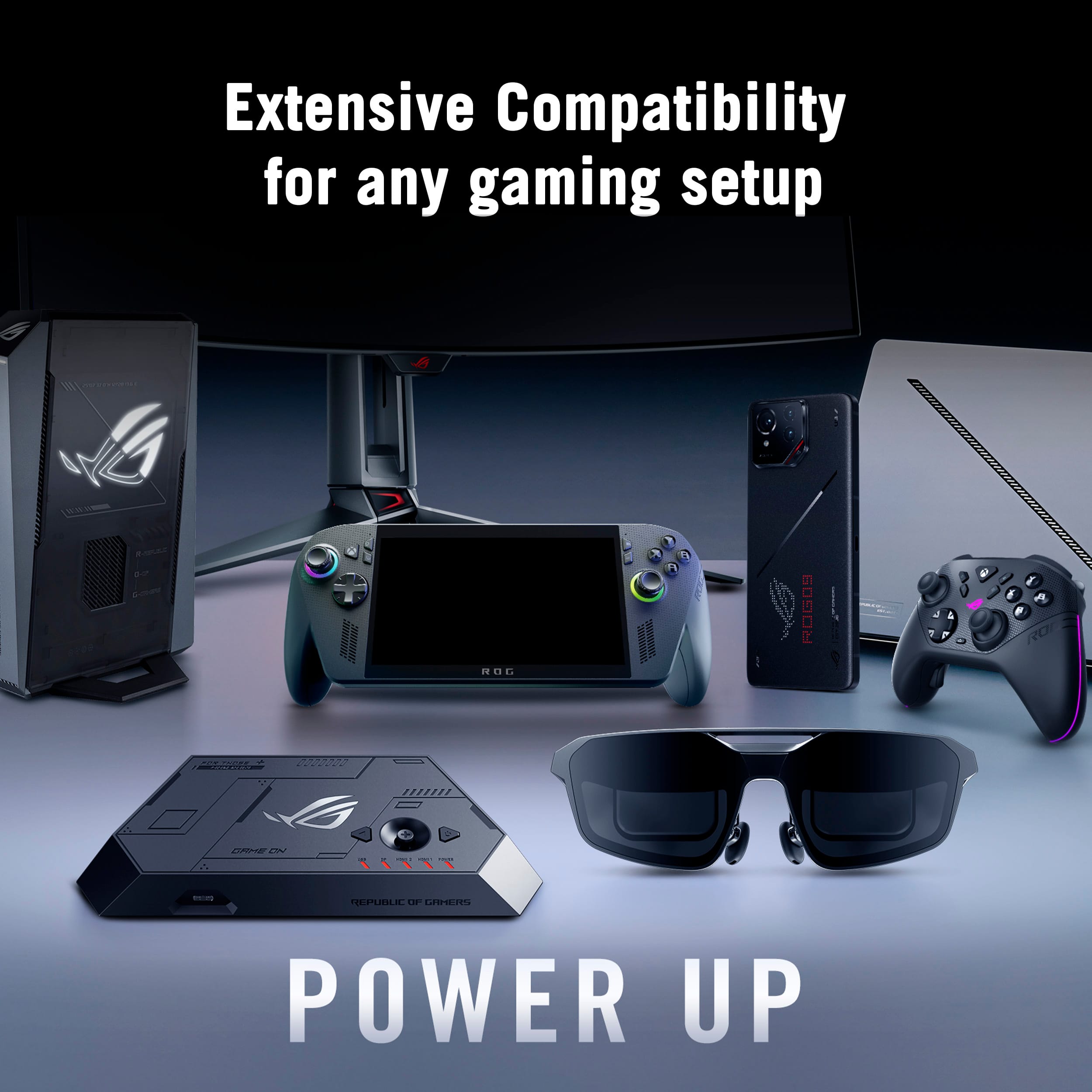
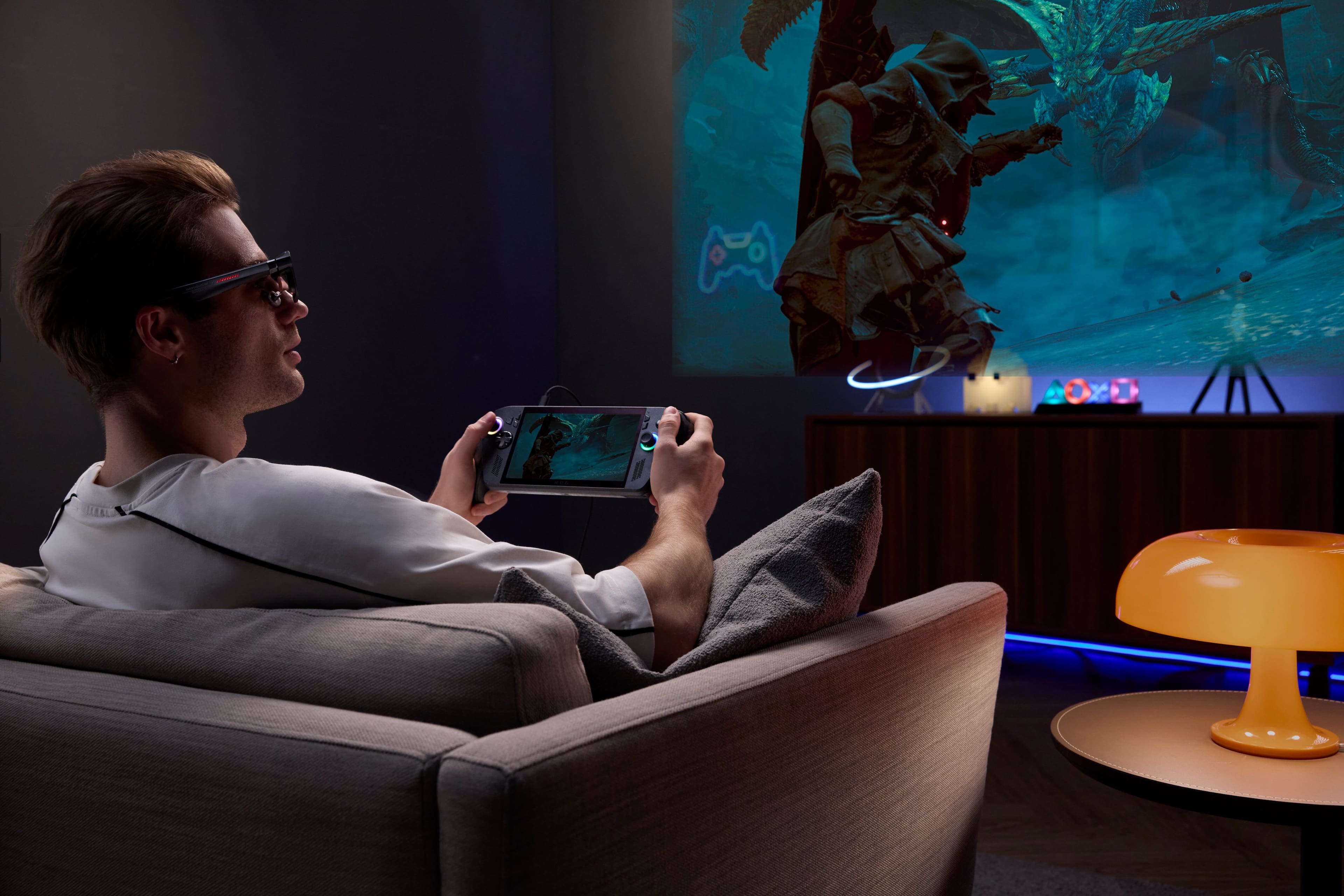
A:AnswerYes. It's fully compatible with Steam Deck. You can plug it directly into the Steam Deck, or use both Docks for the Steam Deck and ROG Ally to have a "personal monitor" experience, while taking advantage of the plugged in power and performance boost you'd get from docking.
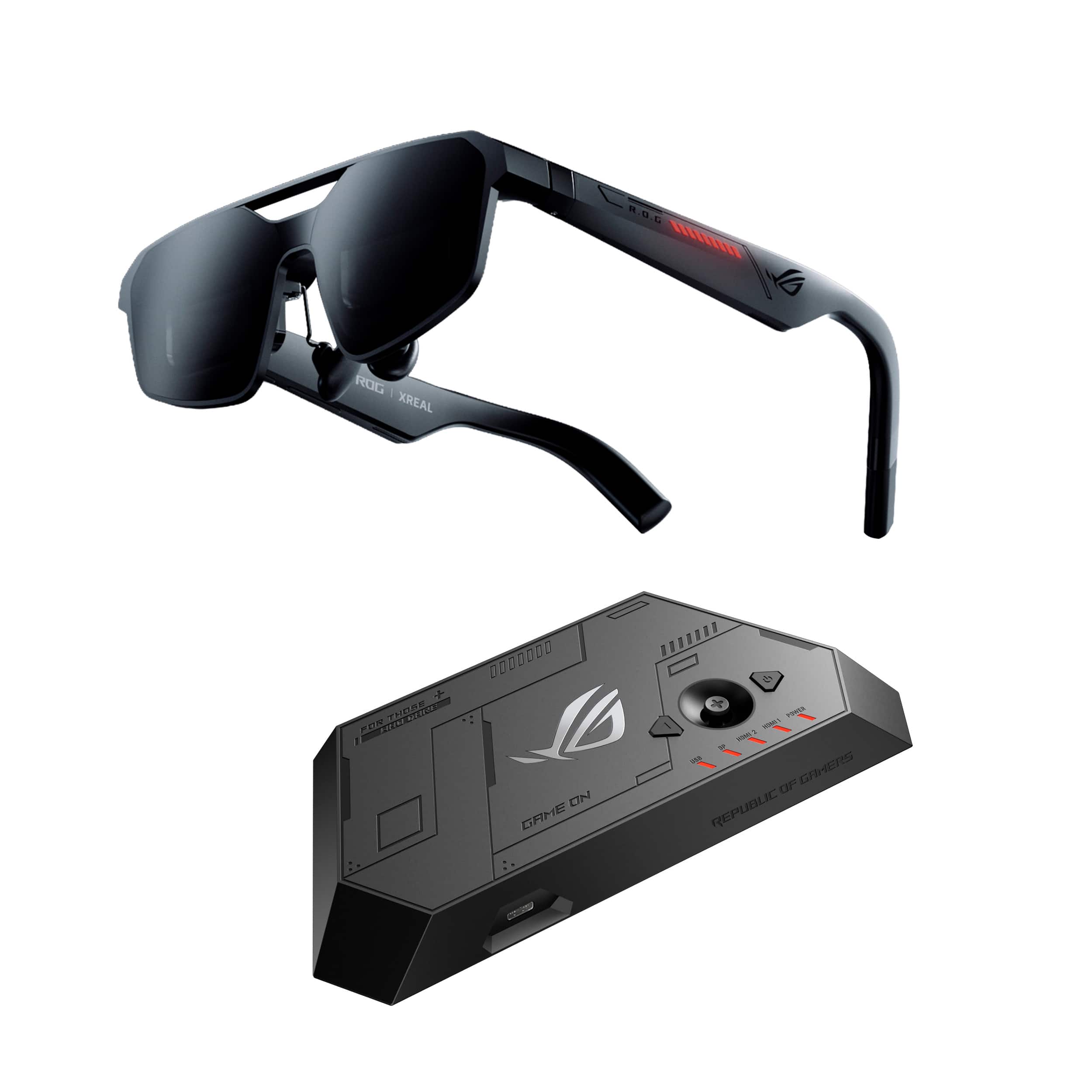
A:AnswerThink of these like a separate monitor themselves.
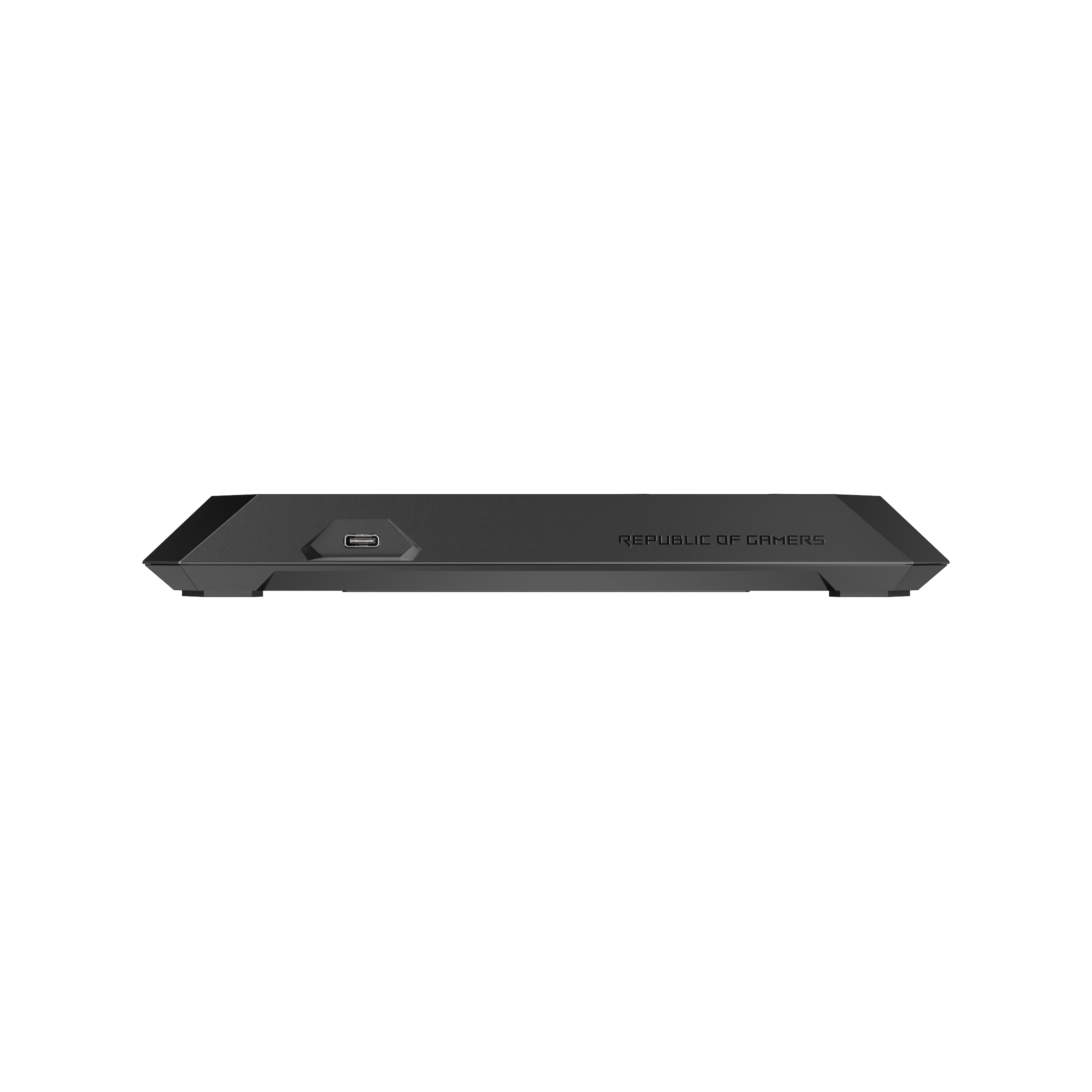
The dock itself doesn't have an output HDMI / Display Port, so there's not a way to "Daisy Chain" or pass through the video to anything other than through the USB C out the front (which is intended for the glasses).
So your best best is to get an HDMI / Display Port switch (they're fairly cheap) so you can redirect the signal to your TV / Monitor and the dock itself. Either that, or you'd need to manually move the cable to the device you're using.
A:AnswerThere's a prescription insert provided there. You'll take that to your eye doctors, and they'll sand the lenses down like they would any other pair of glasses.
A:AnswerThe IPD is not adjustable. You need to select between two possible sizes at the time of purchase; however, this option is not available on the Best Buy website or app. This needs to be fixed.