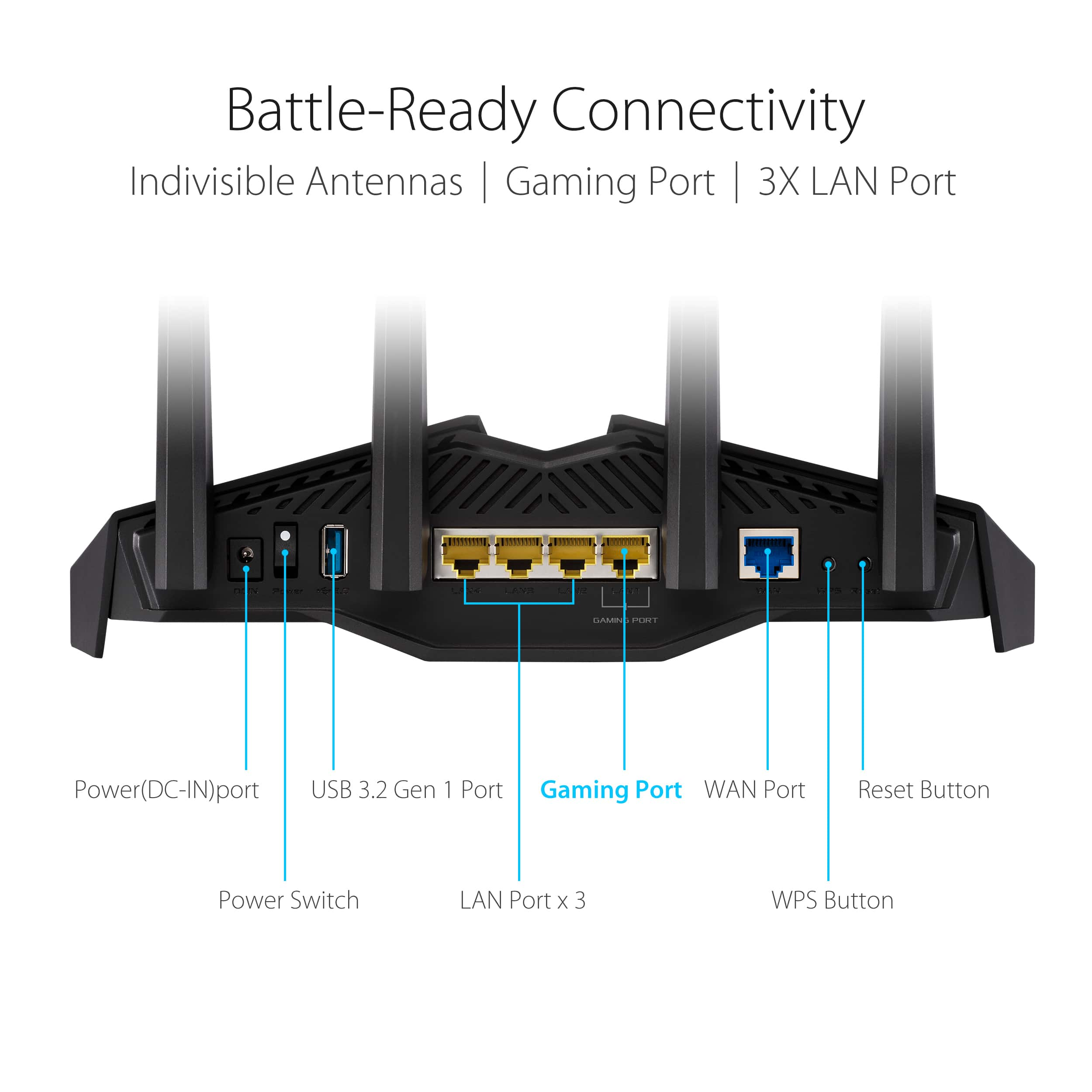
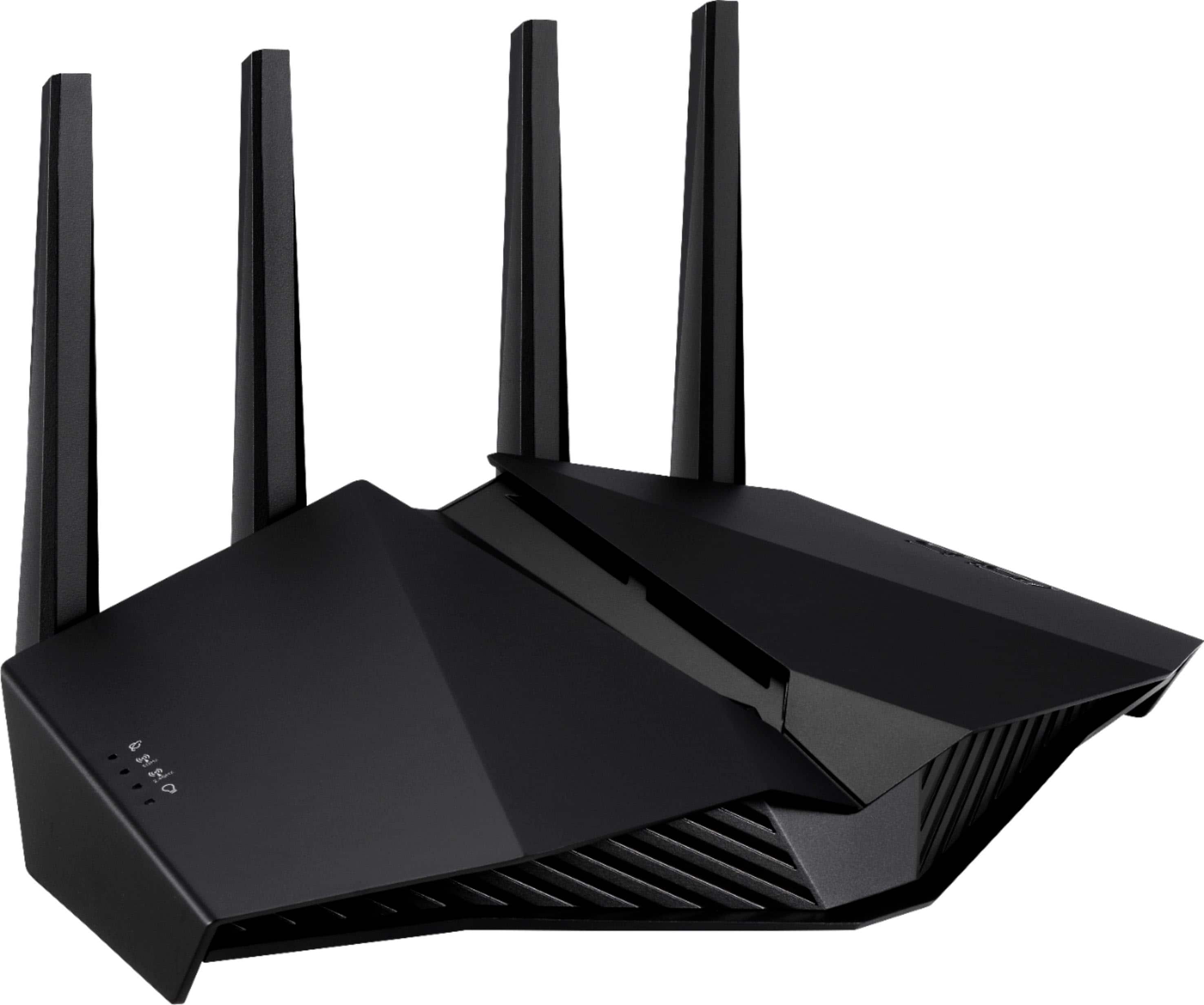
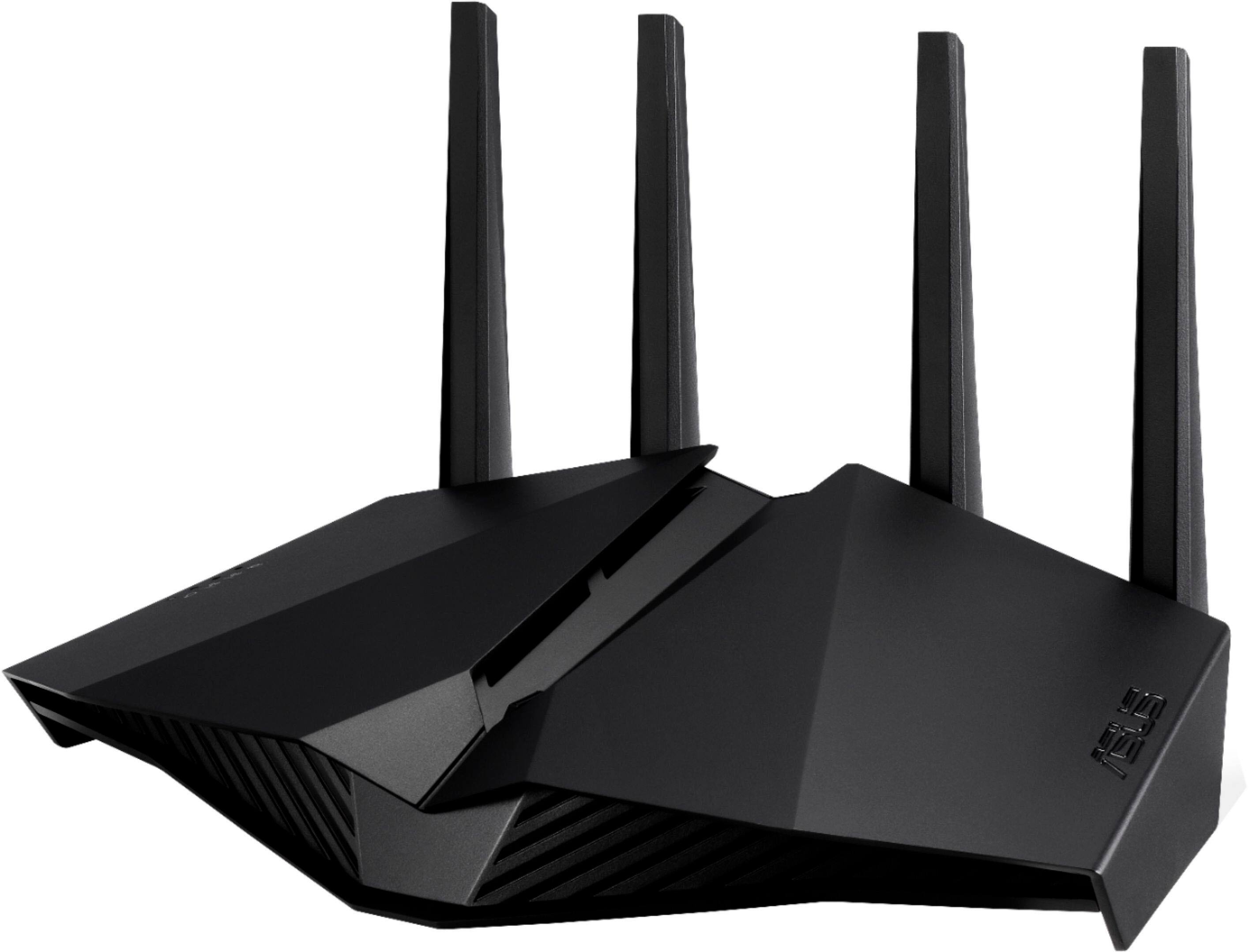
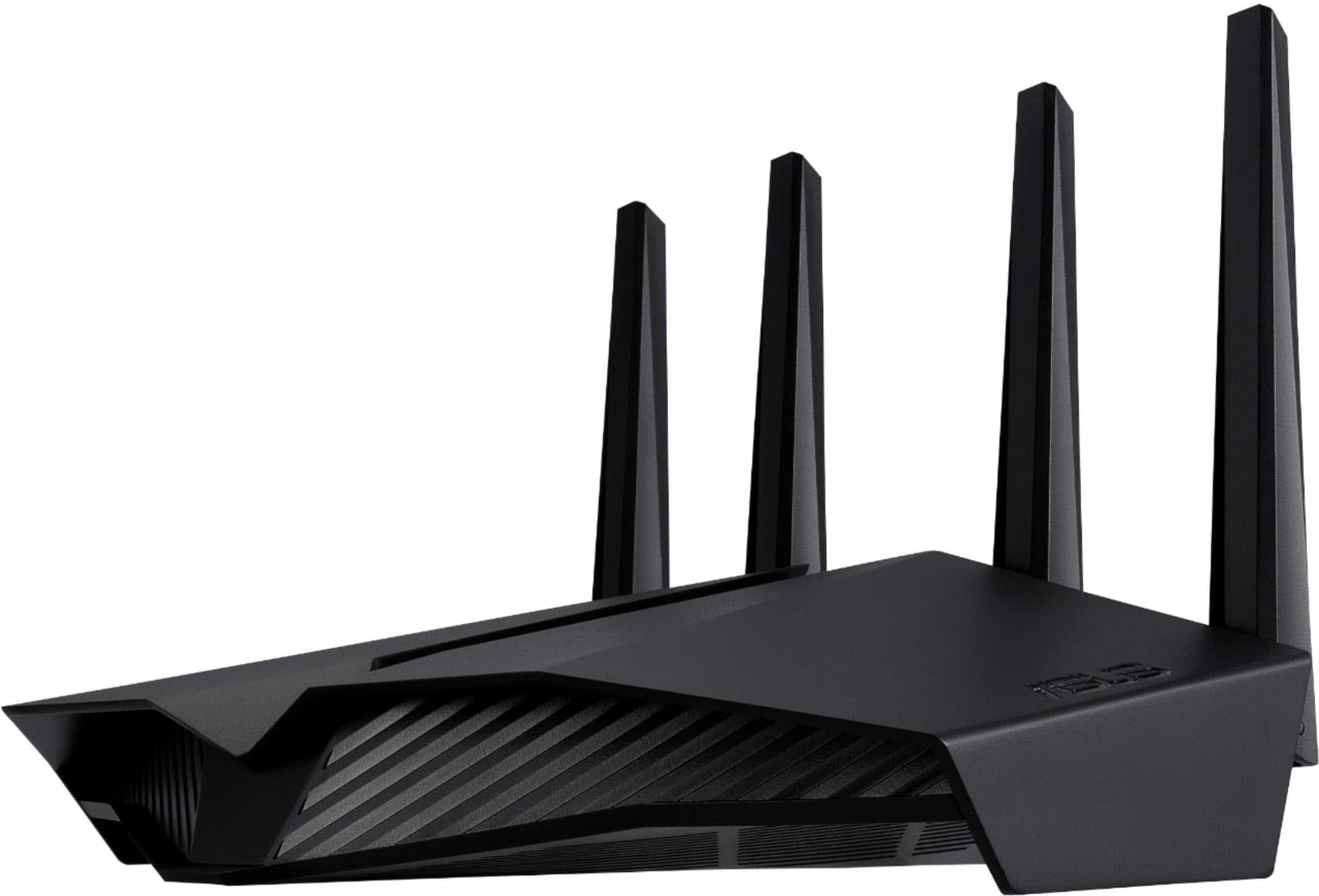
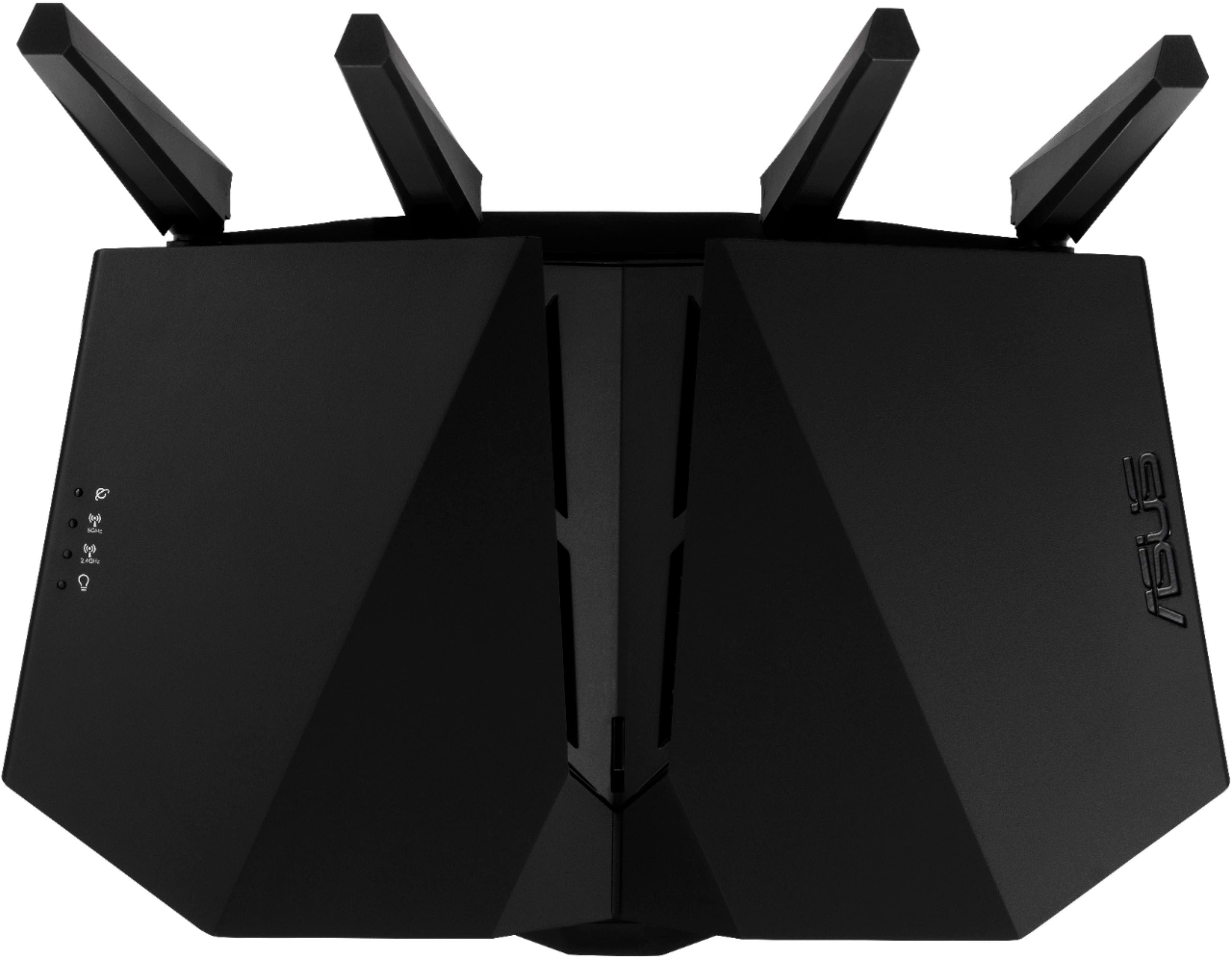
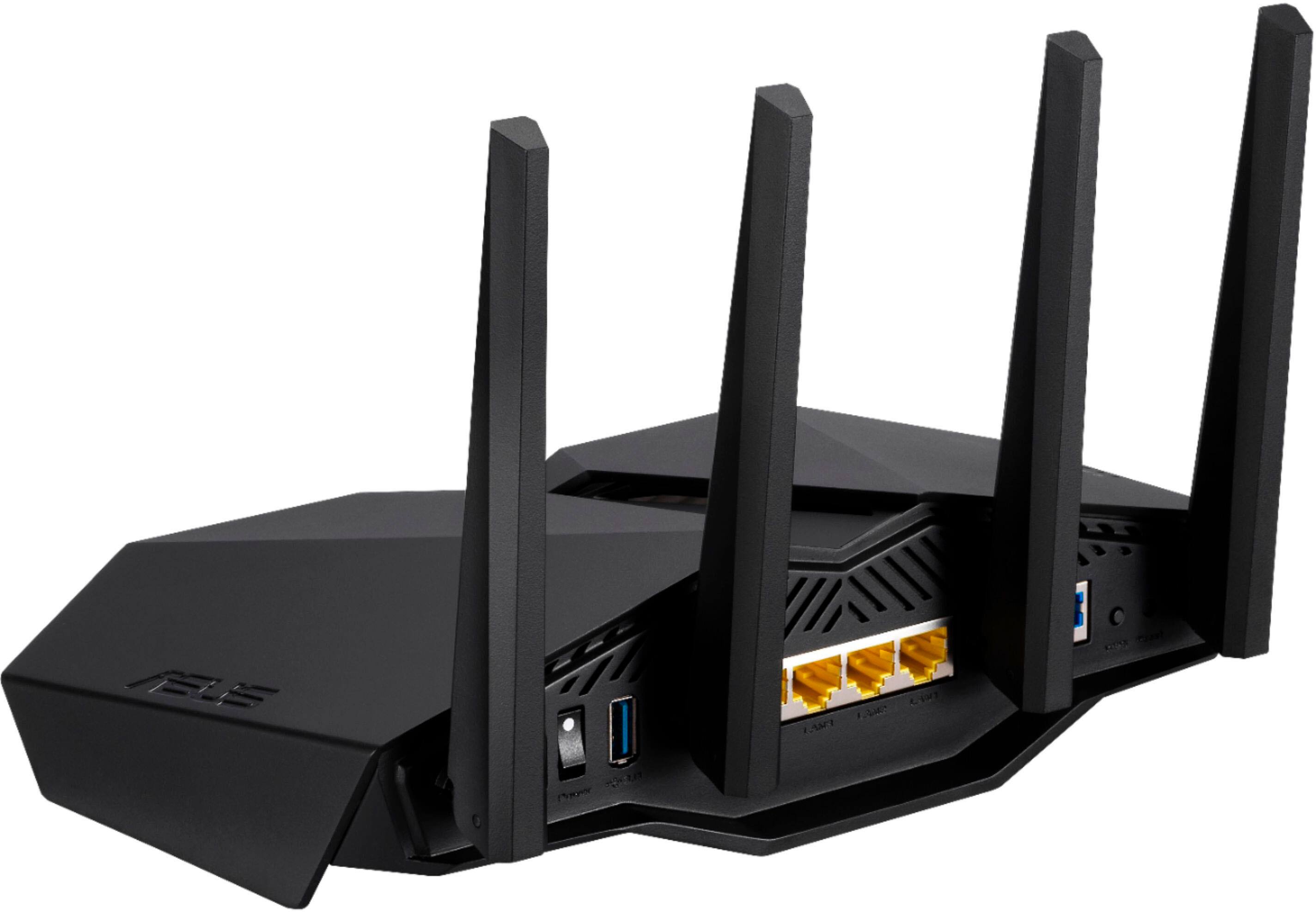
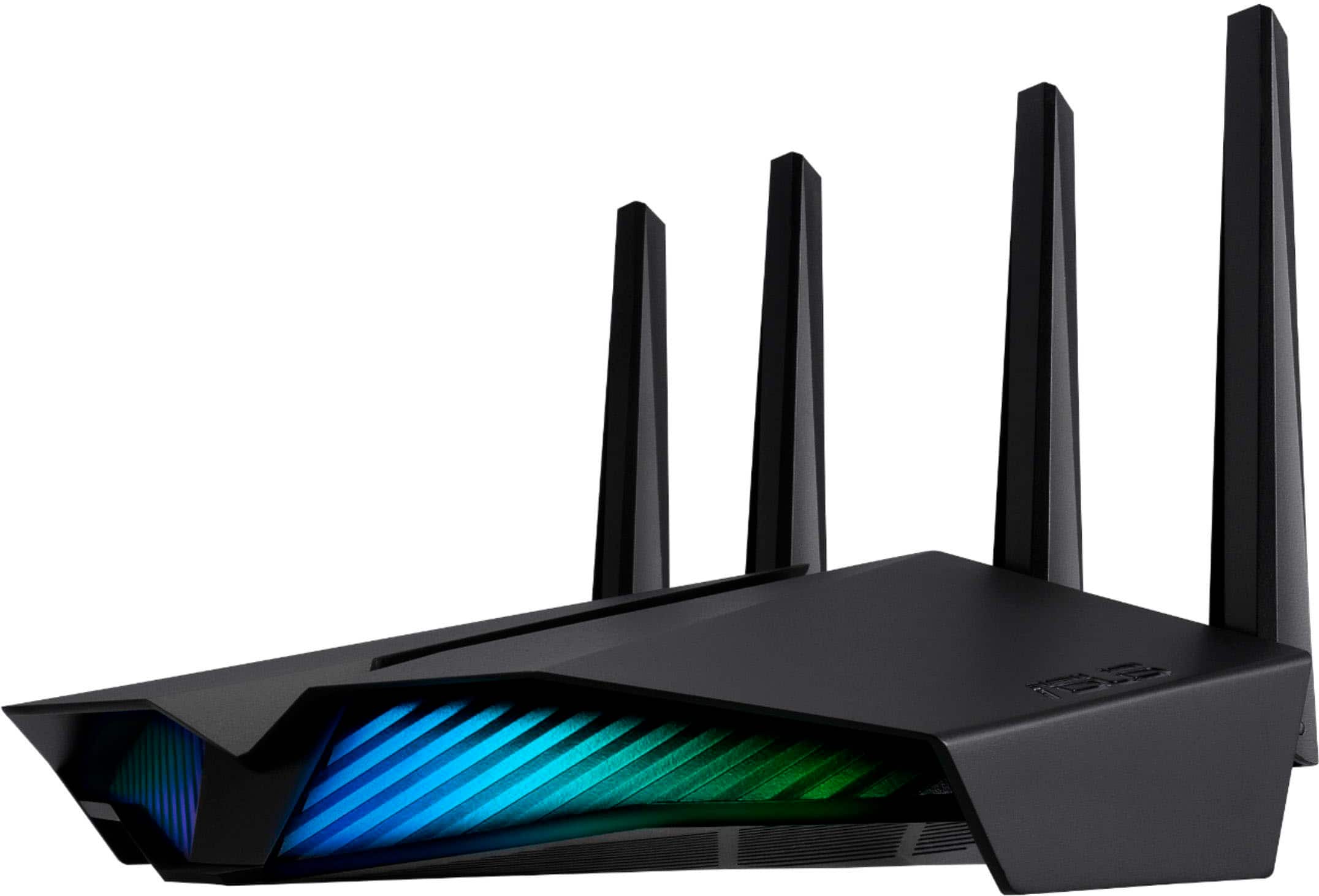
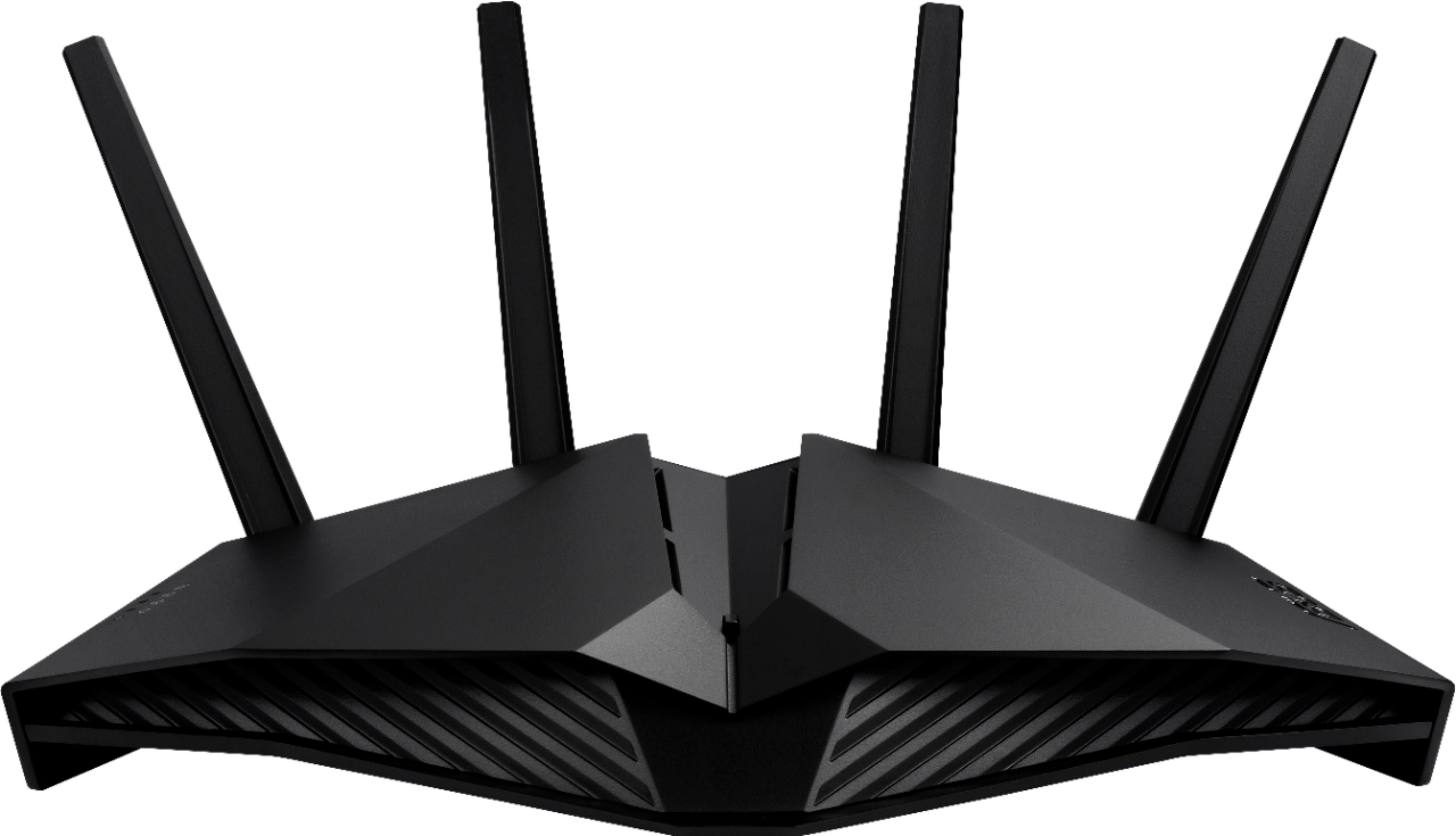
A:AnswerMy answer would be a yes as there should be an ether net port on the modem itself to plug your patch cord into then into the lan port on the router itself
A:AnswerAnswered this several days ago. Unfortunately since then, I’m realizing that it has connectivity issues with kids chrome books. Constantly kicking them off and only solution I’ve found so far is to reset the router. Happens several times a day. Very frustrating with homeschool. All other devices seem fine including ring.
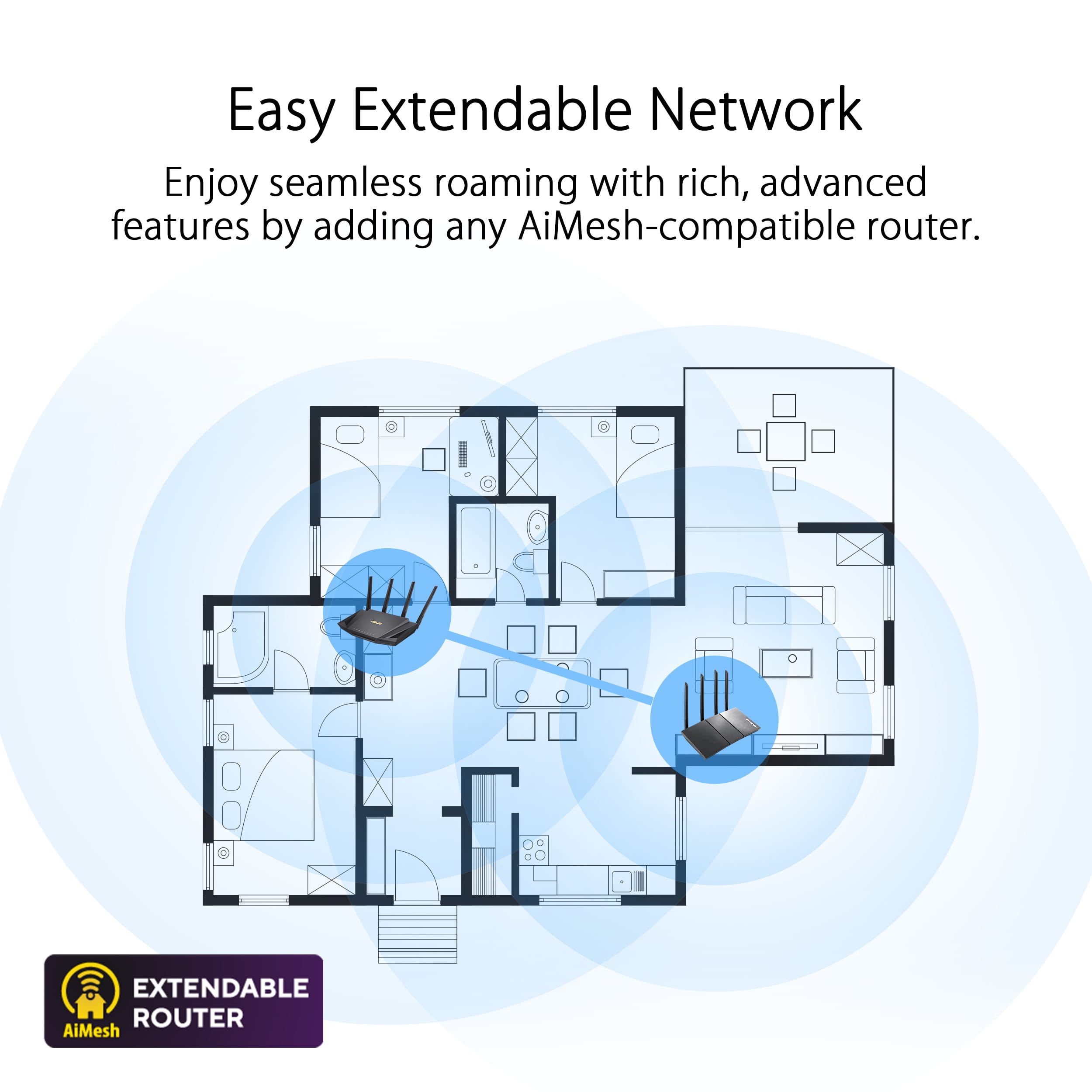
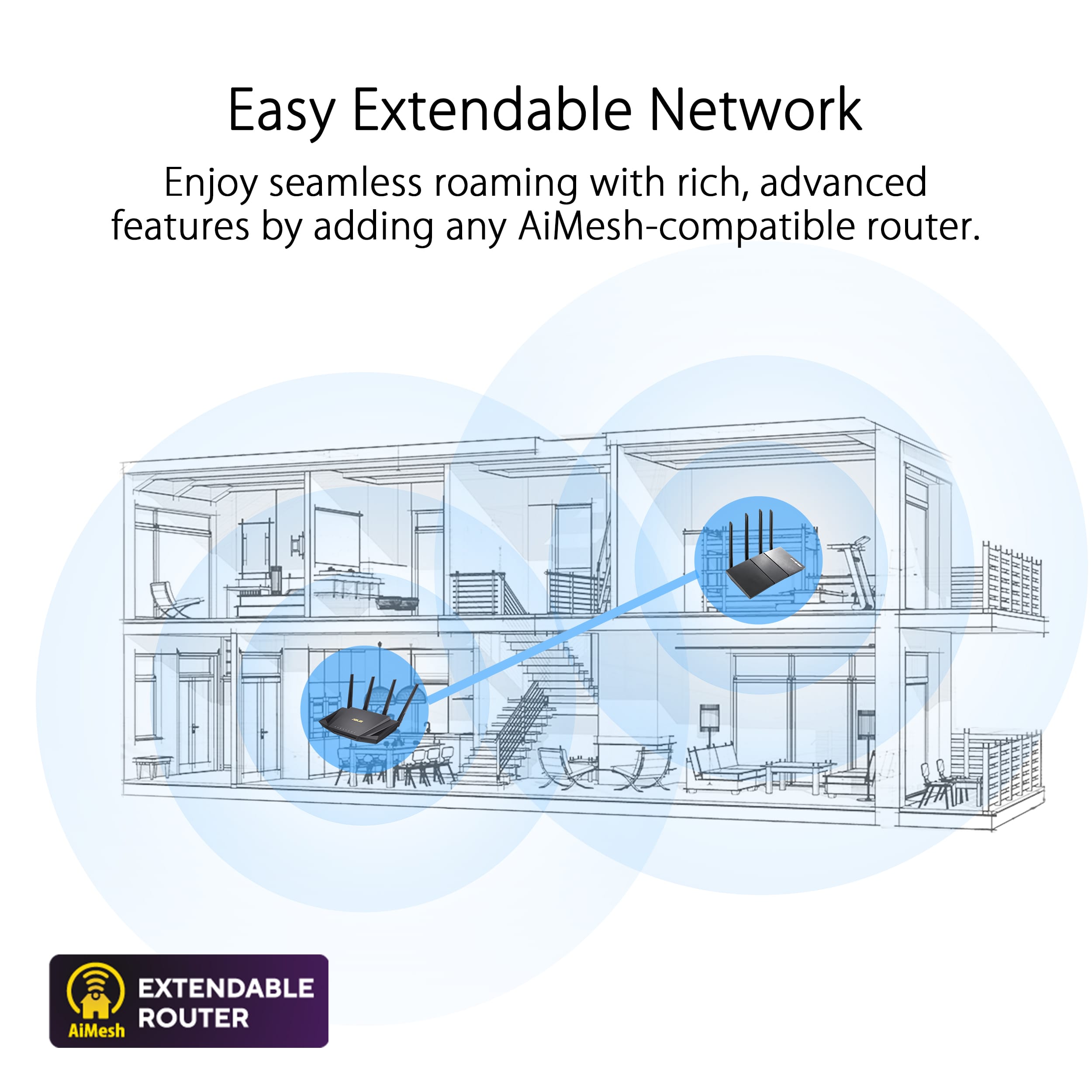
A:AnswerFor my understanding is way much better and less expensive have WiFi extenders than having another router attached to another router doesn’t matter from what carrier, I have two extenders at home and it works perfectly.
A:AnswerYou may need to manually configure the router at first start by connecting it to just your Pc before you plug in the the cable from you ISP modem/router.
Example: Comcast ISP runs a 10.0.0.1 network while ATNT runs a 192.168.1.1 network. This router by default configures 192.168.1.1 network when you first plug it in. Check the IP addresses and make sure you are not having a DCHP configuration issue.
A:AnswerNot marketed to achieve that goal and stock firmware does not indicated supporting this. My prior ASUS RT AC68U was programmable for fail over and fall back.
A:AnswerThat information is incorrect. This is a modem. Not a router/modem. You connect this router to the modem provided by your internet service provider.