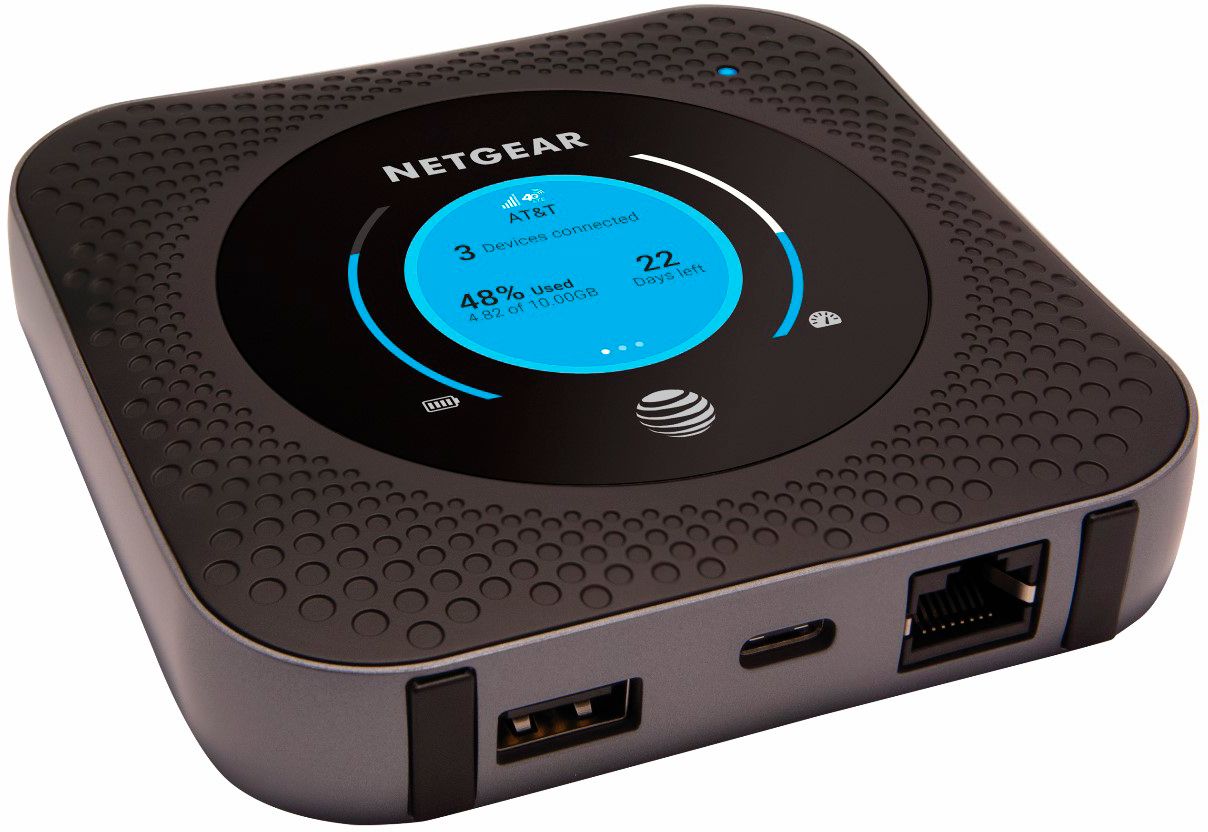
A:AnswerOne of the two channels the device has available says "5G", but as there are not many (any?) consumer 5G networks, I couldn't test to see if it truly can access 5G networks. But yen why would it be an option, right?
A:AnswerThere is an antenna specifically made that works with your router it is sold by antenna gear. Look on their website and you will be able to find the antennas that are sold and endorsed by AT&t. You can also go into the IP address and find the signal strength in dbms and move it around your house until that number is less. The lower the negative number the better example -105 is worse than -95. -95 is better. Hope this helps
A:AnswerYou can always do a factory reset using the button under the battery. And the app uses the admin name and then the password you use during setup to log in without having to go to the 192.168.0.1 website. It will show you the signal strength aloe you to change settings easily. Hope this helps
A:AnswerYes, but you cannot show a direct connection to AT&T on your T-mobile device. Just keep WiFi and hotspot off. Do a speed test, before and after mobile router is activated. I am using it to get a better signal and faster data. Can avoid using hotspot on T-Mobile.
A:AnswerI have no idea regarding your question however beware AT&T does not include streaming as part of their data plan. Big rip off, the device is good but would not recommend AT&T at least as far as this device is concerned.