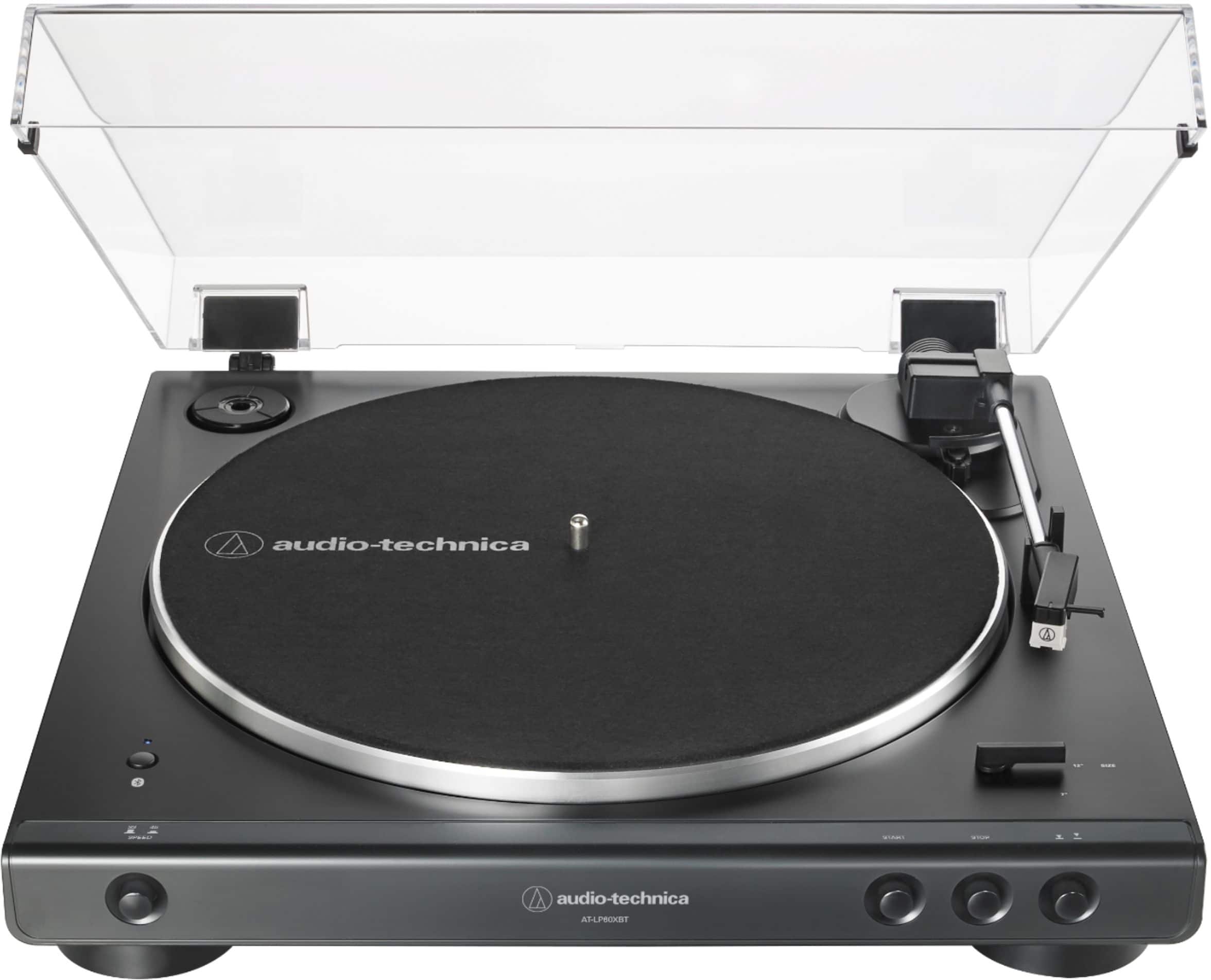
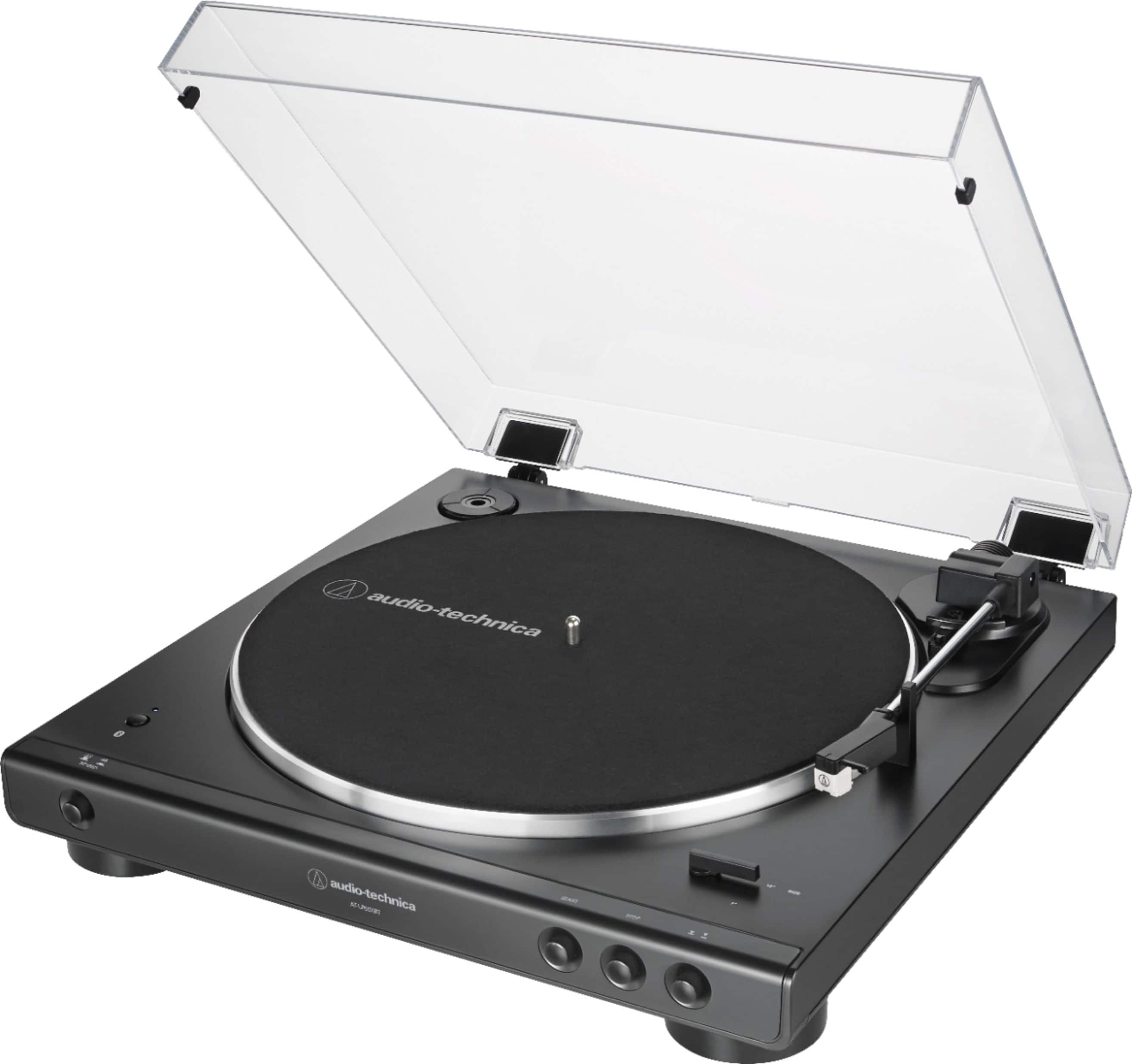
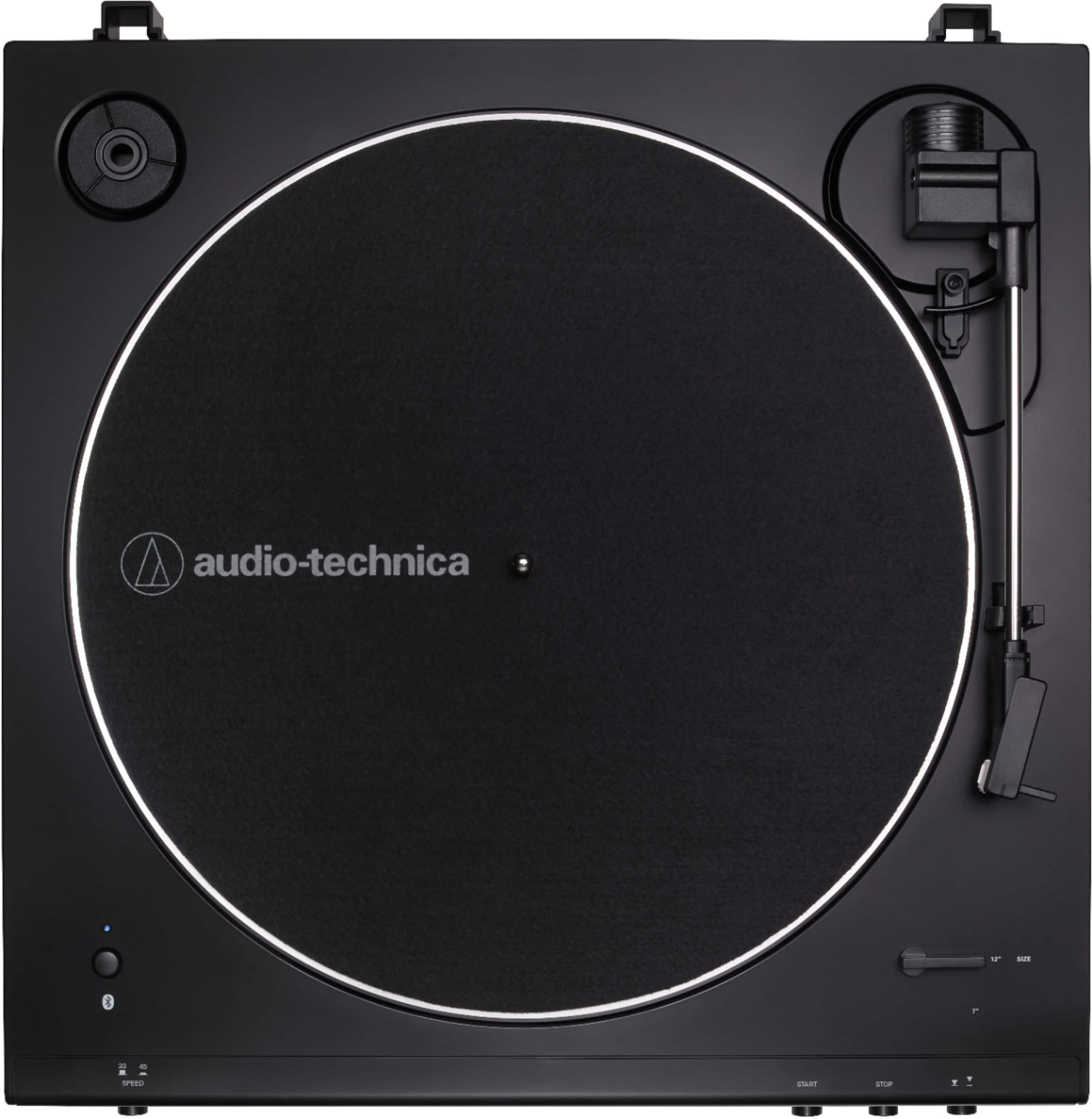
A:AnswerIf the Bose has an AUX IN connection on the back of it, the turntable can be connected there. Make certain to turn the phono preamplifier inside the turntable ON by setting the preamp selector switch on the back of the turntable to the LINE position.
A:AnswerThe turntable will require servicing to correct this problem. Please contact our turntable repair department at (330) 686-2600 extension 5009 for further assistance.
A:AnswerWhat kind of inputs does the Demon have? WOW! 901's? Did you get them from Fred Flintstone.... HA HA. Just kidding. I've had Bose in my life forever. Even 802's in my band.
A:AnswerHi, Thanks. This does not work. I chose "forget this device" on my MacBook which is the only other device I've connected with the speaker. The turntable just alternates between flashing blue (quick press of bluetooth button) or red/blue flashing (longer press of the bluetooth button) and eventually solid red again.
A:AnswerJust turn on the Bluetooth speaker and then press the Bluetooth connection button on the turntable. The button will be red, then flash and turn blue when it connects. Connecting is very easy.
A:AnswerYes this turntable has headphone jack out to connect to other devices. It has a headphone jack to rca jacks cable. It also connects via Bluetooth.
A:AnswerNo, it does not. You have a couple of options for connecting the turntable to the 3.5mm Stereo audio in jack on the back of the Sonos Five speaker. You can either add a dual RCA (female) to single 3.5mm male stereo mini-plug adapter (or adapter cable) to the provided cable, OR you use another cable in place of the provided cable. This cable would need to be the 3.5mm male stereo mini-plug to 3.5mm male stereo mini-plug type cable. Make certain that you set the preamp selector switch on back of the turntable to the LINE position.
A:AnswerThe turntable does not have any tone or volume controls on it. If you are connecting the turntable directly to powered speakers, we recommend using a model that has an easily accessible volume control and some degree of tone control on it.
A:AnswerIn automatic 7 inch and 12 inch records. Speeds 33 1/3 and 45 rpm. Other size records can be played but the stylus would have to be manually dropped at the start. It will not play 78 rpm records.