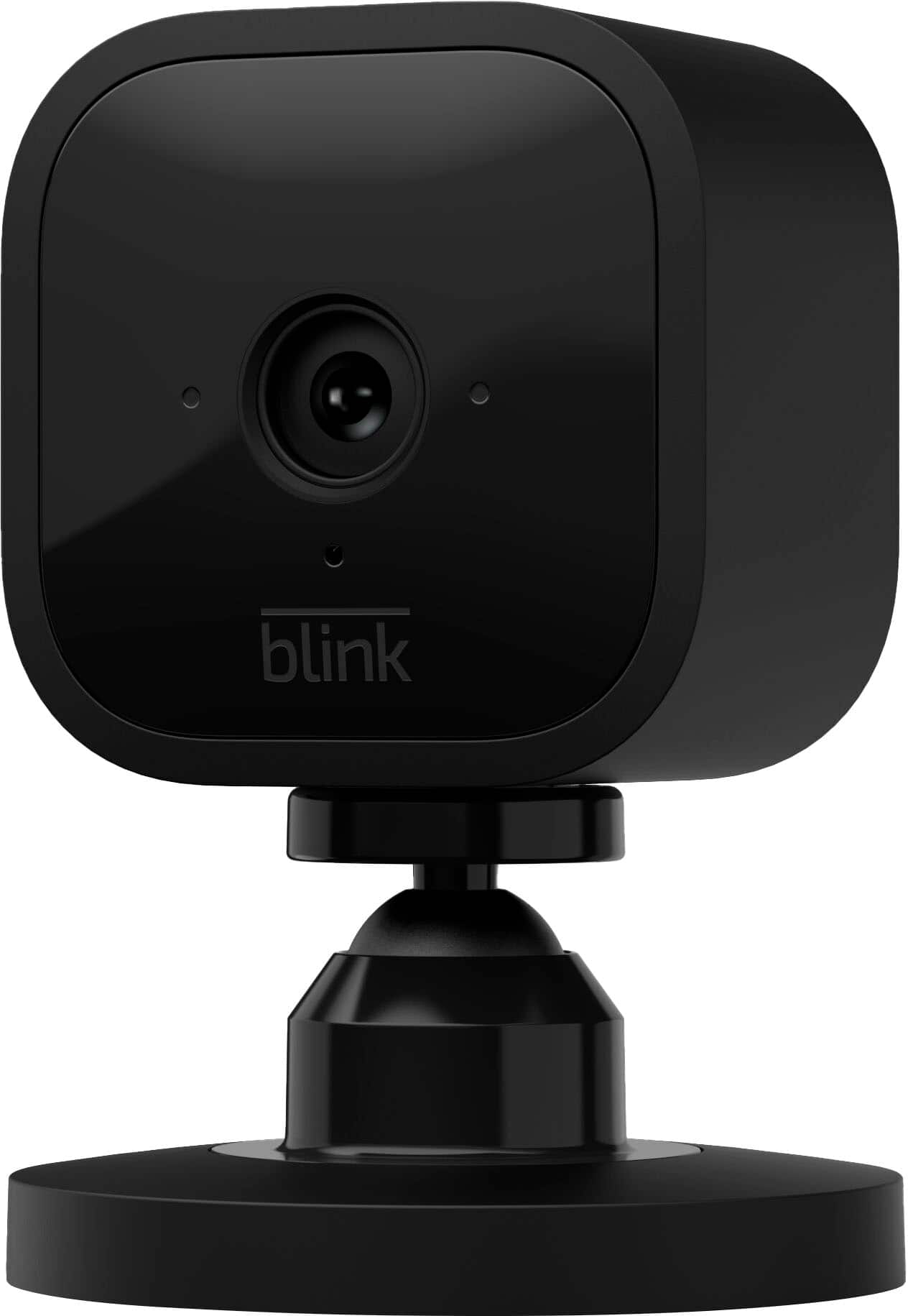
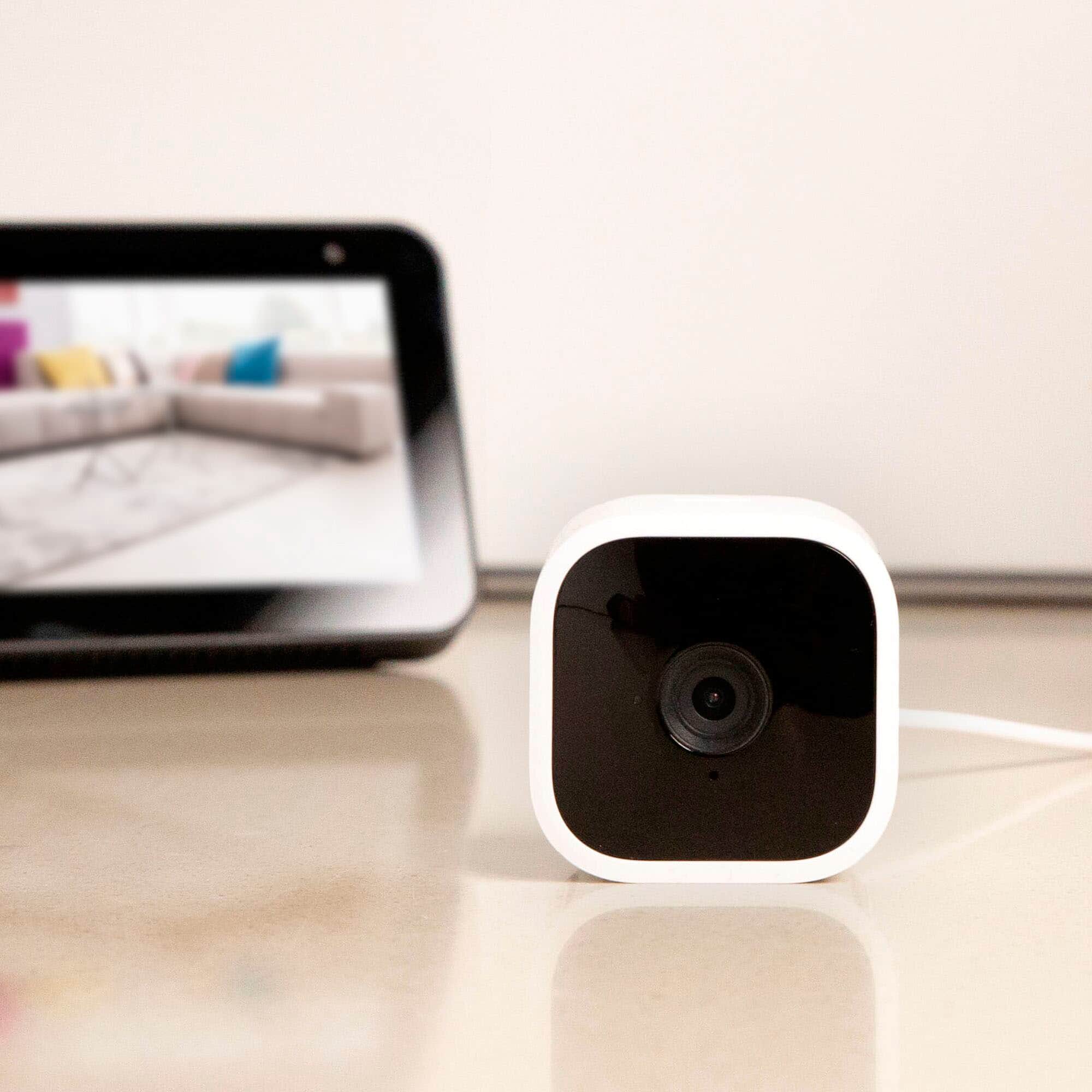
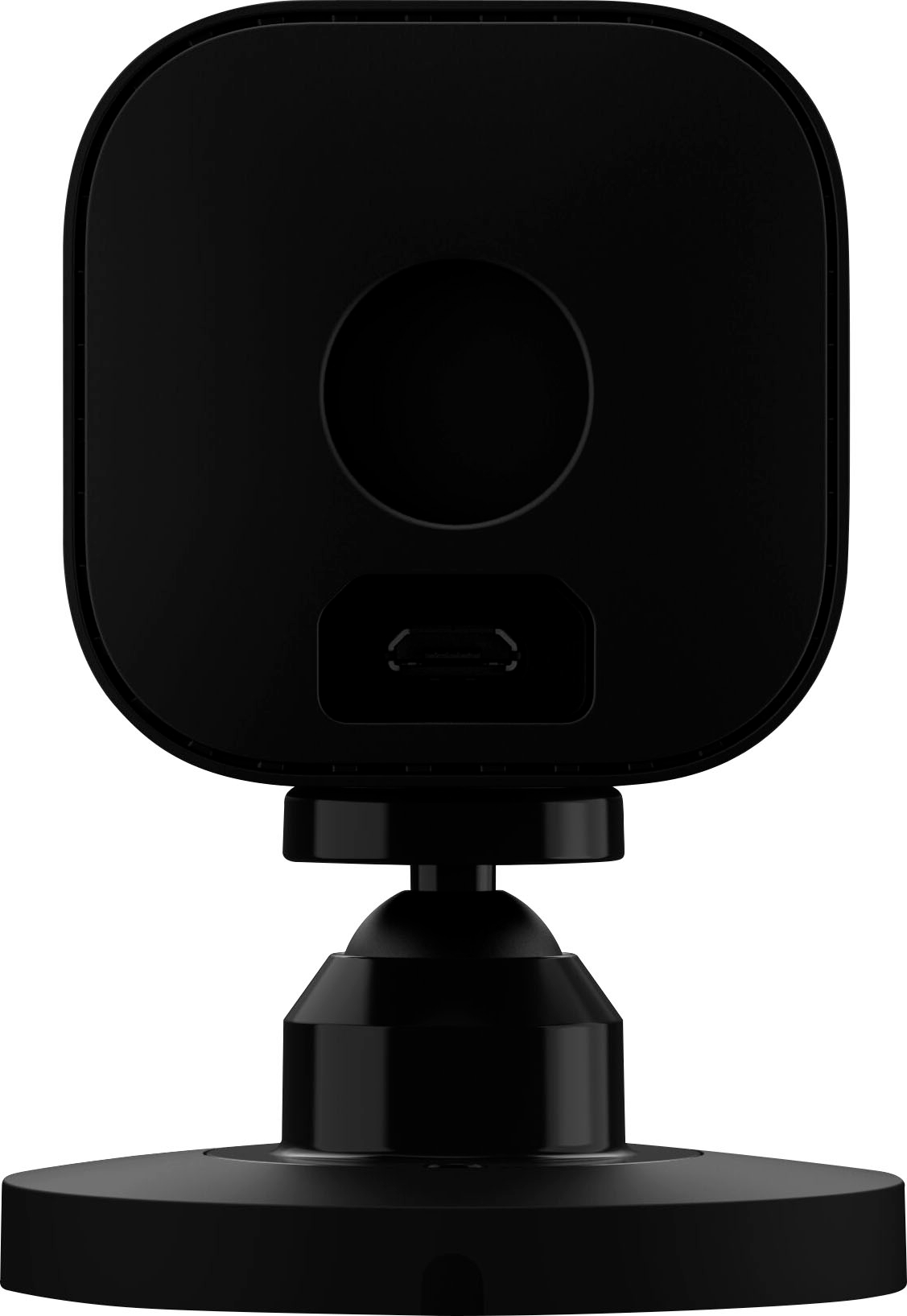
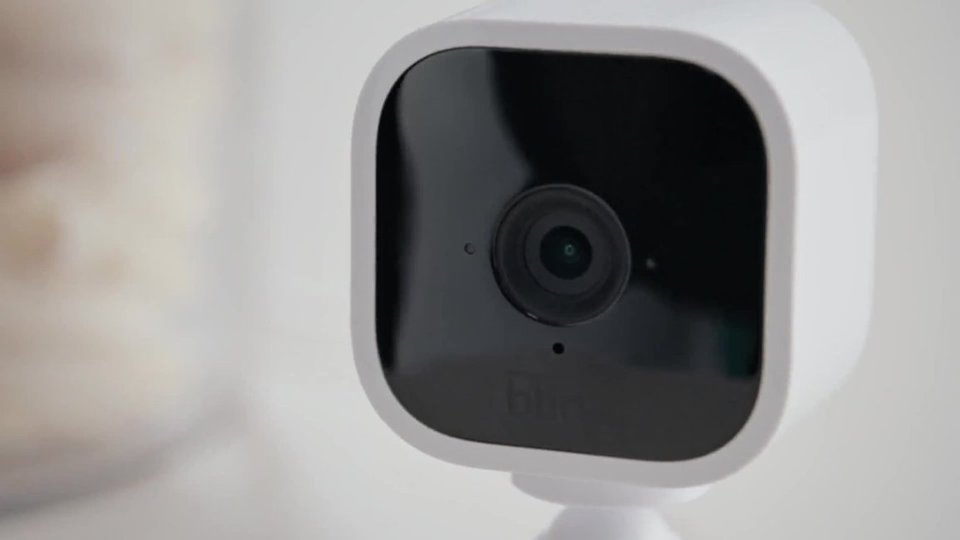
A:AnswerYes, you may, as long as the camera has been programmed into the Blink app. When you re plug it, it will reappear. If it has not been programmed into the Blink app, you will have to do so to view.
A:AnswerI know nothing about the phone ringing when you go to your camera but it is a useful thing to that they send you a notice via blink ring or vibrate that your space has been invaded
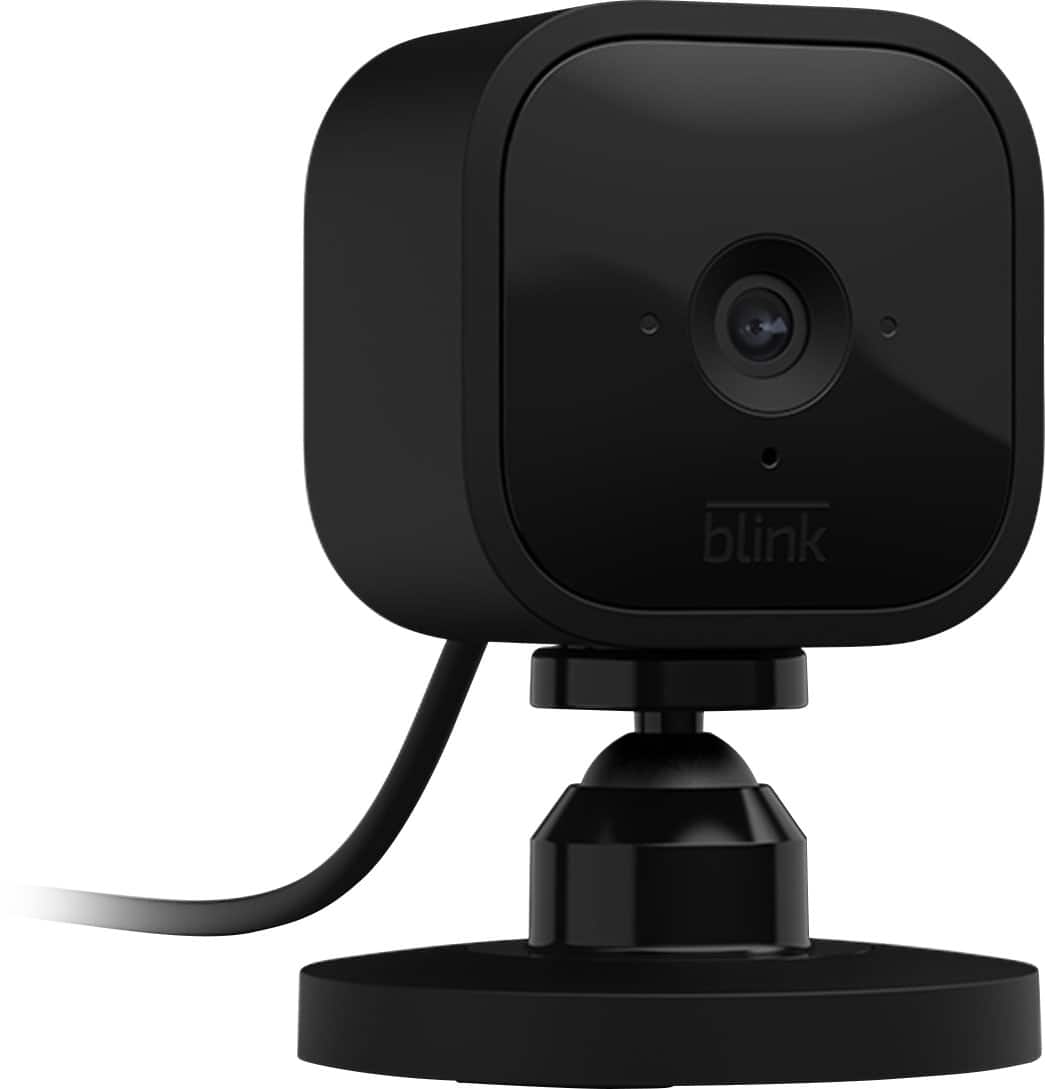
A:AnswerFrom what I've noticed.... Blue means it's sensed something and is recording. Red is someone watching the stream on their phone or an Alexa device (its always red when my fiance is talking to me through his phone) or is on when the camera is not connected to internet.
A:AnswerYou should be able to link 10 cameras to the module and the blink mini cameras are a good option for indoor if you decide you want the 5th one outside.
A:AnswerProbably so, but why not install an SD card in the module. Up to 128GB and that will save all your clips and then you can download them to your computer all at no charge.