A:AnswerOurs is hooked up to Alexa, but I can ask Google Display to play a certain song for my cat at home while I’m at a hotel, and then tell Google to turn the music off…works great!!
A:AnswerI was advised to change my WiFi to Unlimited Svr to cover “All Devices “ Cameras, Door Bell, etc
Yes! It has continually recorded, once it set to armed
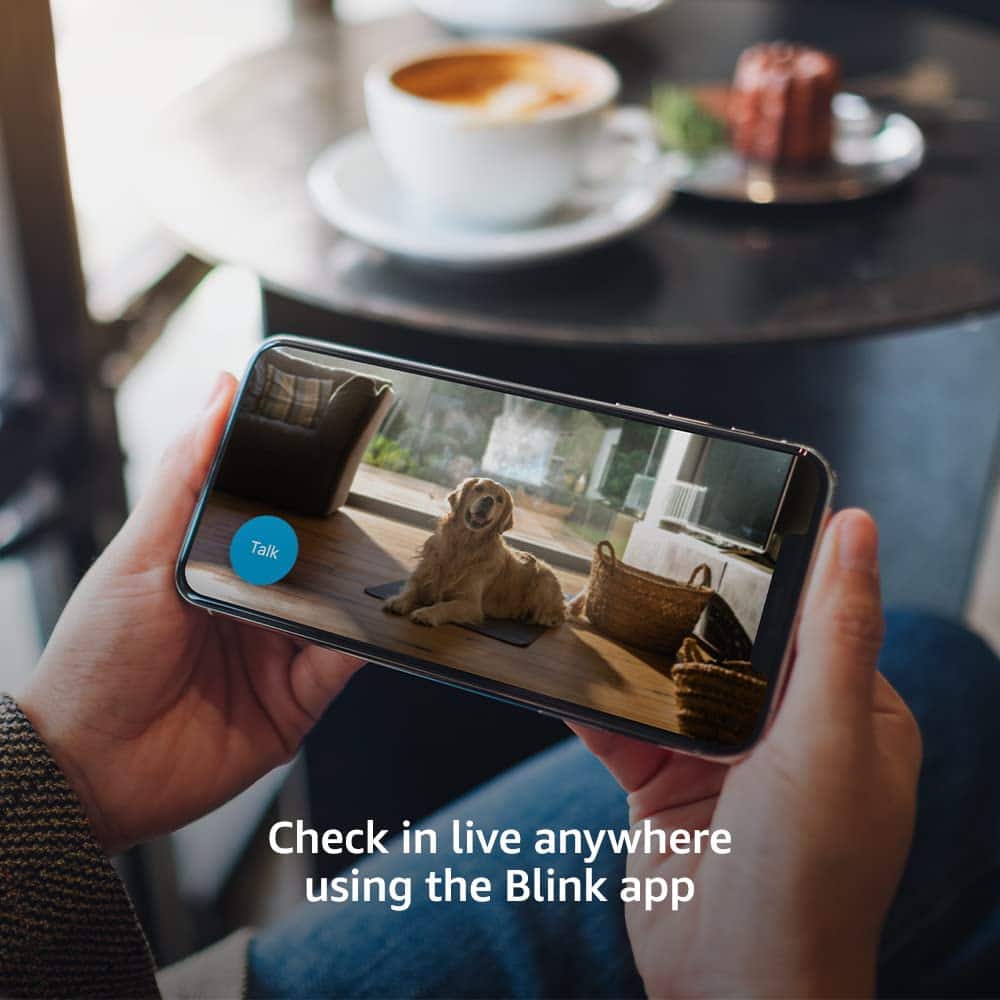
A:AnswerI haven't not been oversea but I would say YES. That is the whole purpose of having these camera, being able to watch your house during vacation.
A:AnswerYes, if you want to keep videos. The price varies depending on your preference. It is $3 per month or $30 per year for each device or $10 per montn or $100 per year for unlimited devices.
A:AnswerThe camaras have motion detector. It alerts me when my toddlers moving in their cribs. So it will alert you when your parents wake up at night. I can also speak to them through camaras.