A:AnswerHello, thank you for your question. Best Buy sells Blink cameras and systems but directs customers to Blink Support or Amazon to purchase the actual Blink Subscription Plans, which are sold separately from the devices and are not required to use basic features like live view and motion alerts. You can opt for a Basic or Plus plan with monthly or yearly options for cloud storage and other advanced features. I hope that helps, have a great day!
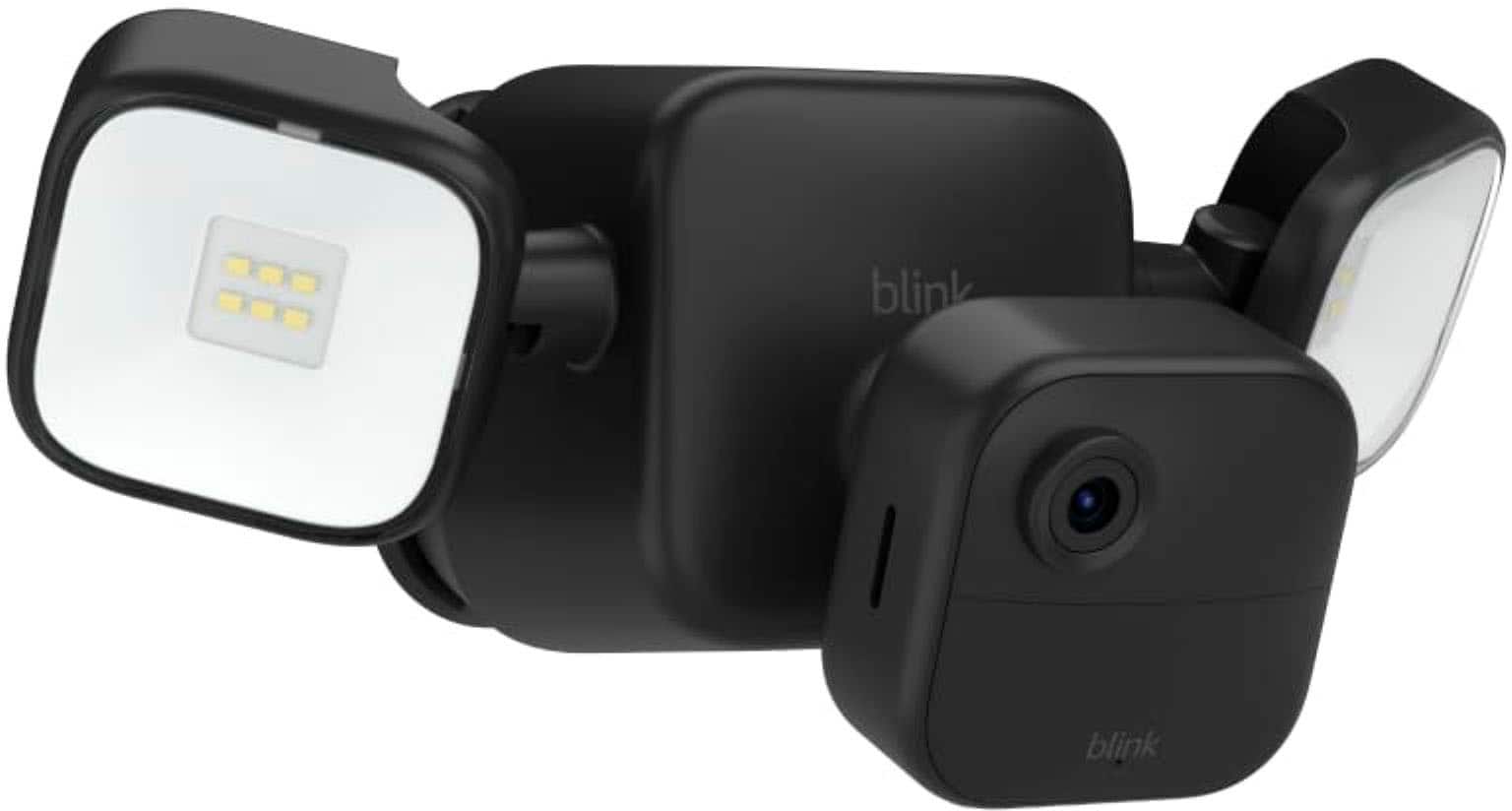
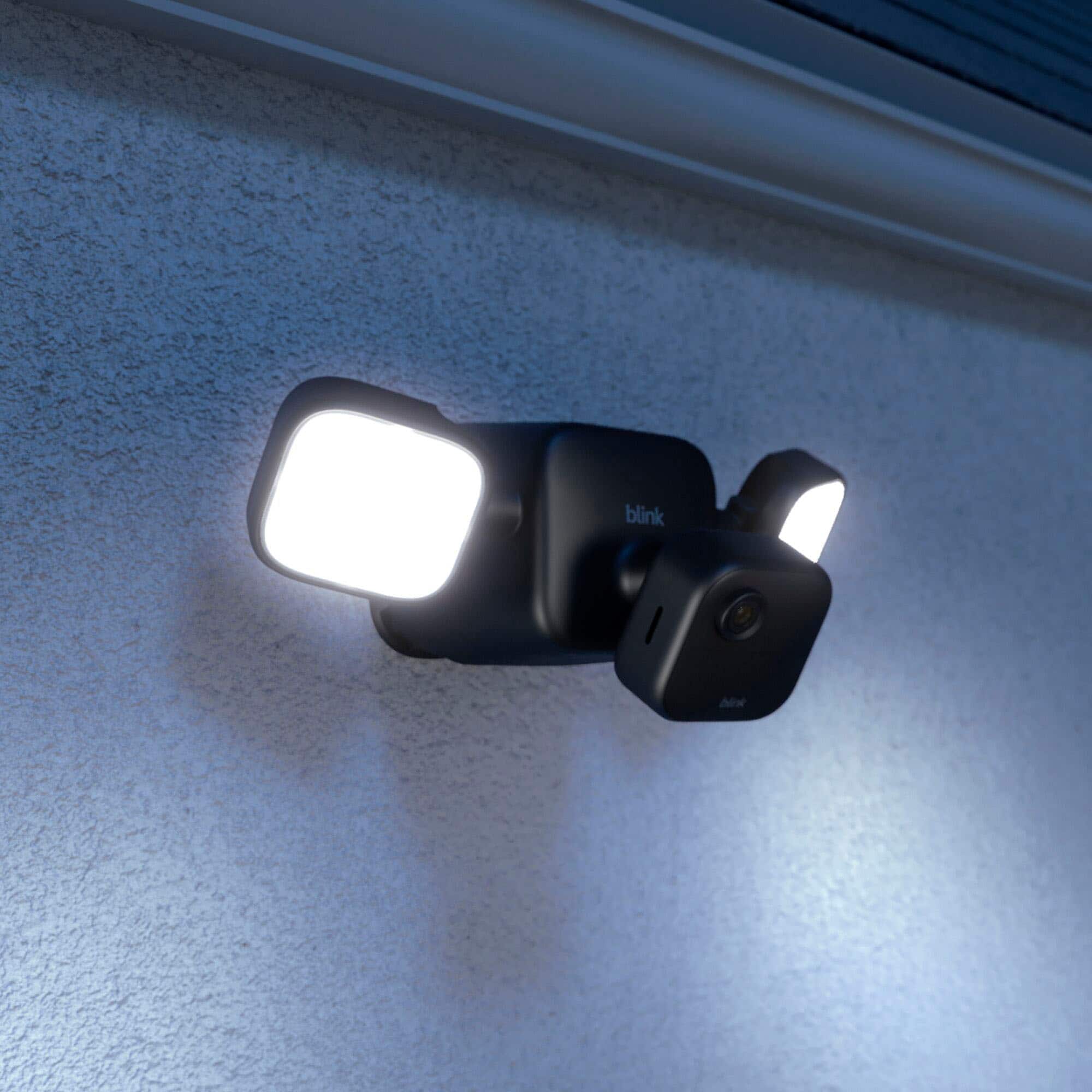
A:AnswerHello OneChaCha, thank you for your question. If your Blink Outdoor 4 floodlight isn't turning on with motion, even though you've confirmed it's battery-powered, first ensure the battery pull-tabs are removed for proper contact. Then, check the battery level and replace them if needed. Verify the floodlight's settings within the Blink app, particularly the daylight sensitivity and auto-shutoff timer. Also, make sure motion detection is enabled and the camera is armed. If problems persist, try repositioning the camera, ensuring it's not near other light sources, and consider resetting the camera. I hope that helps, have a great day!
A:AnswerHi SteveB! The Blink Outdoor 4 must be set up through the Blink proprietary app and does not work within the Blink app. Hope this helps. Have a great day!
A:AnswerHi there!
Expected battery life is up to 2 years based on default settings. Battery life will vary based on device settings, use, and environmental factors. To learn more please follow this link https://support.blinkforhome.com/en_US/f-a-q/how-long-do-the-indoor-and-xt-camera-batteries-last
A:AnswerHi Ginny! Yes, the Blink app is available through the Apple App Store. Just download the app and set up your login credentials. Hope this helps, have a great day!
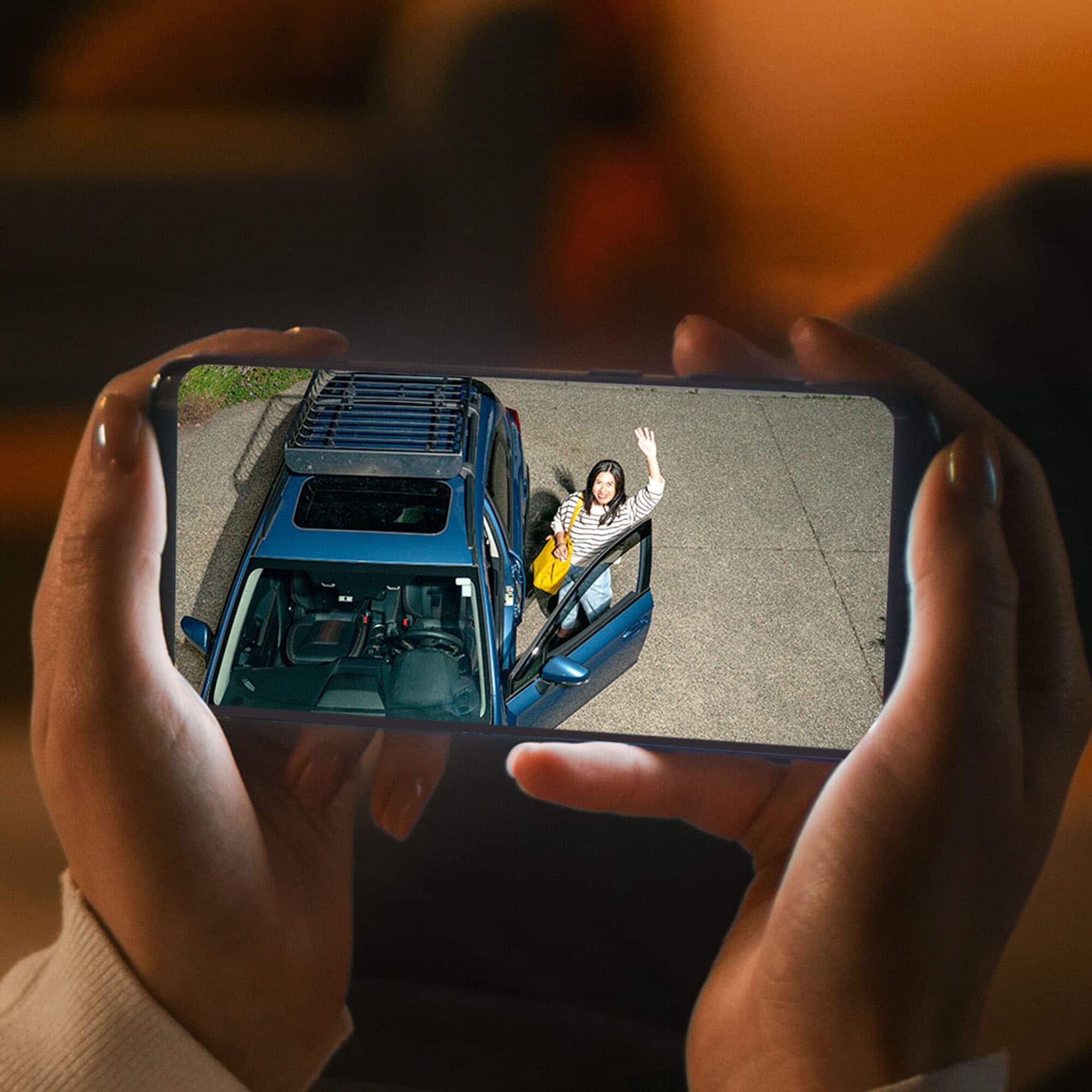
A:AnswerBlink currently does not offer 24/7 video recording. The Blink system works when motion is detected, it will then trigger a video recording. You can also access live view as well.