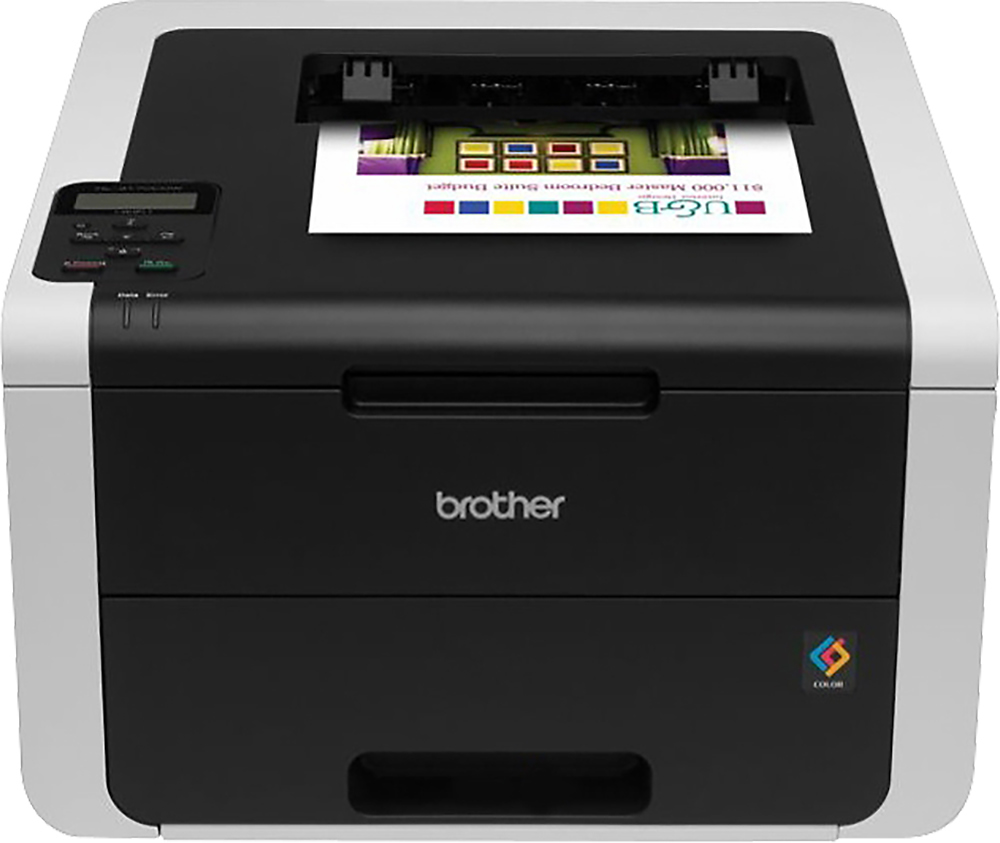
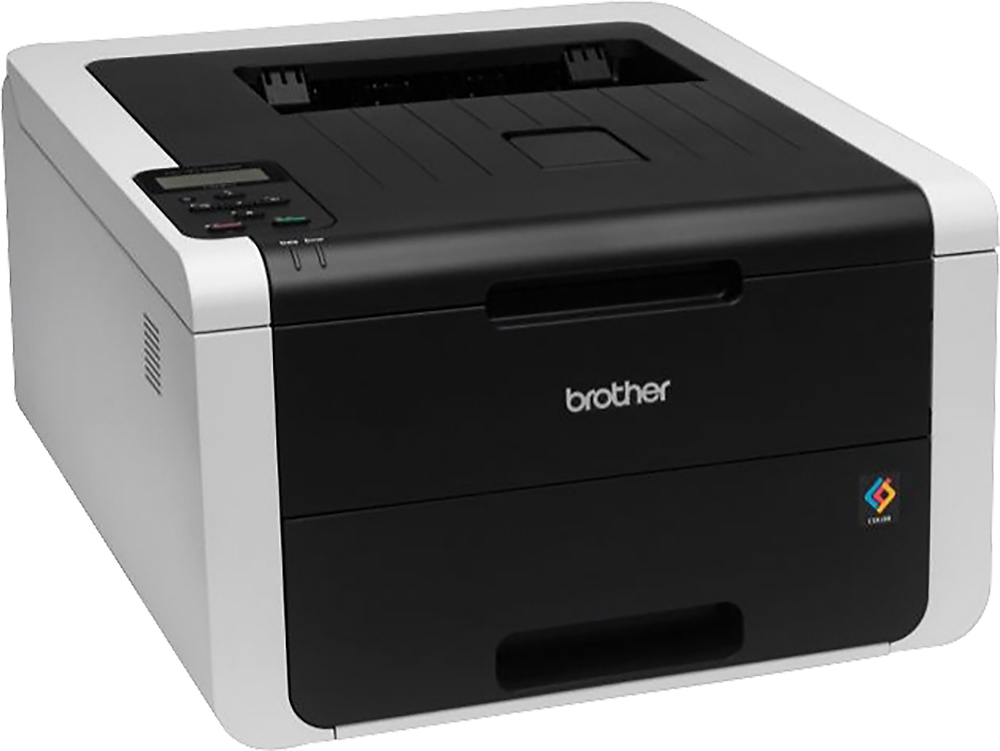
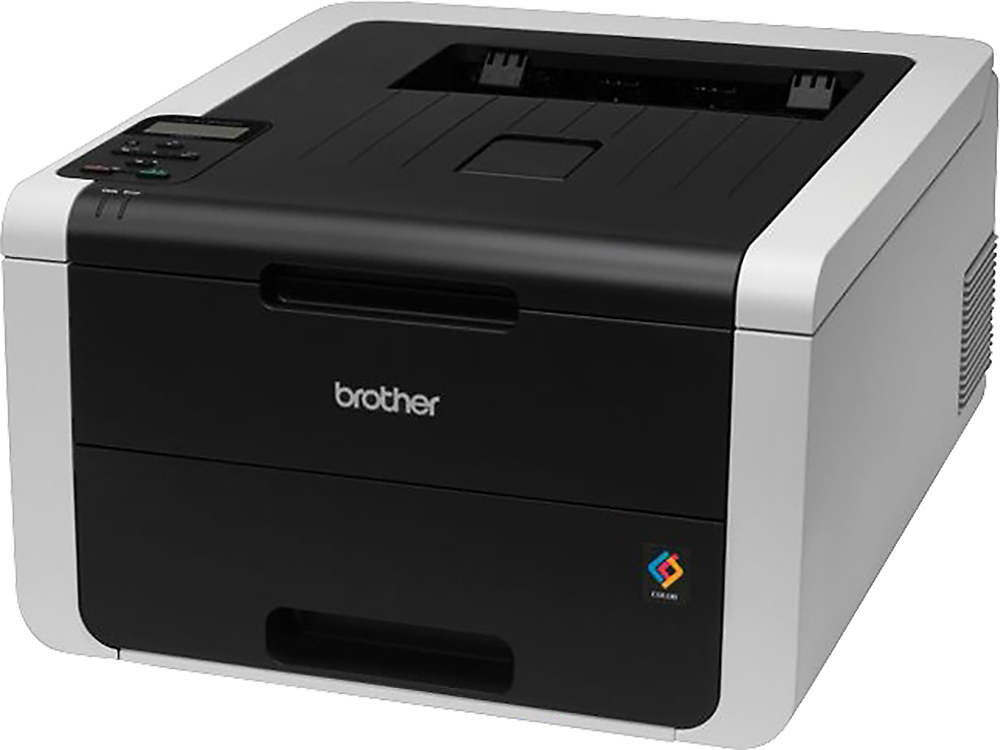
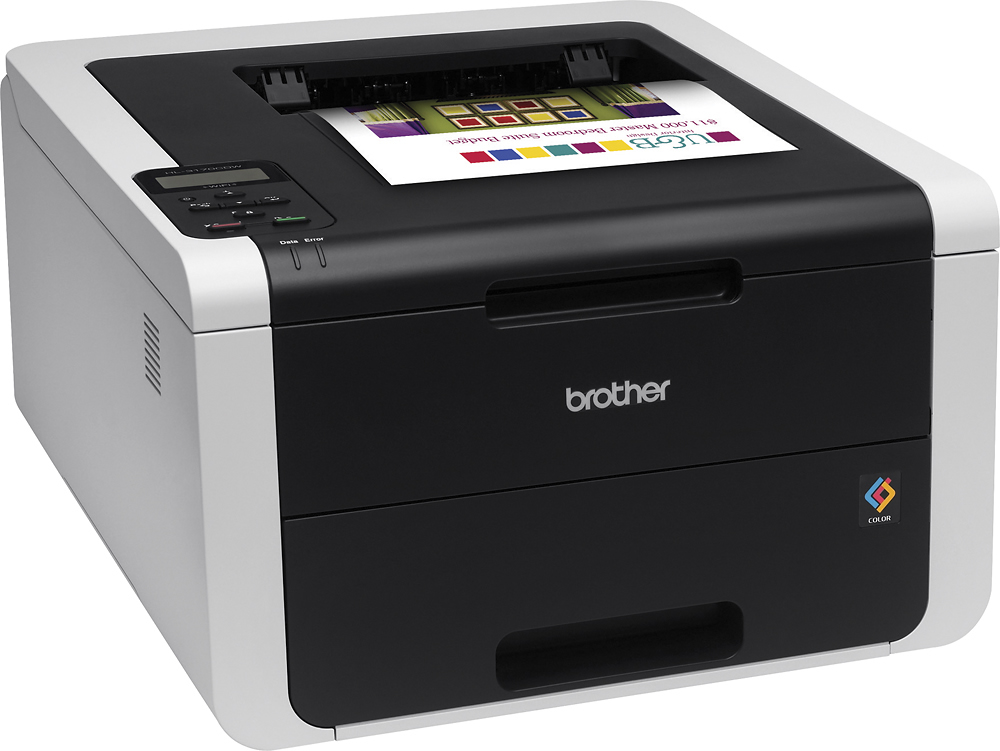
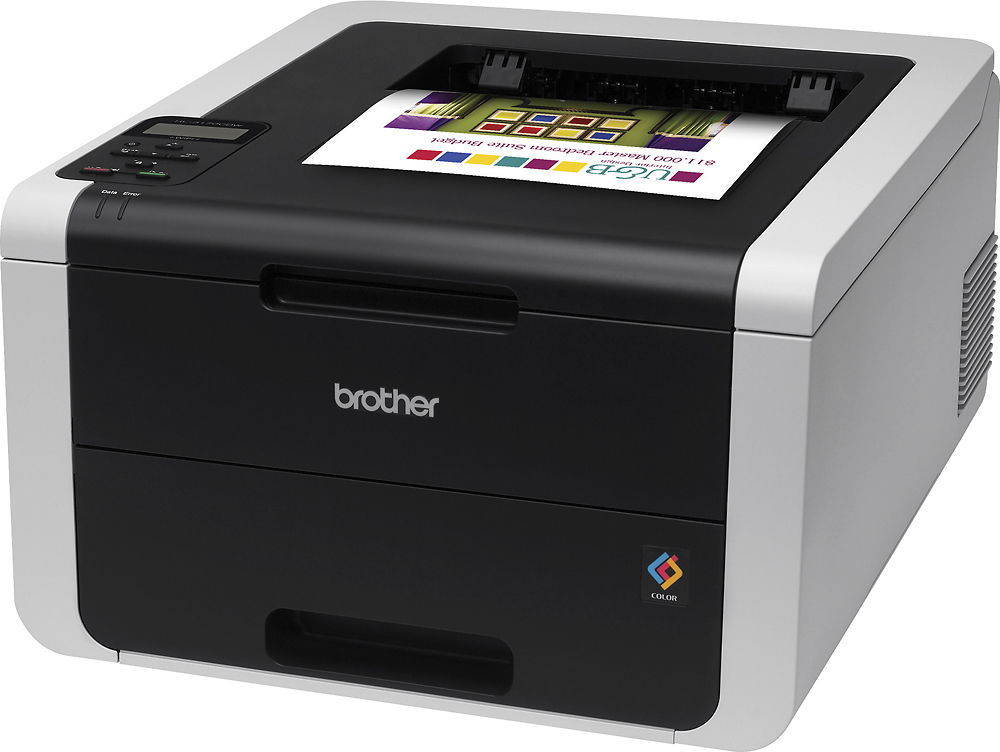
A:AnswerIt does not use ink cartridges. It uses toner. Unlike ink, which goes on wet, has to dry, clogs the print heads and dries out if left inactive for a period of time, this devices uses dry powdered toner in cartridges that is fused onto the paper by a heated element. It can be left inactive for extended periods and does not clog. The life on the supplied cartridges appears to be about 15,000 plates. Plate=one side of a sheet of paper, it auto-duplexes. Print quality is decent, call it "business class", not photo quality.
A:AnswerNo, it doesn't scan or make copies. However - if you have a smartphone, you can easily use the TurboScan app and scan the document in color, and then (if you have an iPhone) AirPlay it back out to the printer easy peasy.
A:AnswerMy original black toner cartridge printed over 4000 pages on "toner save" setting. All copies were clear and crisp and did not appear to be "draft" or light copies. Have just replaced that cartridge so can't say how long this one will last. I haven't used color printing yet.
A:AnswerYes. Connect the printer to your WiFi network. In Windows, you add a printer and choose the option to add a network printer. Windows will search the network and find the printer. Tell Windows that it's the printer you're looking for and Windows will download/install the driver.
A:AnswerYes, it comes with cartridges. You can get non name brand cartridges for a lot cheaper than the Brother and they really look as good. A whole set of all four colors for 38 bucks.
A:AnswerBrother recommends using 3M transparency sheets with the product code CG3300. Brother claims the risk of other transparency sheets melting because of the intense heat inside the printer may damage the printer. Brother Solution Center
A:AnswerThis printer uses "Laser Toner Cartridges"; the black cartridge has an advertised yield of 2500 pages and the color cartridges are advertised as having a 1400 page yield.
A:AnswerYes but make sure you use transfer paper designed specifically for laser printers. I have used opaque laser transfer paper & ultimate print light transfer paper bought from Stahls and had no issues. Go to www.transferpaperexperts.com they have a variety of transfer paper.
A:AnswerUnfortunately this model is only capable of printing right butt cheeks. You should try the 9340CDW as I’ve heard it can print both left and right.