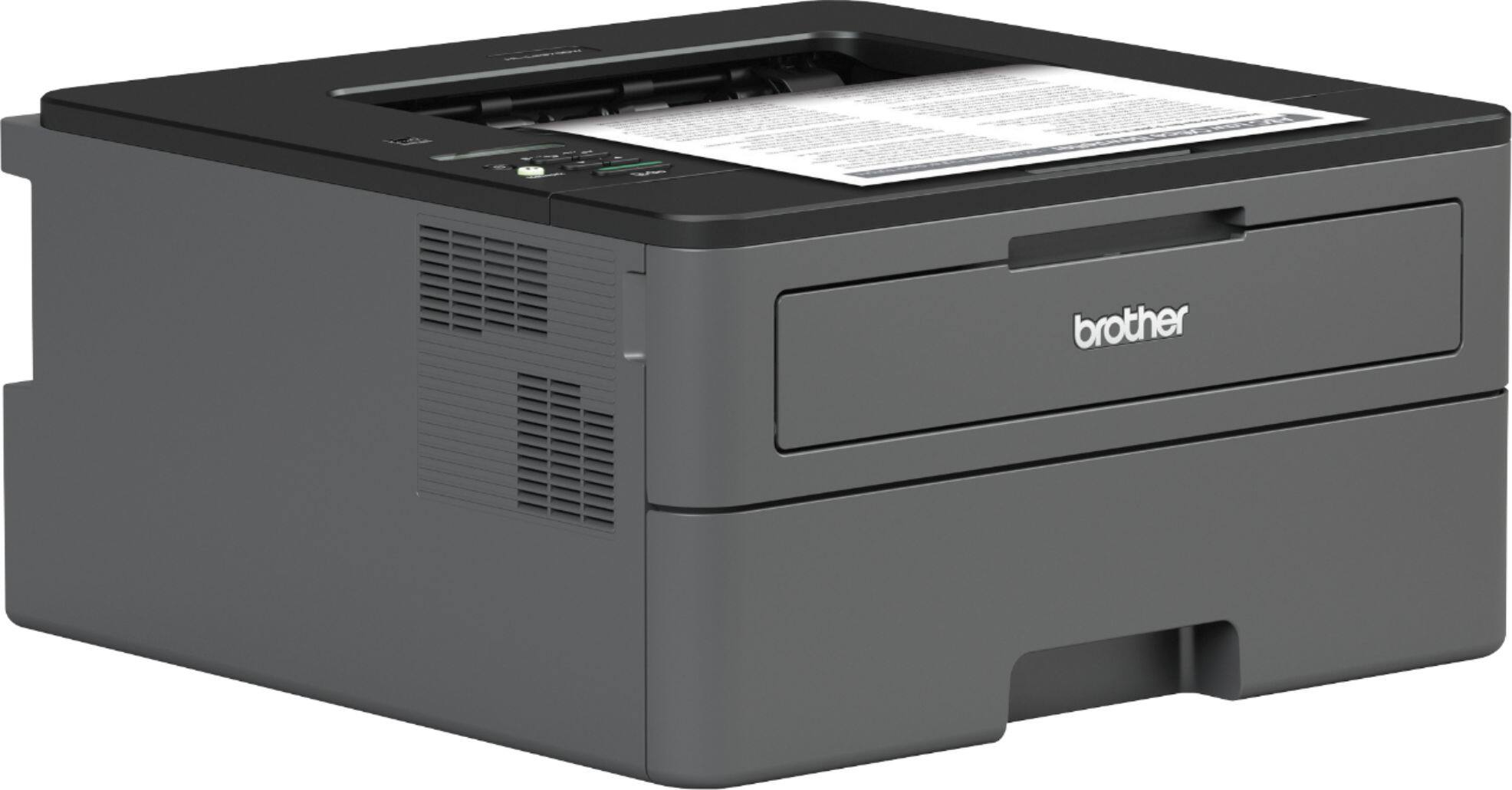
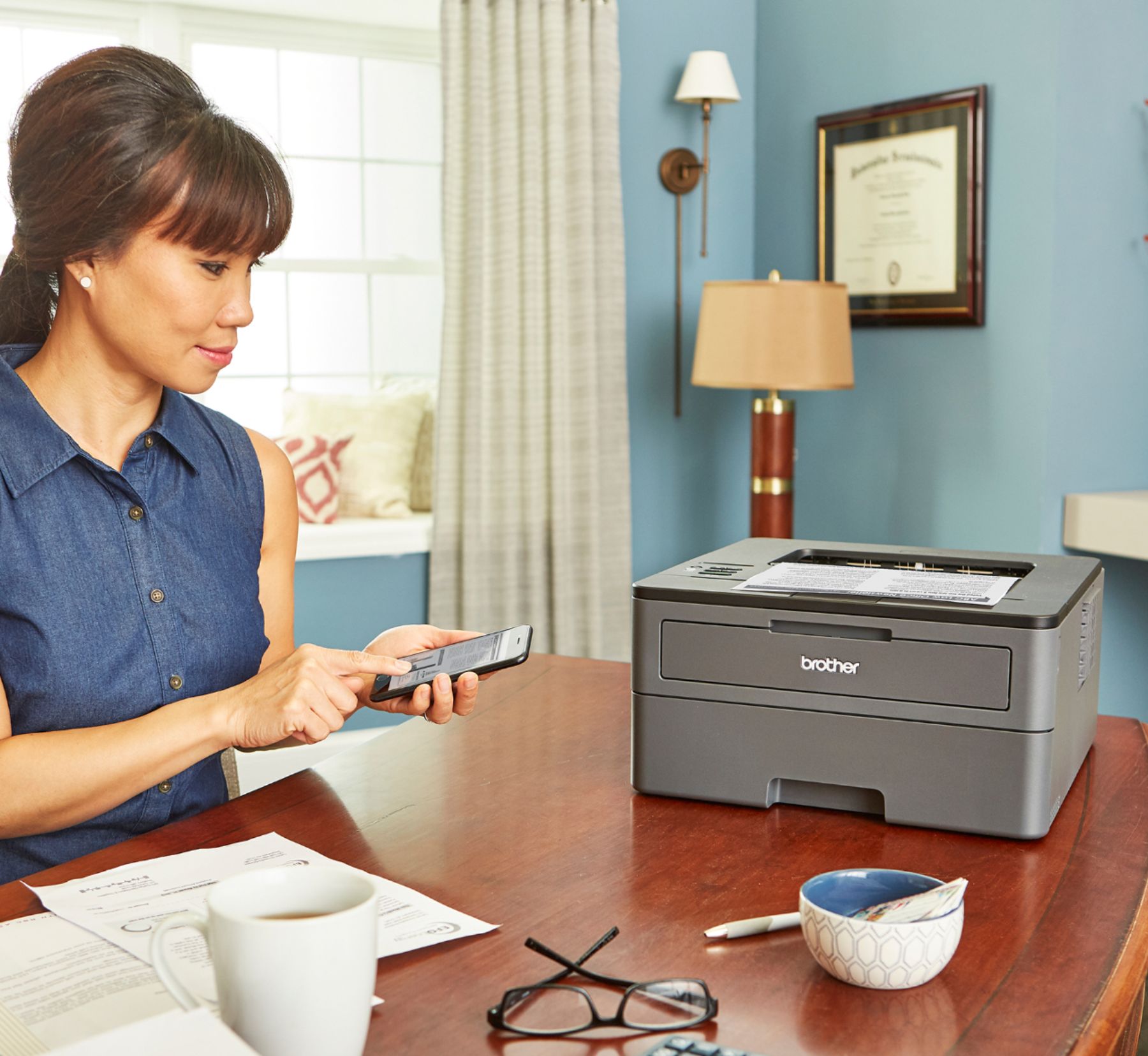
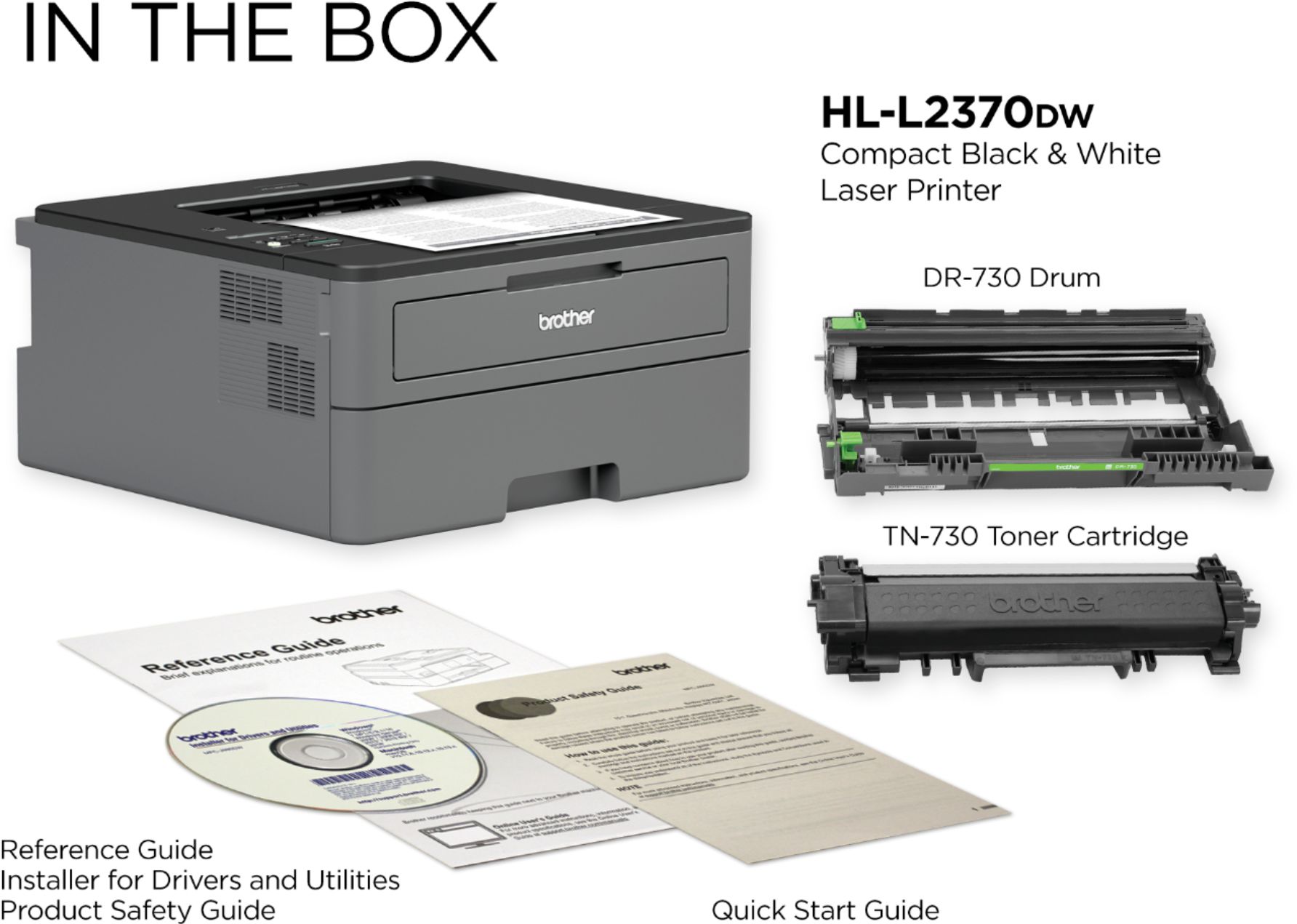
A:AnswerI use Apple and my MacBook Pro which is new doesn’t have CF ROM drives any longer. It came with a CD but didn’t need it for my iPhone and MacBook to work. I just simply plugged the printer in, read how to connect it to wifi, which was done by the press of one button, boom, it was available on all my devices since it is accessible via home network. If CD doesn’t include the drivers you need, go to Brother’s Tech Support page and I am certain the driver is available for simple download and then install. I suggest this printer, well worth the value and the toner which came in the box lasted about 500-600 crisp printouts, just ordered a new toner for it and paid $35.00, which prints about 1300 copies!!!
A:AnswerI have an all-in-one ink jet that dried out fairly quickly between use. I have a college student still at home (not for much longer!). The ink jet was too problematic with the ink drying out between uses. This brother printer is reliable and hard working. It has not dried out at all. Also, it connected to my WiFi easily. We’ve moved it between a few different rooms and it continues to reconnect each time.
Very very happy with this copier! Highly recommend !
A:AnswerWorks just fine on my WPA secured network. I had to set it up using the operations panel on the printer, so a pain to enter the strong WiFi password I use, but once done, it works great.
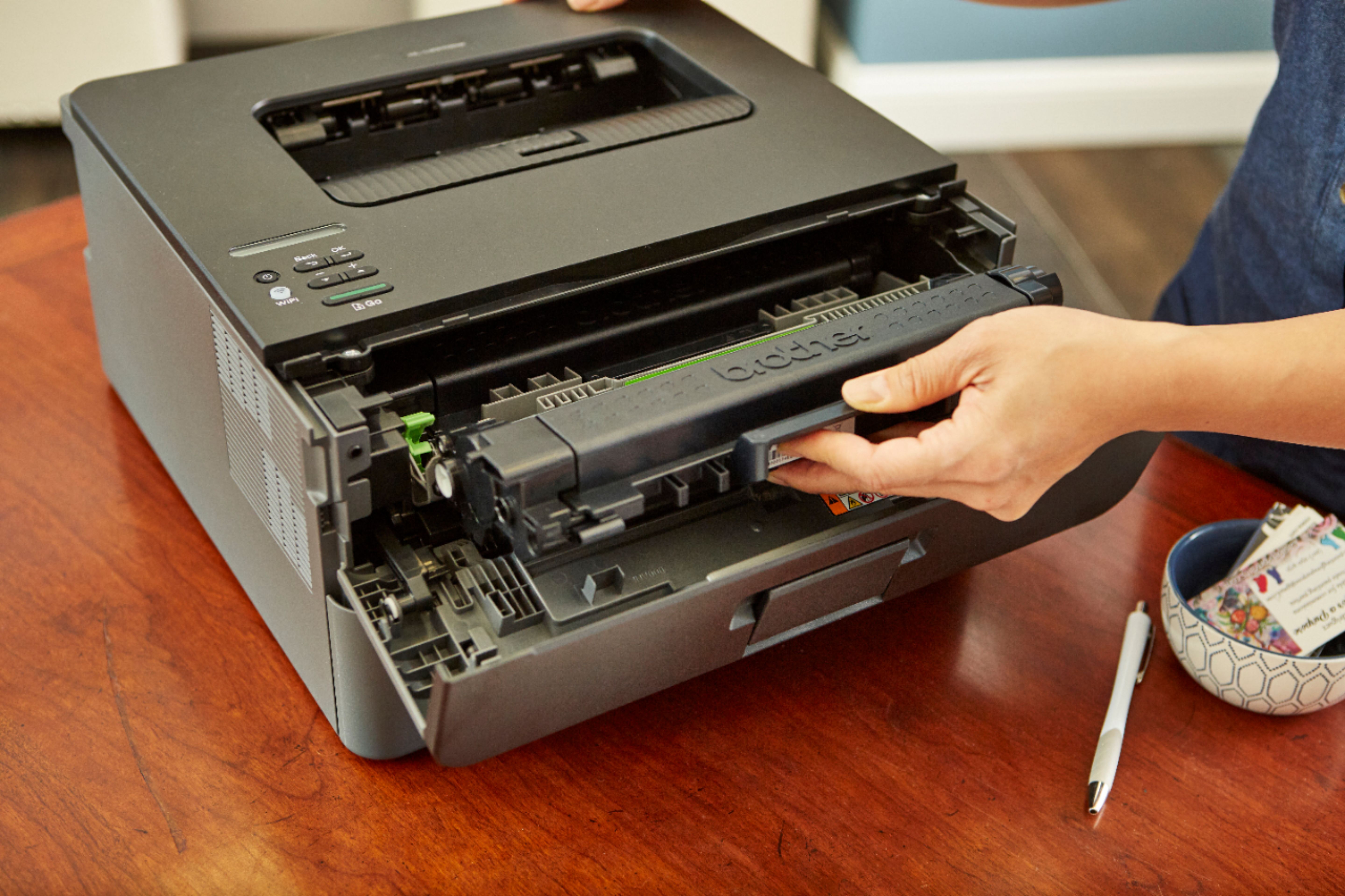
A:AnswerAll printers communicate with print cartridge. A cartridge without a chip is made by someone other than Brother otherwise known as re-manufacture. Sometimes they
work and sometimes they do not.