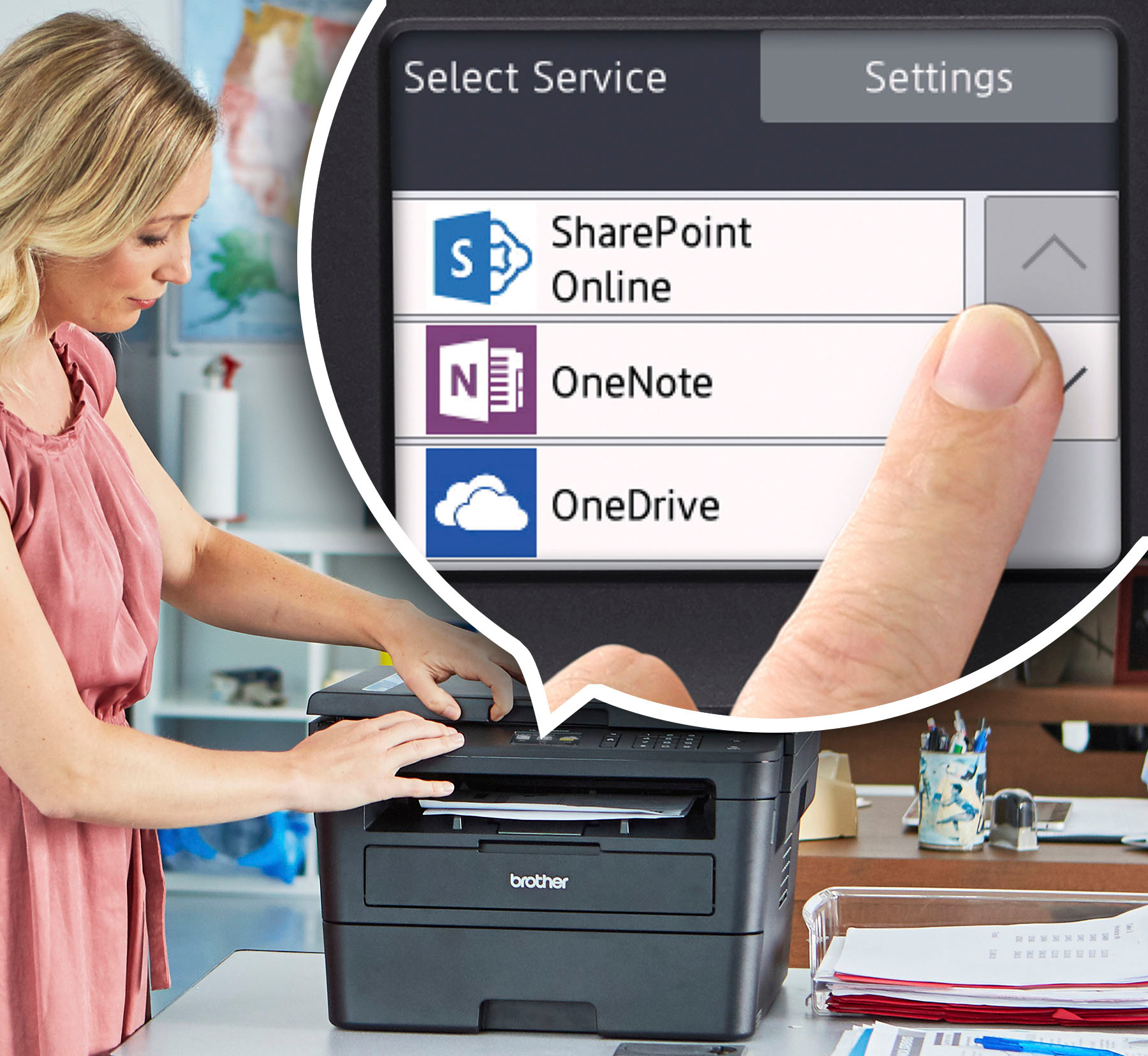
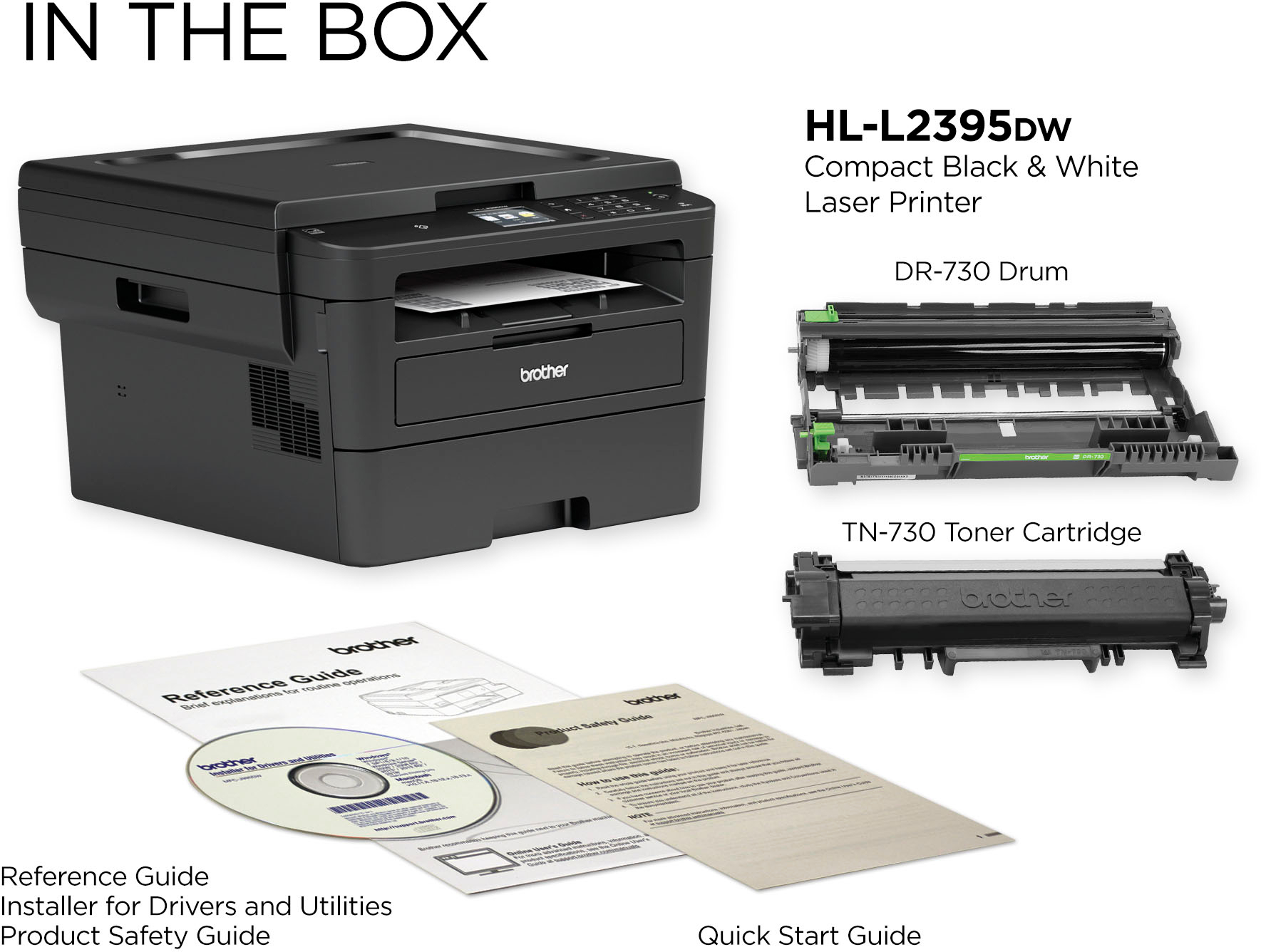
A:AnswerNo usb included, but you don't need it. It has wireless connection, and it actually works very well.
I have this connected to my android phone, a tablet, a chrome book, and a regular hp laptop.
All wireless and functions perfectly, very clean set-up. Just follow instructions, downloading the brother I-print app
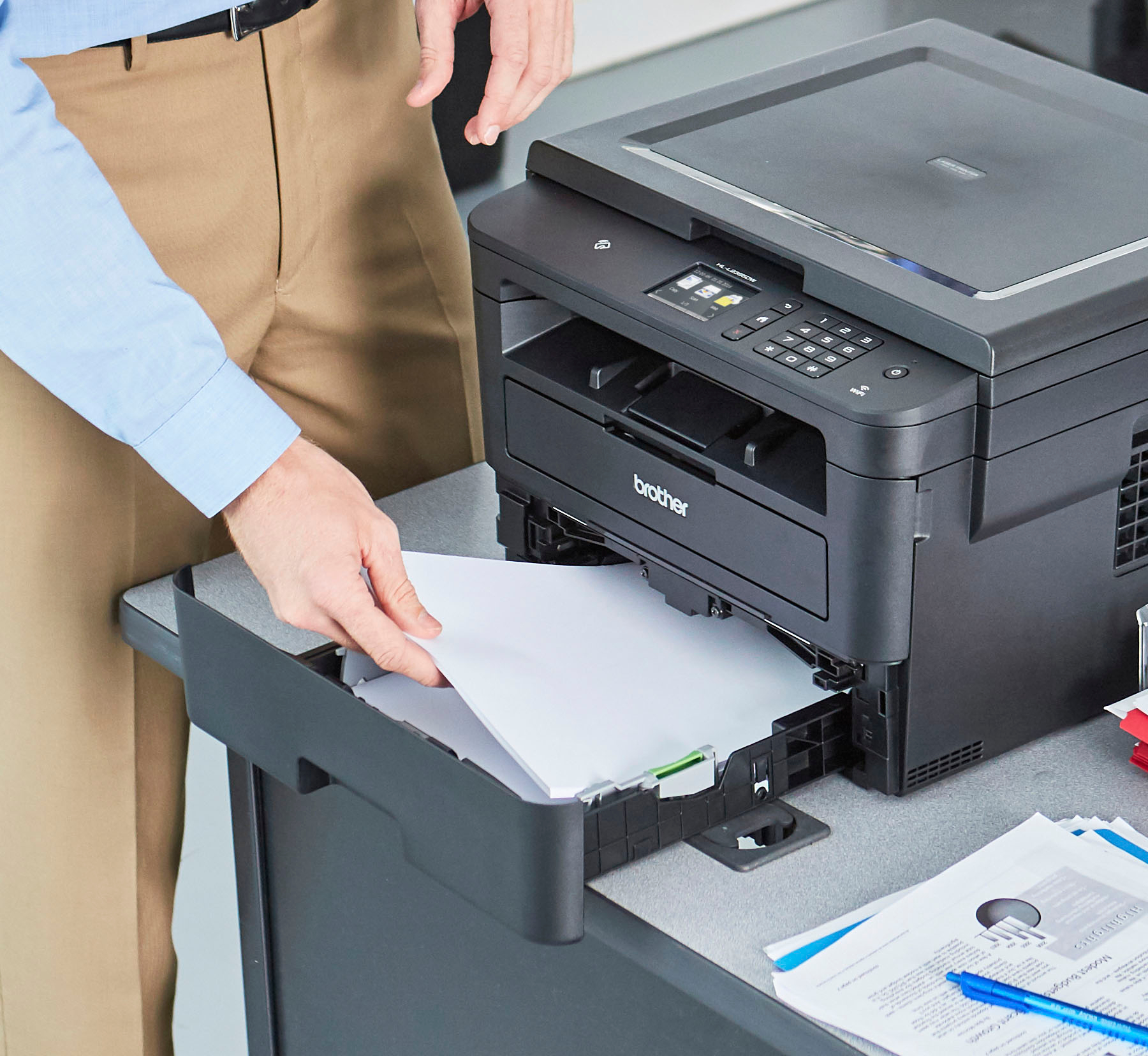
A:AnswerHere's a FAQ that may help with the recommended paper for the HL-L2395DW.
https://help.brother-usa.com/app/answers/detail/a_id/151721?R3ModelID=HLL2395DW
A:AnswerSingle sheet, this printer, although very good, is not really designed for major copy jobs. Only one at a time.
Copying several page's is fine but larger job would be a pain. But for printing and scanning it's great.
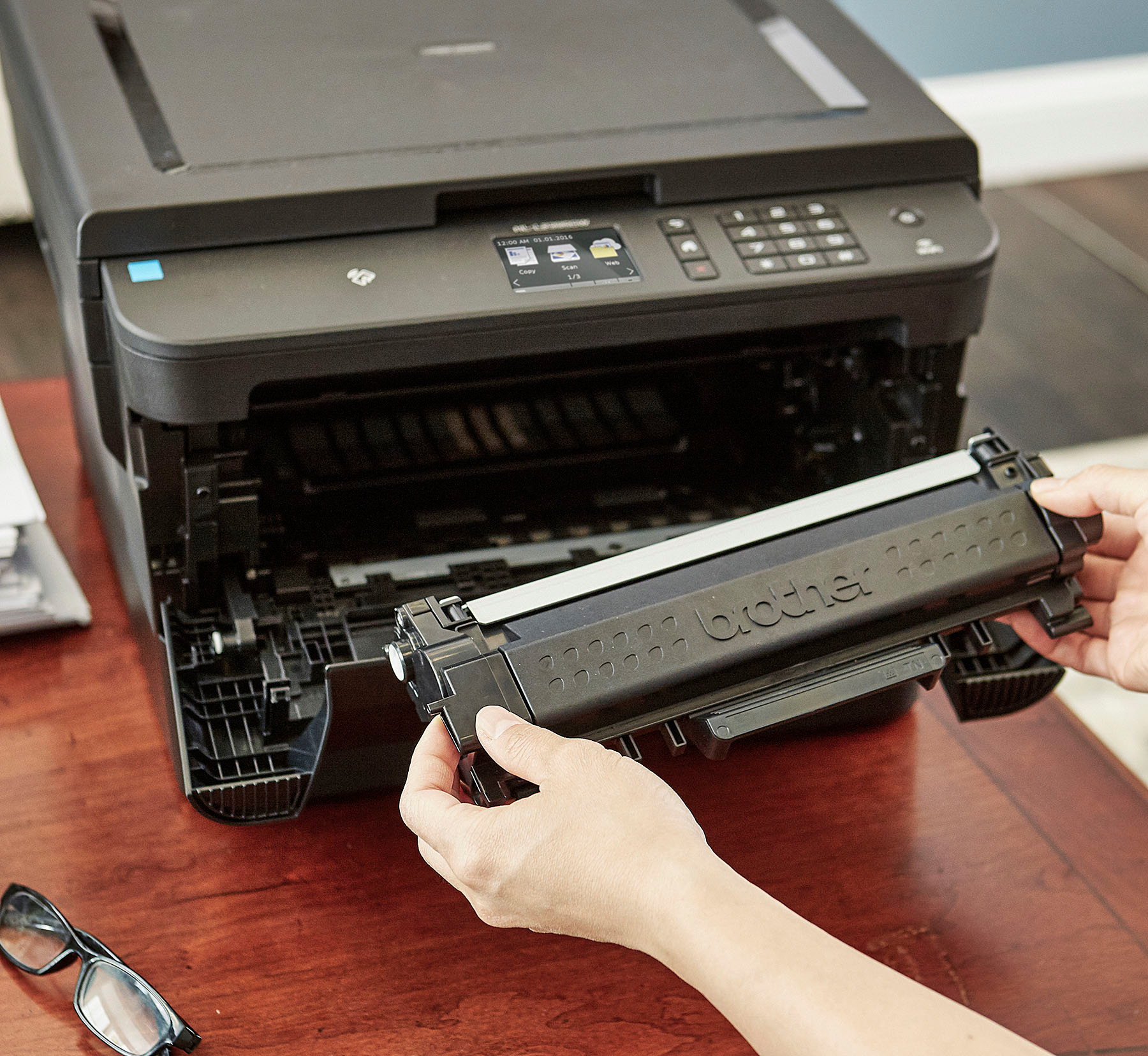
A:AnswerThis printer can only print black & white. It does not use ink cartridges, it uses toner only. And as far as I know you can only purchase toners in black.