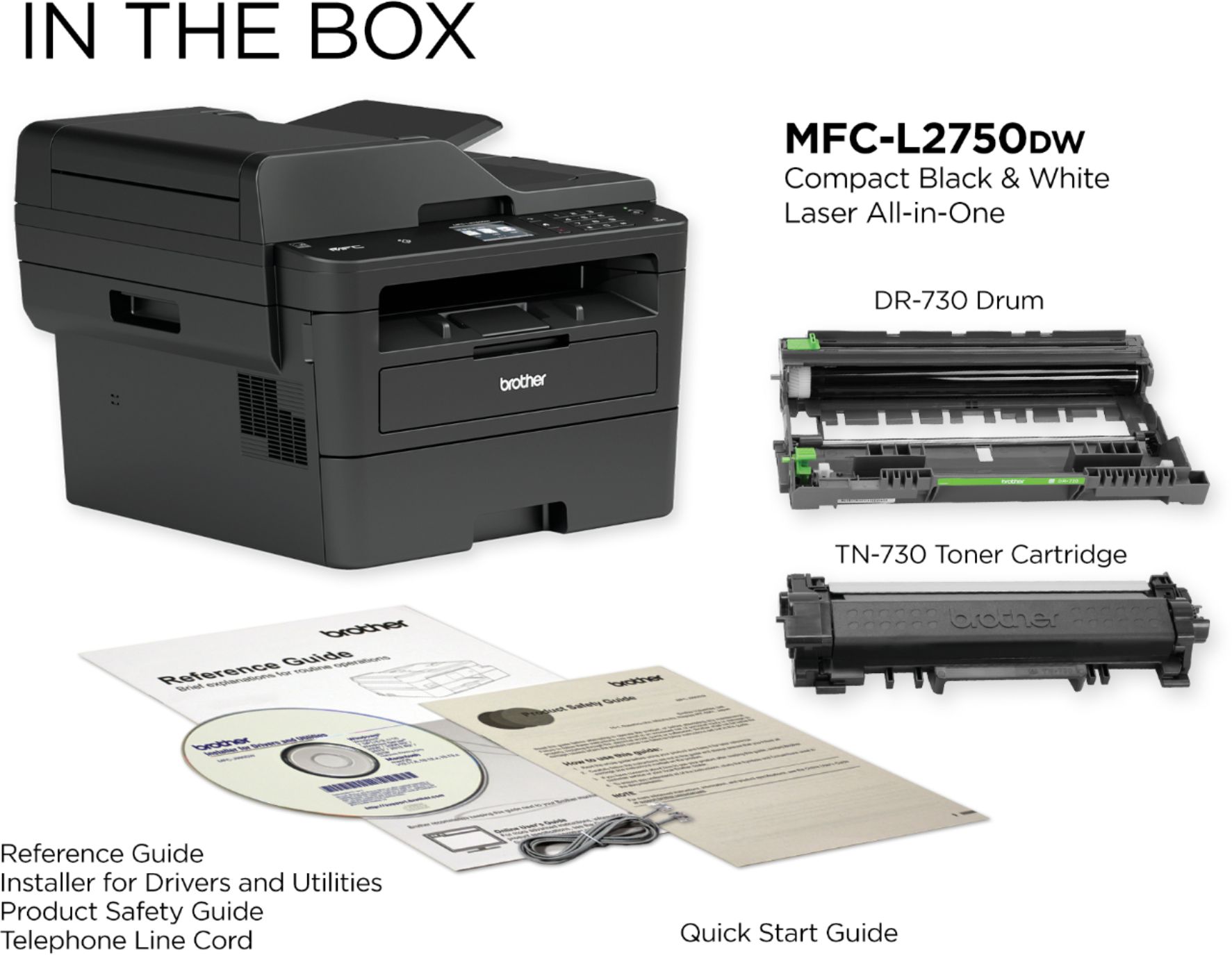
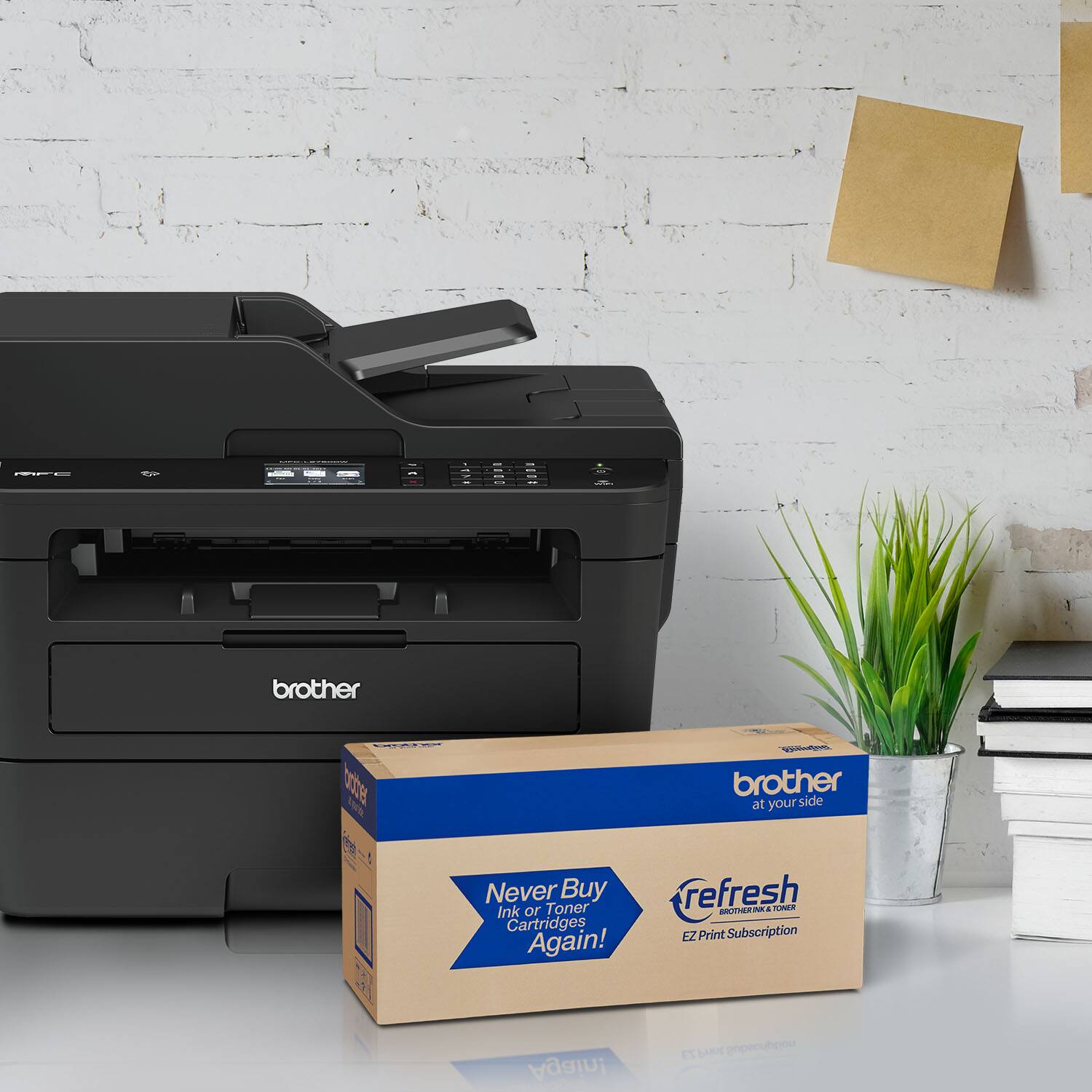
A:AnswerMine came with the Starter toner cartridge good for approx. 700 pages according the description.
Best Buy's web page for this MFC mentions the DR-730 drum (approx. 12,000 pages) but it was NOT included with mine.
A:AnswerThe Brother MFC-L2750DW will not accommodate a second paper tray. Here's a link to assist you with All-in-one printers that will.
https://www.brother-usa.com/business/printers
A:AnswerThis is a complicated question. It can be added to the network via the built in Cat 5 network card on the device. If you attached it local it can be shared across the network and shared as a sharable discoverable device (WIN 10) and if you hook it directly to the network via the cat 5 you would add it as a device on your Print Server in the case of a strait windows style network. Your print server would dish it out as a network printer and store the driver needed as well as know its port IP. I dont know about the email capabilities as of yet. It uses a proprietary program for management of scanning and other features.
A:AnswerUsing non-Brother drum units and toners may cause hardware performance, print quality and machine reliability issues. Genuine Brother drum units and toners are designed to work at pre-set temperatures that are matched exactly to each of our individual toner formulations. We advise our customers should use genuine Brother supplies.
A:AnswerI have experienced printing issues similar to your problem. I suggest that you update your computer, i.e. security updates, driver updates, BIOS updates, uninstall and install the printer again, and replace the cable if applicable. If the problem still persists, contact Brother support.
A:AnswerI can't give you the details as I have only done a two sided scan once - to make certain it worked. I may have had to scan from the associated software that I downloaded from the brother site (to ensure latest version). I was able to scan a multi-page, two sided document by loading the originals into the automatic loader tray.
A:AnswerWe apologize you are experiencing an issue with updating your Brother MFC-L2750DW. We would love to speak with you to assist with updating your machine. Please contact customer support by Email or Live Chat. https://www.brother-usa.com/support/mfcl2750dw
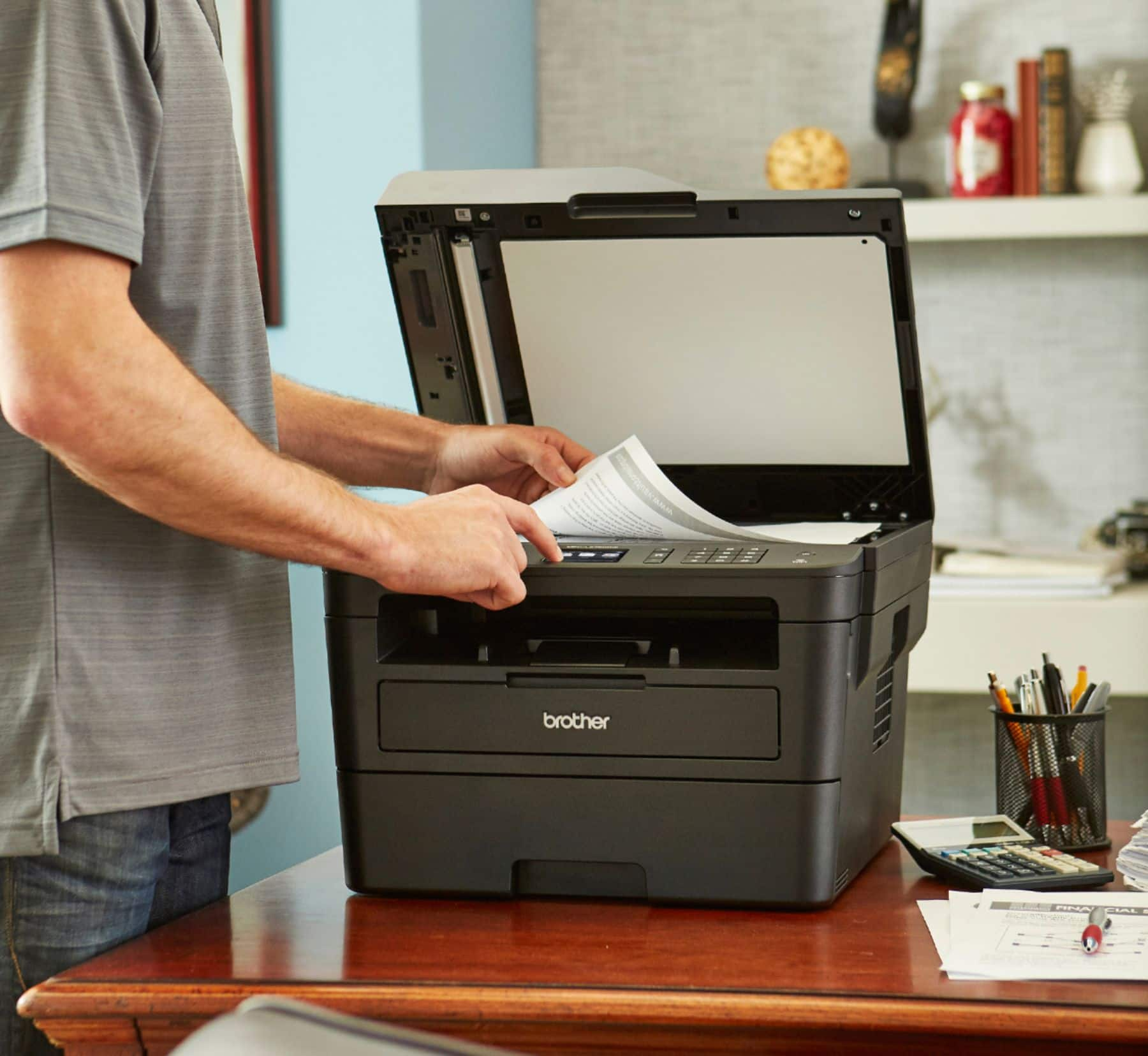
A:AnswerThe glass top seems to only scan at most, letter size documents (8.5 x 11). You may be able to copy legal sized documents (8.5 x 14) but you would probably have to use the manual feeder and not the glass top.