A:AnswerWhen I was researching it I think the average lifespan was 60,000 pages. I did purchase the extended warranty because I hope this is the last printer I have to buy as I look toward retirement. The extended warranty does not cover Geek Squad trouble shooting beyond the first level. If your problem has to be escalated you must pay. I was able to resolve mine on my own.
Most importantly, My wife is happy with the printer.
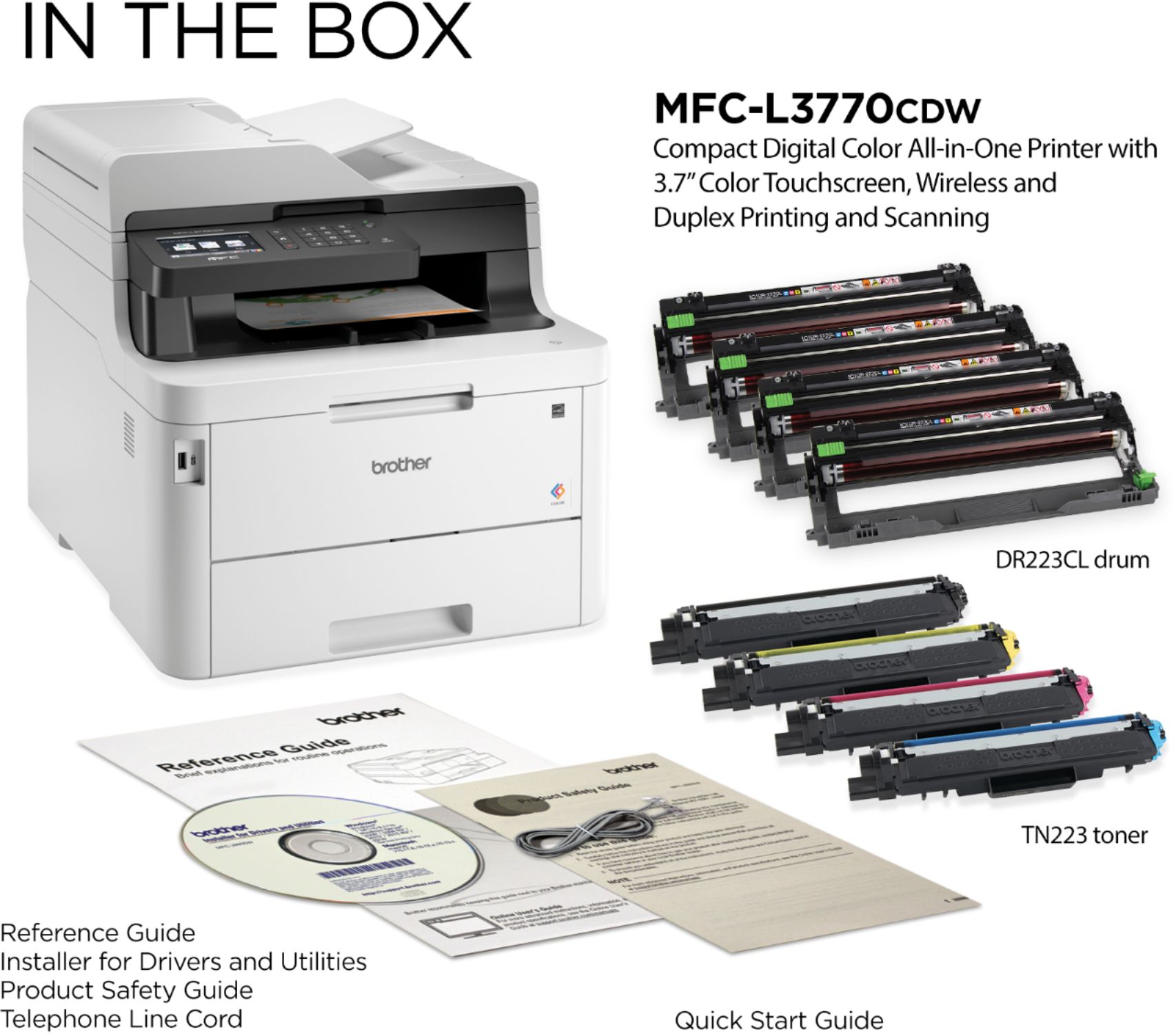
A:AnswerNo. You don't need the CD.
Depending on the age of your Mac you can likely set it up without Brother software but it is recommended that you download and install the drivers and apps from Brothers website.
A:AnswerHere is the information about the yield, and cost of the Brother TN223 and TN227 cartridges:
TN223BK High-yield Toner =approximately 1,400 pages= $57.49 USD. Cost per page= $0.04 cents, TN223M,C,Y Standard yield =approximately 1,300 pages= $72.49 USD. Cost per page= $0.05 cents, TN227BK High-yield Toner =approximately 3,000 pages= $74.49 USD. Cost per page= $0.02 cents, TN227M,C,Y igh-yield Toner =approximately 2,300 pages= $96.49USD. Cost per page= $0.04 cents.
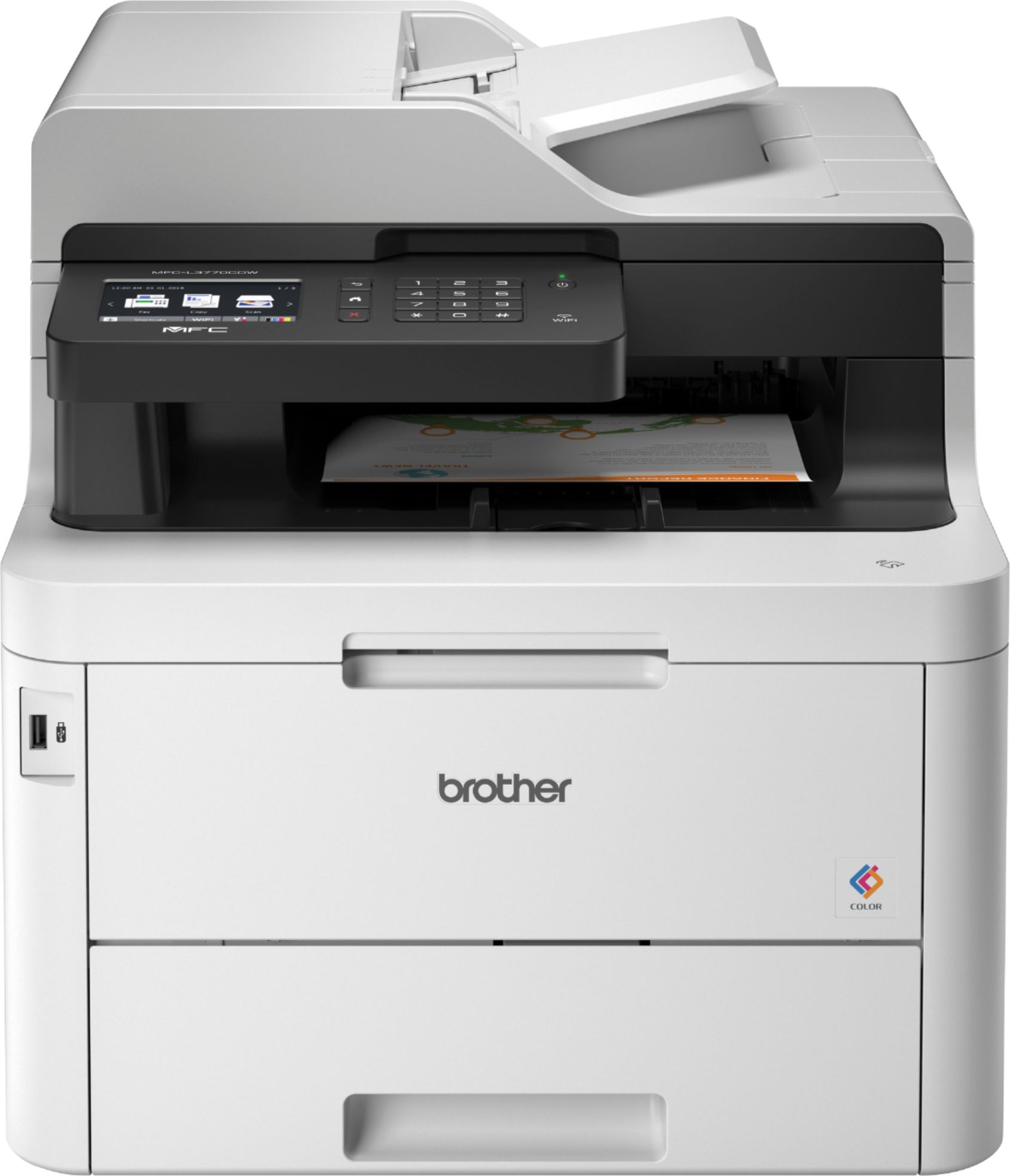
A:AnswerYes it is very easy to install this printer. You do not need Tech Support. All you do is plug the printer into electric socket and The printer has an LCD screen on top that identifies the network prompt you for the network passcodes. Select the printer and print to it.
A:AnswerYes, but the printer will ring every time a call comes in. If it detects a fax #, it will process the incoming fax. Otherwise it will pass the call to the house phone. I didn't like the printer ringing every time a call came in, so I have a splitter from the main phone line and I only connect the printer to the splitter when I want to send or receive a fax. But I don't fax more than once a year.