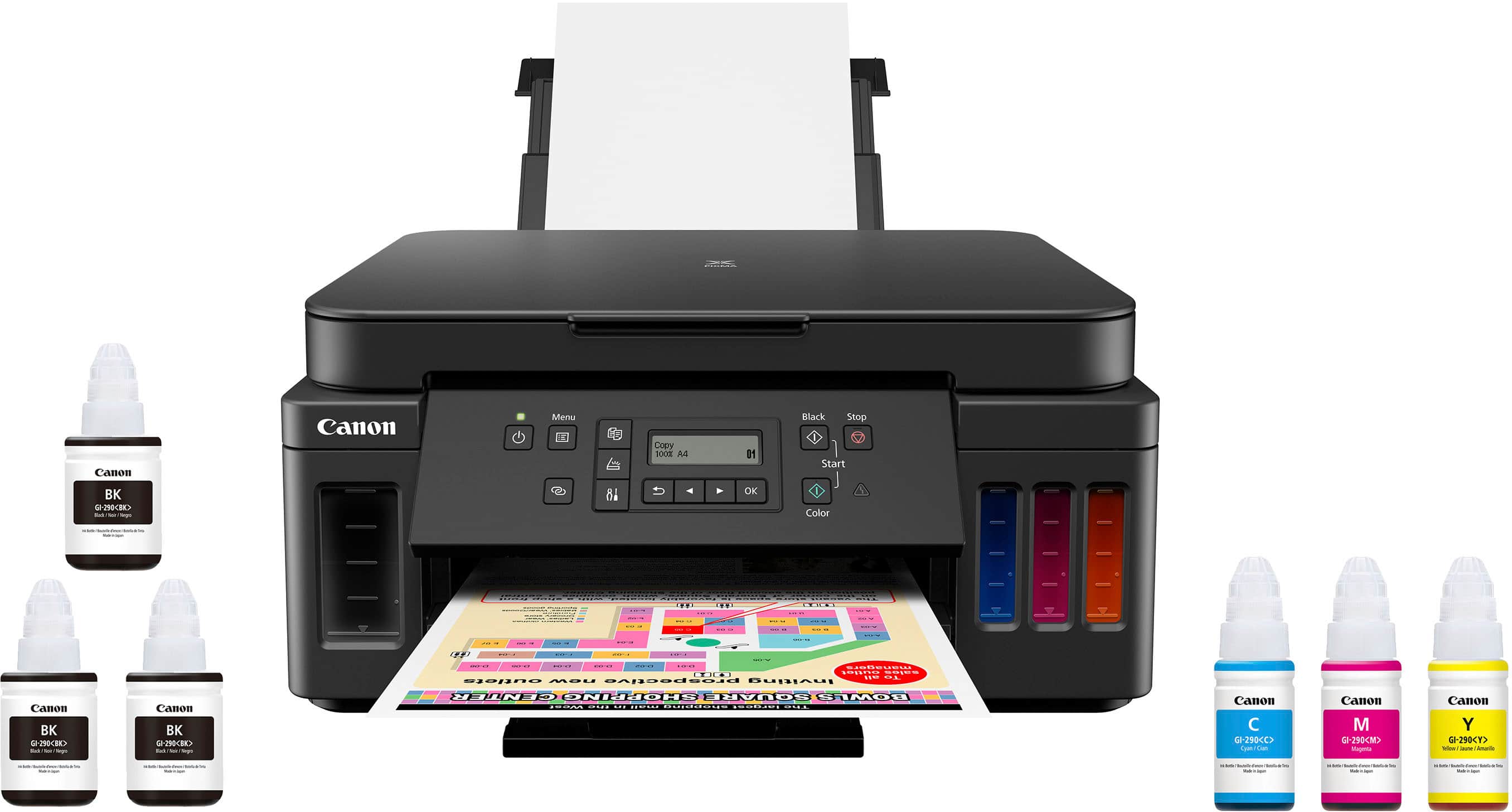
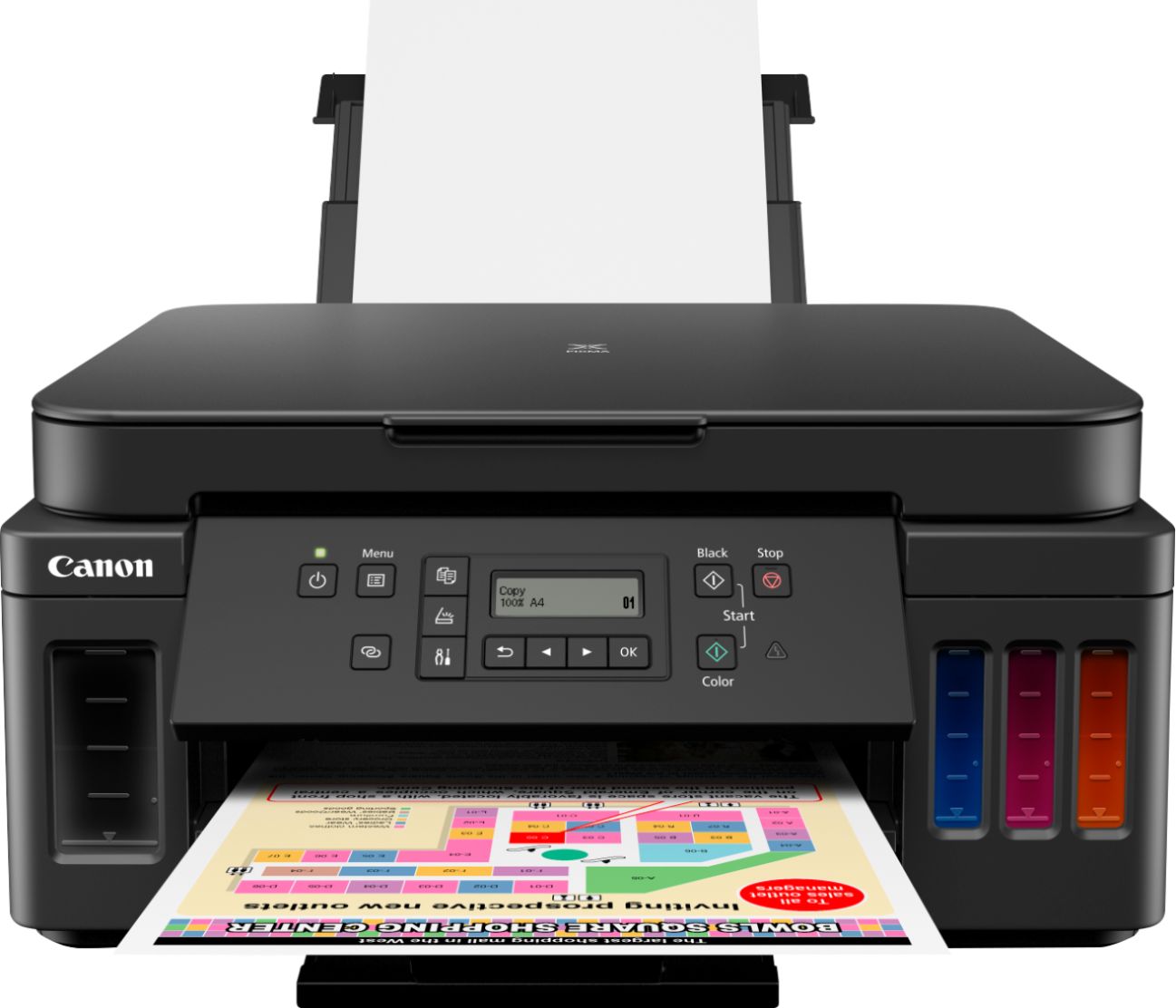
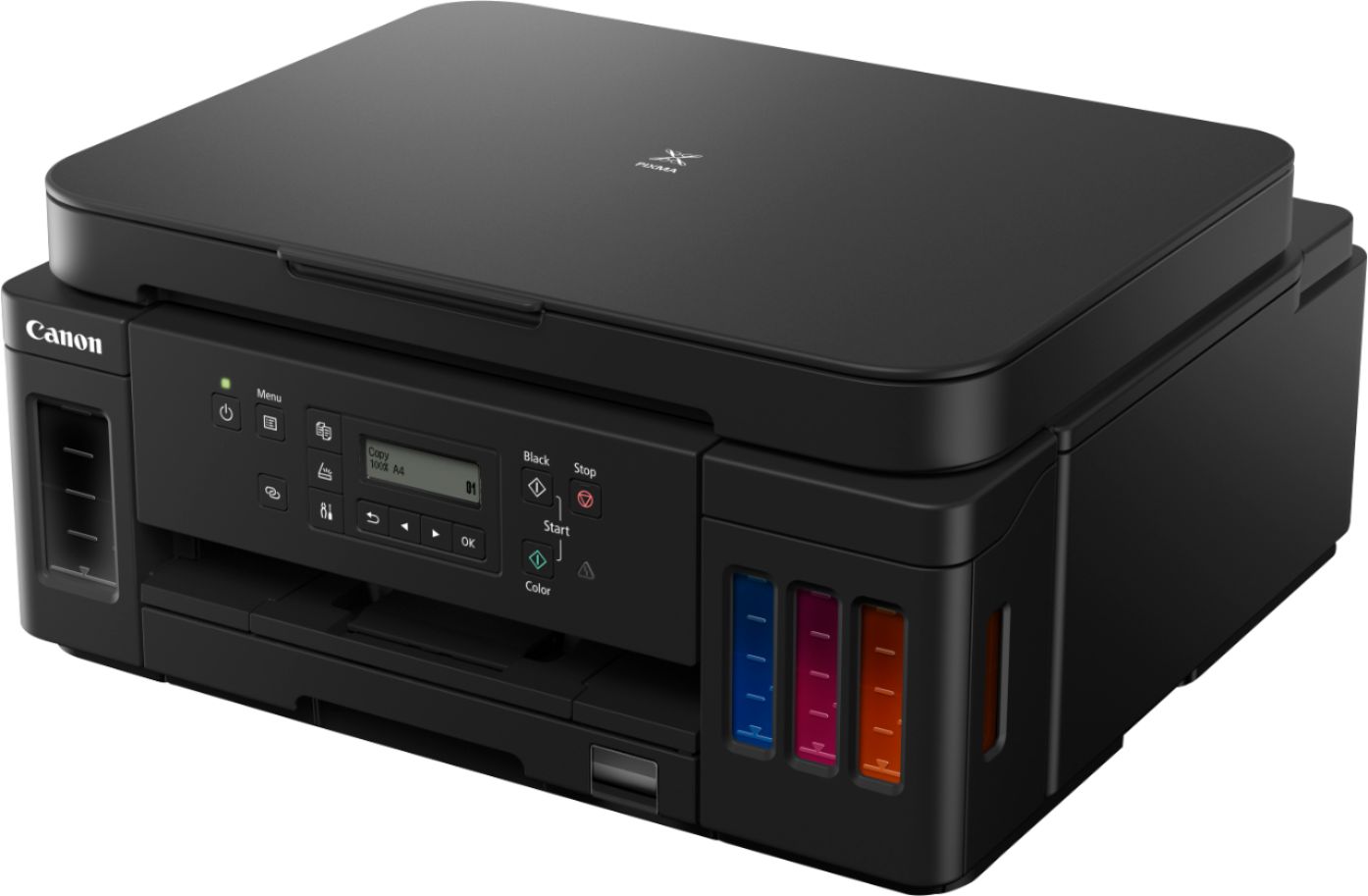
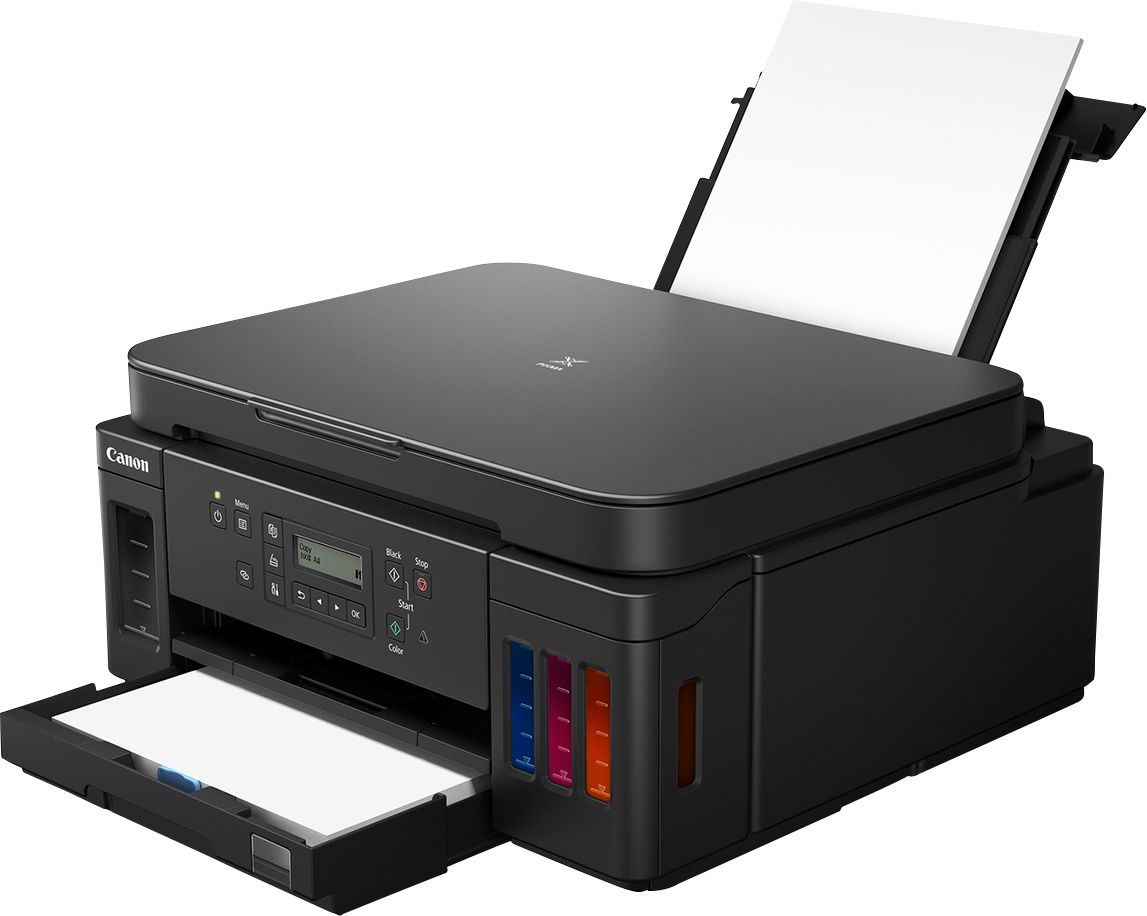
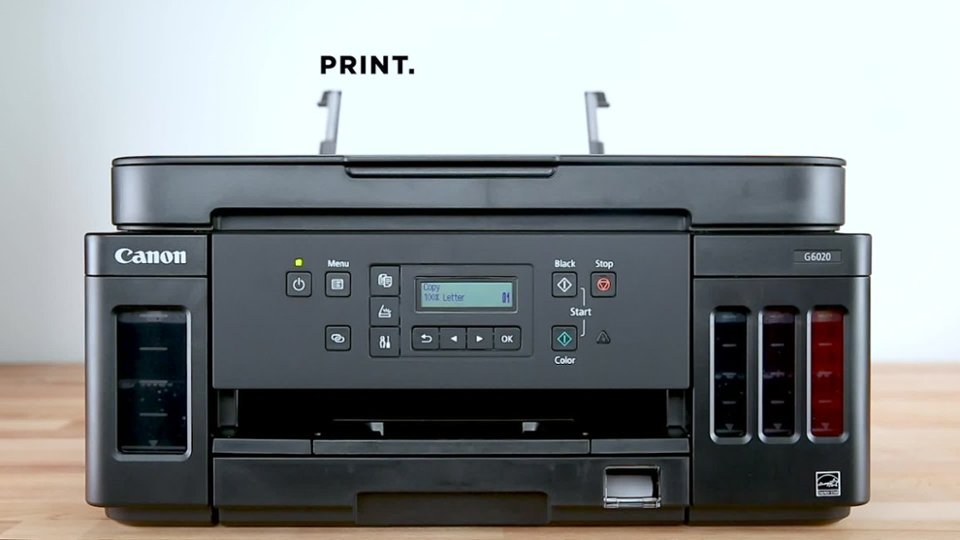
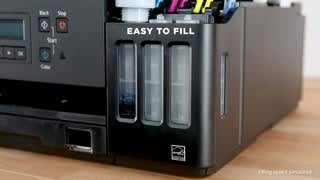
A:AnswerI haven't tried any paper that heavy in the Canon G6020. Looking at the Canon website, it would appear that the G6020 does not support that weight for paper...
https://support.usa.canon.com/kb/index?page=content&id=ART174671
Paper Weight
You can use paper in the following weight range.
Plain paper: From 17 to 28 lb (64 to 105 g /m2)
Specialty paper: Up to 53 lb (200 g /m2)
A:AnswerCan't answer the first part when it will be in stock again. As to the second part, the G6020 does not have an auto document feeder but the G7020 does.
A:AnswerBest Buy informed me that they do NOT repair printers.
My Canon printer stopped printing after only 8 months - two months beyond the 6-month Geek Squad warranty expired.
Buy an Epson.
A:AnswerYes. But I suspect your issue was due to the network not being set up correctly and not your printer unless it was very old with no wireless capabilities.,.
A:AnswerWeb site at Canon says it supports borderless with this caveat:
Paper types NOT supported for borderless printing are as follows: Envelope, High Resolution Paper, T-Shirt Transfer and Photo Stickers. The maximum borderless printing size is 8.5"x11".
https://www.usa.canon.com/internet/portal/us/home/products/details/printers/megatank-inkjet-printers/all-megatank-inkjet-printers/pixma-g6020#Z7_MQH8HIC0L88RB0AMD0F1Q42OR1
A:AnswerNeed more info.. It supports AirPrint so you don't need an app for that and you an print from a Mac and presumably a PC without an app and probably a reasonably generic printer driver.
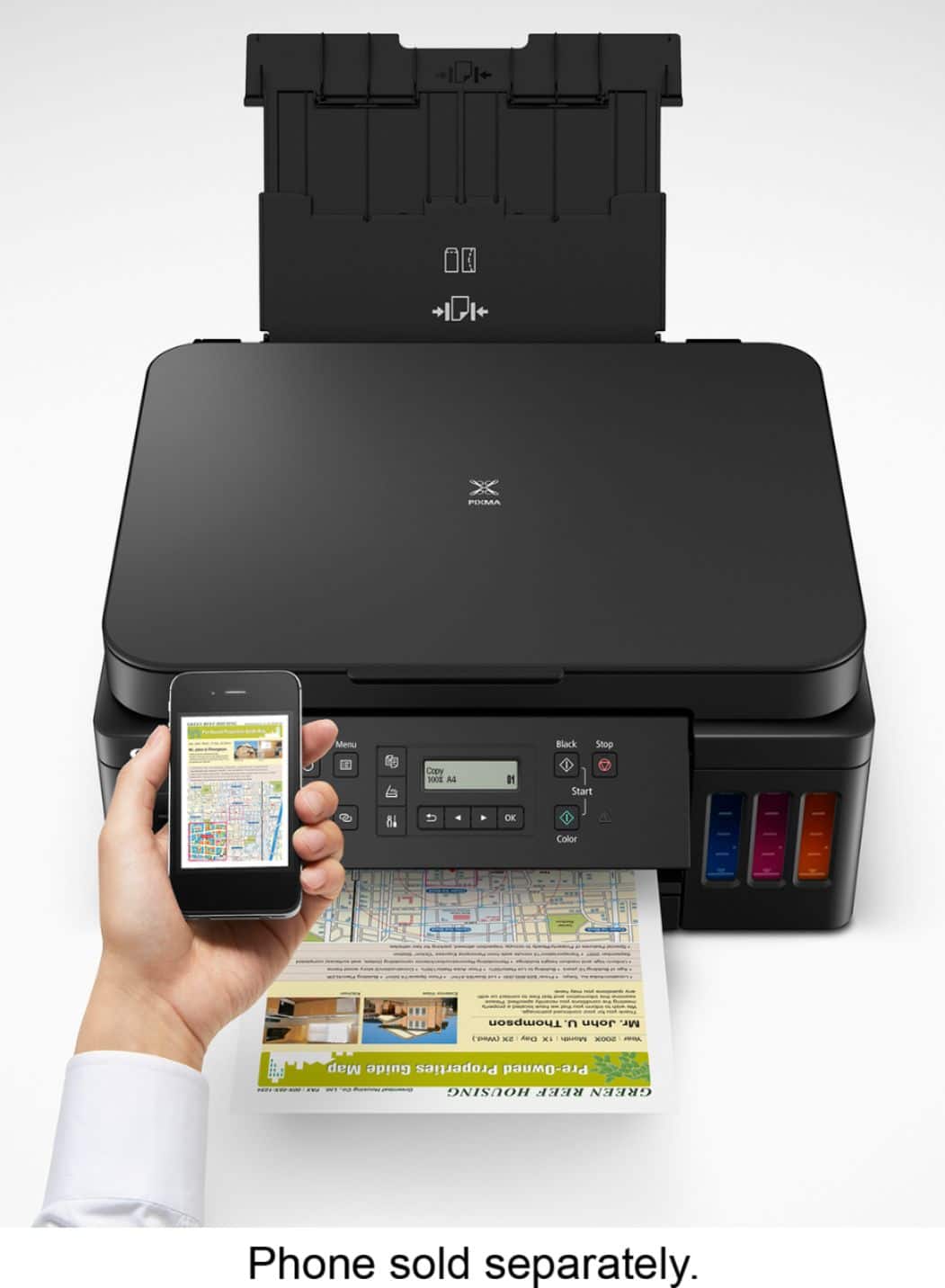
A:AnswerYes, you should be able to print via Android phone. There is an app that the setup instructions walk you thru that will link phones/tablets via the Canon app.