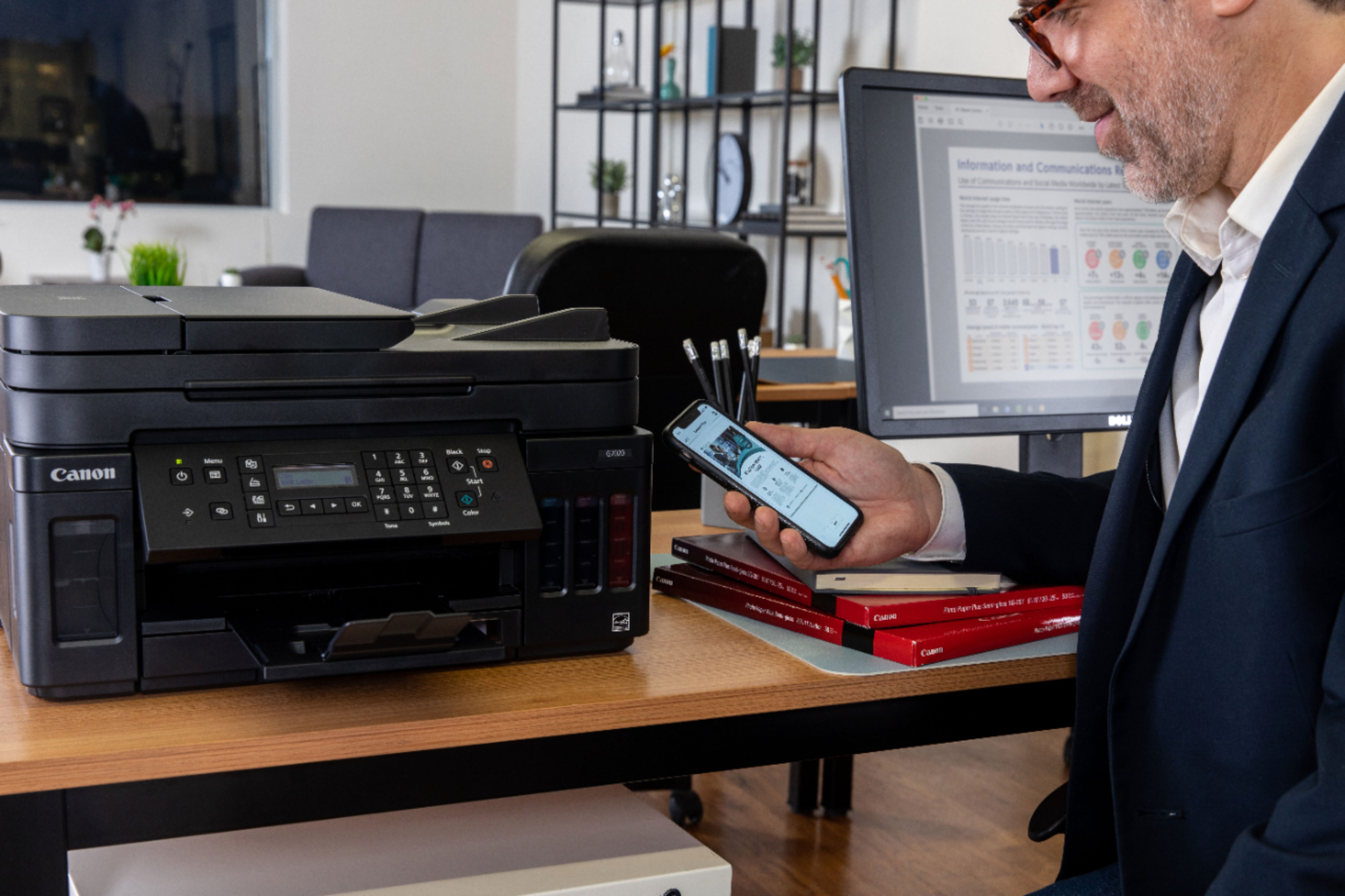
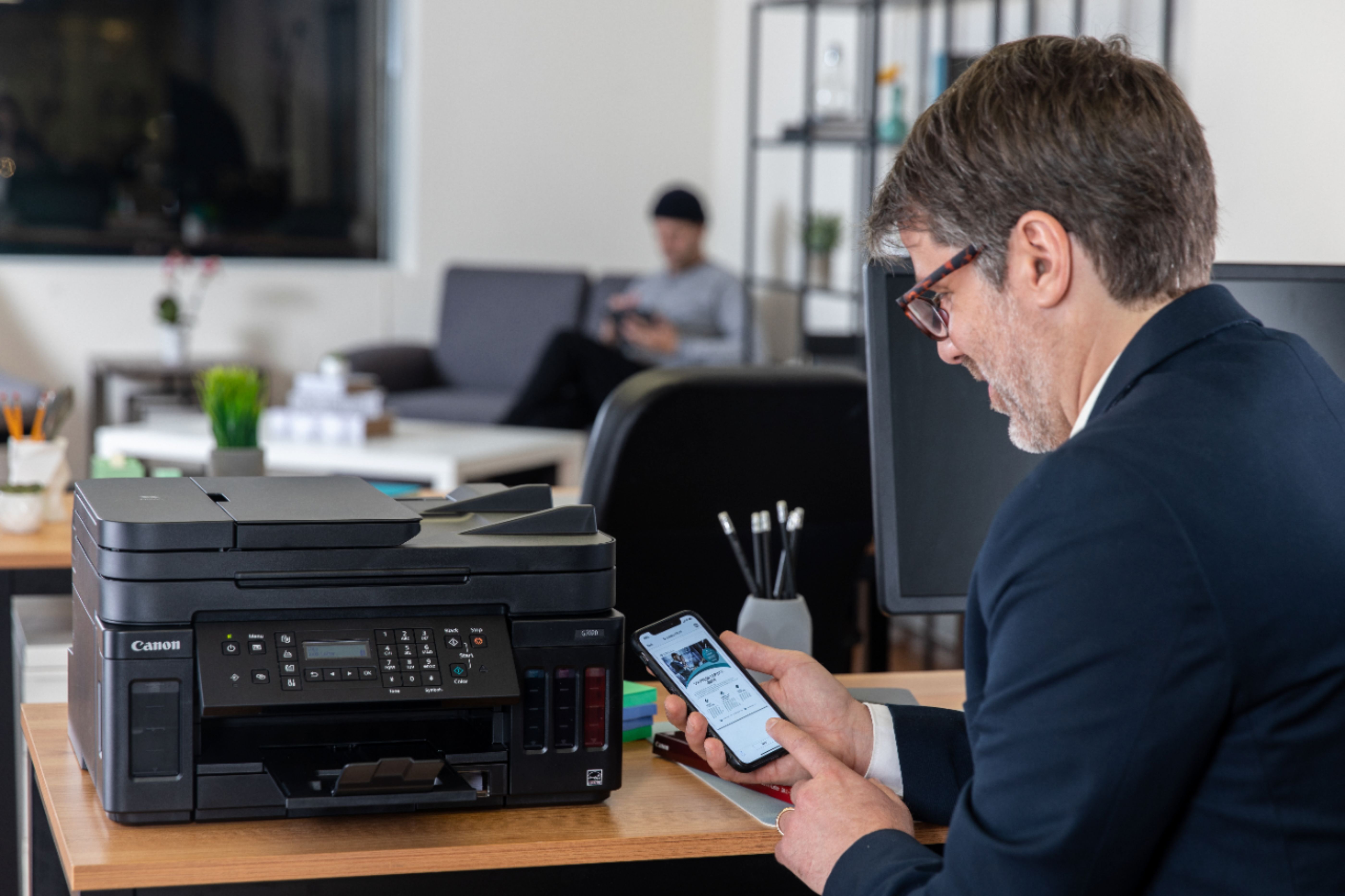
A:AnswerYes you can my wife has a Mac Pro, iPad & iPhone 11 and she can print from all devices with no problems
I have a Note 10 & 2 pads no problems with printing
A:AnswerI followed the directions in the book and scanned the square on my phone and it surprisingly set up rather easy. Make sure all the devices are on the same WiFi network. I have a apple products so I was able to download everything. It does have a lot of functions making it a bit complex.
A:AnswerI get the ink from Amazon.com, just input the printer information make model and view the results, most of the offers on Amazon are packs of ink with all 4 colors for the printer and very inexpensive...
A:AnswerNo and it is not shown in the guides in the app or manual. You can print the CD/DVD sheets with a template and stick them on but that is not what you are asking.
A:AnswerI haven’t used the fax mode yet but if you call the Canon tech support they will help. I called them for a different issue and they were great.
A:AnswerI doubt it. The paper is fed through a narrow slot and you need to use the ink supplied. Only a tiny amount of ink is sprayed onto the paper for printing and it dries almost immediately. There's no room for any kind of fabric even if you loaded other types of ink in the tanks.
A:AnswerThe problem with this printer is yes it uses ink tanks which you can refill. BUT the printer heads are failure prone and it's really no different from the old cartridges because they are very expensive and you can't buy just the black or color one but you MUST buy both at over $70!!! Another BIG downside is finding these is difficult and you can only pay the way too expensive canon list price!
Get a different printer people!
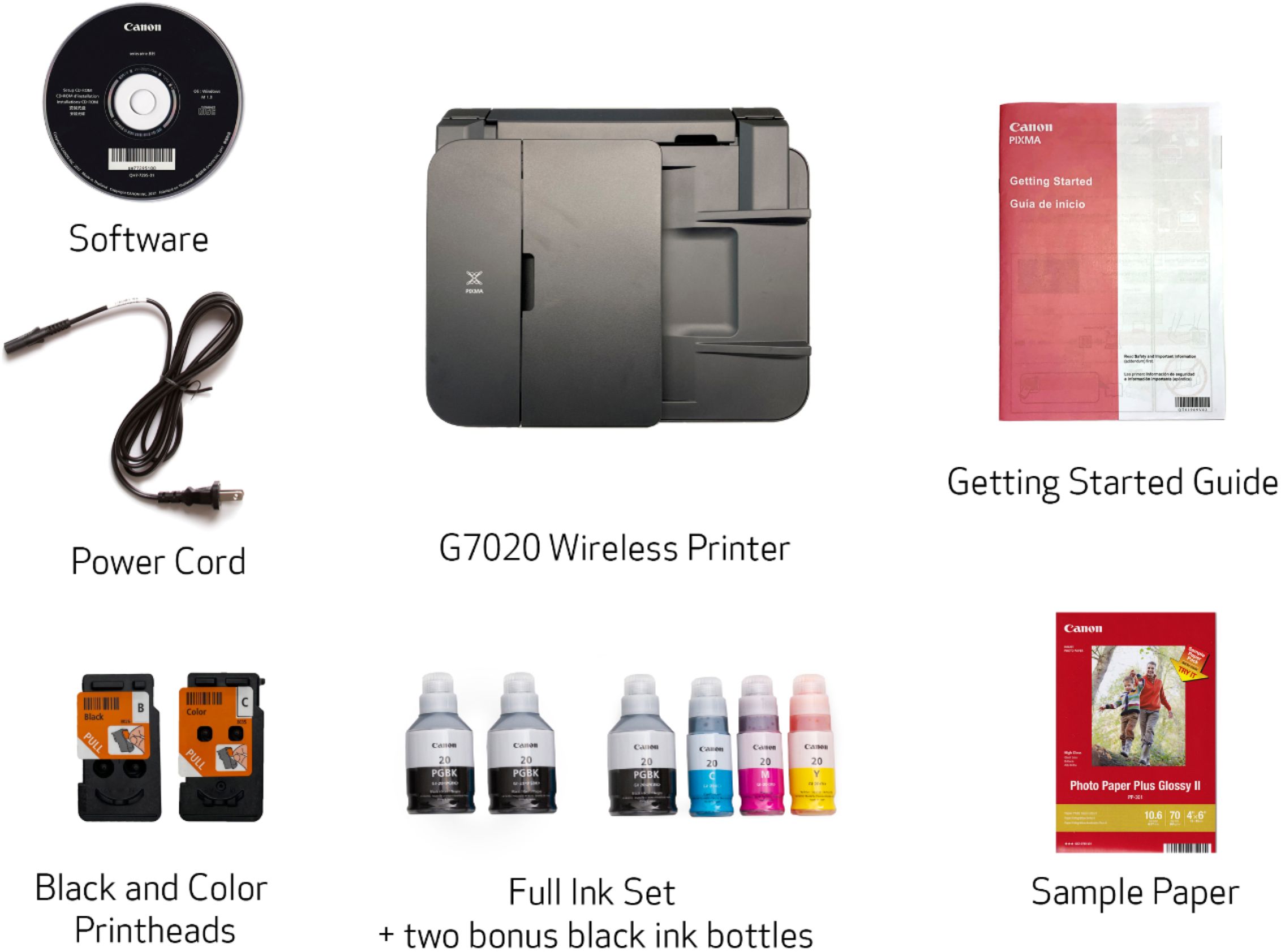
A:AnswerThe part numbers for black and color are QY6-8026-010 and QY6-8035-010, respectively.
Color & Black Print Head $36.57 each according to Parts Department.
Parts telephone number is 866-481-2569