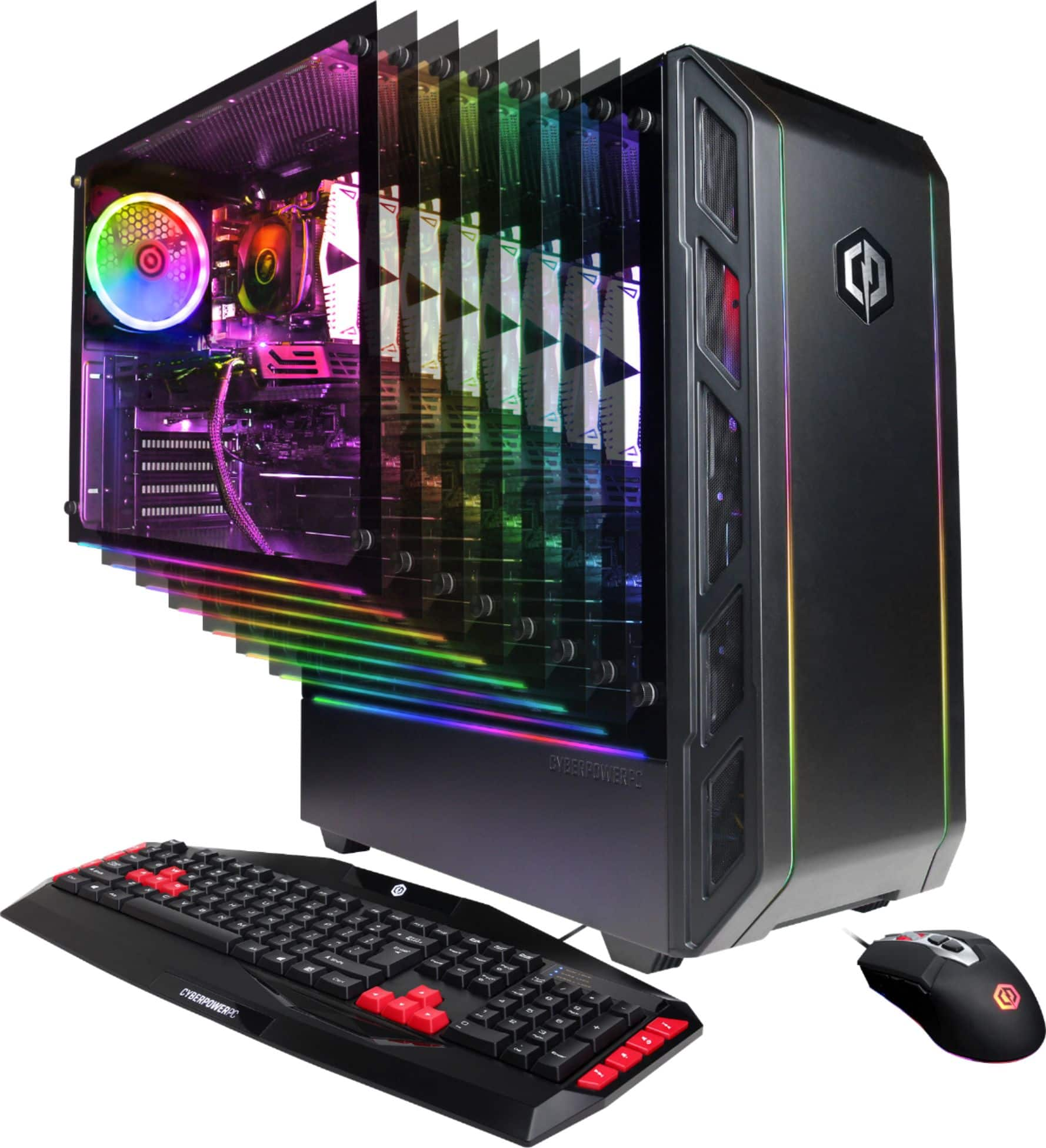
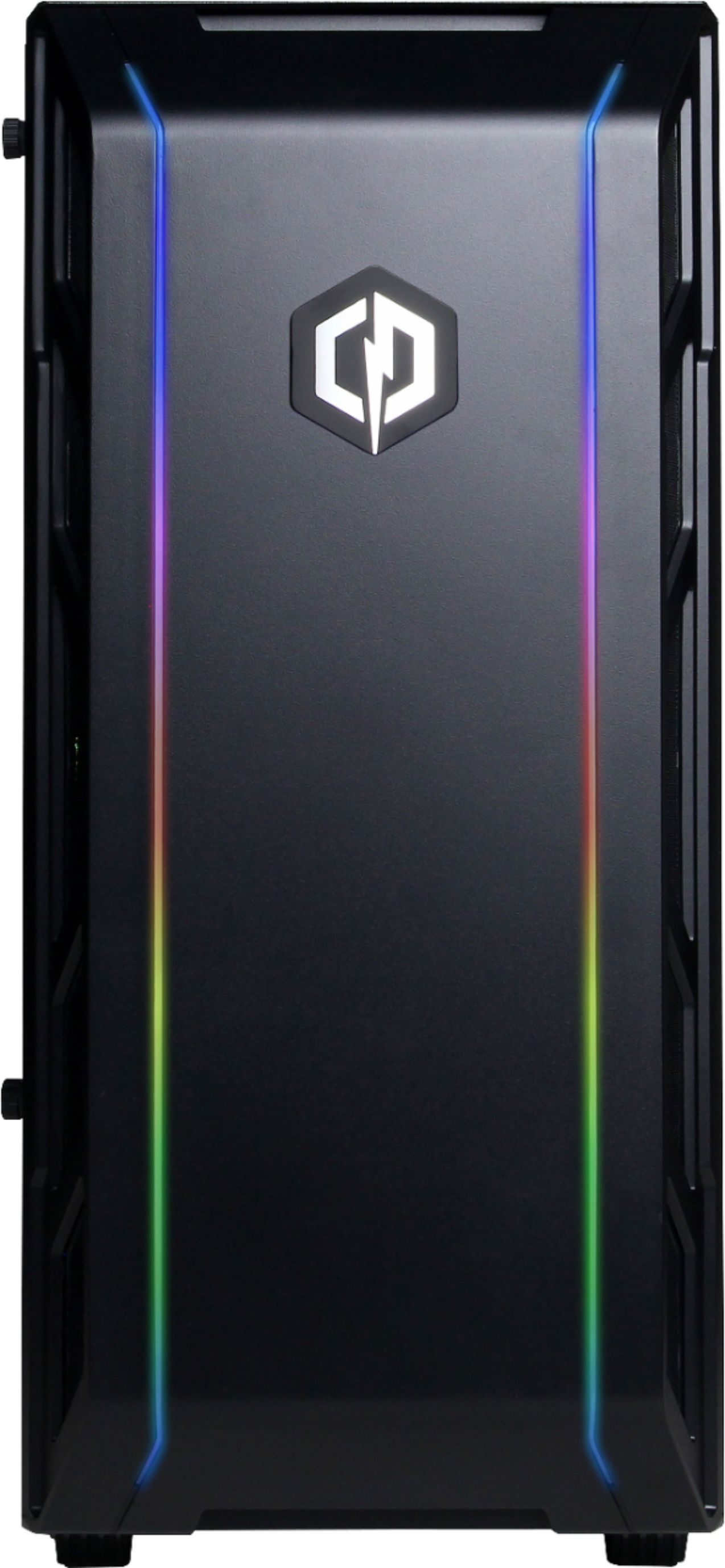
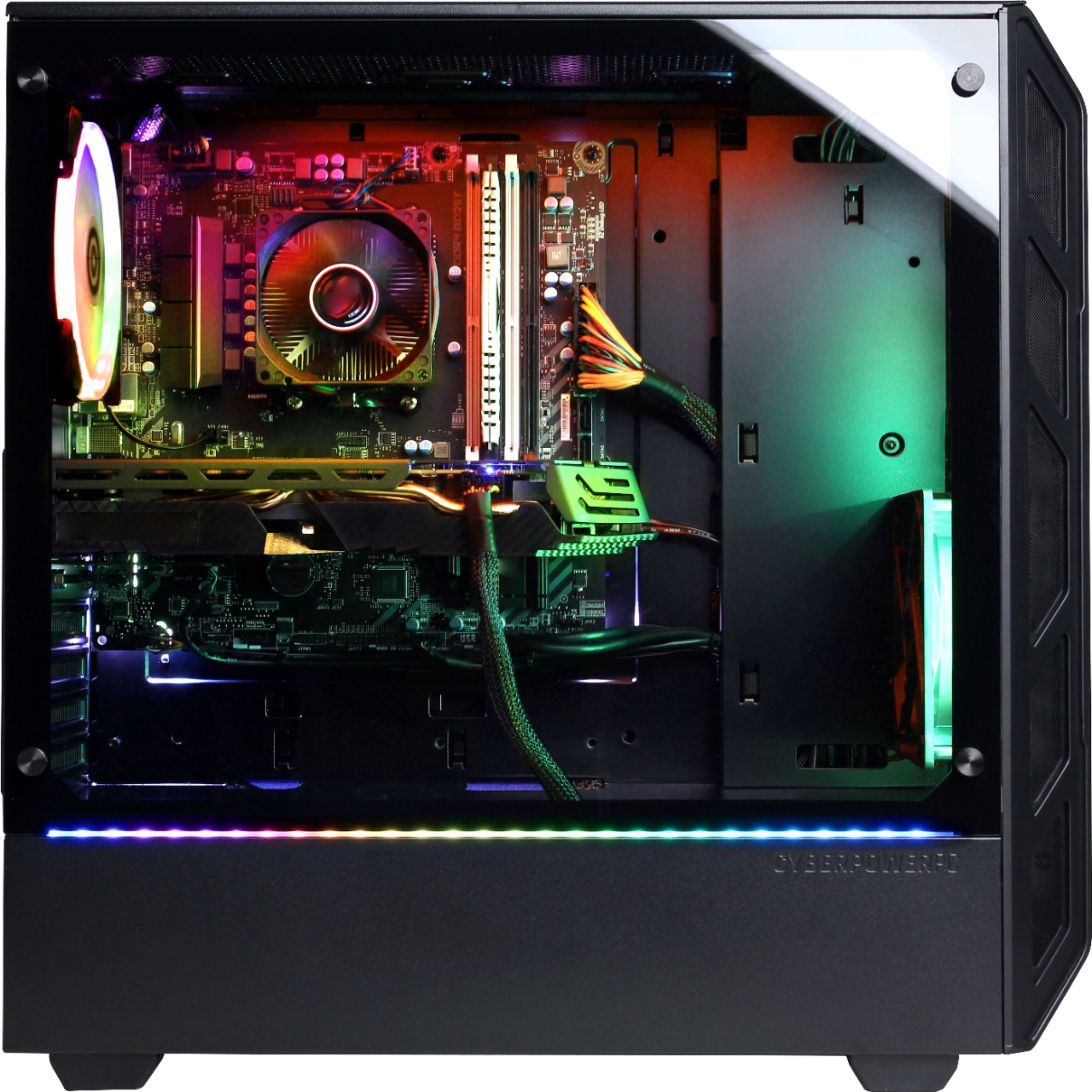
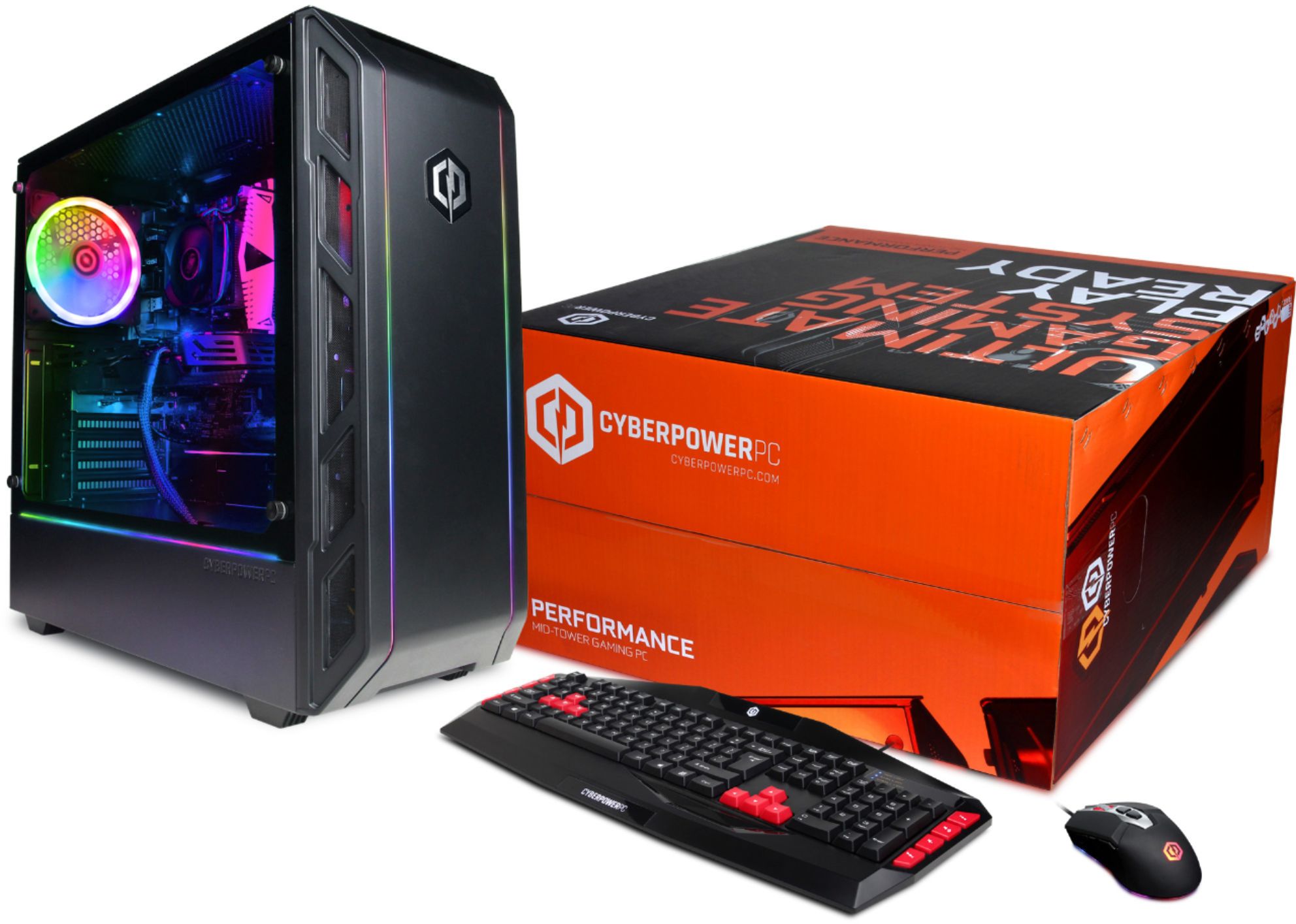
A:AnswerThanks for reaching out. Unfortunately, this PC may not have a CD/DVD drive, however, you are able to download games online. If not, you may need to get an external CD/DVD drive. If you have any further questions or concerns then please do not hesitate to give our tech support agents a call for any assistance; we're always happy to help.
Tech support:
(888)937-5582
-CyberpowerPC Support
A:AnswerThank you for reaching out to us. Yes, this system comes equipped with a AMD RX 580 graphics card. If you have any further questions or concerns then please do not hesitate to give our tech support agents a call for any assistance; we're always happy to help.
Tech support:
(888)937-5582
- CyberpowerPC Support
A:AnswerThank you for reaching out to us. You should be able to install 120mm case fans into this PC. If you have any further questions or concerns then please do not hesitate to give our tech support agents a call for any assistance; we're always happy to help.
Tech support:
(888)937-5582
- CyberpowerPC Support
A:AnswerThanks for reaching out. In order to use dual monitors, you need to have both ports on the video card. So, if one of your monitors is using HDMI, you will need to either use the available DVI or DisplayPort for the second monitor. If your second monitor does not have one of the two available ports left, you will need to get either a cable or adapter for the monitor, depending on your connection, to DVI-D/I or to DisplayPort. If you have any further questions or concerns then please do not hesitate to give our tech support agents a call for any assistance; we're always happy to help.
Tech support:
(888)937-5582
-CyberpowerPC Support
A:AnswerThanks for reaching out Dev. The SSD is the primary storage for your Operating System. The HDD would be the primary storage for any additional files such as games as it is able to hold more storage than the SSD. If you have any further questions or concerns then please do not hesitate to give our tech support agents a call for any assistance; we're always happy to help.
Tech support:
(888)937-5582
-CyberpowerPC Support
A:AnswerThanks for reaching out. An AIO water cooling should work fine with the system as long as the water cooler supports the socket of your CPU. If you have any further questions or concerns then please do not hesitate to give our tech support agents a call for any assistance; we're always happy to help.
Tech support:
(888)937-5582
-CyberpowerPC Support
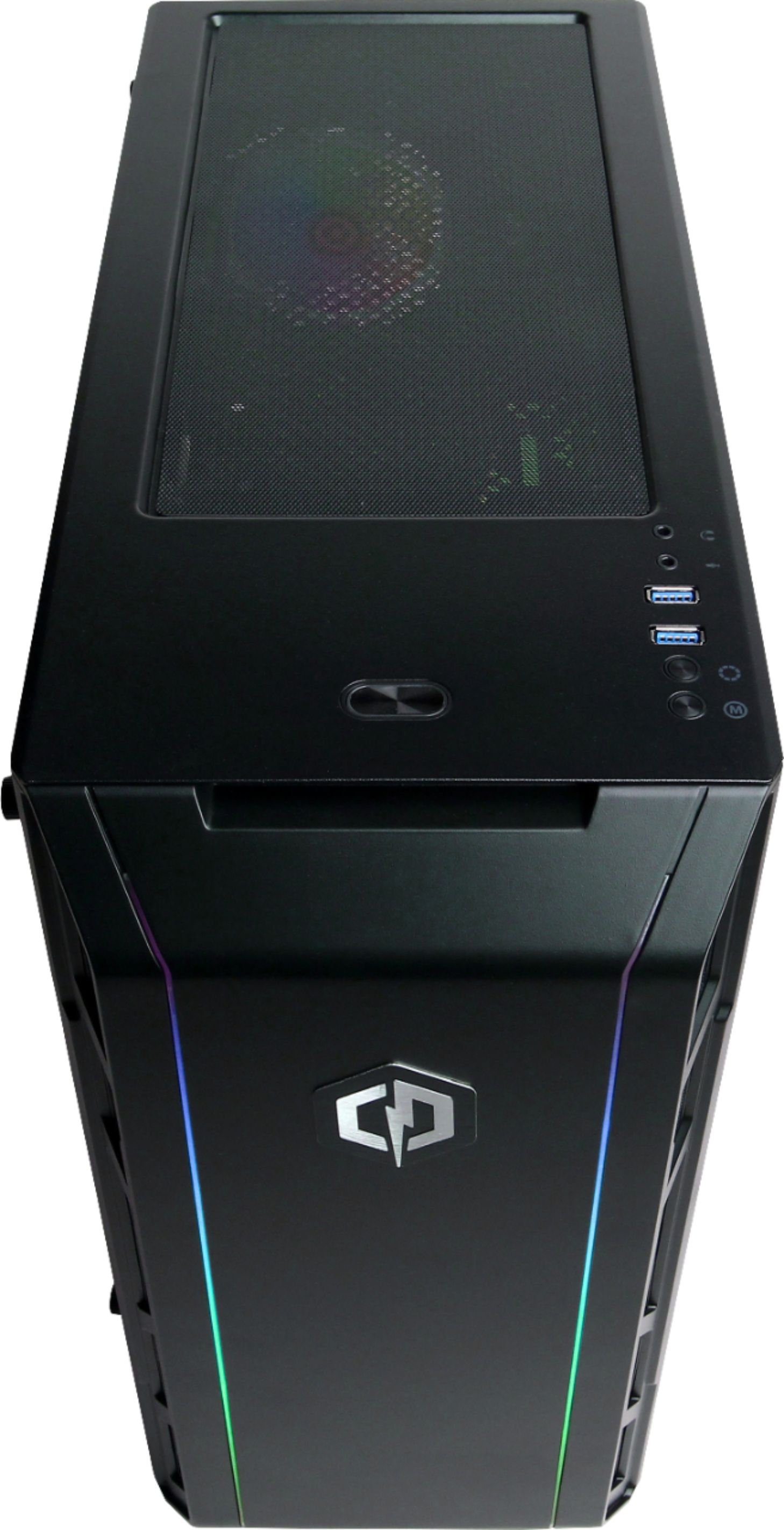
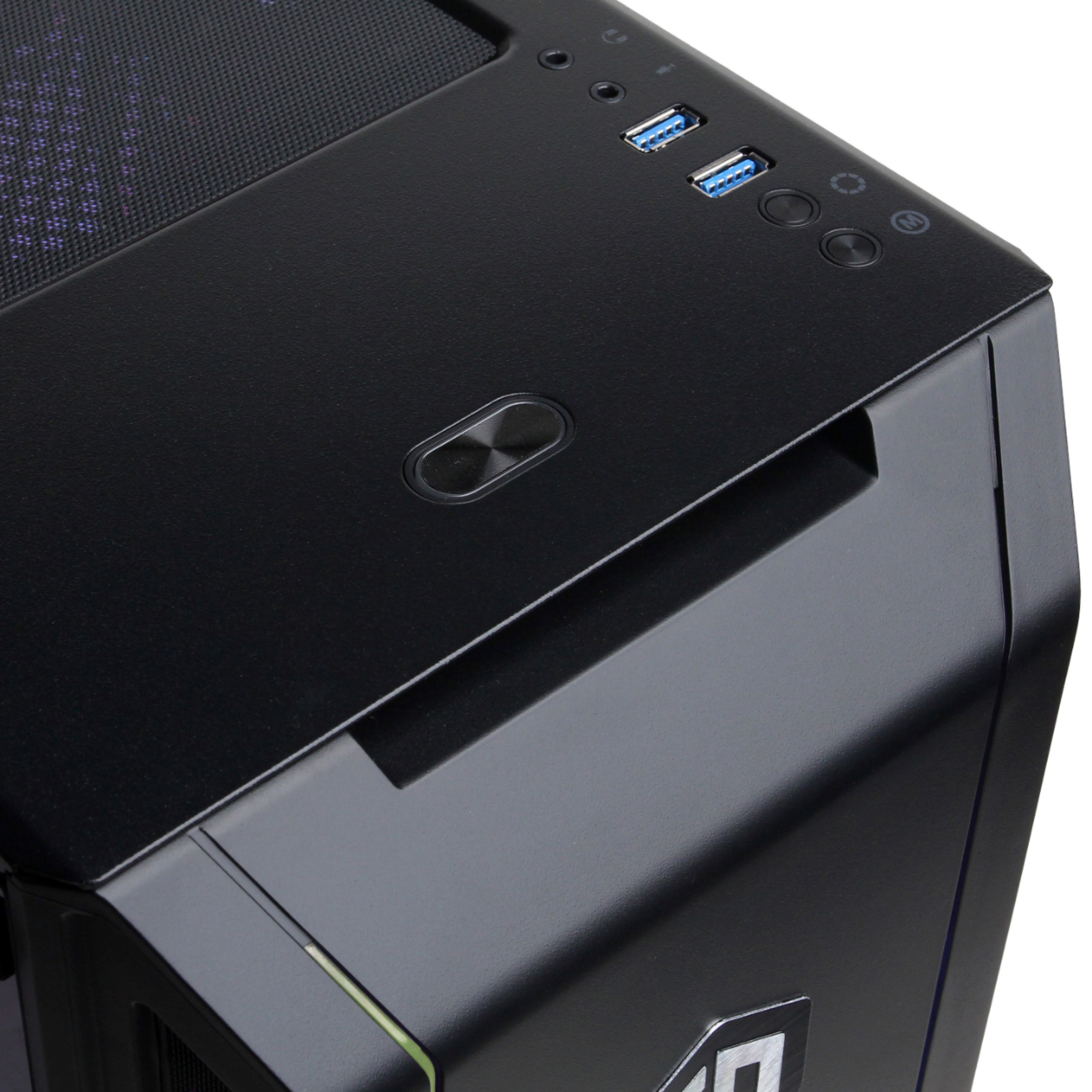
A:AnswerThanks for reaching out. There should be two buttons on the top of the case that control the color and mode of the RGB. If you have any further questions or concerns then please do not hesitate to give our tech support agents a call for any assistance; we're always happy to help.
Tech support:
(888)937-5582
-CyberpowerPC Support
A:AnswerThank you for reaching out to us. Please make sure that you are connecting your monitor/tv cable to the RX 580 graphics card. The port will be located right under the audio ports on the rear of the PC. If that does not work, please contact support at 888/937-5582 Mon-Fri 8:30am-7:00pm PST for further troubleshooting. If you have any further questions or concerns then please do not hesitate to give our tech support agents a call for any assistance; we're always happy to help.
Tech support:
(888)937-5582
- CyberpowerPC Support
A:AnswerThanks for reaching out. If you cannot connect to your controller through the Bluetooth options on the PC, you may need to get a adapter for your controller. If you have any further questions or concerns then please do not hesitate to give our tech support agents a call for any assistance; we're always happy to help.
Tech support:
(888)937-5582
-CyberpowerPC Support
A:AnswerThanks for reaching out Giffin. Please make sure the two antennas are attached to the WiFi network card. If you have any further questions or concerns then please do not hesitate to give our tech support agents a call for any assistance; we're always happy to help.
Tech support:
(888)937-5582
-CyberpowerPC Support
A:AnswerThank you for reaching out to us.Please make sure you are connecting the HDMI cable to the RX 580 graphics card. The HDMI port is located right under the audio ports on the rear of the system. If thhat does not work, please contact support at 888/937-5580 Mon-Fri 8:30am-7:00pm PST for further troubleshooting. If you have any further questions or concerns then please do not hesitate to give our tech support agents a call for any assistance; we're always happy to help.
Tech support:
(888)937-5582
- CyberpowerPC Support
A:AnswerThanks for reaching out. The case might not support a CD drive, however, you are able to buy an external CD/DVD drive. Most drivers and softwares are able to be downloaded online. If you have any further questions or concerns then please do not hesitate to give our tech support agents a call for any assistance; we're always happy to help.
Tech support:
(888)937-5582
-CyberpowerPC Support
A:AnswerThank you for reaching out to us. This system comes equipped with the GIGABYTE PCI-E 802.11 AC WIFI CARD. If you have any further questions or concerns then please do not hesitate to give our tech support agents a call for any assistance; we're always happy to help.
Tech support:
(888)937-5582
- CyberpowerPC Support
A:AnswerIn Steam, you can make a new game directory in your D drive. (Not your SSD)
If you're not using steam, when you install a game, it should ask for a file location to install your game. Choose your (D:) drive and create a new file for your game(s).