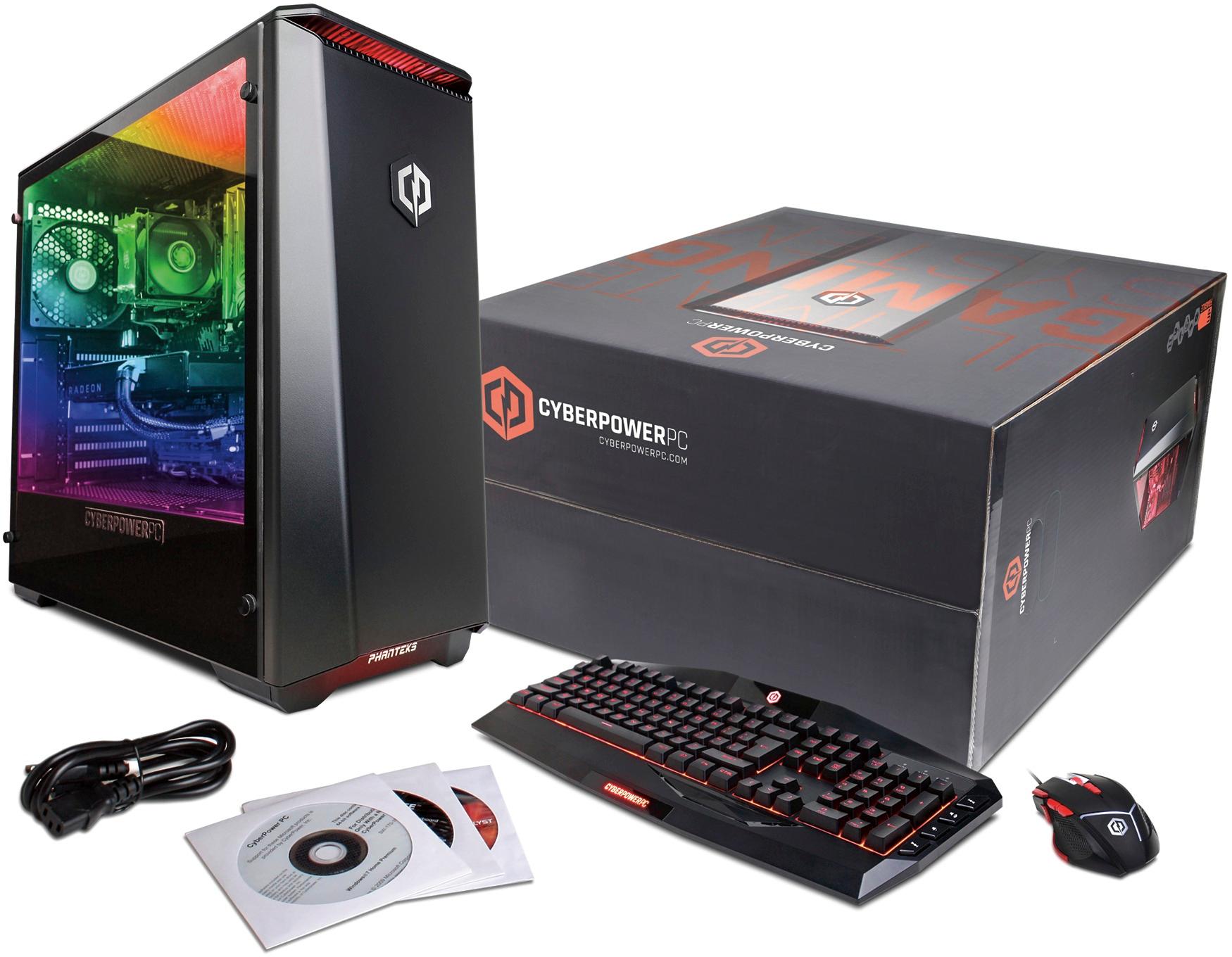
A:AnswerWe do apologize to hear you're having an issue with the mouse. Please contact our technical support department so that they can send you a new one. Please contact our technical support department at 1.888.937.5582 Monday through Friday from 7am to 7pm PST.
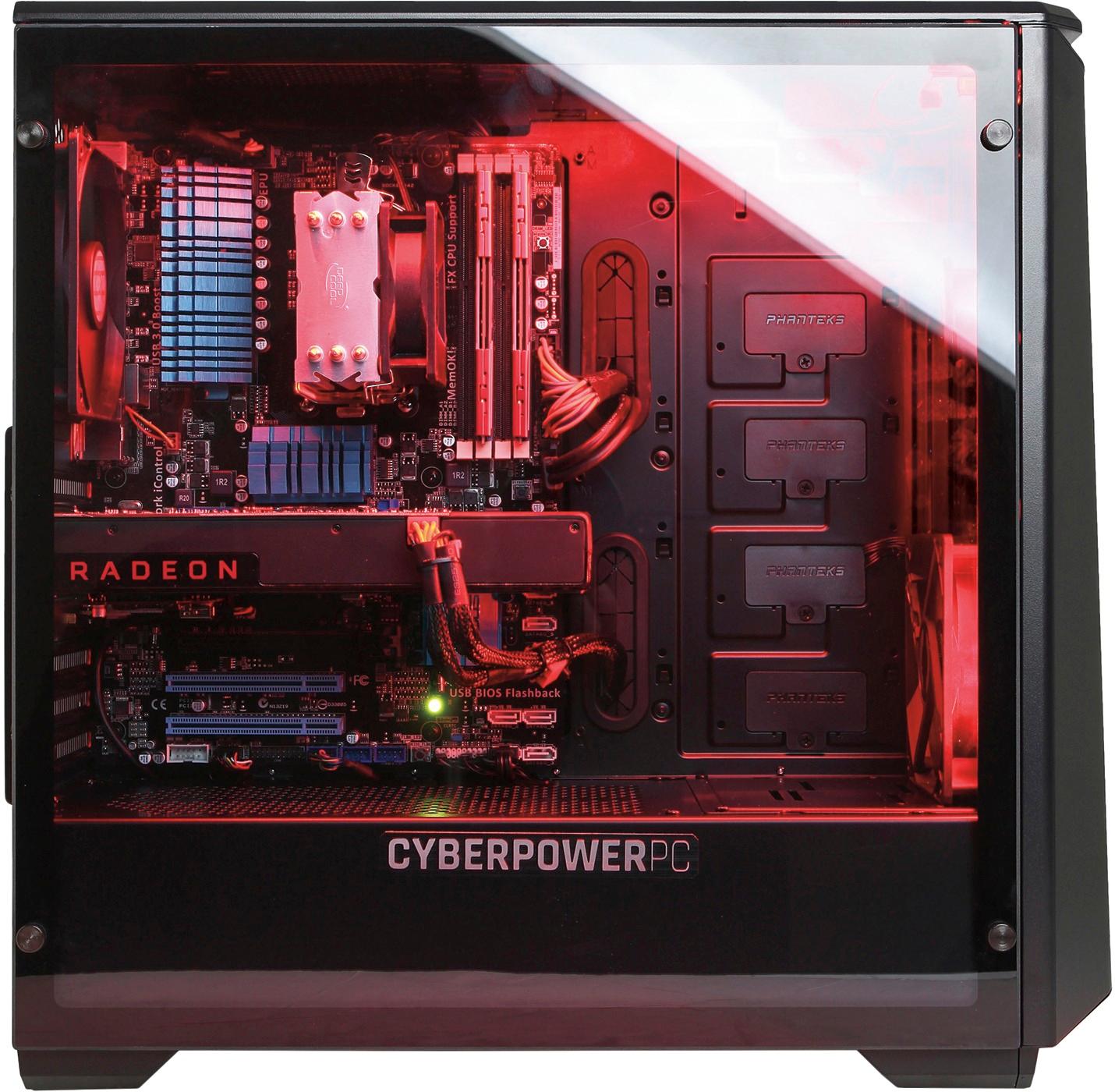
A:AnswerTake out the 4 screws for the glass panel. Make sure the graphics card is connected properly. Check the 6-pin power adapter and the graphics card itself. It sounds like it is just not getting power. Hopefully not a defective product.
A:AnswerIt is a very common problem with the later Radeon cards. Try to unplug the monitor power cable and the computer power, then plug them in and it should reset. If not, you may have to reset the BIOS. You'll have to look in the asus motherboard manual to do it.
A:AnswerHi. Bought this for my son. Yes. The HDMI is the same as your Xbox. The port is located in the back right behind where the Radon graphics unit just below where the other inputs are. It's black and hard to see.
A:AnswerI don't play those games but my son plays Overwatch online, Black Ops 3 online, A one of those Tom Clancy's online games. I have not heard complaints from him except internet connection.
A:AnswerWindows still needed to be activated. The sticker on the side of the PC has a scratch off section that has the product key. It prevents someone from stealing your key and it allows you to activate it.
A:AnswerPlease make sure you are connecting your TV directly to the graphics card connections below the audio ports on the back of the PC. If there is no power, please check by the power cord if there is a switch that you have that pushed to the "1" ( 1 = on / 0 = off ). Please contact our technical support department if you need additional assistance at 1.888.937.5582 Monday through Friday from 7am to 7pm PST.