A:AnswerWe bought the same machine and it had a bad display card. They took the machine back and replaced it, no questions asked. The new one, which I am on presently, works just fine.
A:AnswerAny computer slows over time unfortunately. The more programs you install, run and delete the slower it becomes. Also dust, temperature age become issues as well. I recommend cleaning air filters weekly or minimum monthly. Keep it in a cool place, or keep home cool. Good ventilation. Go on line and search ways to have computer run faster, such as changing computer setting for best performance instead of for looks. If you don't know how just search on the web and it will explain how to get to those settings on the PC. Overall you can't go wrong for this price and performance, the same computer with an i7 or i5 would cost about $1000.00 and this AMD 8 core processor is not bad. I like Intel better however I would still recommend this particular PC. Other suggestion is while you install programs make sure you go to options and change what programs start up during the boot up process and which ones run in the background. Only a limited amount of programs should be running. Basically any program that is essential for operation only, or currently in use by you. If you are not using the program then it should not be running.
Hopefully this helps.
A:AnswerI purchased the LG Dual-Layer DVD, silver, from Best Buy. Simply plug in via USB - no power cord needed. No flimsy tray - you gently push DVD into slot and it accepts it - like Xbox One and PS4. The dual-layer works great for burning movies to DVD that are greater than 4 Gb. Try software: ConvertXtoDVD if that's your thing.
A:Answeryou should be able to take it back to a local best buy and exchange it right there if they have one in stock.. it doesn't cost anything to exchange as far as I know.
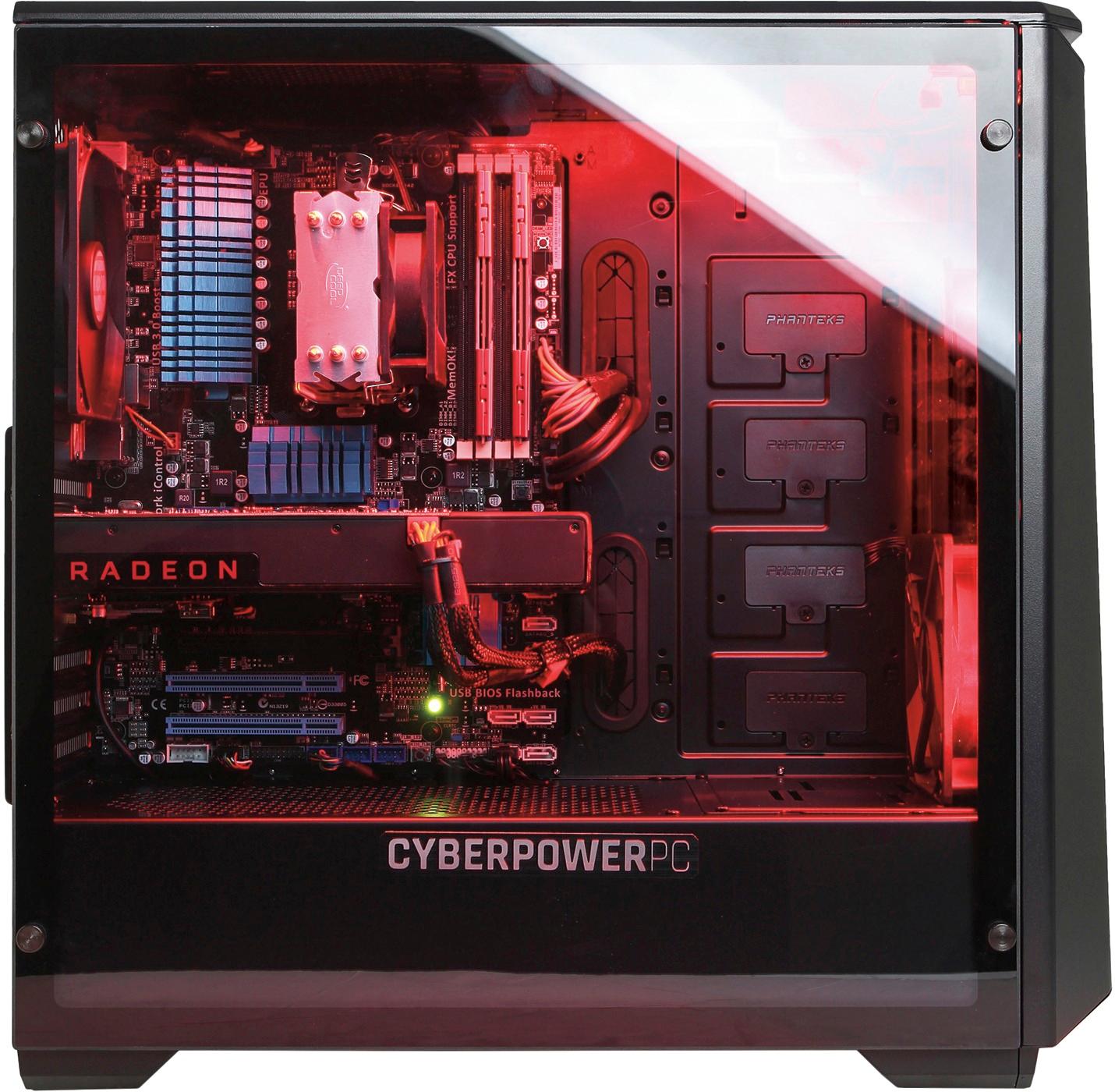
A:AnswerThere is a lot of information, some of it bad, on this bestbuy website. Some one else correctly labeled the MOBO. FYI for all those diy gamers the board supports 4x16g Ram but the most updated QVL (vendors) doesn't have one listed.
A:AnswerYes with out a problem on ultra settings, just update direct X first!! "X3DAudio1_7.dll".(If you manually download the driver you need as i did you can just simply past it anywhere in the WindowsC:>Windows file! Good Idea to have have 3mb or higher internet if playing online!! Hope this helps.
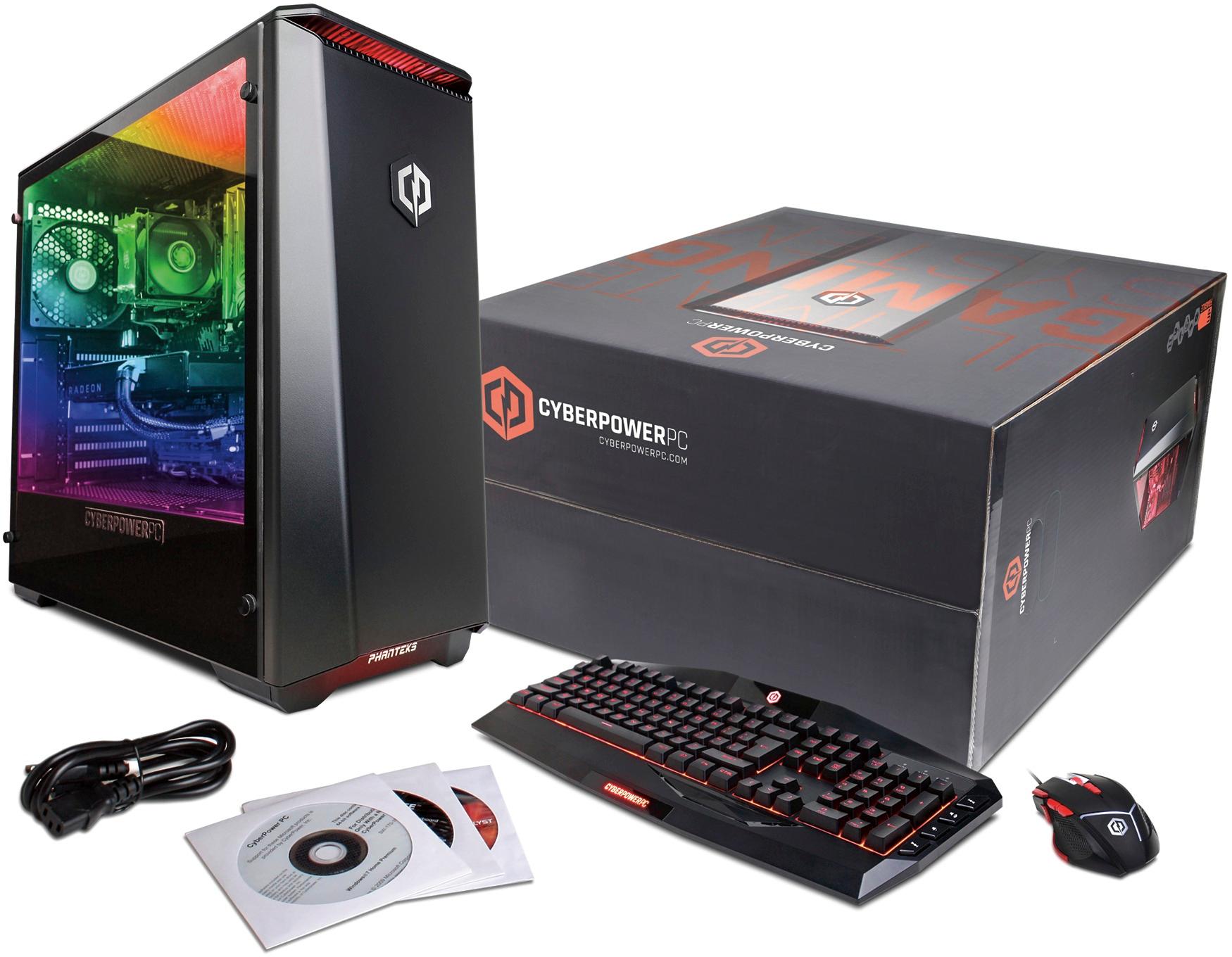
A:AnswerI bought this for my son understanding it had "Next-generation wireless connectivity" which I was excited about being that the computer is located upstairs. However, now that he has been trying to use it and is only getting 1 bar on his connectivity I'm not so happy. Had to buy him a wifi adapter only to find out it needed to have software installed...but there is no internal optical drive so....once again not so happy. Certainly wasn't made clear that it didn't have an internal optical drive upon purchasing. I figured it had one since it showed the installation discs in the picture. Seems I will either need to buy an external USB DVD drive for it or see if I can get a plug in ready wifi adapter just to get it to function properly.
A:AnswerYou can replace the ram, or purchase additional 2 sticks of RAM of the same speed and timing. I don't recommend trying to mix speeds and timing of memory sticks. As for the motherboard it's an ASUS model M5A97. Not a front runner by any means. Yes you can use a GTX1080.
A:AnswerIt must be DDR3. The motherboard dictates the type of RAM that can be inserted into the slots and it has to be DDR3. There is only a minor difference between the two types however, and if you are just gaming, there shouldn't be a huge issue.