A:AnswerWe thank you for your interest in the product. Please note that router does support security cameras that run on WiFi or wired networks. Thank you.
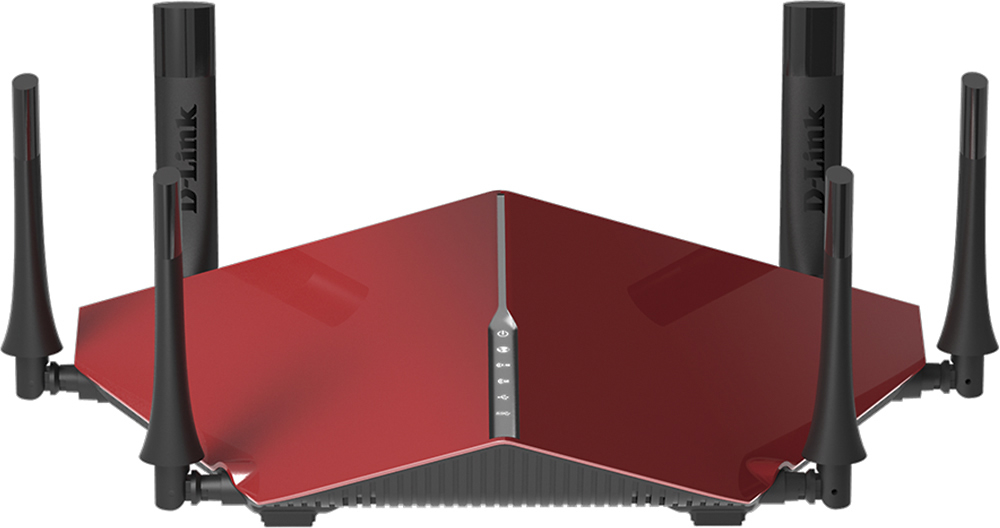
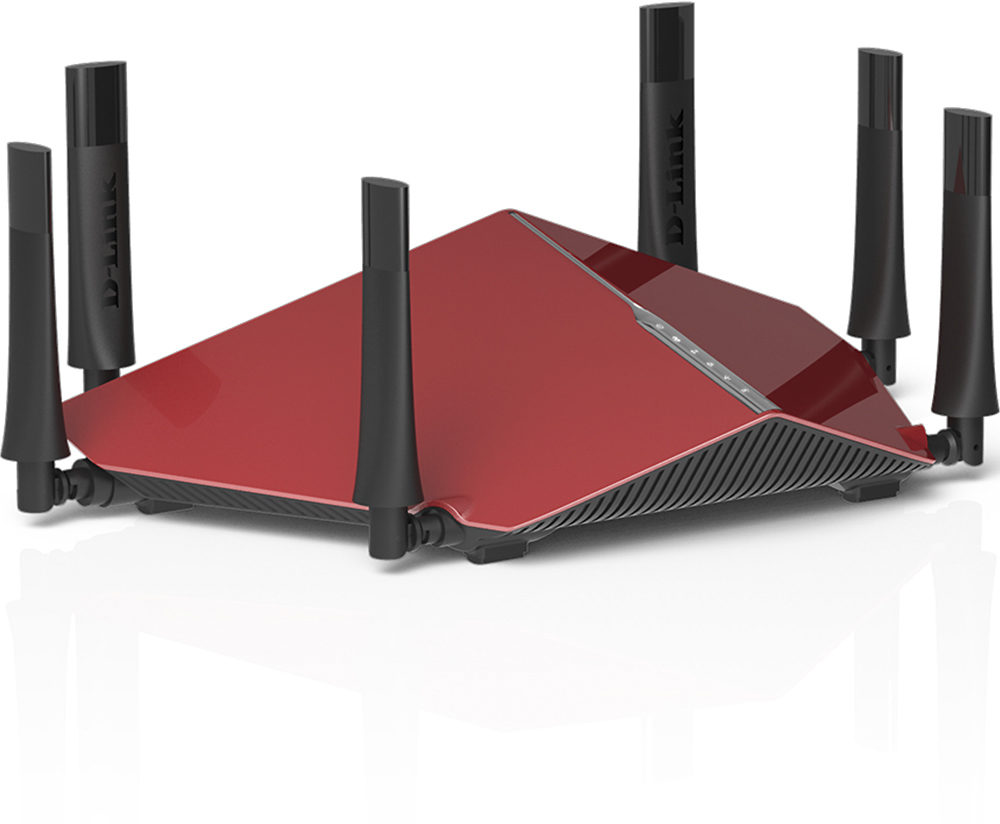
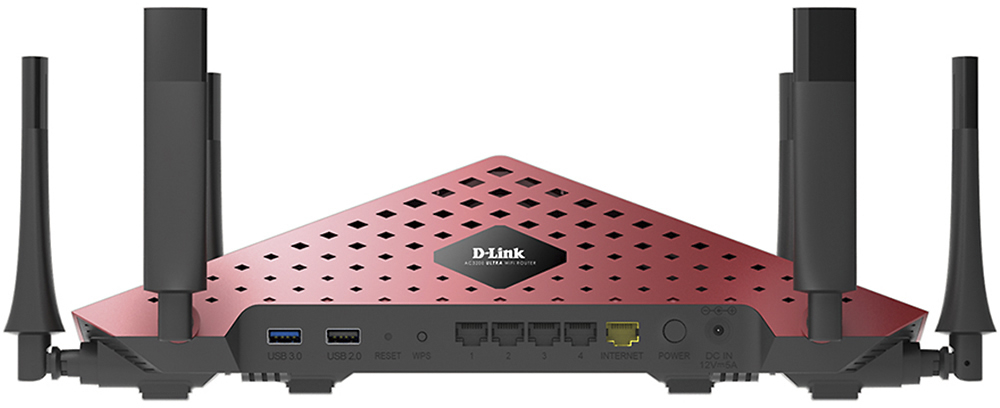
A:AnswerNo not really. The Dlink AC 3200 dose not have any points where you may be able to connect any antenna. The unit does come with 6 antennas that can be positioned based on your environment.
A:AnswerI don't have Cox; I have UVerse, which supplies the worst router known to man when you sign up with them. Their router was incapable of handling my devices so the service was awful, streaming almost impossible and (after many service calls) they told me that their equipment was not designed to handle all of my devices (??). They advised me to get a separate router to handle the load. I purchased the Dlink, routed everything through this router except the Uverse TV and everything works fine now. In short, if it works with Uverse and does the job, it will work with any other provider. I know this is a roundabout way to answer your question but whenever I can get warnings out about Uverse, I will.
A:AnswerThe D-link AC3200 is 802.11ac network compatable hence the AC in the AC3200 model name. 802.11ac is the new Wi-Fi technology you seek. The older Wi-Fi used 802.11b & g. Most current devices such as todays laptops and smart phones use 802.11n. The few newest decices are starting to come with 802.11ac tech and more and more devices will start to use the 802.11ac replacing the b/g & n tech . Any router that supports 802.11ac will support MU-MIMO technology. As long as the 802.11 ac supported router is n/b/g backward compatable, it will also support the older 802.11n and the even older 802.11b & g tech. For more info check this out. Read the Wireless Protocols section. http://www.pcmag.com/article2/0,2817,2398080,00.asp
A:AnswerWe appreciate the interest in the product. Please note that the DIR-890L is a router. So all you need to do is connect it your modem and you will receive blazing fast speeds.
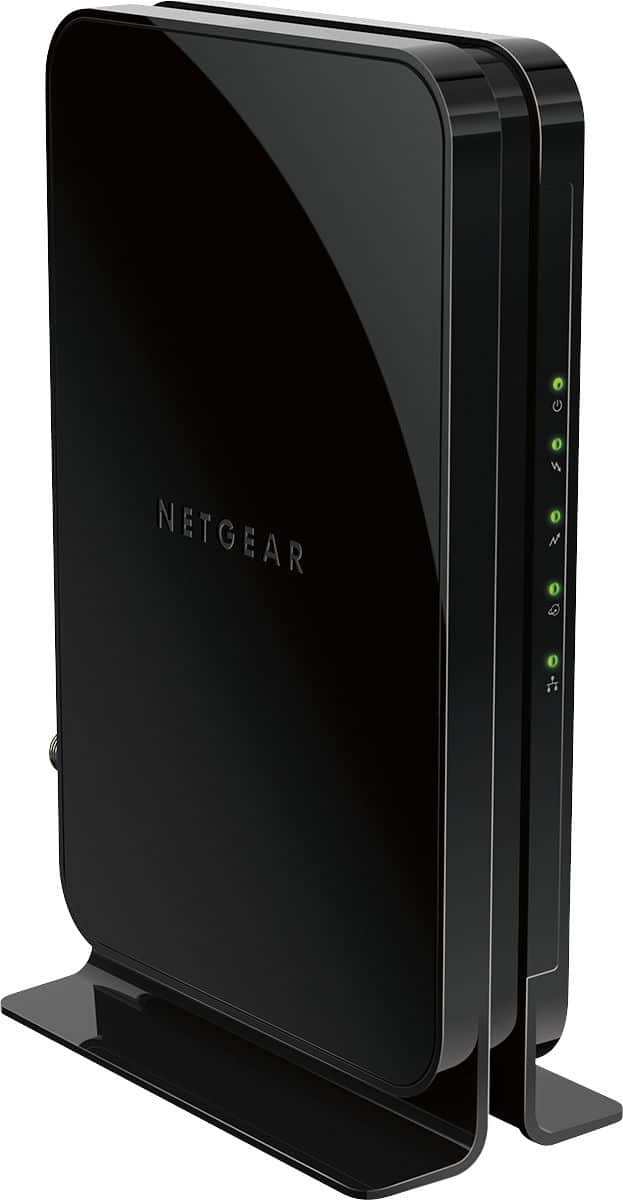
A:AnswerThe modem you need depends on the internet service you have, if you have coaxial cable (TV thick round cable) or DSL (phone line), then a cable or DSL modem is appropriate. First check with your service provider. Many times your provider gives you a modem, some charge a monthly fee and you are better off buying one.
Any modem that converts your incoming signal (DSL or coaxial cable) into a ethernet cable signal (similar to phone cable but wider) will work with this router. From your modem you run a cable (supplied with this unit) into the incoming plug of this router and you are all set.