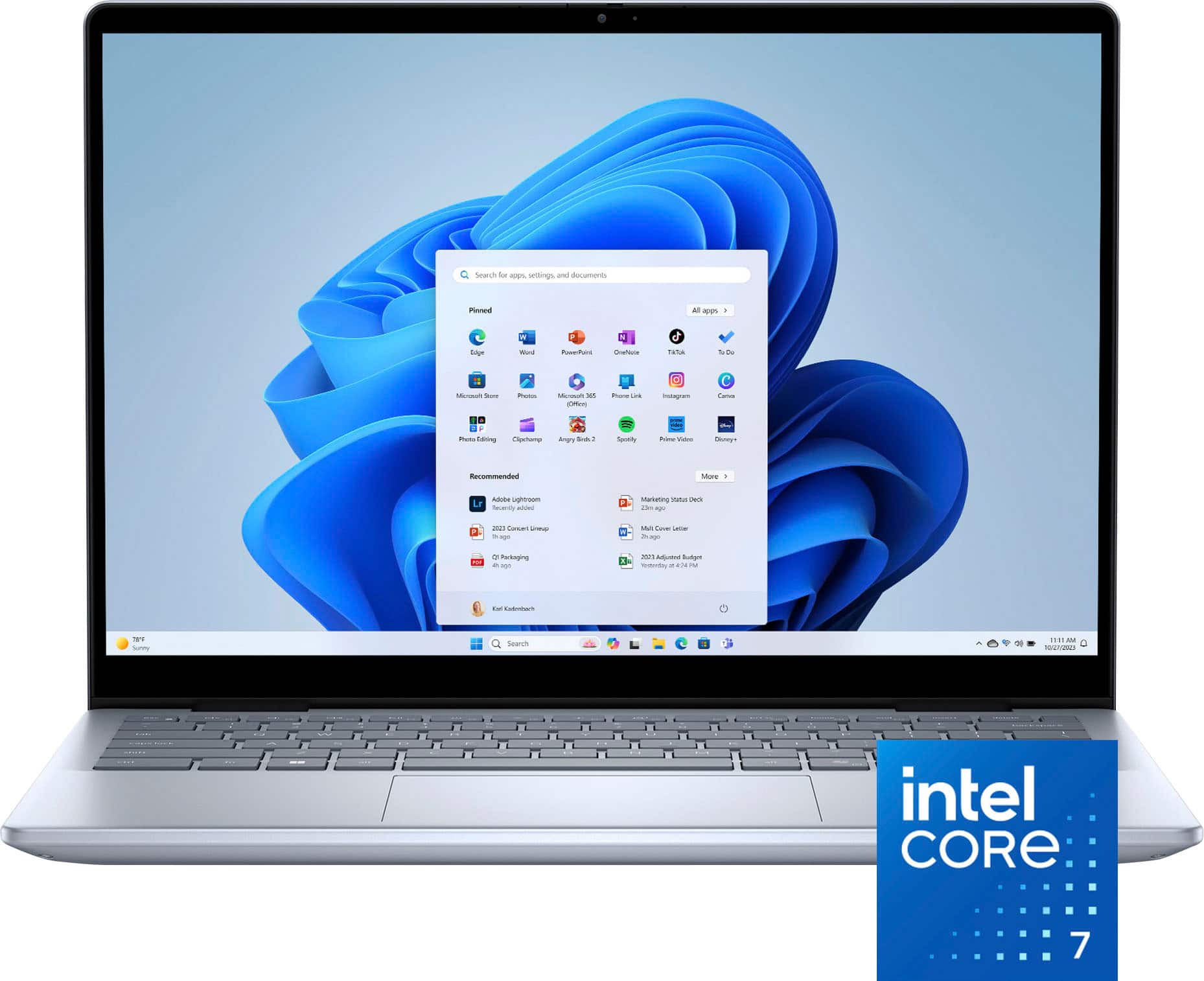
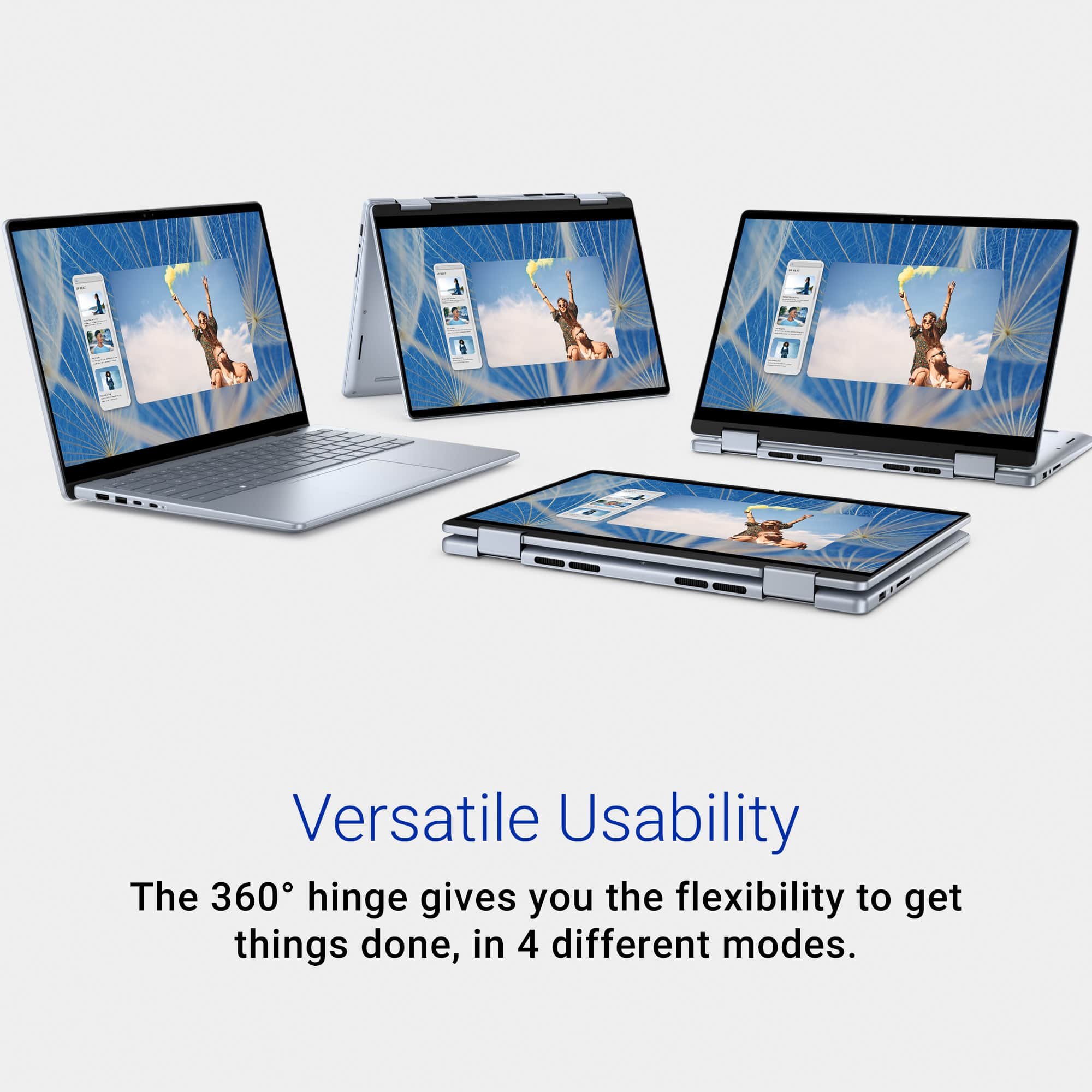
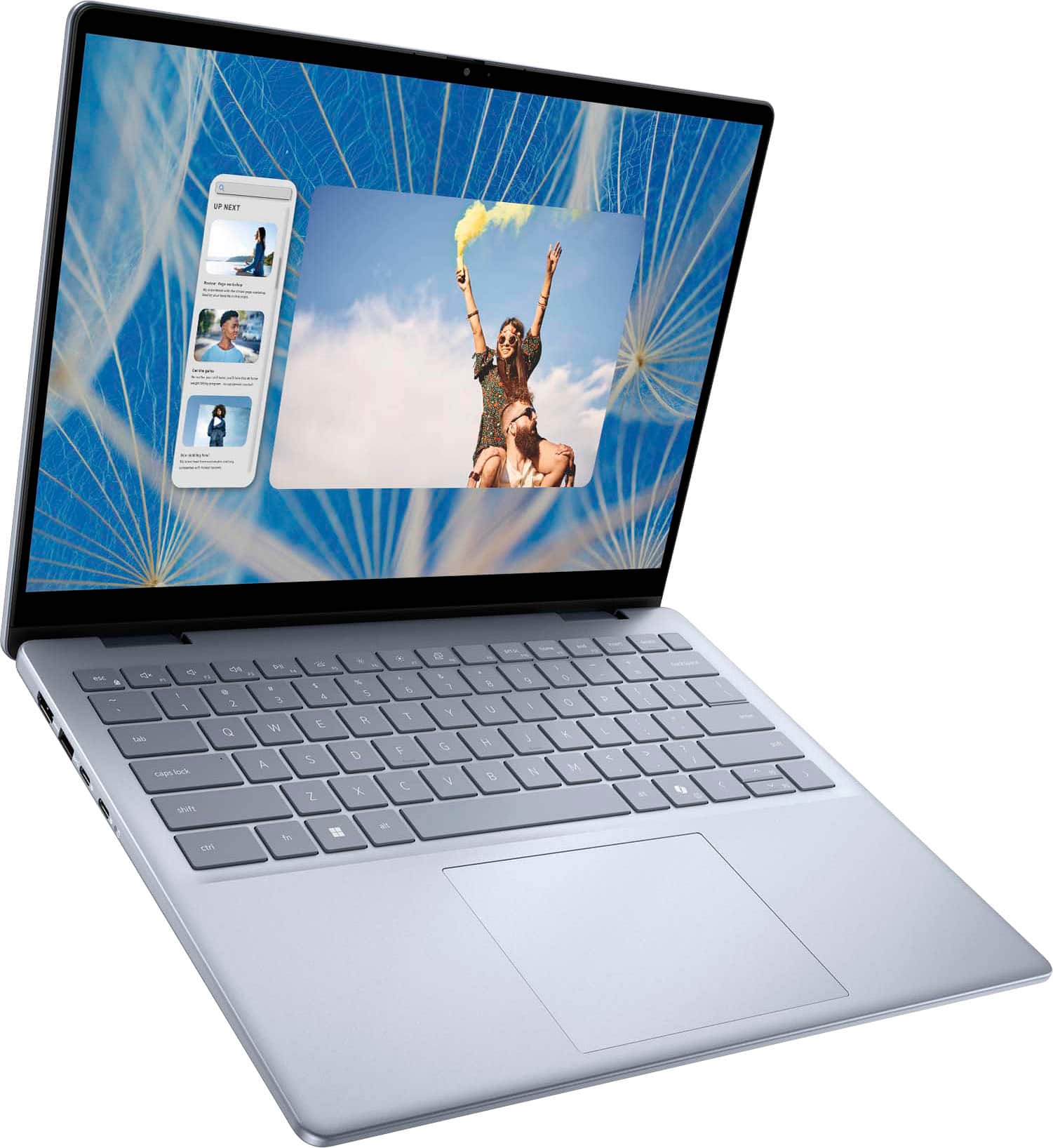
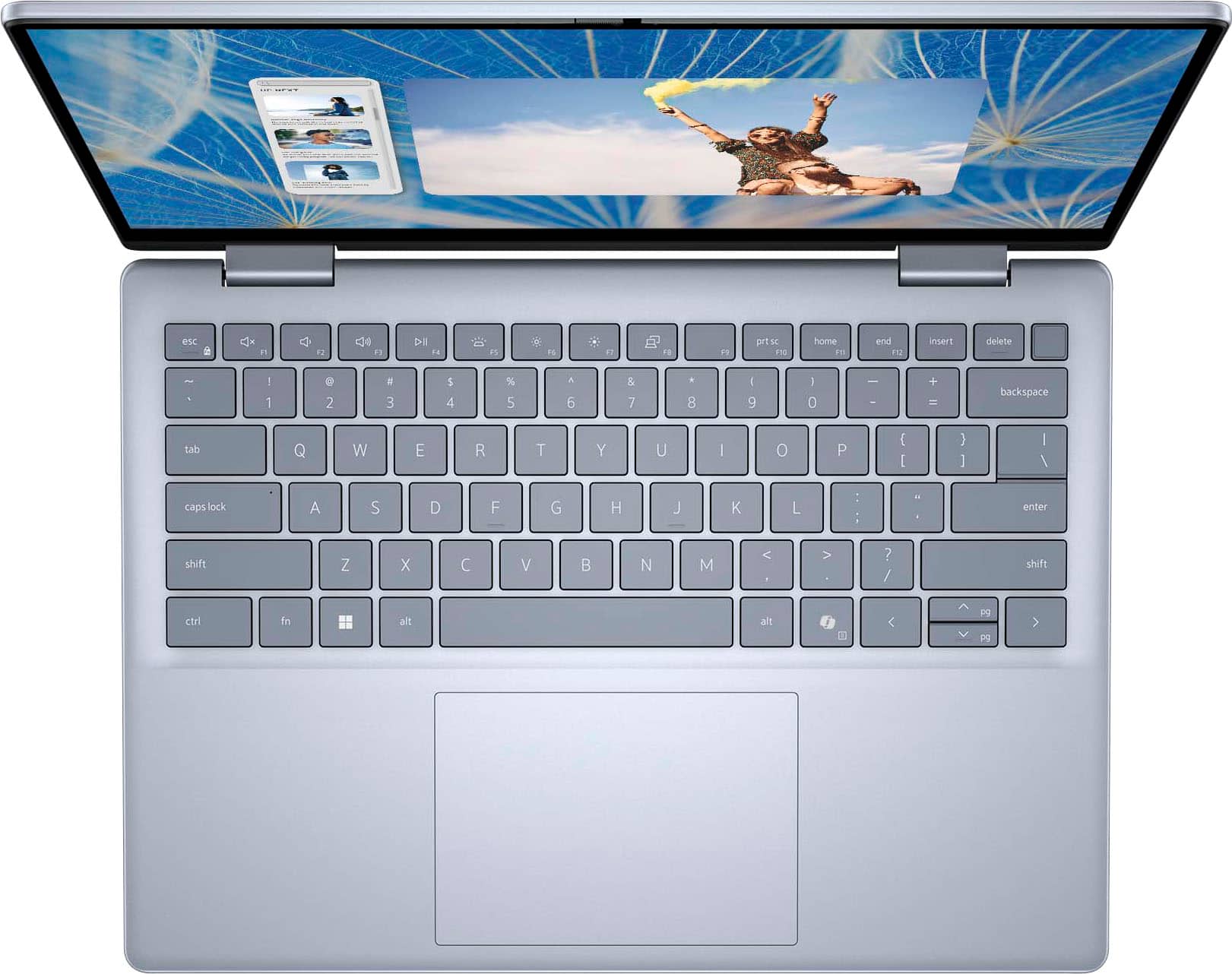
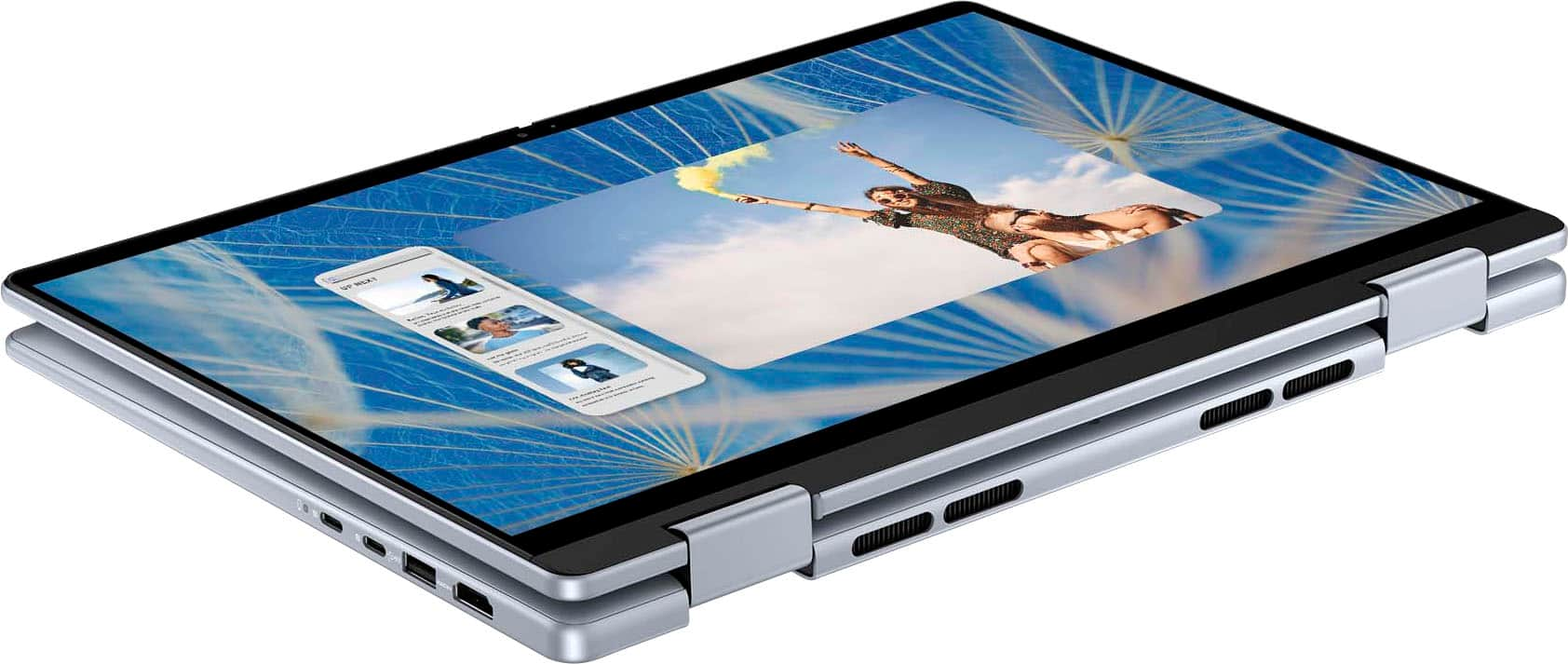
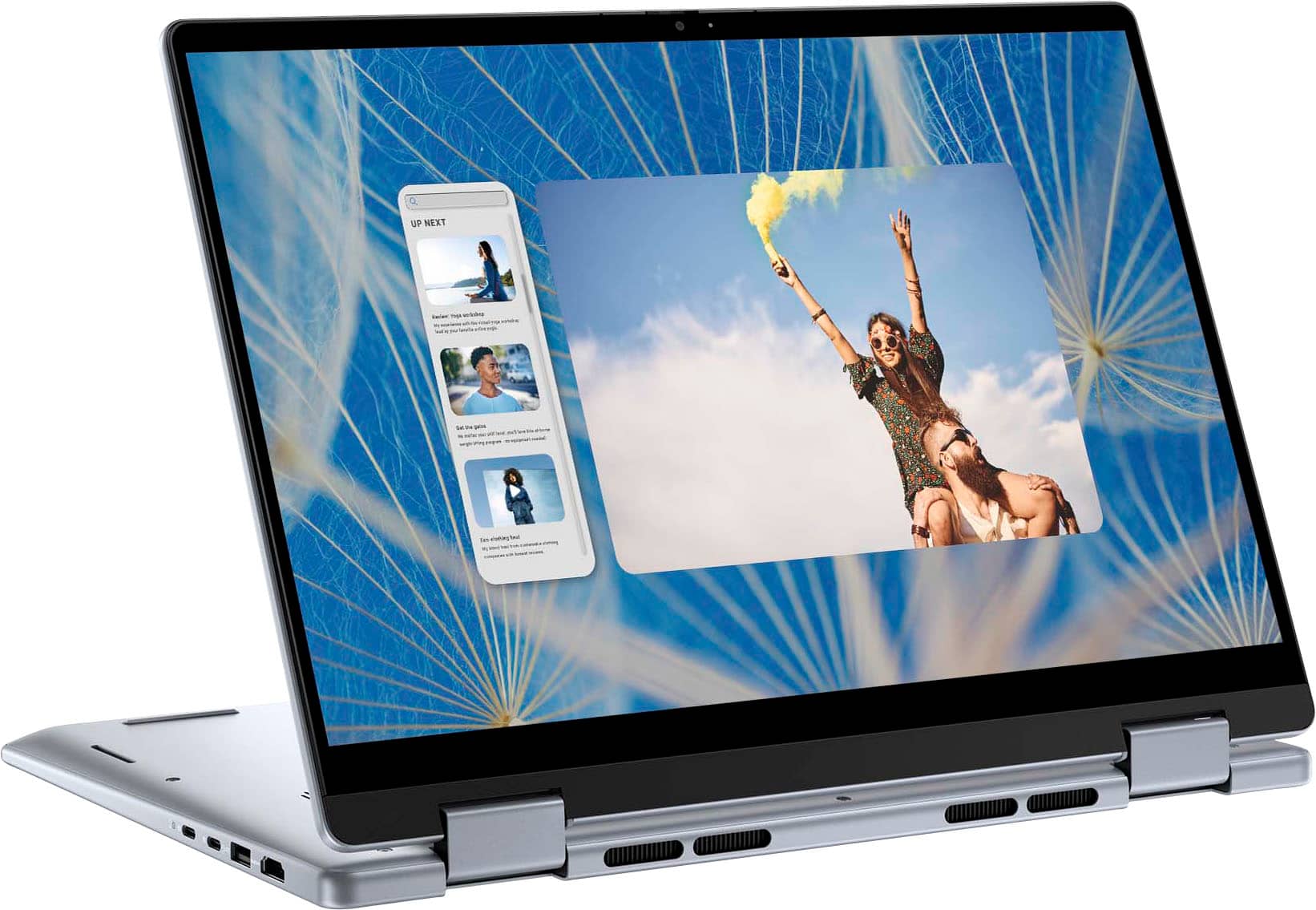
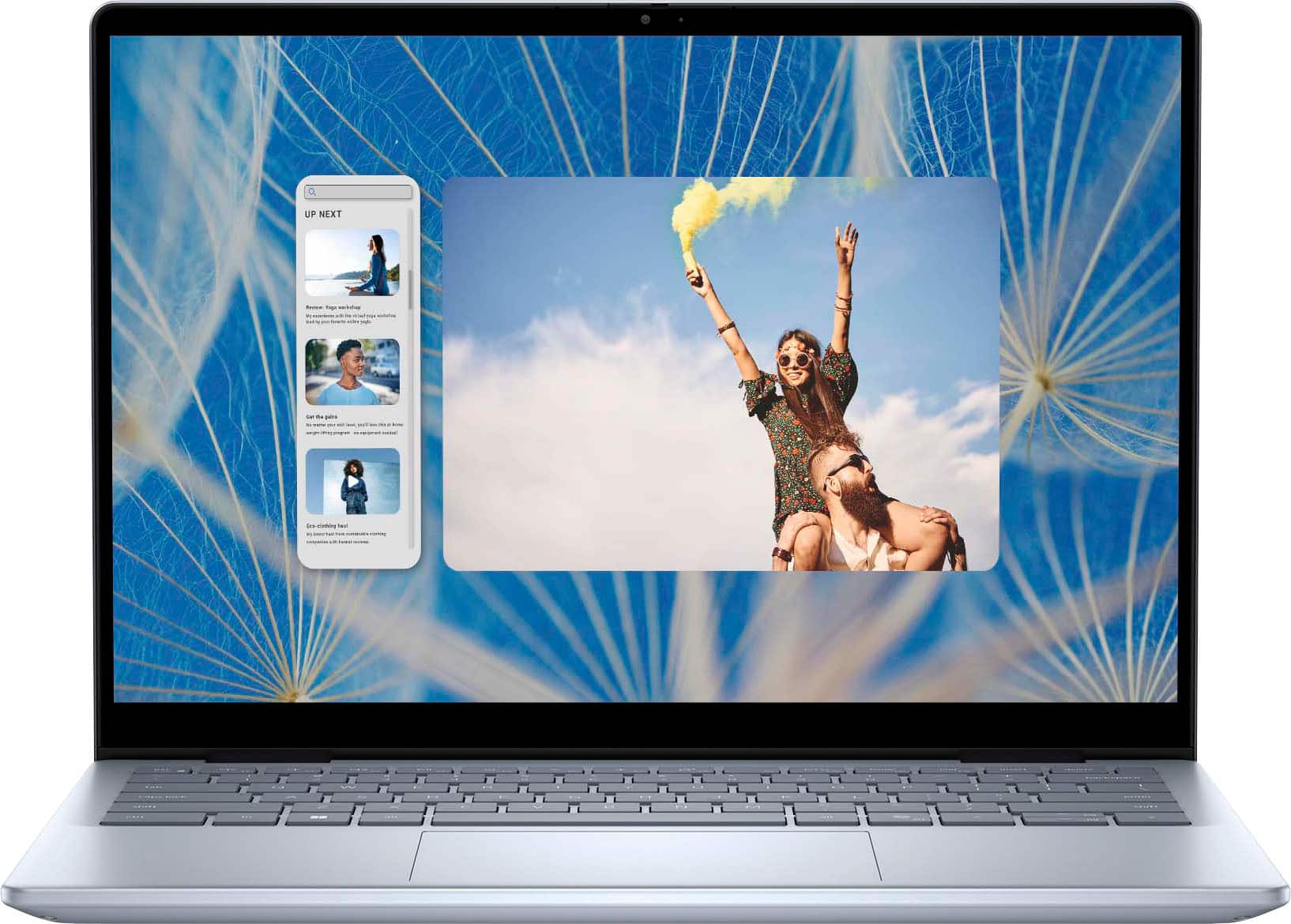
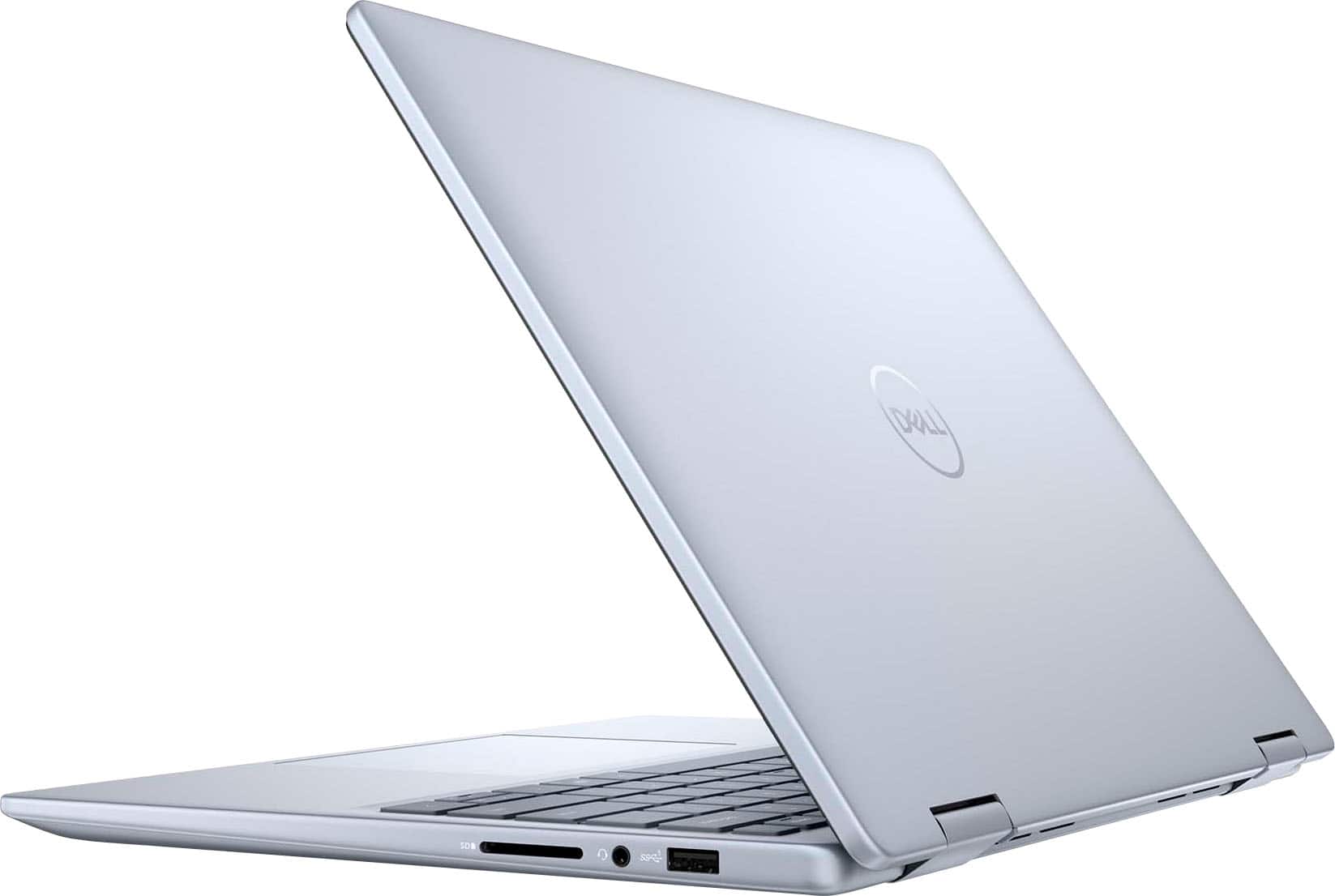
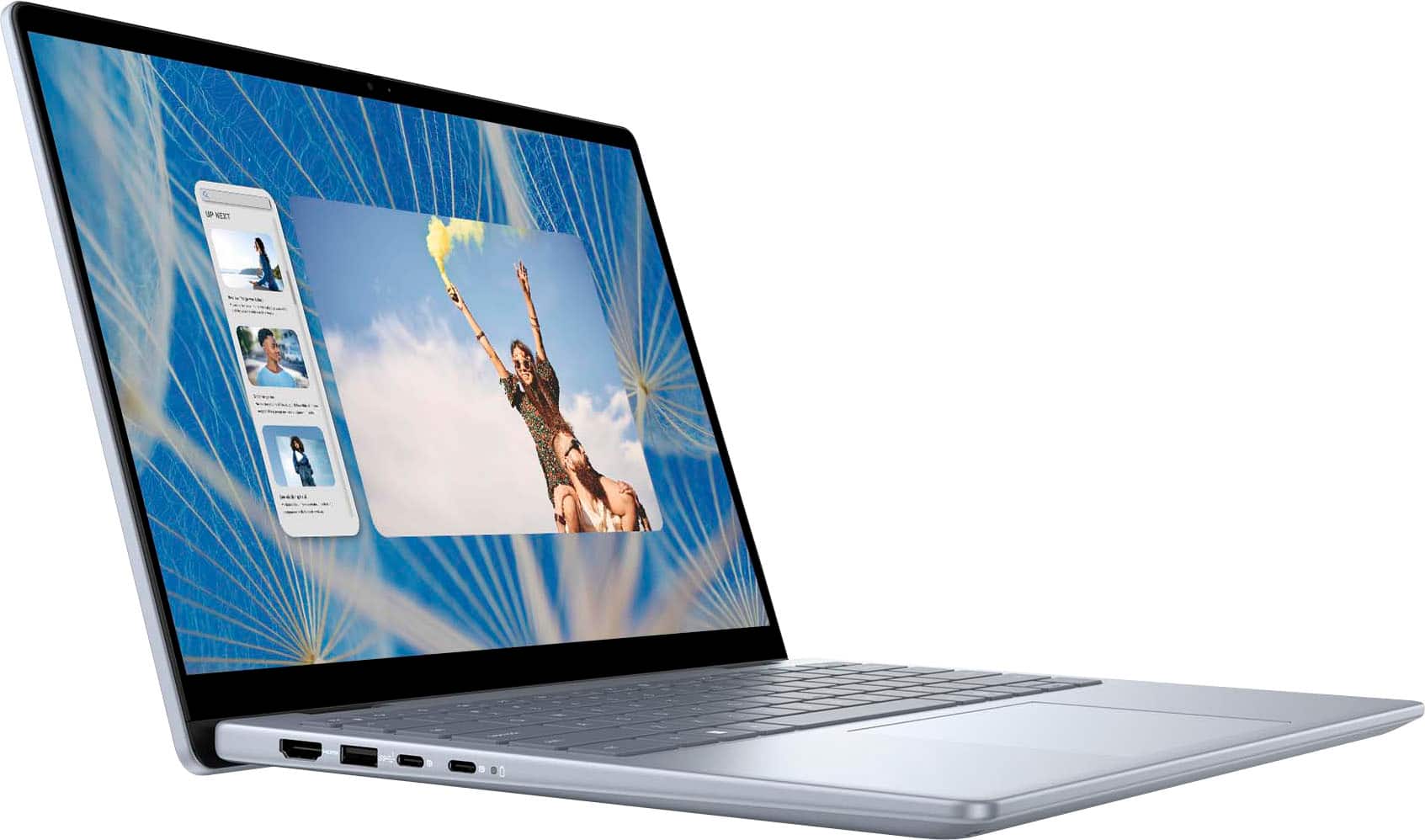
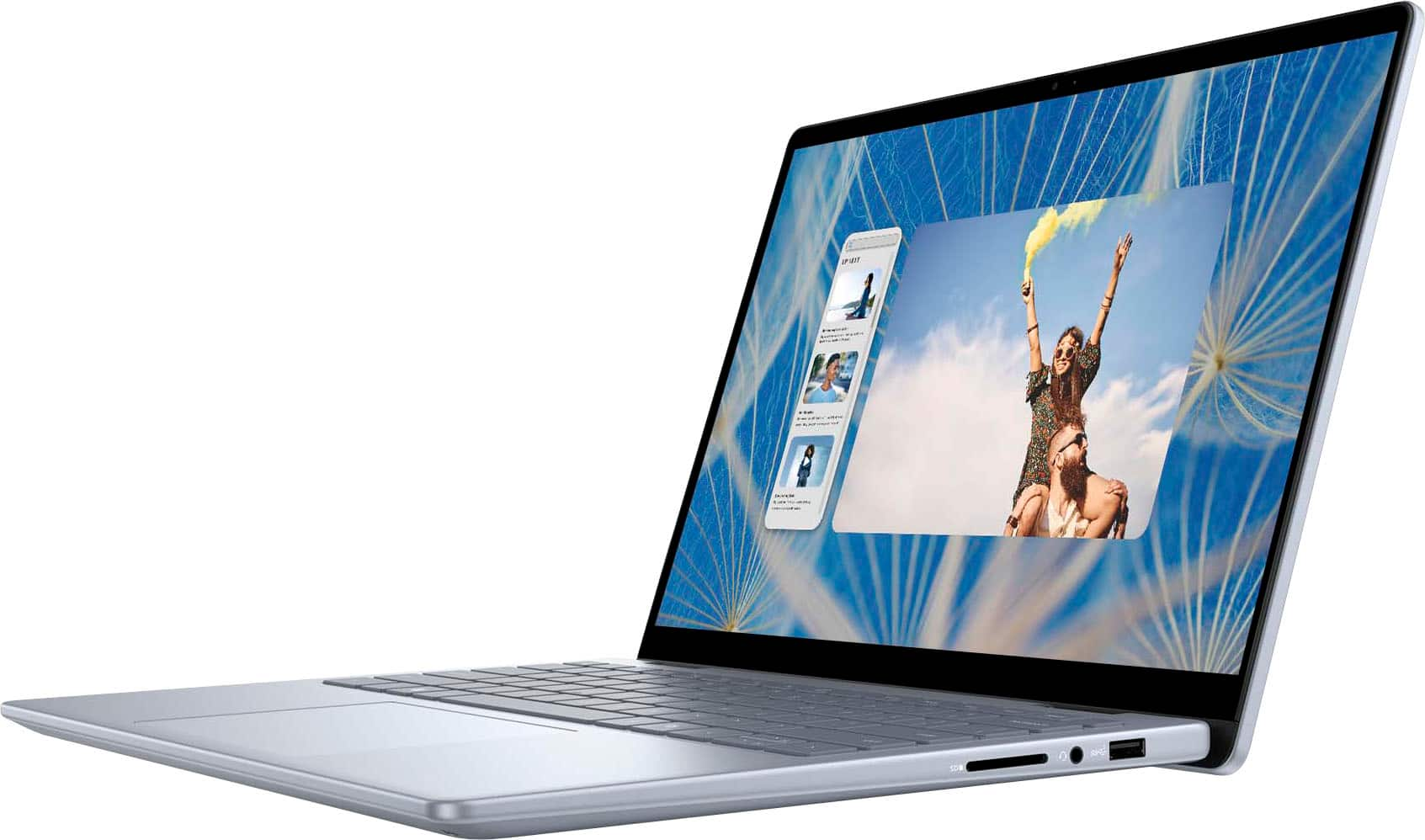
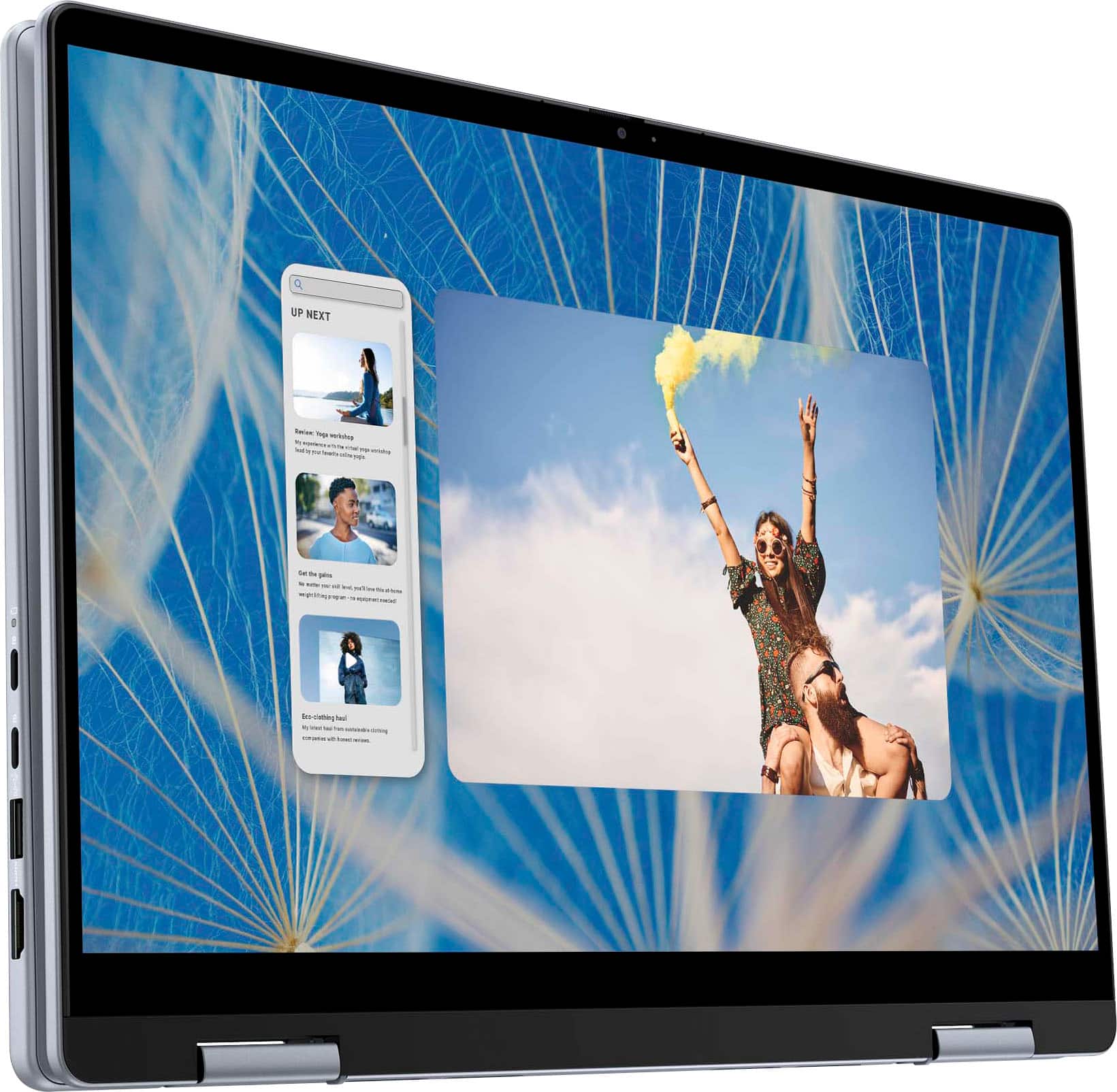
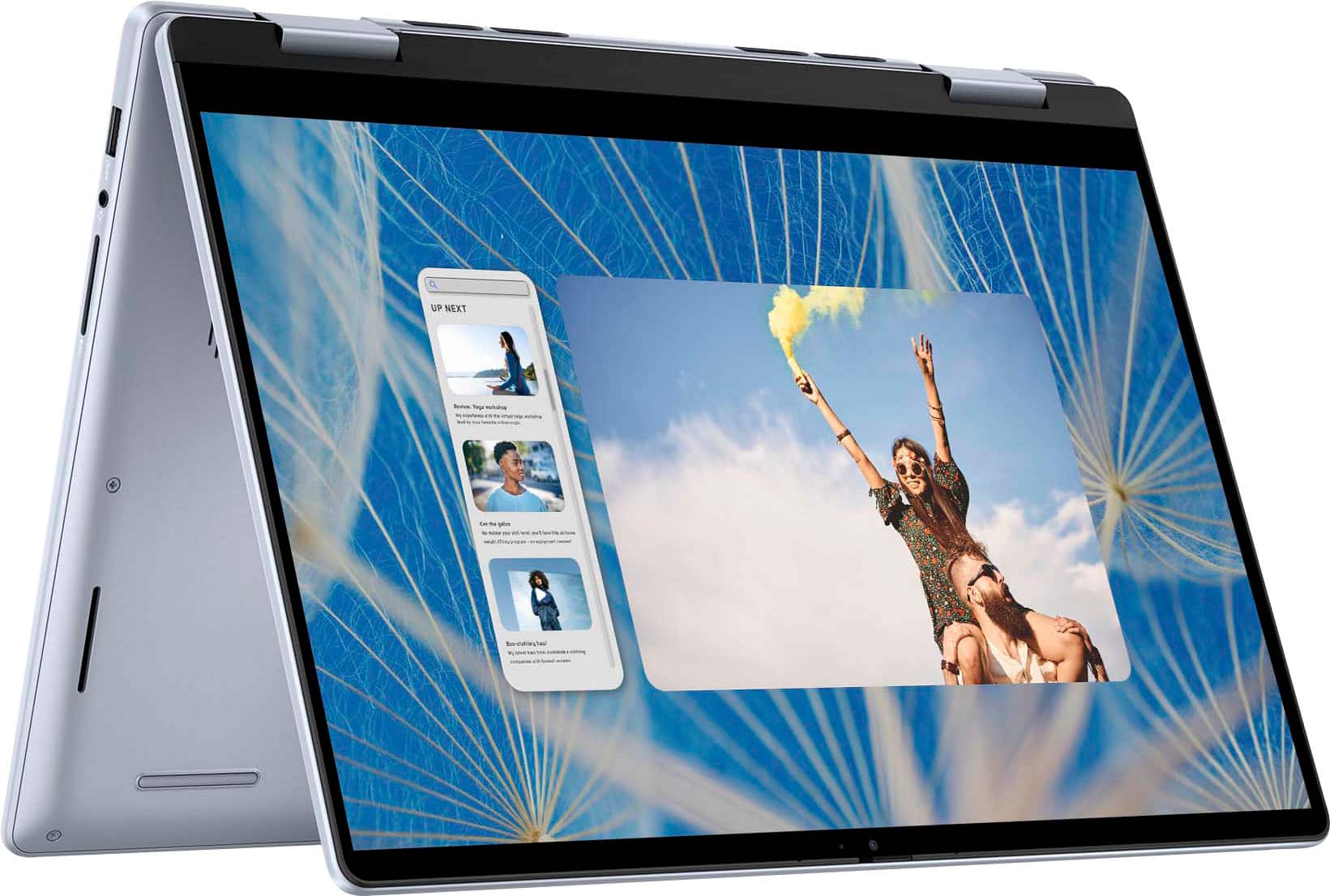
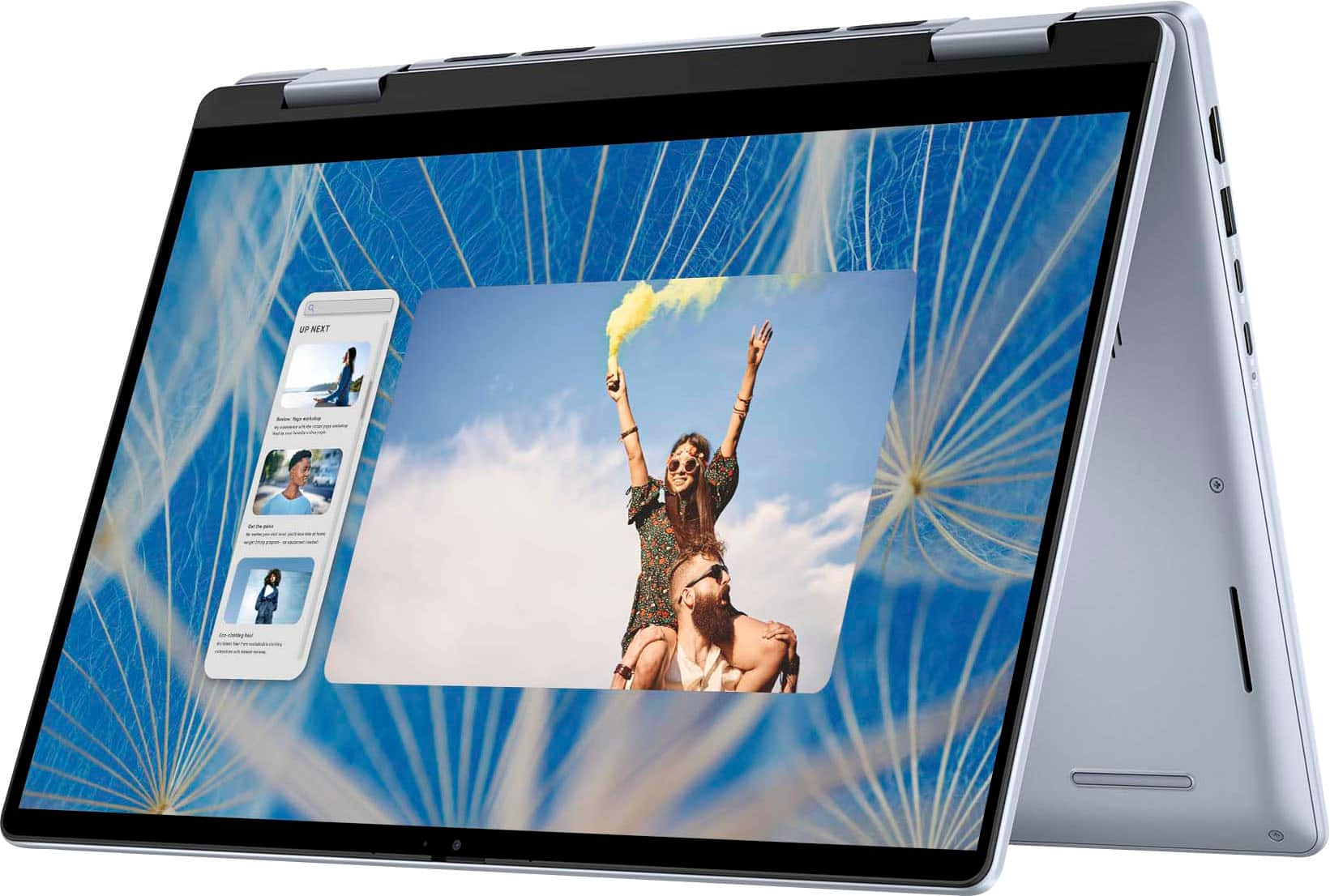
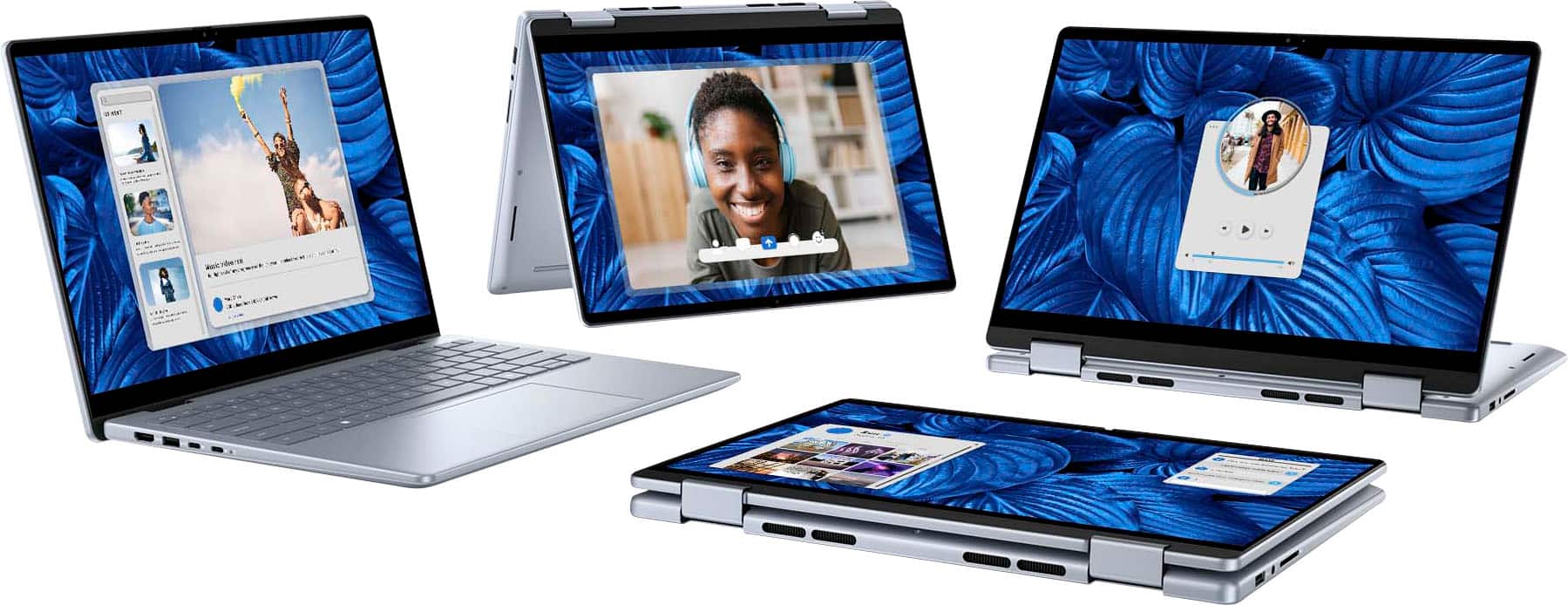
A:AnswerThe Dell Inspiron 14" 2-in-1 Touch Laptop typically comes with a 1-year limited hardware warranty from Dell, which covers defects in materials and workmanship.
A:AnswerSSD is faster read and write speed, more reliable and more expensive and HDD is slower read and write speed, less reliable and it make noisy due to spinning disk and cheaper.
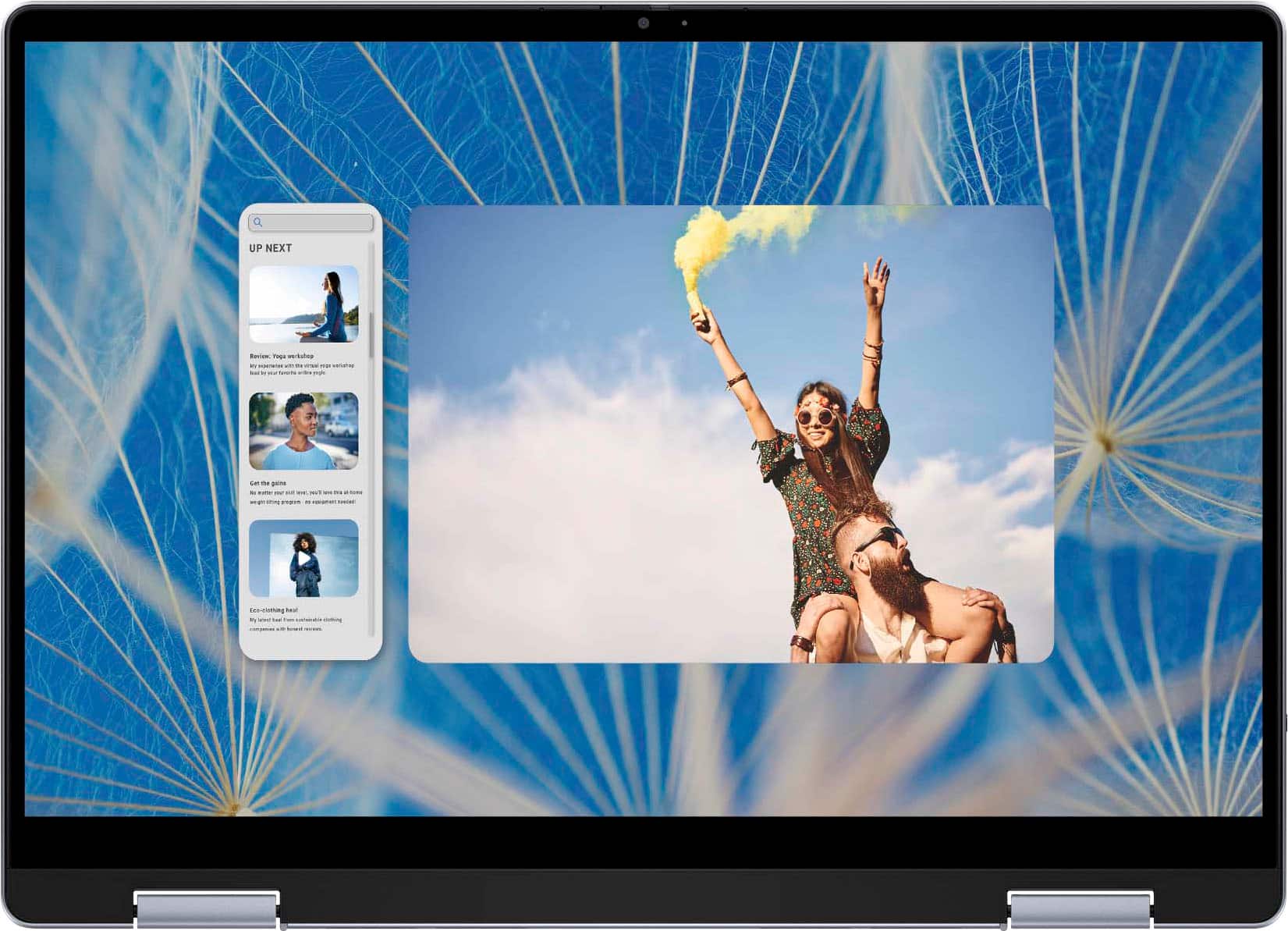
A:AnswerThis unit comes with a FHD front camera; 1080P with 2.1 megapixels. You can also either purchase a new Windows 11 in Spanish or switch the native language within the Windows currently set up on the laptop.
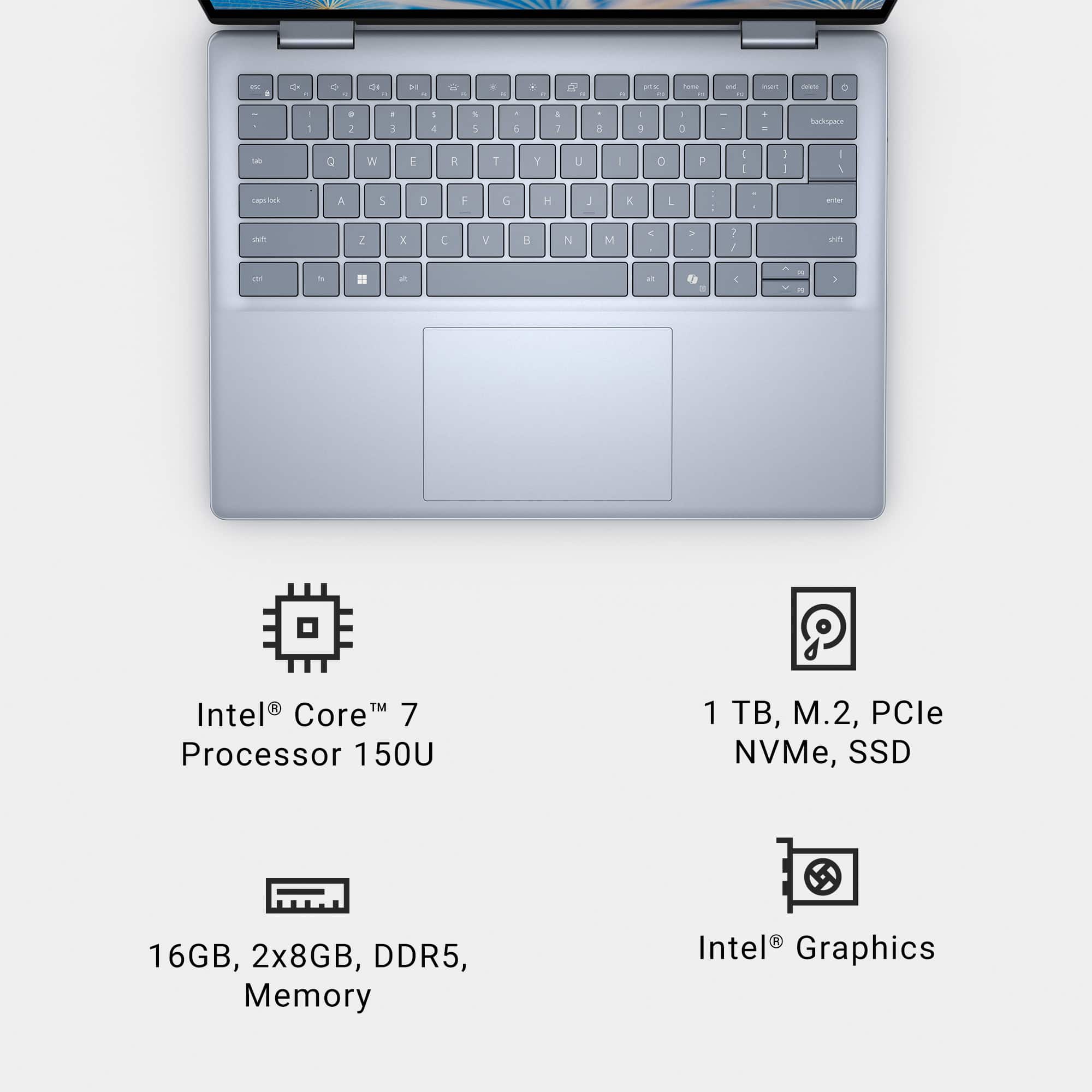
A:AnswerIt has a good processor, but not the most powerful you can get. It has a good amount of RAM, that suits most needs for multitasking and viewing multiple windows of different stock feeds, and can display at least four distinct monitors (3 external, one internal) simultaneously. WiFi is in the gigabit range. So judge for yourself.
A:AnswerDell Premium Active Pen (PN579X): This pen is frequently recommended for Dell 2-in-1 laptops, offering features like tilt support, pressure sensitivity, and customizable buttons. It uses Microsoft Pen Protocol (MPP) and should work well with your Inspiron model.
Dell Active Pen (PN350M): Another option that is more affordable, though it may lack some advanced features like tilt support.
Third-Party Options:
Surface Pen: Since your laptop supports Microsoft Pen Protocol (MPP), the Surface Pen is a good third-party option.
Wacom Bamboo Ink Plus: This stylus supports both Wacom AES and MPP, making it a versatile choice for different devices, including your Inspiron.
A:AnswerThank you for your question. Touch screens are working on this model. If you are experiencing issues, please use the link below to troubleshoot. https://dell.to/4e2YJm9
A:AnswerI am assuming that you are asking about S MODE, rather than SAFE BOOT. The operating system is regular, vanilla Windows 11 Home, NOT in S mode.