A:AnswerAfter previously having an all-in-one computer with built-in speakers, I was disappointed to learn I would have to purchase a set of speakers for my new Dell computer. However, since I don't need anything earth-shattering, I was able to purchase a small, but sufficient set (Logitech Z130) for less than $20. I am totally NOT tech-savvy, but the IT consultant who set up my computer gave me these instructions --
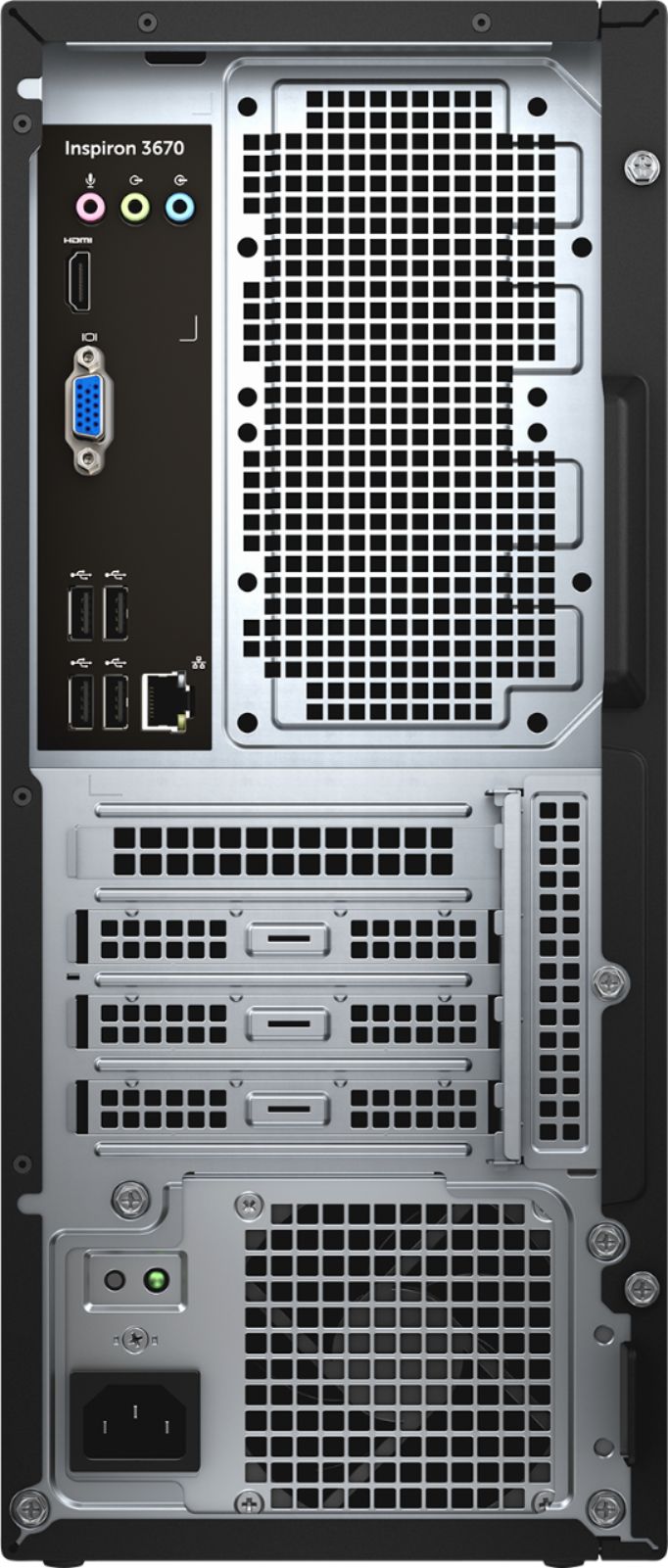
On the back of the computer, at the top, are three jacks. From left to right, they are red/orange, light green and light blue. When you buy speakers, the cord that plugs into your computer should have a green tip. Plug it into the middle (green) jack. That's all I had to do. Since the speakers I purchased are small, I put them one on either side of the monitor, and arranged the wires to be as out of the way as possible.
Hope this helps.
A:AnswerNo graphics card aside from onboard Intel UHD Graphics 630, with 1 HDMI and 1 VGA output. Decent graphics, but I'd put in an external card to drive multiple HD monitors.
A:AnswerNo, this has a 1 TB mechanical 7200 RPM hard drive. You likely will be able to add a SSD if you choose. The disadvantage of a hard drive over a SSD is that the mechanical drive can make more noise as well is being much slower(especially when it needs to access a bunch of different data at once).
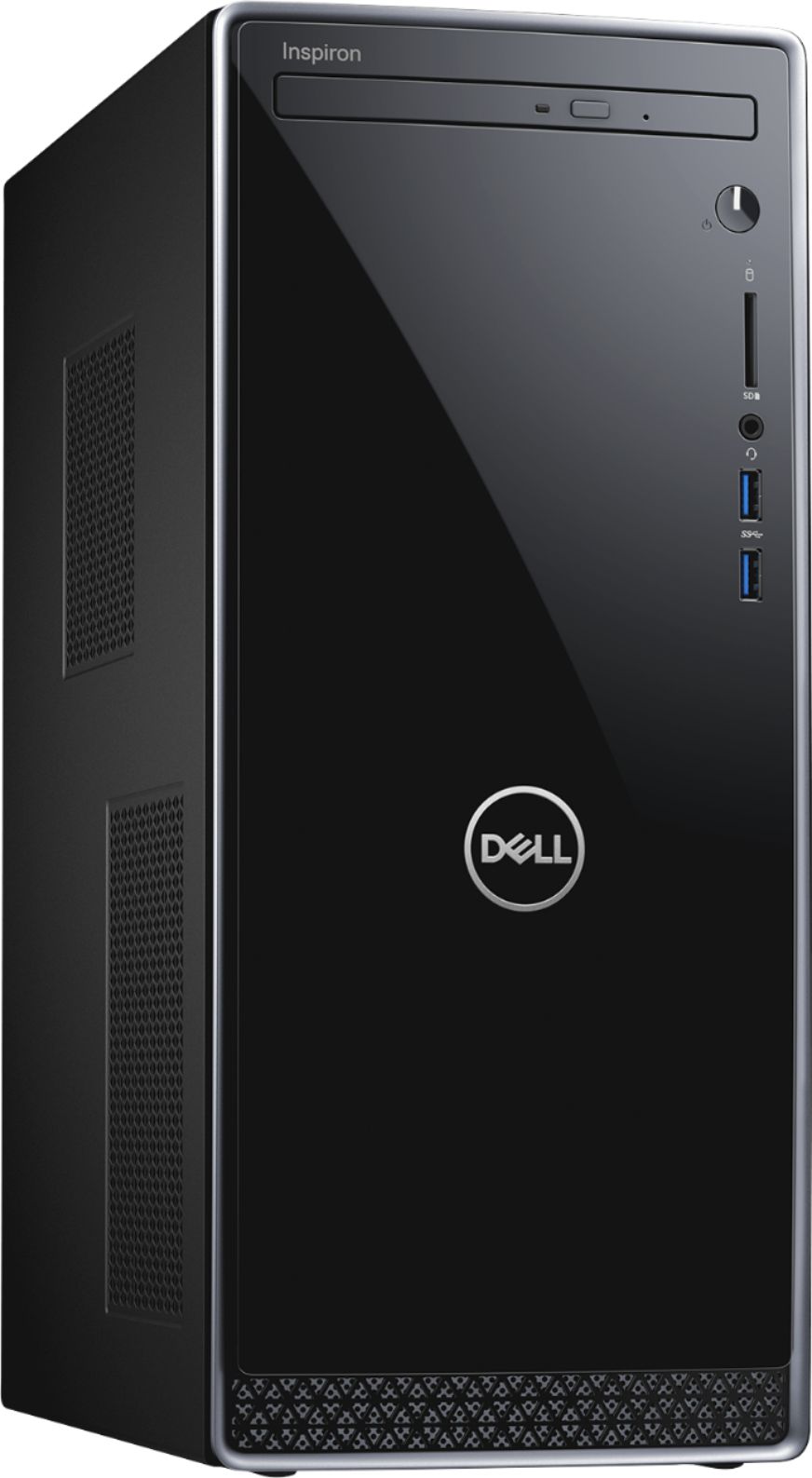
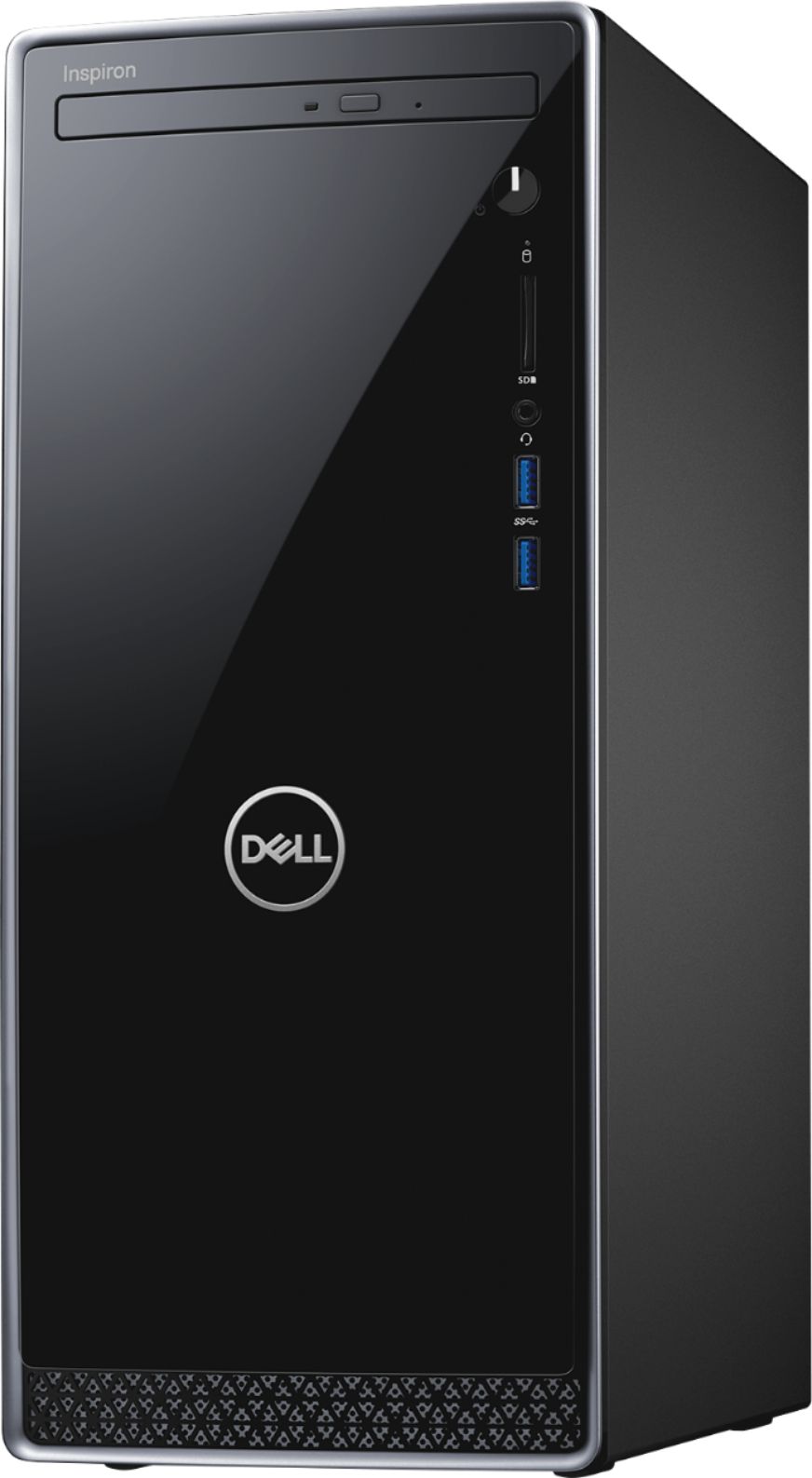
A:AnswerAccording to Dell's website, The height is 14.71" (373.7mm) Width 6.30” (160mm) and the Depth is 11.61” (294mm) | with the starting weight being 14.1lb (5.24kg)
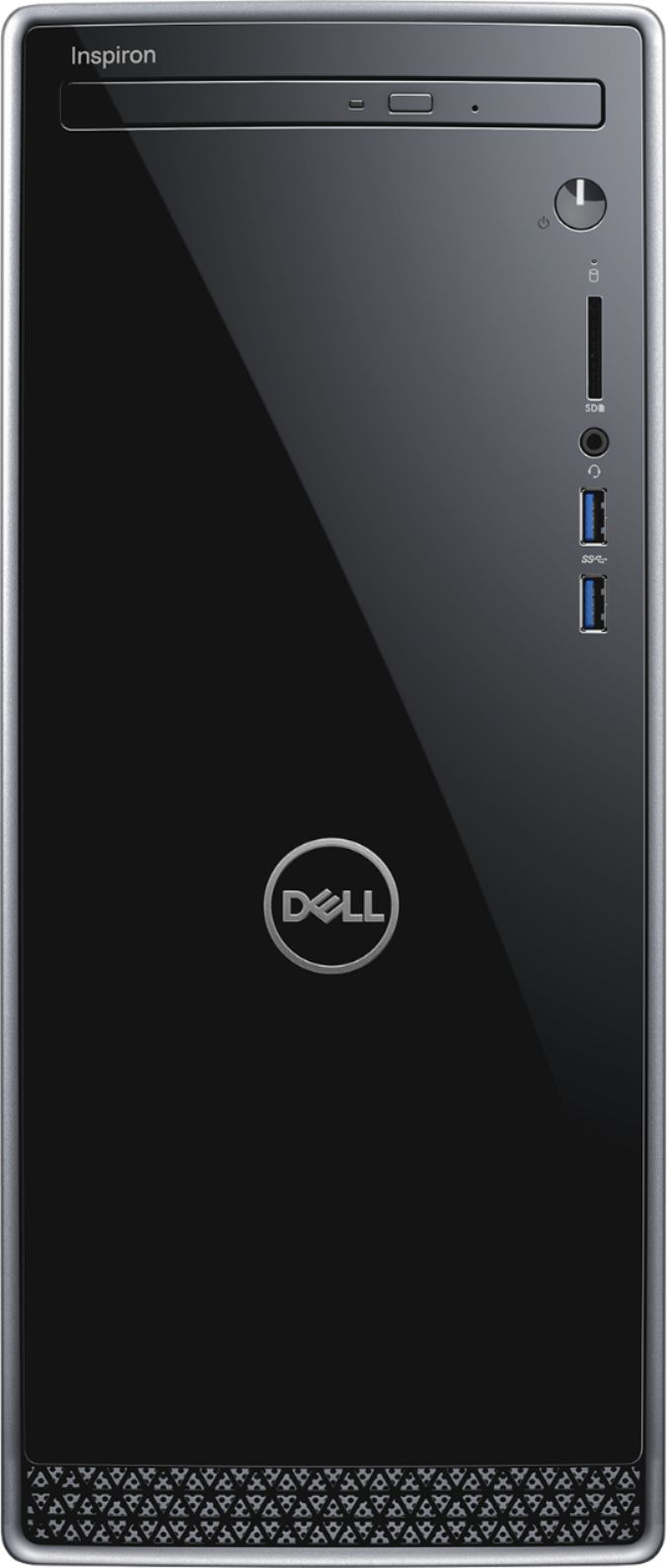
A:AnswerDVD/CD burner
Reads and writes to a variety of media formats, including DVD+R/RW, DVD-R/RW and CD-R/RW.
1TB hard drive for ample file storage space
Holds a significant collection of digital photos, music, HD videos and DVD-quality movies. 7200 rpm spindle speed enables rapid read/write times for handling large files and complex applications.
A:AnswerIf you are looking to have both the 1TB and an SSD, you will have to add a SATA power splitter as there are no free ones available. There is also mounting holes on the side of the case for 2.5 drives. Best choice for an SSD would be an NVMe M.2 SSD as there is a port on the motherboard for one.
A:AnswerThe specifications you want to focus on with a new computer these days is primarily the processor and the memory. This i5 is currently the 2nd best processor on the market (for the most part) and the standard for computers these days is 8gb of memory (this one has 12).
Lagging or freezing is usually indicative of other issues, and not the specifications of the computer itself. It's definitely not a slow computer.
It's fantastic for every day use, and will still be a great computer years from now as long as the hardware doesn't fail.
For the 12gb of memory range this is a really good one to get, especially at the current price ($530).
A:AnswerYou can’t upgrade it because it’s integrated into the motherboard, BUT you can add a video card to get higher end graphics. Just be careful to check the power requirements.