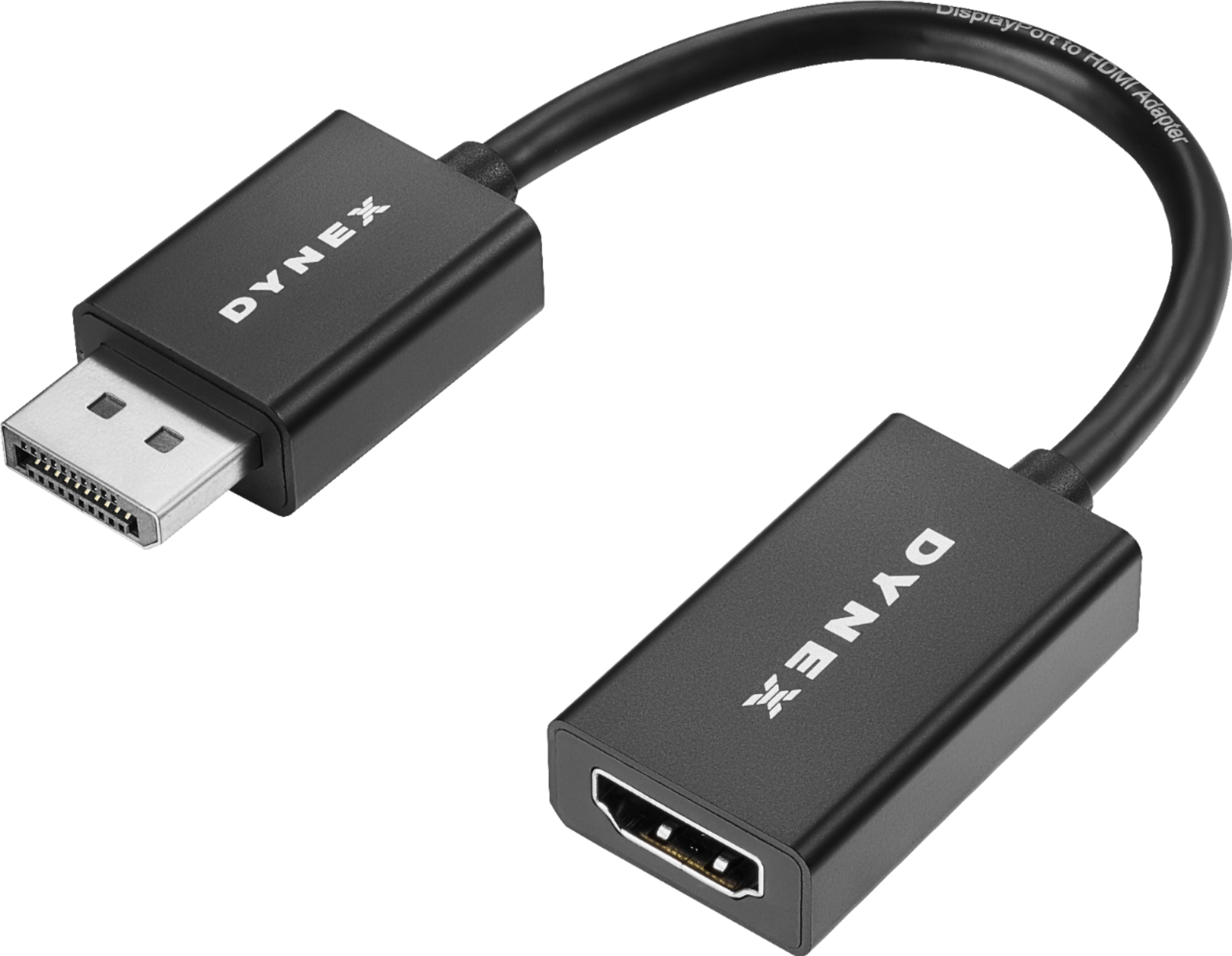
A:AnswerCan't say for sure. I'm a PC type guy so really don't know about ps4 and chromebook. It worked fine on my older laptop running Windows 10. Just plugged the adapter into the DisplayPort, one end of the the HDMI cable into the adapter and the other end into an HDMI connection on my TV. Worked like a charm.
A:AnswerThis is a display port and only "if you have a display port female side" will it connect to a male hdmi side. Most TV's use HDMI. But in some cases a display port it all that a computer will take - I am not familiar with the wii - but this allows a HDMI port to be changed into a display port adapter.
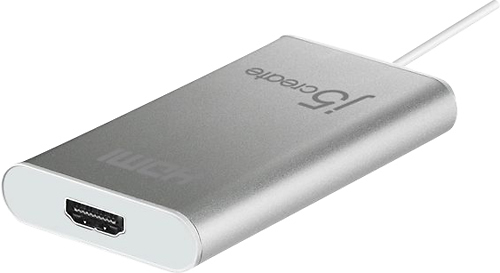
A:AnswerThis DisplayPort adapter does not have any USB on it. If you need a USB to HDMI I would reccomend a USB to HDMI adapter. That way you can plug in the USB end to the computer then plug your HDMI wire into the adapter.
Example
TV--> (HDMI male to male wire that you already have) to HDMI to USB adapter ---> USB end goes into your Microsoft Surface Book.
Hope this helps.
A:Answerthe DisplayPort prong on this cable may not be long enough to fit in your monitor. If you look in the back of the monitor you may notice a plastic casing for the monitor is really close to the DisplayPort socket, Making the black plastic part of the this cable hit the monitor casing preventing it to go all the way in and make a good connection. I know this because this happen when I tried connecting my wife’s laptop to a dell screen.
A:AnswerNO. this will not work for you. you need a mini/micro USB to HDMI adapter or get a firestick and cast your phone to that. not ROKU those are junk
A:Answerdepends on you monitor and video card. most video card software will recognize a monitor w advanced refresh rates and use that setting. there are 2 distinct platforms, if u are looking for a new monitor or video card make sure they have compatible sync sowftware
A:AnswerUnfortunately, it would not. This just allows you to convert HDMI to Display port.
Laptops don’t typically have a Display input (, only display output (allows you to connect multi displays or share your laptop display on another display )
A:AnswerIf you have HDMI on the computer and the monitor is DisplayPort, YES this will work. All you need to do is run HDMI cord from your computer, put the adapter on, then plug it into your monitor.