A:AnswerI bought mine July 2025 and it sucks big time on the node speed. I'll sell it on ebay and buy a decent one from a reliable company like Asus or TP-Link
A:AnswerI tried, it says you need to disconnect any extenders, they will mix up signal, I went through a head ache trying to extend my wifi to reach my detached garage to connect to ring camera. After purchasing, returning, and frustrated finally spoke to someone that was more knowledgeable that past. He recommended the Motorola modem, the wifi signal actually reached my detached garage better than the extender. Not only did I take back the other modem, eero, wifi extender I was refunded almost $600.
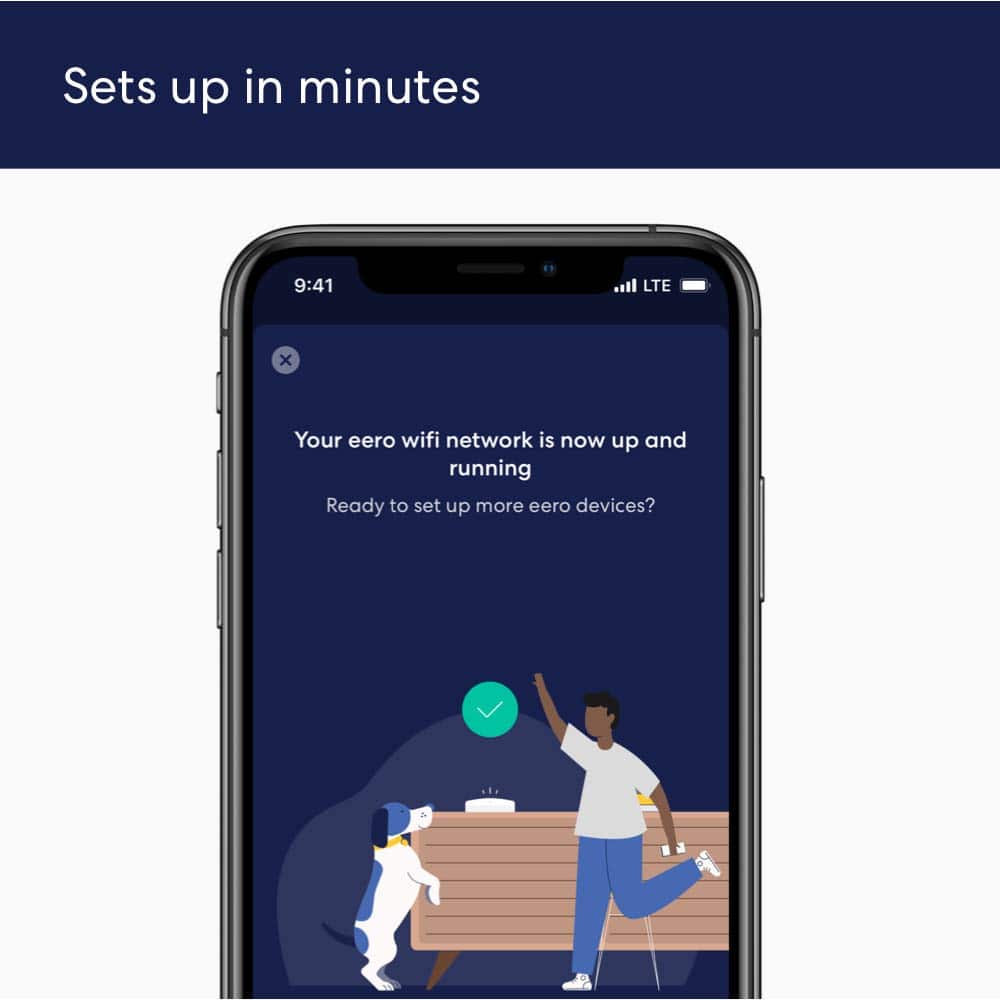
A:AnswerYes. Plug the main hub into the FIOS router, and you are all set. The eero app will walk you through the necessary steps (which are quite straightforward).
A:AnswerYes It will work perfectly fine. Make sure you disable your ATT internet the one that comes with the modem/router this way your not causing interferance with the new system. Basically turning off your router part and utilizing the ethernet out to the new system.
A:AnswerEERO is a wireless router so it would not work as a Wi-Fi extender. The EERO satellites are made to work with the EERO hub router only. I would recommend getting a wi-fi extender vs trying to make the EERO work.
A:AnswerYes, I live in a two-story and I only have two and it works great. So with my opinion, I think it should work. I even go outside and I can still use my Internet and my house is only Internet Wi-Fi.