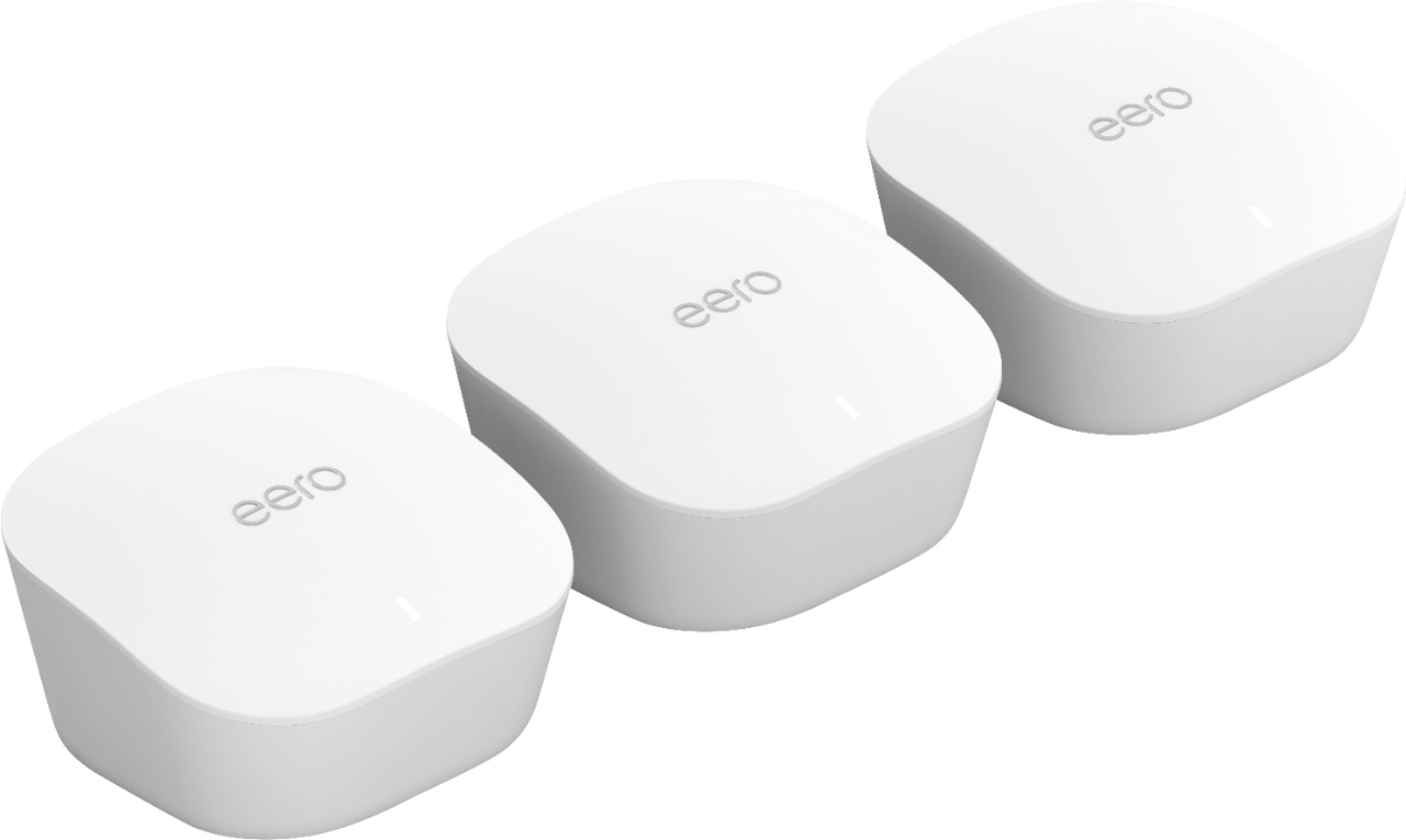
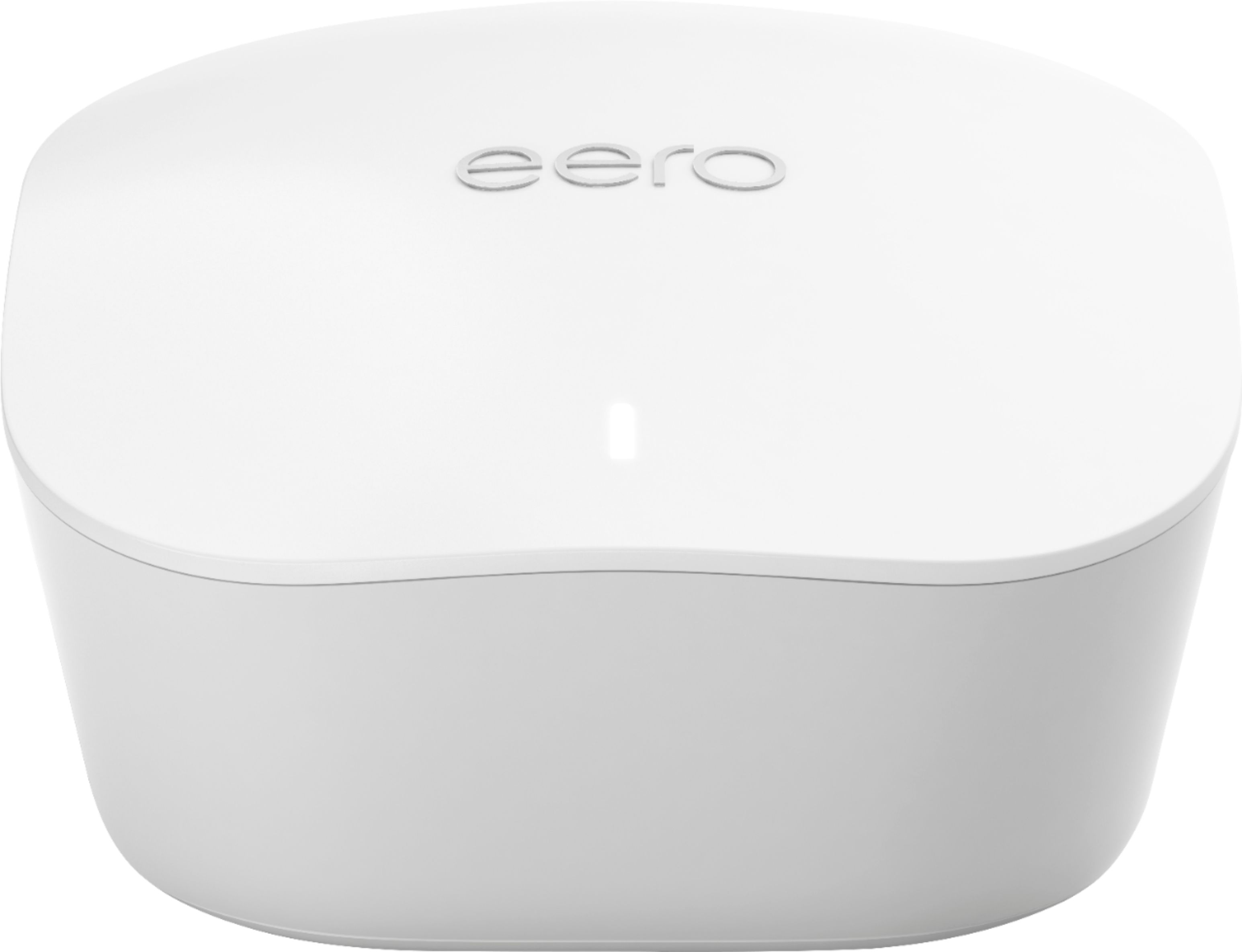
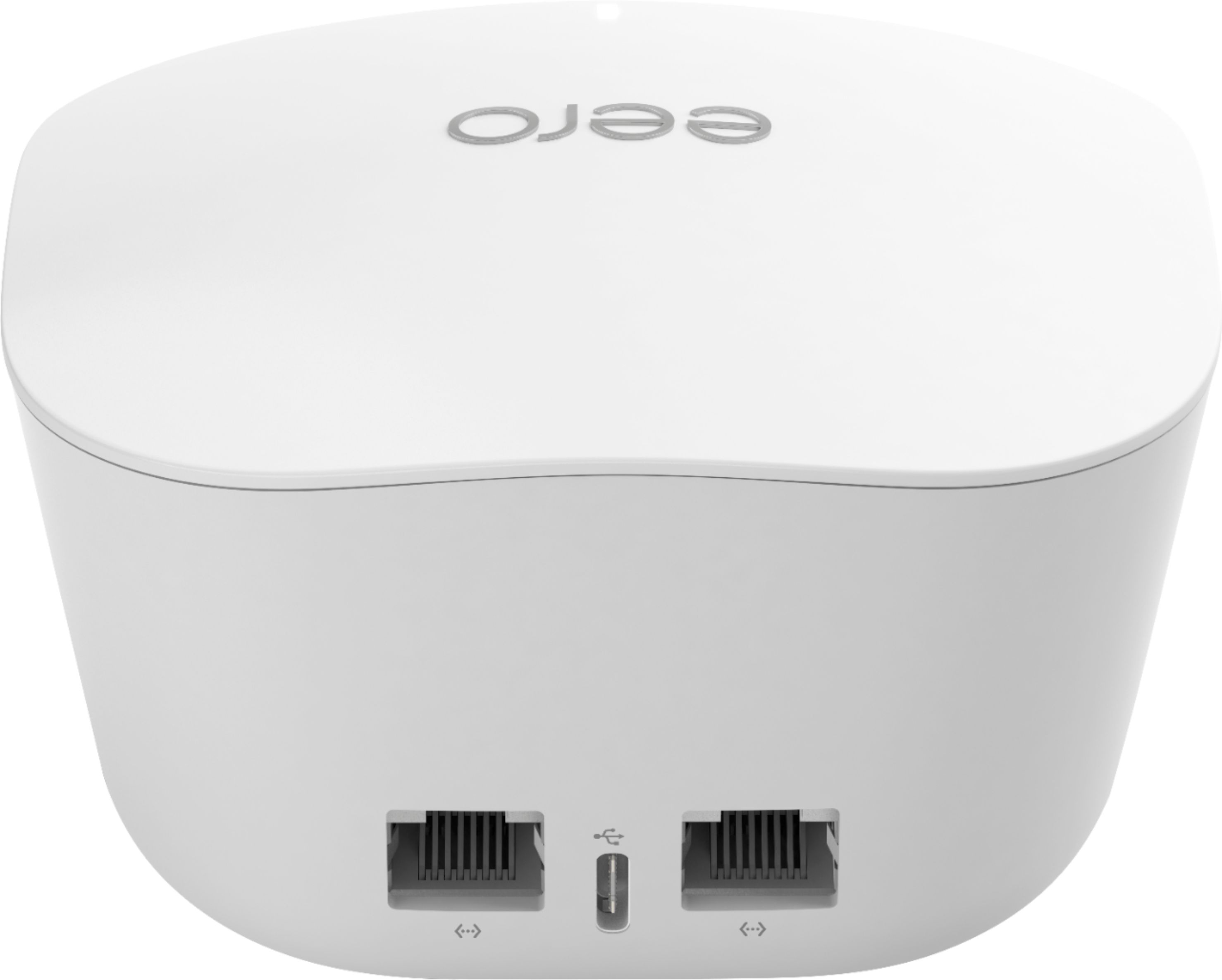
A:AnswerYou should be able use your current router. We did. We bought a three pack. The instructions say to connect one unit to your router directly via Ethernet cable and place the others around your space according to the instructions. Based on your question, you may need at least two because of the multiple levels. We have our internet provider router on the main floor with one unit connected to it via Ethernet, the second unit is on the upper floor, and the third unit is on the lower floor. It’s easy to move the units to find the best signal location.
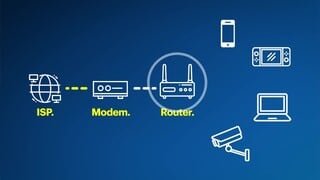
A:AnswerThis is a mesh WiFi router system, that you would connect to your existing internet modem. You must already have internet service and a modem to use this setup.
A:AnswerIt could just be that the one adapter needs to be reset (from the app). It could also be that there is a defect in that one. I tell my clients all the time, regarding computing devices: "Even an $80,000 Porsche rolls off the assembly line with a problem once in a while...."
I would give Eero a call. If you just bought it recently, and there is a legitimate problem with one of the adapters, I would imagine they would replace it for you.
A:AnswerThis unit is recommended for up to 1,500 sq feet so depending on the size of your home it should work. It connects to your modem replacing your traditional router with a more stable mesh network. Yes, you do need internet service from a provider in order for it to work (if you already have internet service you're all set!). Set up is very simple which is a huge plus.
From my experience, this unit works extremely well. If you have a larger home, I'd recommend buying the pro version that comes with 3 eeros that way you can strategically place them throughout your home in order to eliminate dead spots. To give you an idea, I'm currently using the pro version to cover 3,200 sq feet and had almost no connectivity issues with my 17+ devices (3 floors, 1 eero per floor). However, I did add an additional erro to the 1st floor closer to the garage because my Ring floodlight camera would sometimes get disconnected due to distance from the unit.
I would definitely recommend this product to anyone seeking a mesh network and have stable internet connection.
A:AnswerI do not have a FIOS router--but I would suggest going in to the store and discussing this with one of the Best Buy people there. The person I dealt with was extremely knowledgeable about all different routers as well as ISPs and the equipment they used. All I had to tell her was who my provider was and she was able to point me in the right direction.
A:AnswerPretty much stand alone. Just plug in in varioius rooms. If one story home then in rooms with computers or nearby. If two story home then one outside room with computer and two upstaris in variouis rooms. Plug in and automatic coverage
A:AnswerI do not believe that is possible with eero. What you need is a router that has Wi-Fi as WAN as a feature. Or if you have some technical experience any dual band router that is compatible with DD-WRT firmware. Google Wi-Fi as WAN if you need more details.
A:AnswerYou can add this to your older models.
If you have the "Pro" version already, leave that at the modem, and use this new version for areas you need to add coverage to.
A:AnswerYes, just connect your ethernet cable coming from the wall straight to the Eero device and follow the steps from the app in your Iphone or Android Phone.