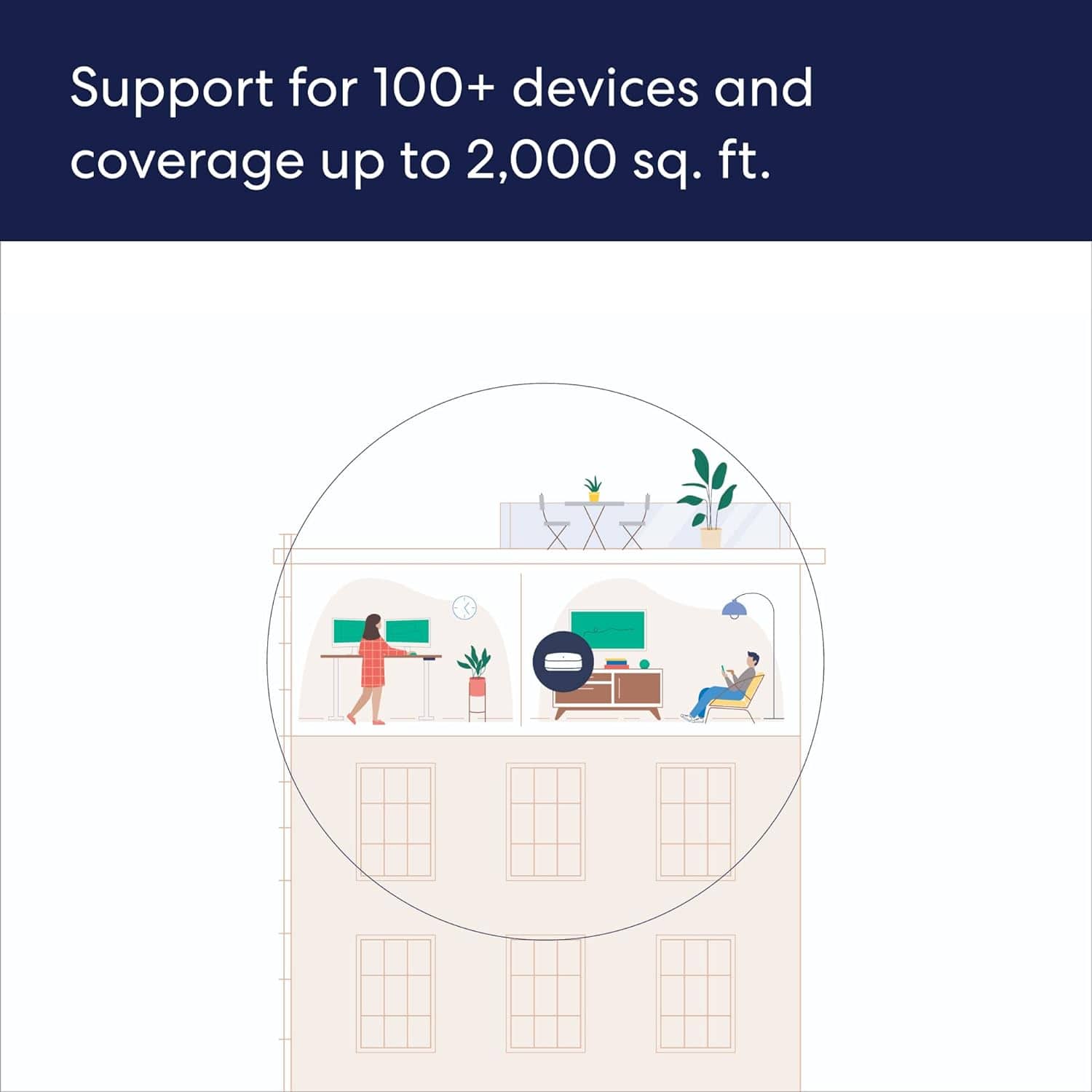
A:Answeryes it works with xfinity, if you put it in a window it will reach 150ft outdoors for sure but a better solution is to add the eero outdoor module which will blanket your yard and even allow a point to point ethernet connection if needed.
A:AnswerYes — but — the only reason to keep ALL nodes is for warranty reasons. (Must return/exchange ALL if anything happens)
The only problem might be resetting devices/nodes (if already set-up = you must disconnect and reset within the APP/website @ names can't be changed independently along with chained nodes) IP ADDRESS might be easier than using the APP
A:AnswerI kept my existing Spectrum modem, but got rid of the router (not a Spectrum router). One of the Eero units serves as a router, so you should be able to return the Spectrum router and save some cost.
A:AnswerYes it's going to work. You have to first setup and register the additional EERO device while within the Wi-Fi range of the gateway unit. Once that's done and the eventual update is completed, move the new ap to the desired location, connect it to your wired network and then power it up. It will self configure as wired rather than wireless for the backhaul.
A:AnswerI have a node that is set up approximately 100 feet from the main router in another building. It works, speeds are variable from very good to acceptable depending upon atmospheric conditions, but so far I've been happy with how this has worked. The building in which the second mesh node is set up is about 10 feet lower than the house, so I have the node on top of a cabinet to improve line of sight.
A:AnswerYes, as long as that Lumos modem provides the eero access to the internet via an ethernet port. That eero will become the gateway/head eero and broadcast a wifi network. Additional eero can connect to the gateway, wired or wireless, and broadcast the same wifi network, giving you much greater range than you can with any one access point.
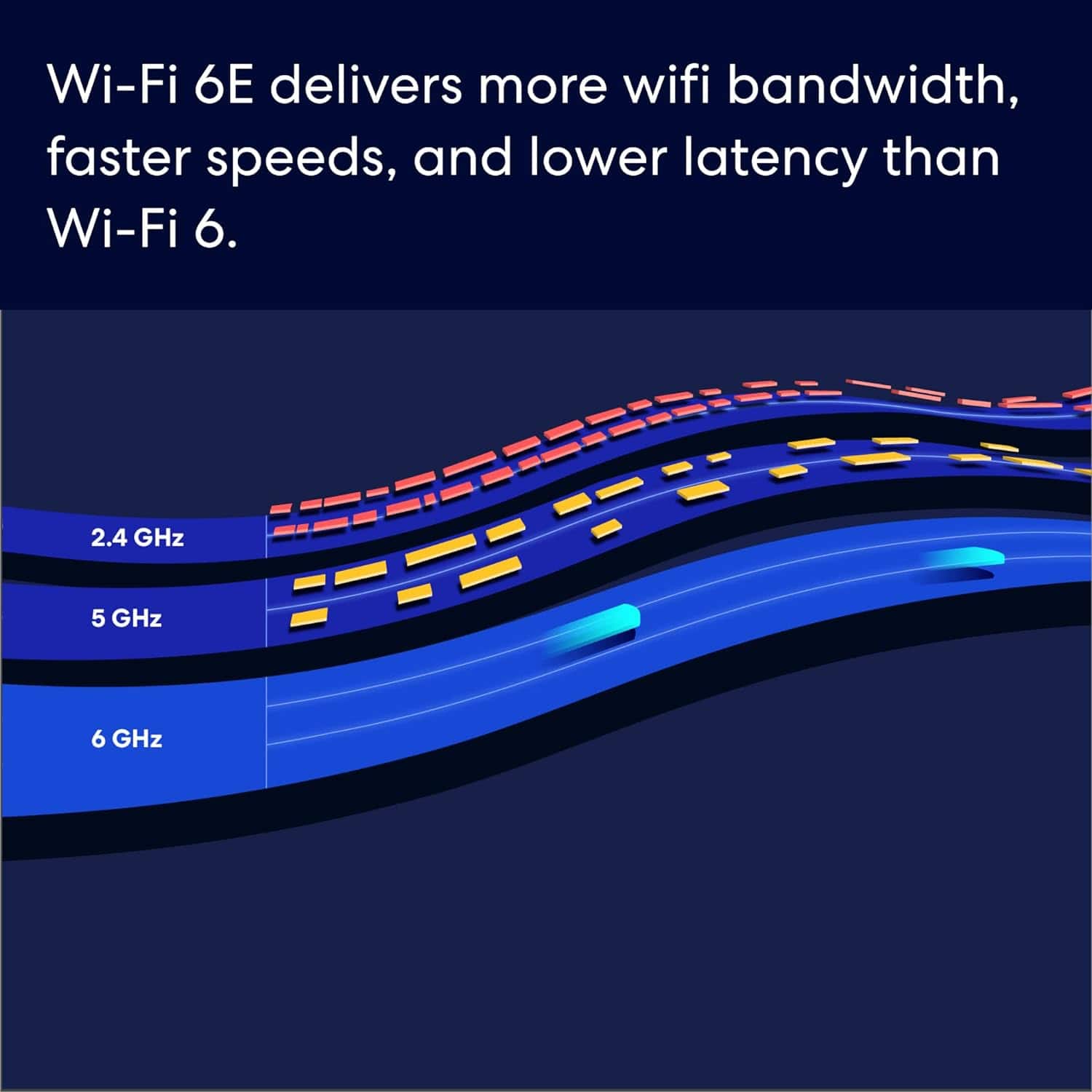
A:AnswerAn eero won't provide you more speed than the ISP is delivering you. It will help you get those speeds at range and make the most of the speeds with all of your devices.
A:AnswerYou will want to use either another Pro 6E or 6+ eero. Both of those are capable of 160 mhz bandwidth on the 5 ghz channels, mixing in an older eero will force the Pro 6E to go to 80 mhz on the 5ghz channels.
A:AnswerThe eero 6 is actually cheaper even the eero 6 pro is cheaper than the 6e pro. However is deoends on sales sometimes the best product goes on sale to encourage shoppers to upgrade, take advantage of a good deal when you see it.