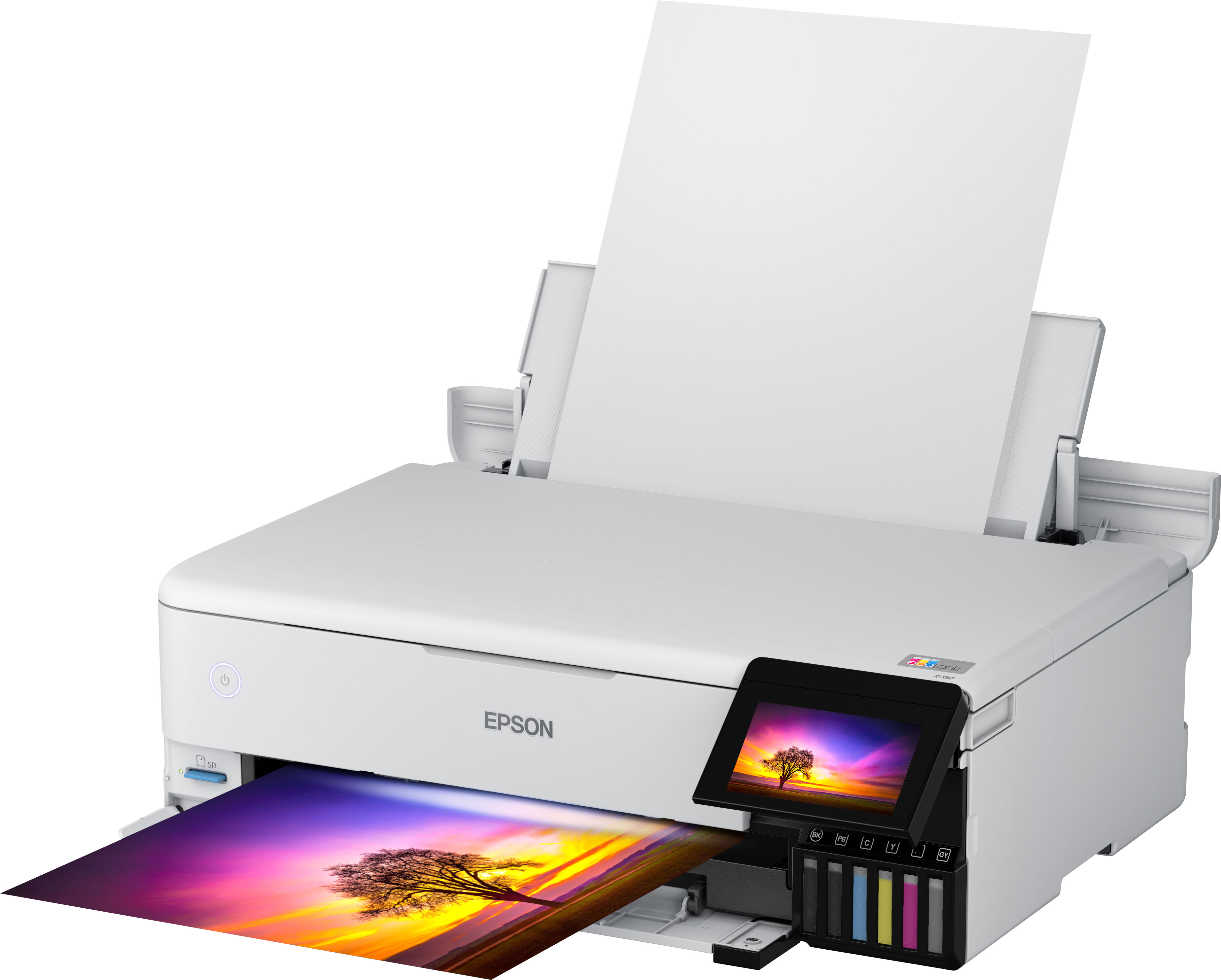
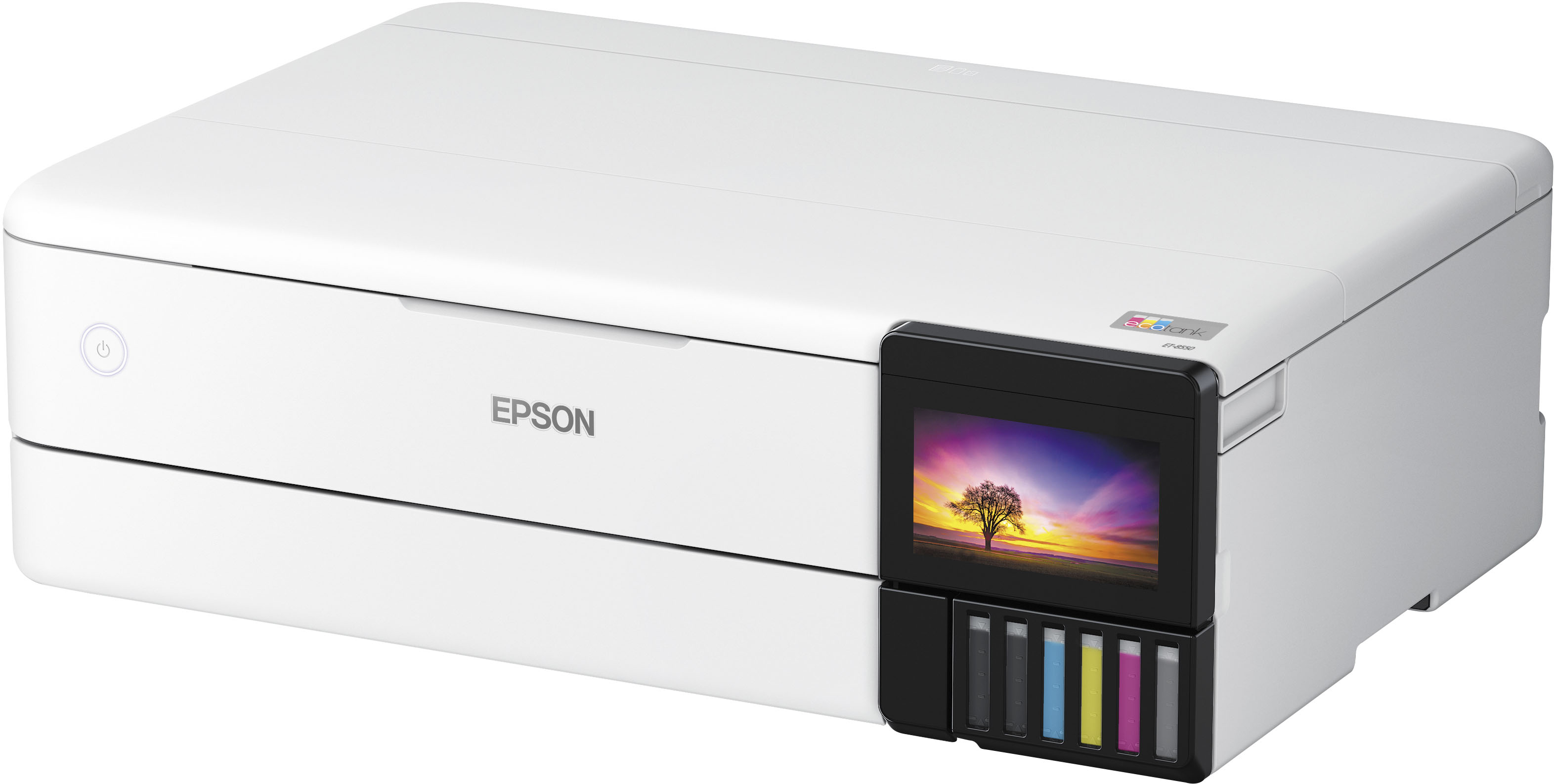
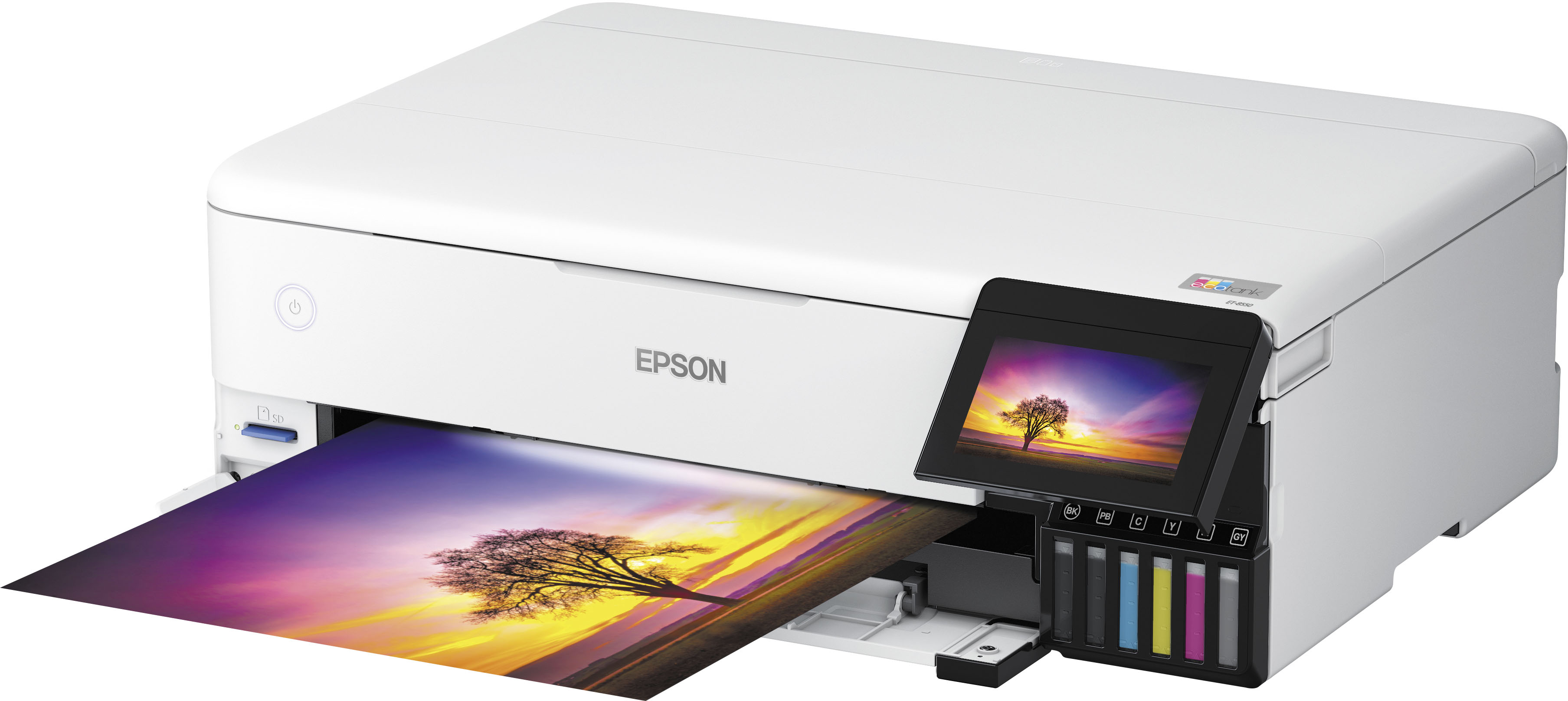
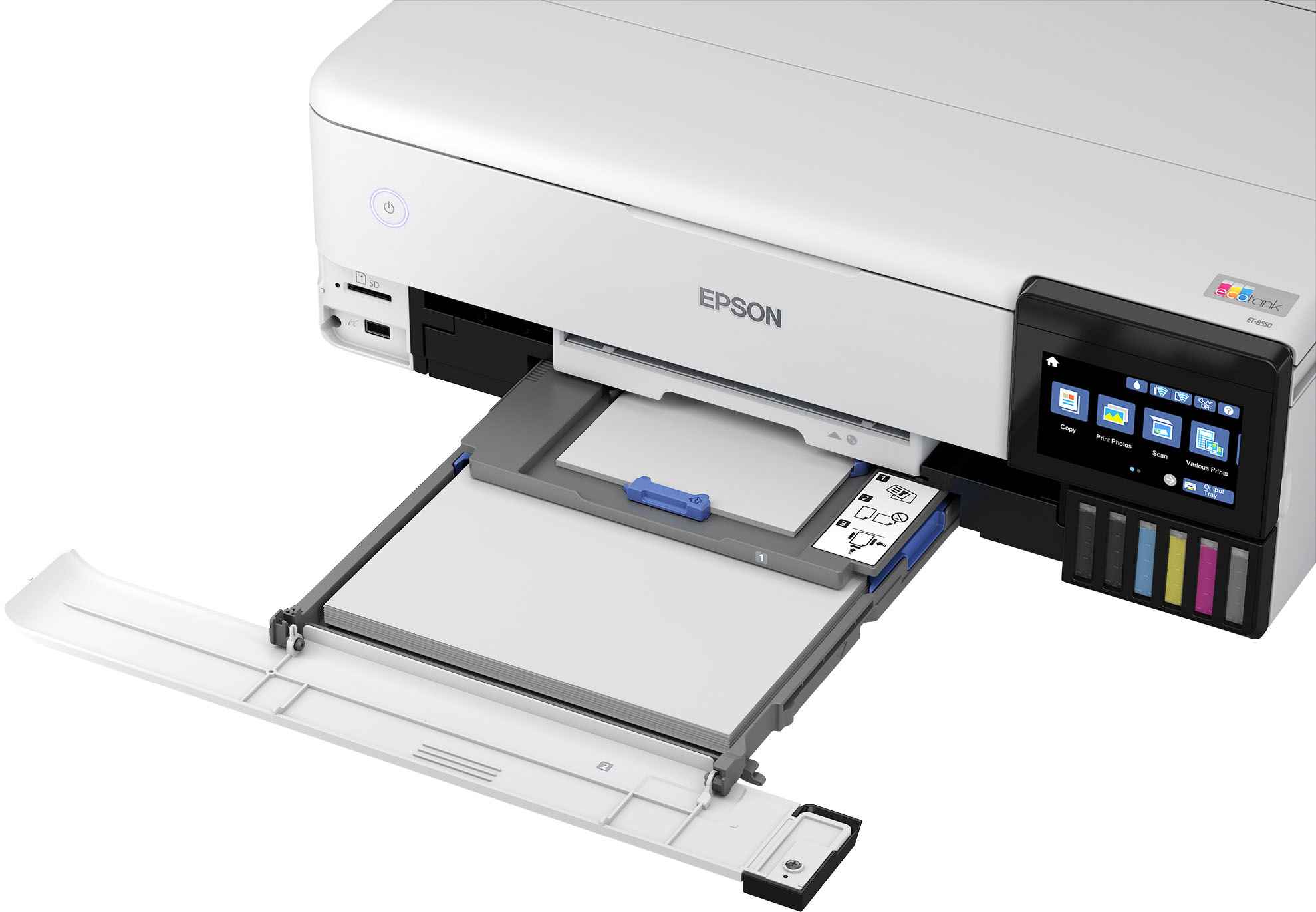
A:Answer110# if you want reliable printing. It can go up to 120# (I haven’t tried 130# yet) but you will have to manually guide each page in the rear feed. (although it can randomly automatically feed 120# paper, but that’s about 1 in 50 times. So just be prepared to stand there while your entire print job finishes.
A:Answer3.5″ × 5" is the minimum size (smallest postcard size) that you can fit on the guides to be even for Cassette 1. Any smaller and the printer will have problems taking it, which if you need to print smaller, print on larger paper and trim down.
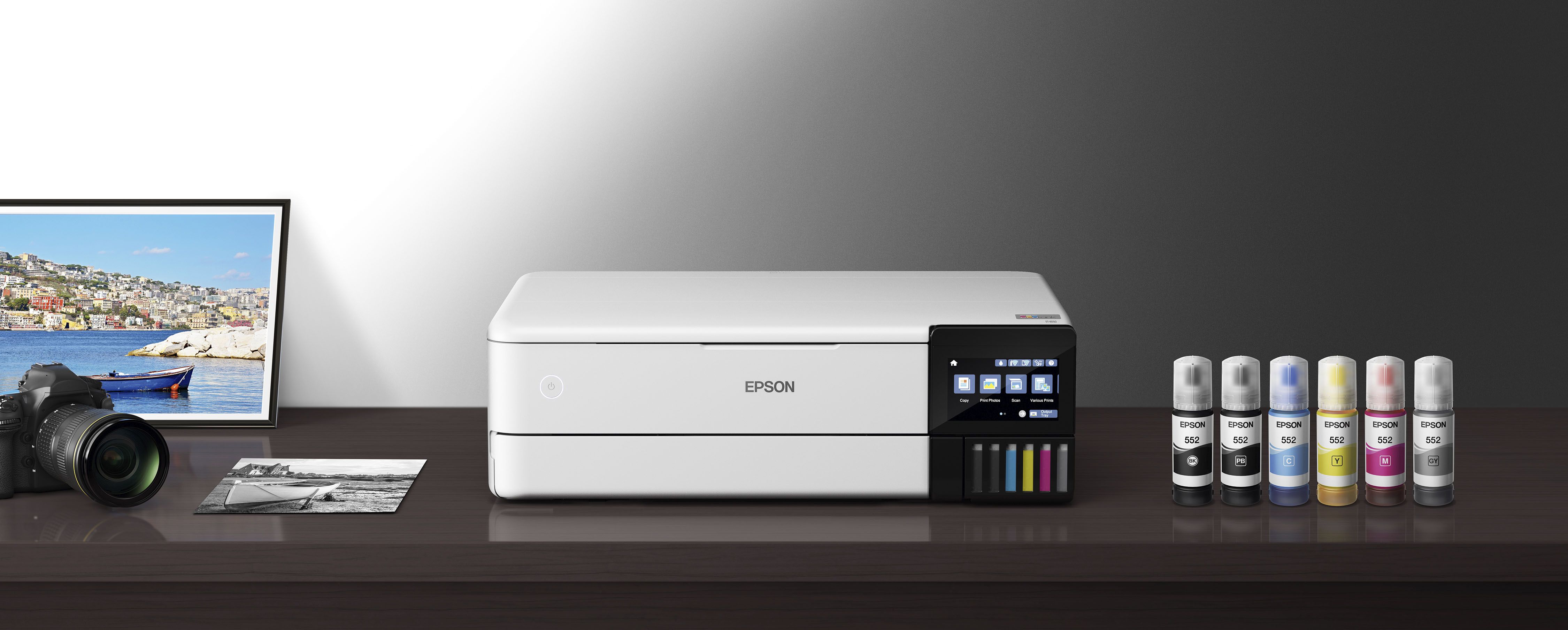
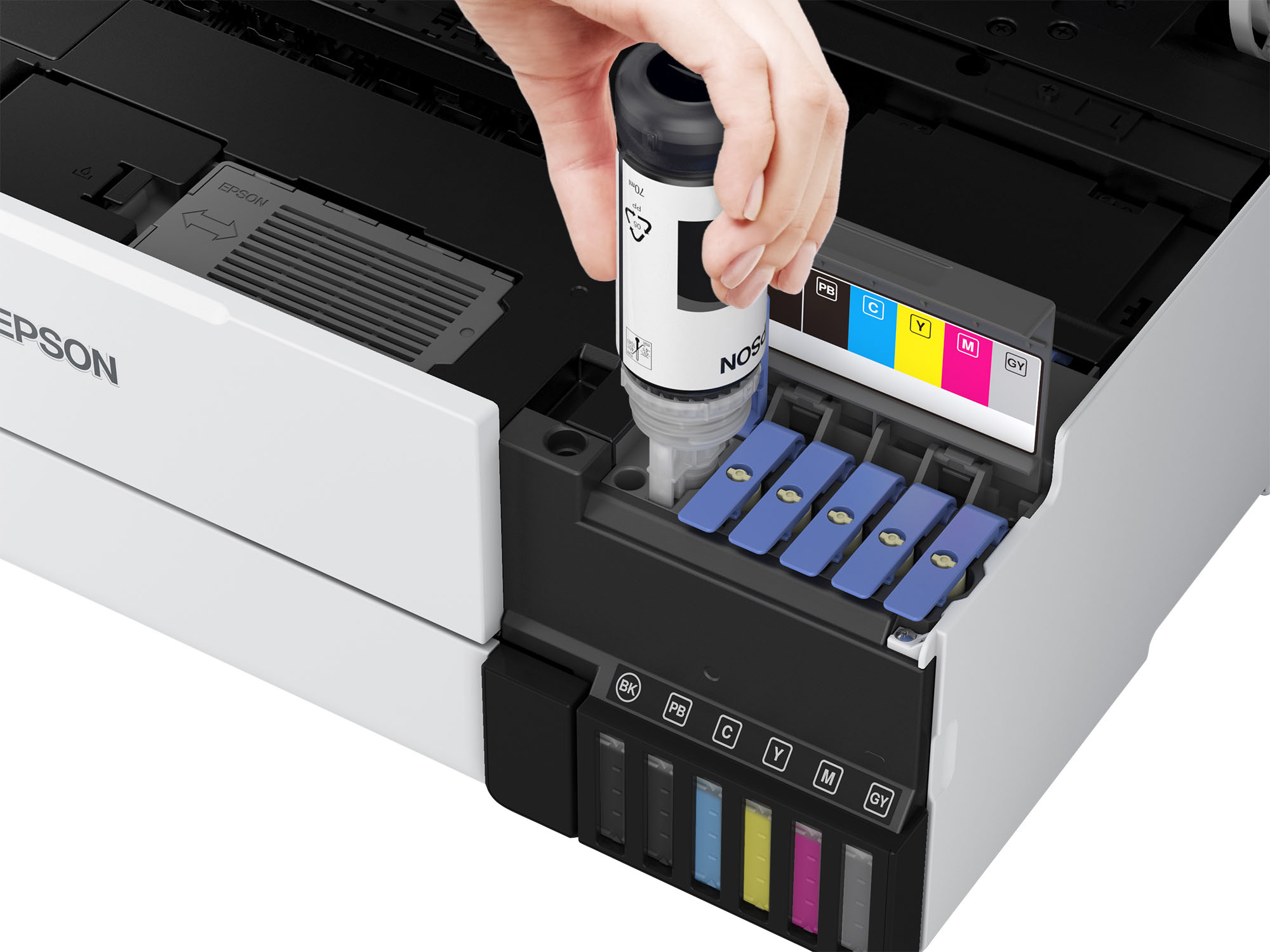
A:AnswerHello Shirl. The ET-8550 uses a combination of dye and pigment-based inks. The grey, in particular, is dye-based. Regards, Kevin - The Epson Team.
A:Answerno it doesn't, that's the beauty of it, I've left mine unused for weeks, and when i use it, it prints just fine.
HOWEVER be very mindful on how you gonna use it, the printer comes with dye ink, which is ok, if you're planning on using it for pictures and artwork,
and care about quality, pigment ink is the way to go,
DO NOT MIX THEM
that can definitely clog the nozzles and you'll be in big troubles...
so before buying, make sure to use it with only one type of ink wheter it is dye for normal prints,pigment for artwork, or sublimation ink for transfering onto shirts/etc...
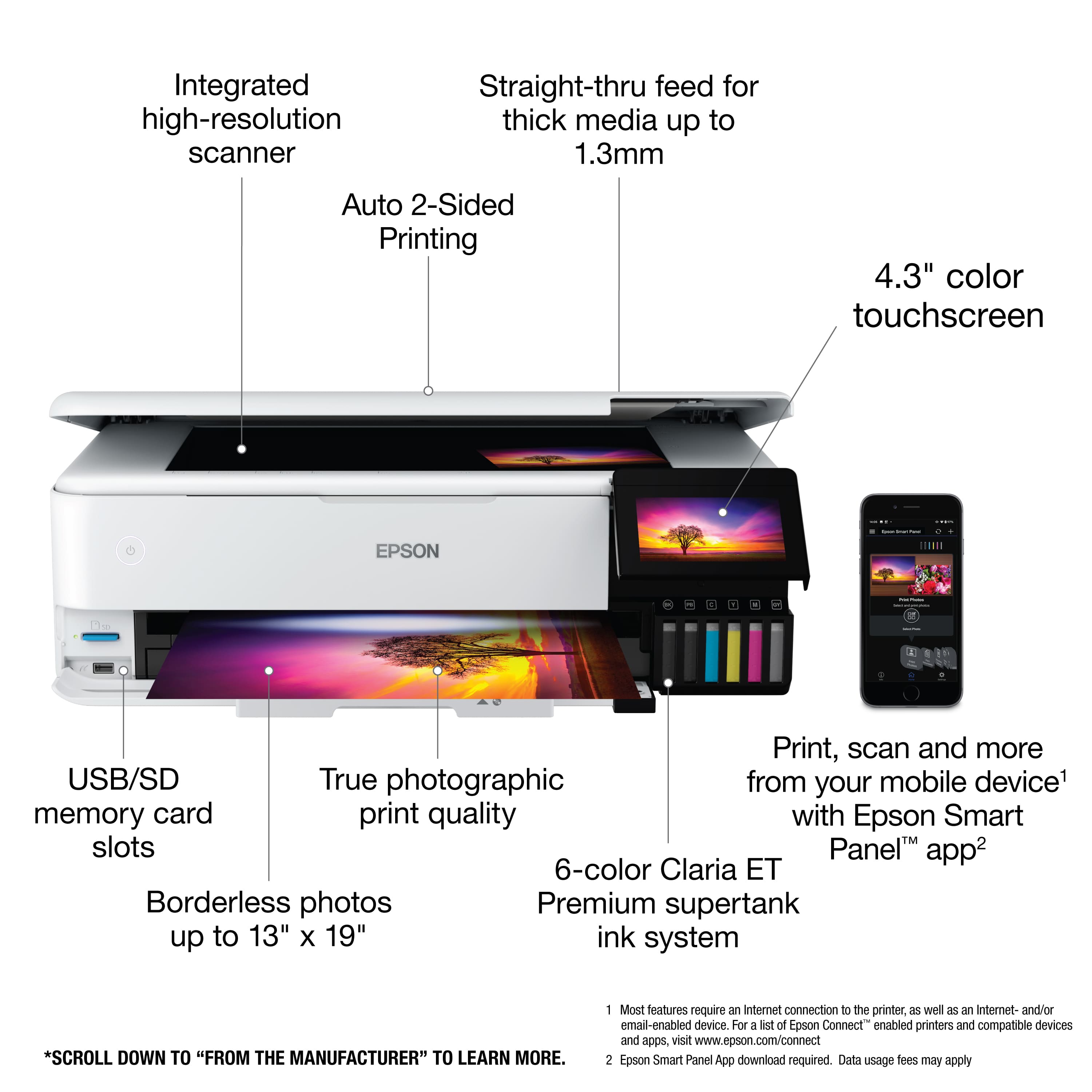
A:AnswerAs it says in the description and specs, it will take paper up to 13" (short dimension) through the feed slot, and will do longer than 19" (if you buy 13" rolls of paper - look at the specs again for the total length. Epson.com is where I would go for that info.
A:AnswerThere is no white ink for this printer. Third parties may provide and tell you how to modify the printer. It's NOT designed for fabric printing. Search and research and research around the web.
A:AnswerThe rear tray does but it only worked twice for me. The front tray holds about 50 pieces and is more difficult to load than even the cheapest printer. I would not suggest this printer if you rely on CAD plans.