A:AnswerHello V550guy. We recommend uninstalling all Epson software associated with the V600 Photo Scanner first and restarting your computer. After restarting, please visit our official Epson Support page to download the latest driver and software. If the issue persists, please contact our Technical Support team by phone for assistance. Regards, Kevin - The Epson Team.
A:AnswerHello Curious. The V600 can scan negatives and is compatible with Microsoft Windows 11. You can find all Epson drivers and software available for download on our official Epson Support page. Regards, Kevin - The Epson Team.
A:AnswerI uninstalled the drivers for my V500. Restarted the PC. Downloaded and installed the V500 drivers. Restarted the PC. Version is 3.7.7.3US. It shows only a partial scan control screen with no Scan or Preview button!
A:AnswerHi, The scanning speed specifications for the Perfection V600 Photo Scanner are as follows: High speed mode: 6400 dpi - Black and White or Color: 21.00 msec / line. Regards, Mark - The Epson Team.
A:AnswerThe negative holder that comes with the unit does not have spaces for 110 negatives. Epson doesn't make one, and I don't know if there is an aftermarket product you can use. There is a workaround but I don't know how well it works. I got it from the Epson website: Yes. However, a 110 film holder is not available to scan this film size (16mm). To scan 110 film, place it face-down on the document table. (Your images and any wording on the film strips should appear backwards on the side that faces up). Be sure to position the film directly underneath the transparency unit window located in the scanner cover.
A:AnswerHello Elf4KCS. Yes, the V600 is compatible to work with Mac OS 11.x.x. To download the latest scan drivers, please visit our official Epson Support page. Regards, Kevin - The Epson Team.
A:AnswerNo, this is essentially a document scanner with some nice templates and automation to allow for registration for easy scanning of slides , negatives, and prints. It might be worth a try but I would say that even if it did work, it would not be an optimal device for these kinds of prints.
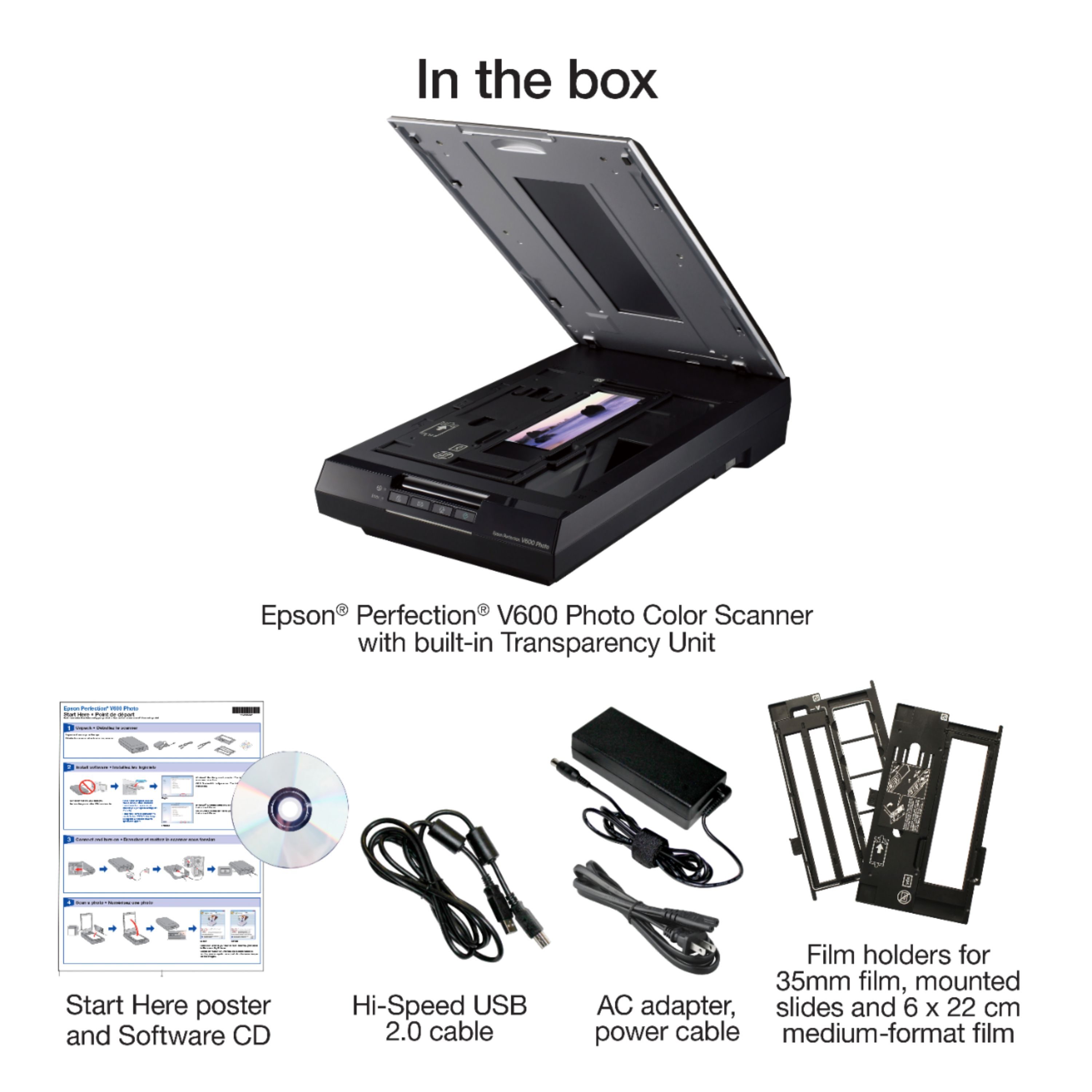
A:AnswerI had to download the scanner software from the online source. You could also buy an external CD writer for about $25.00 extra. They still come in handy.
A:AnswerHi Ktj. The Perfection V600 scanner was designed for the Epson Scan utility. You can download the Epson Scan utility and other scanner software on the official Epson Support website. Regards, Bobby - The Epson Team.
A:AnswerHi Pose18, Yes, the Perfection V600 can save scans as JPEG files. You can also select, BMP, PNG, TIFF and other popular files types. Regards, Mark - The Epson Team.
A:Answerthe scanner will automatically find a picture, if you want to scan more than 1 picture you have to manually select it by drawing a rectangle around the picture(s) the scanner will then scan each picture as a separate object.
A:AnswerHi, Epson Perfection V600 Photo Scanner can handle thick materials like books. Check user's guide on how to load it. Hope this helps. Regards, Eduard - The Epson Team.
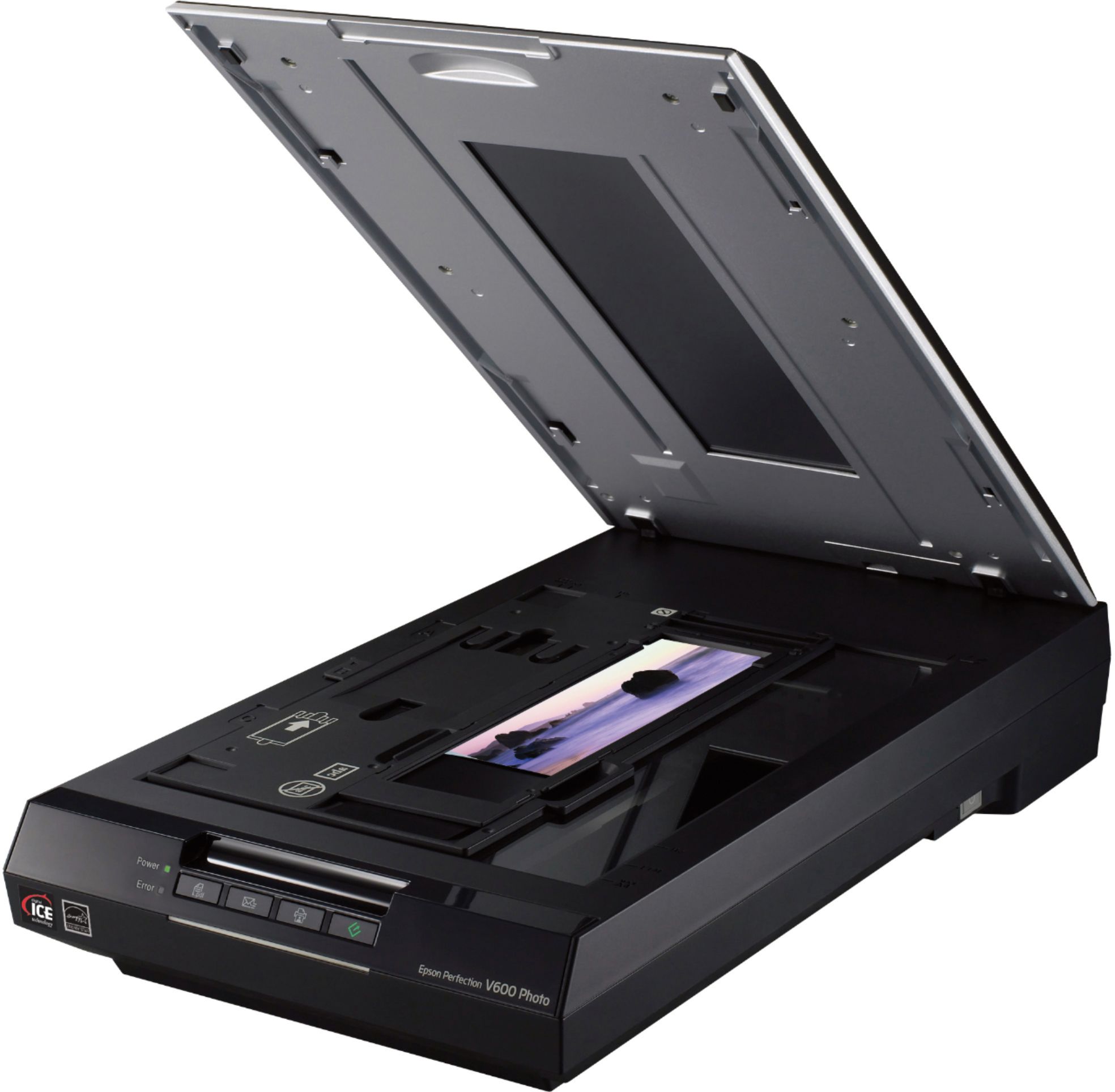
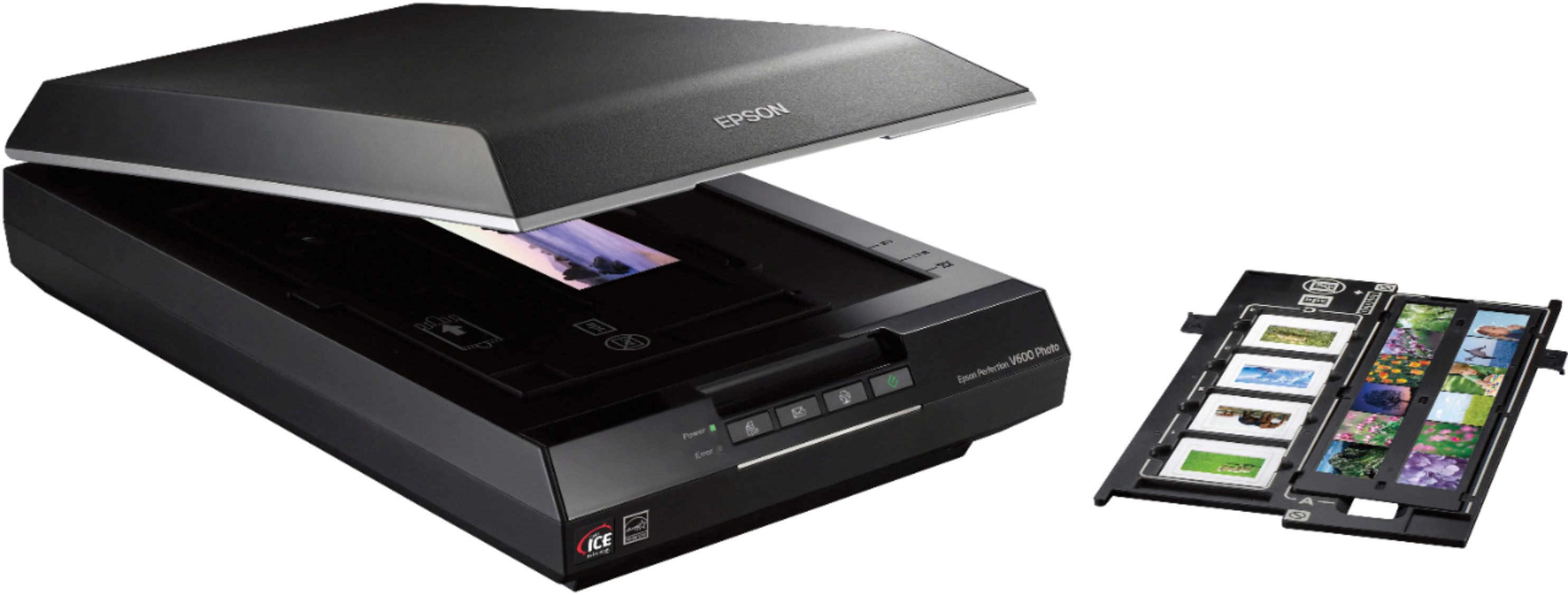
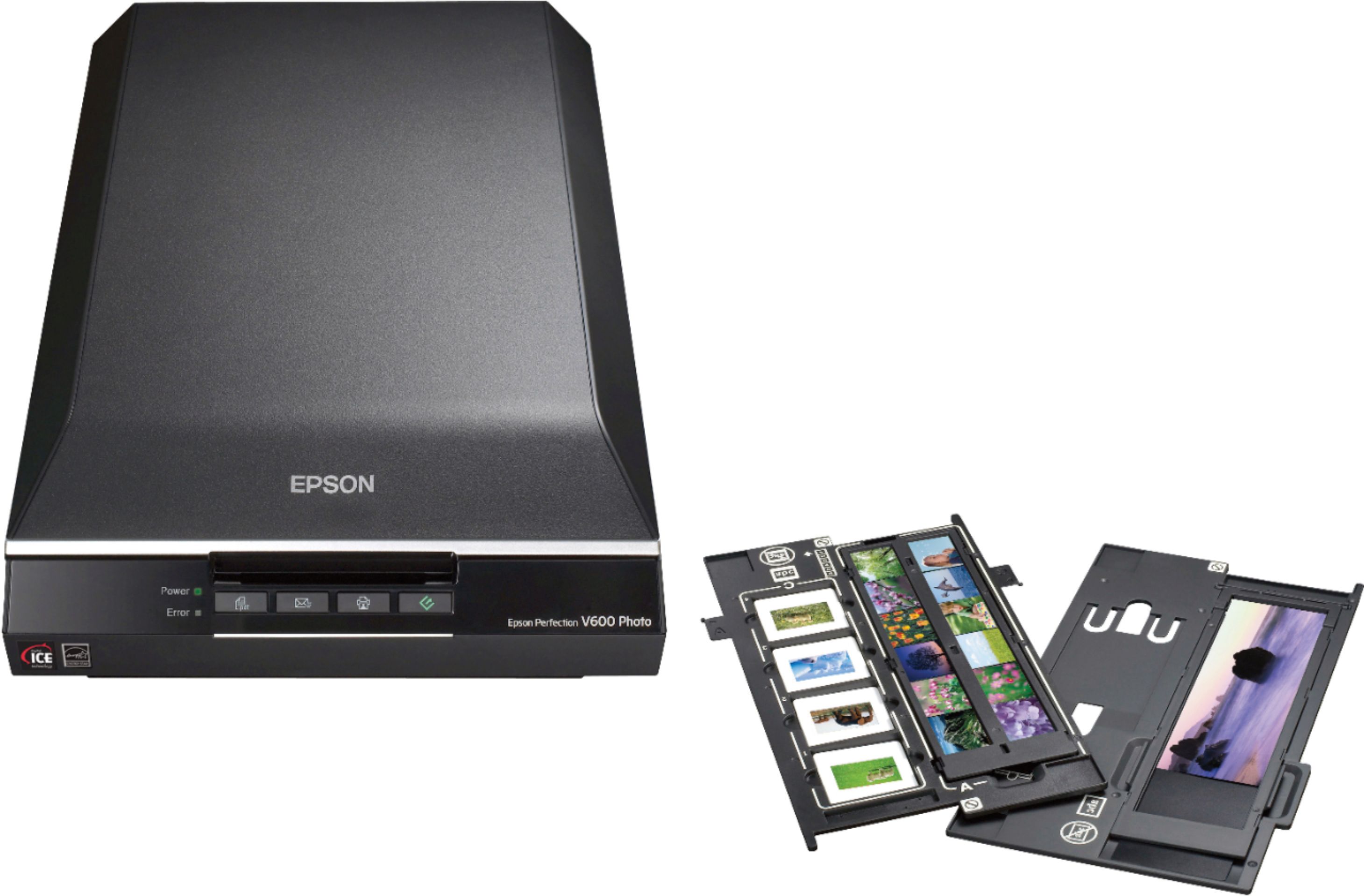
A:AnswerSlides must fit into one of four 2" x 2" holes in a provided plastic template. Another template for what the manual calls "medium format film" allows an area 2 1/4" x 8 5/8" to be scanned with 1/8" unscanable margin top and bottom used to secure the film.