A:AnswerIn the print screen, open Layout or Printer Features. It leads to a drop down which has more selections than are first visible. Choose your settings. If that doesn't work call their help number: 800-463-7766 during business hours. Choose technical support for printers.
A:AnswerIf you have a VOIP line, don't expect FAX to work. FAX needs sn an analog line..
If you can turn on QOS on your router for the static IP address foryour FAX machine it may work, depending on the load on your internet connection
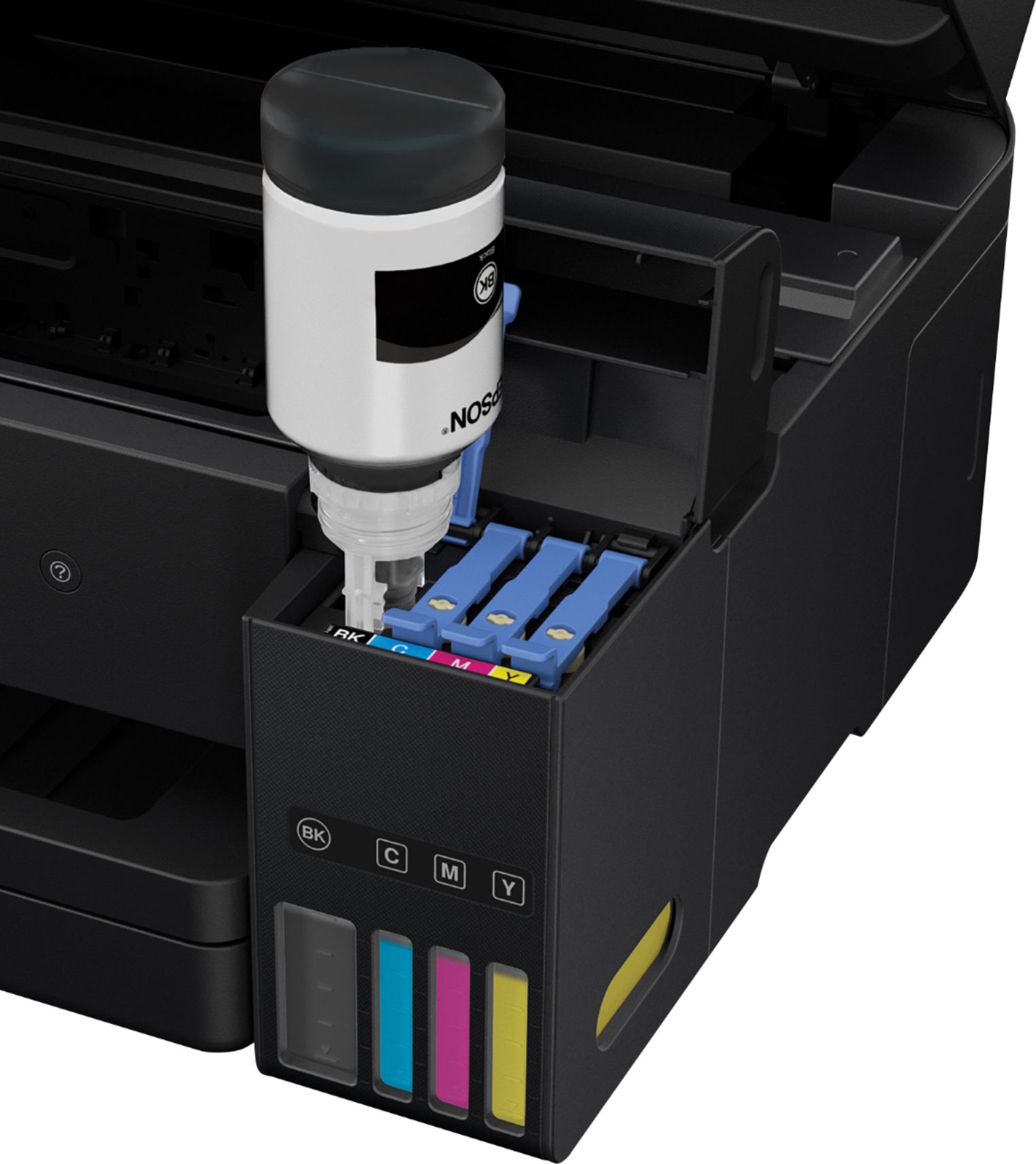
A:AnswerRun the page that shows how much ink is in each of the colors. If the Magenta and Yellow Ink tanks are full —- I would replace them from the extras you have. But - I sure wouldn’t hold my breath thinking it might work. I didn’t have those type of problems with the two that I had — but my issues were every bit as problematic as what you are seeing.