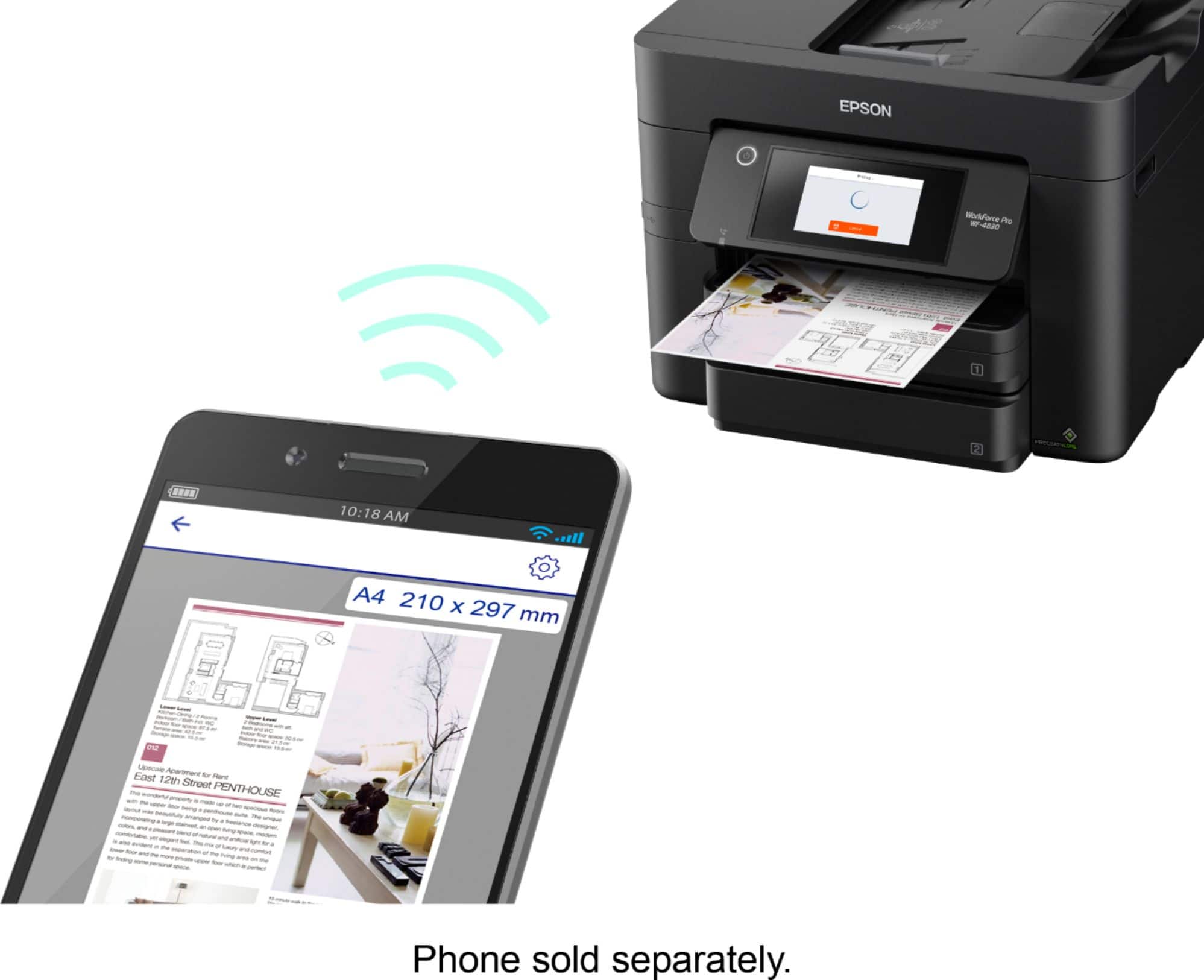
A:AnswerHello Tommy. Yes, the WF-4830 will work with AirPrint or the Epson Smart Panel app, which can be downloaded from the Apple App Store. Regards, Kevin - The Epson Team.
A:AnswerHello. We recommend checking for any visible obstructions, torn paper, or damaged tabs. If everything appears to be in good condition, please contact our Technical Support team by phone for further assistance. Regards, Kevin - The Epson Team.
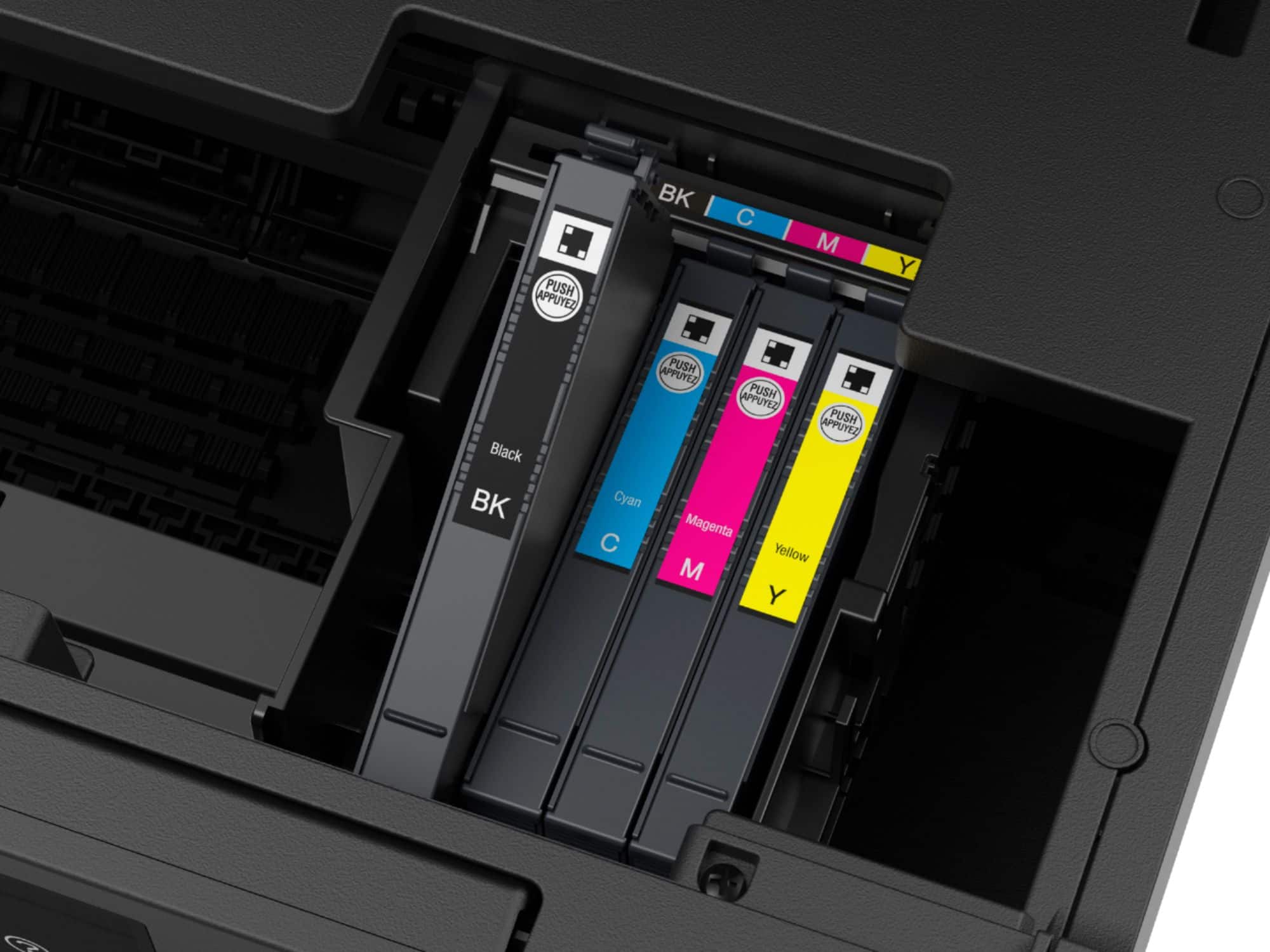
A:AnswerHello Swing. Yes, you can print a nozzle check and perform head cleanings from the maintenance menu to help prevent ink clogs. For more detailed maintenance tips, please visit our official Epson Support page. Regards, Kevin - The Epson Team.
A:AnswerHello PrinterResearch. The WF-4830 can scan to the cloud using Epson Connect services. The supported platforms are Box, Dropbox, Evernote, and Google Drive. Regards, Kevin - The Epson Team.
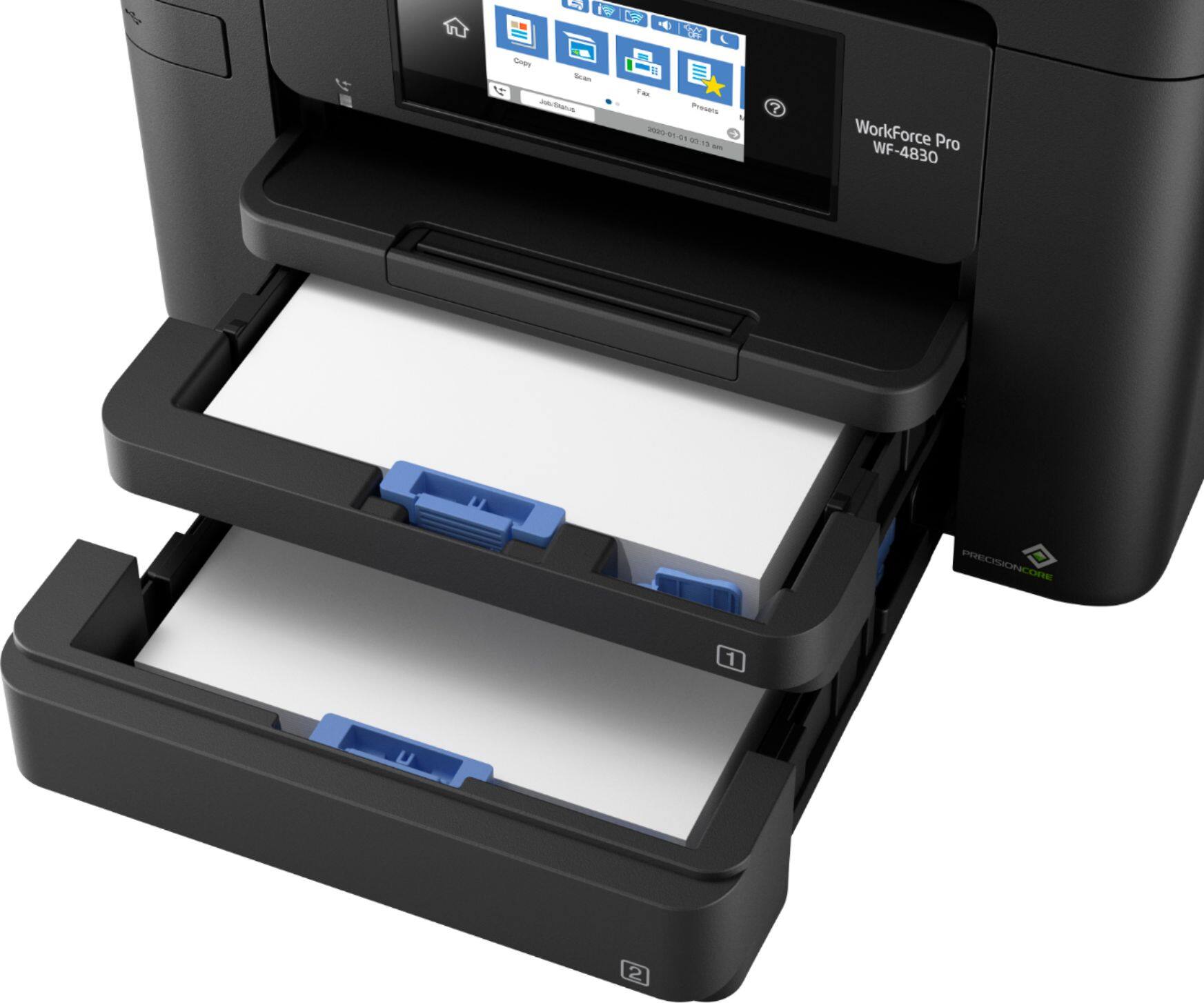
A:AnswerHello 31438. Yes, the WF-4830 can print 8.5" x 14" paper. The printer supports sizes ranging from 3.5" x 5" to 8.5" x 47.2". Regards, Kevin - The Epson Team.
A:AnswerHello Robbie. They are similar in design, but there are some differences, such as print speeds and ADF loading capacity. Also, the WF-4830 has a larger control panel touch screen. Regards, Kevin - The Epson Team.
A:AnswerHello OldBoy. Yes, you can fax PDF files from the WF-4830 using the Epson FAX Utility or by selecting the print with "FAX" option when printing from a computer. For more details, please see the User Guide on our official Epson Support page. Regards, Kevin - The Epson Team.
A:AnswerHello JimK. The WF-4830 supports the following security protocols; WEP (64/128 bit), WPA2-PSK (AES), WPA/WPA2 Personal, and WPA3-SAE (AES). Regards, Kevin - The Epson Team.
A:AnswerHello Billy22. Yes, the WF-4830 can print legal documents. The printer supports paper sizes ranging from 3.5" x 5" to 8.5" x 47.2". Regards, Kevin - The Epson Team.
A:AnswerHello. Unfortunately, E-fax would not work on the printer. You can only send and receive faxes by connecting a direct landline to the printer. Regards, Kevin - The Epson Team.
A:AnswerHi Researcher. The WF-4830 is primarily designed for home and light-office document printing, but if you use Epson photo or photo matte paper and set it to high quality, the WF-4830 prints good photos. If you want excellent-quality photos, consider a printer from the Epson Expression line. Regards, Kevin - The Epson Team.
A:AnswerHello Sara. We're sorry to hear that you are having ink-related issues with your new printer. Please visit our official Epson Support page and contact our Technical Support team by phone for additional assistance. Regards, Kevin - The Epson Team.
A:AnswerBonjour,
J'ai placé la feuille sur le chargeur automatique de documents et la copie numérise 8.5x11 et non 8.5 x14.
Je n'ai pas l'option de changer le format du papier.
Merci de m'aider.