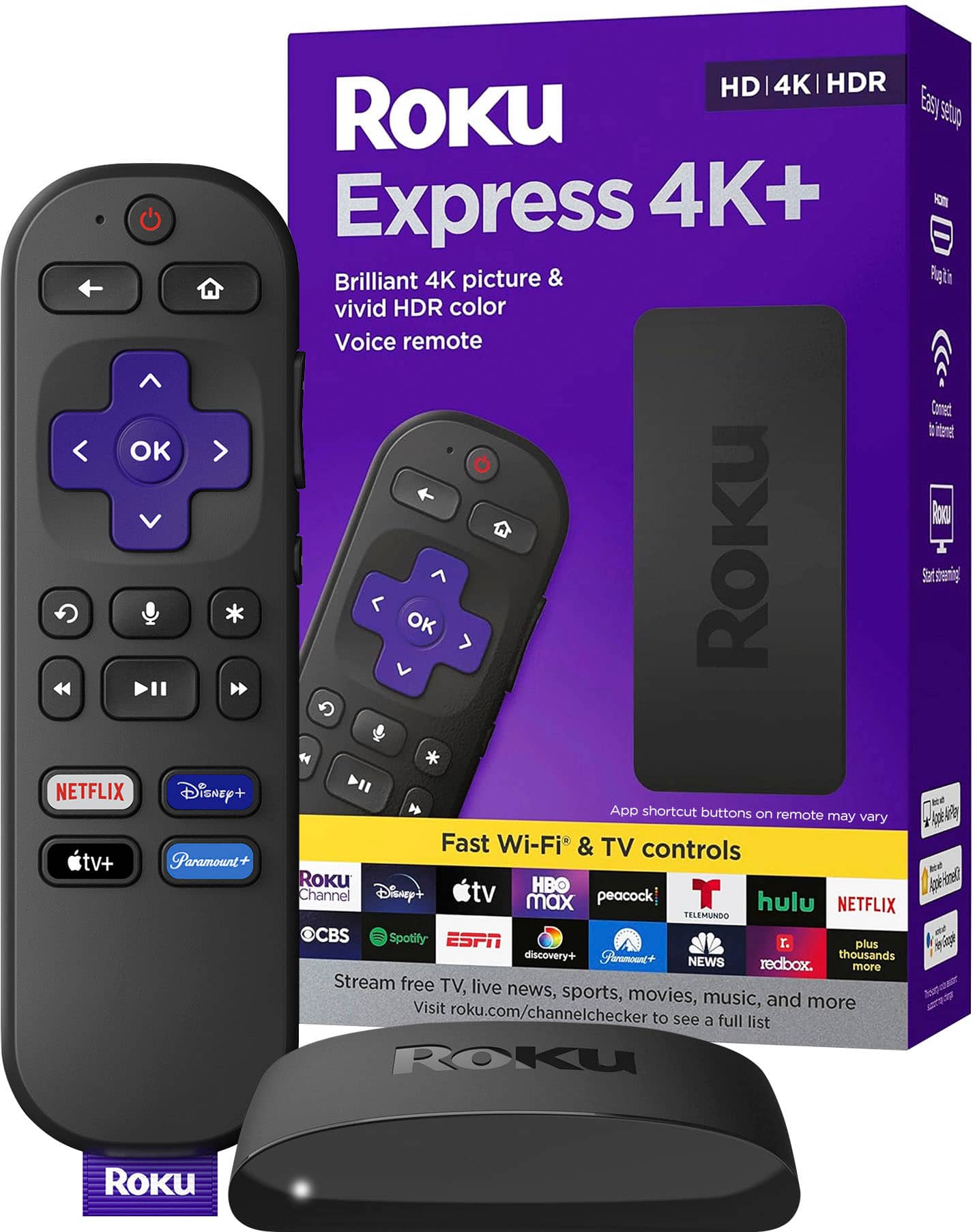
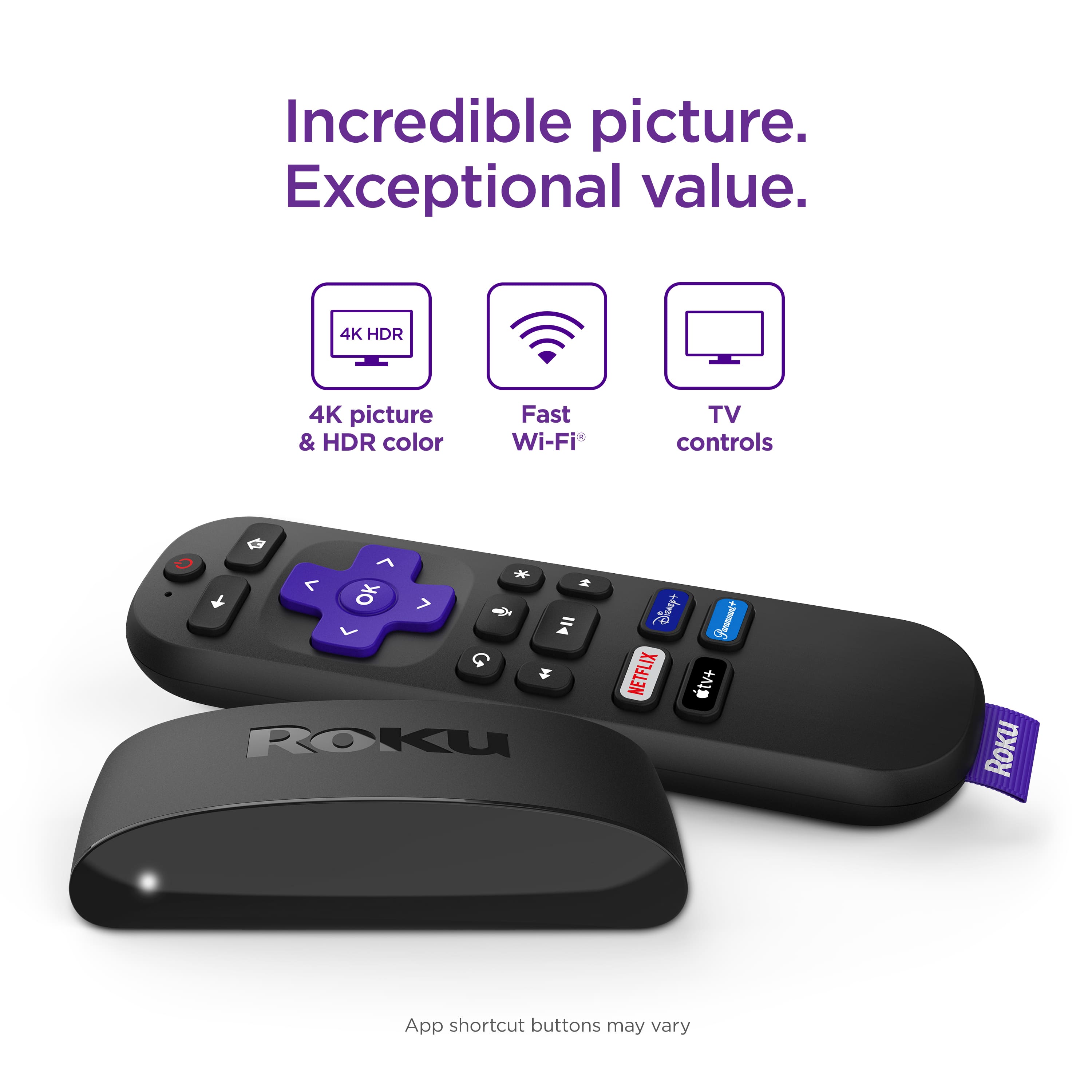
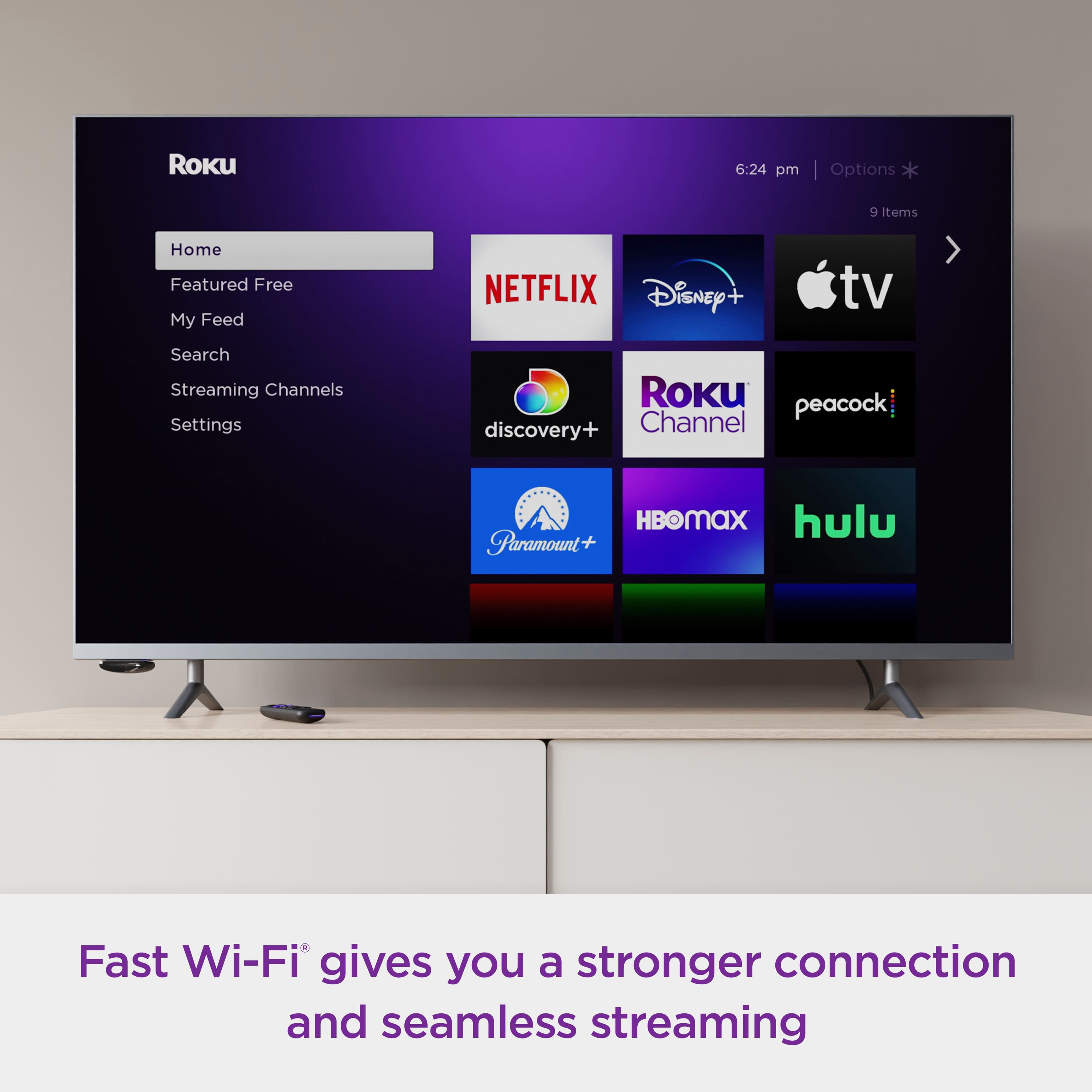
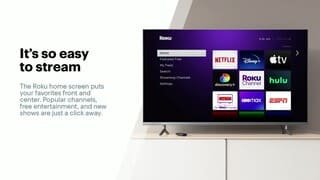
A:AnswerHello, Trahman! Yes, the Express 4K+ is 802.11ac Wi-Fi compliant and will operate at either 2.4Ghz or 5Ghz. If you have any issues, please refer to the Roku Community Support Pages at: https://community.roku.com/
A:AnswerHi Muffin! Roku devices can supplement or even replace your existing Cable or Satellite TV service, as long as a sufficient internet connection is available. The set-up process was designed and engineered with the Novice user in mind. Feel free to reference our Roku Set-up videos: https://support.roku.com/category/115001360548
A:AnswerAmazon Prime is a choice to add in Roku when looking for streaming services. I think you can add almost every streaming service that exist in Roku.
A:AnswerHello Stick! Yes, YouTube TV is available on the Roku Streaming Platform. As always, you can browse our Roku Channel Store at https://channelstore.roku.com/browse
A:AnswerJoe ,
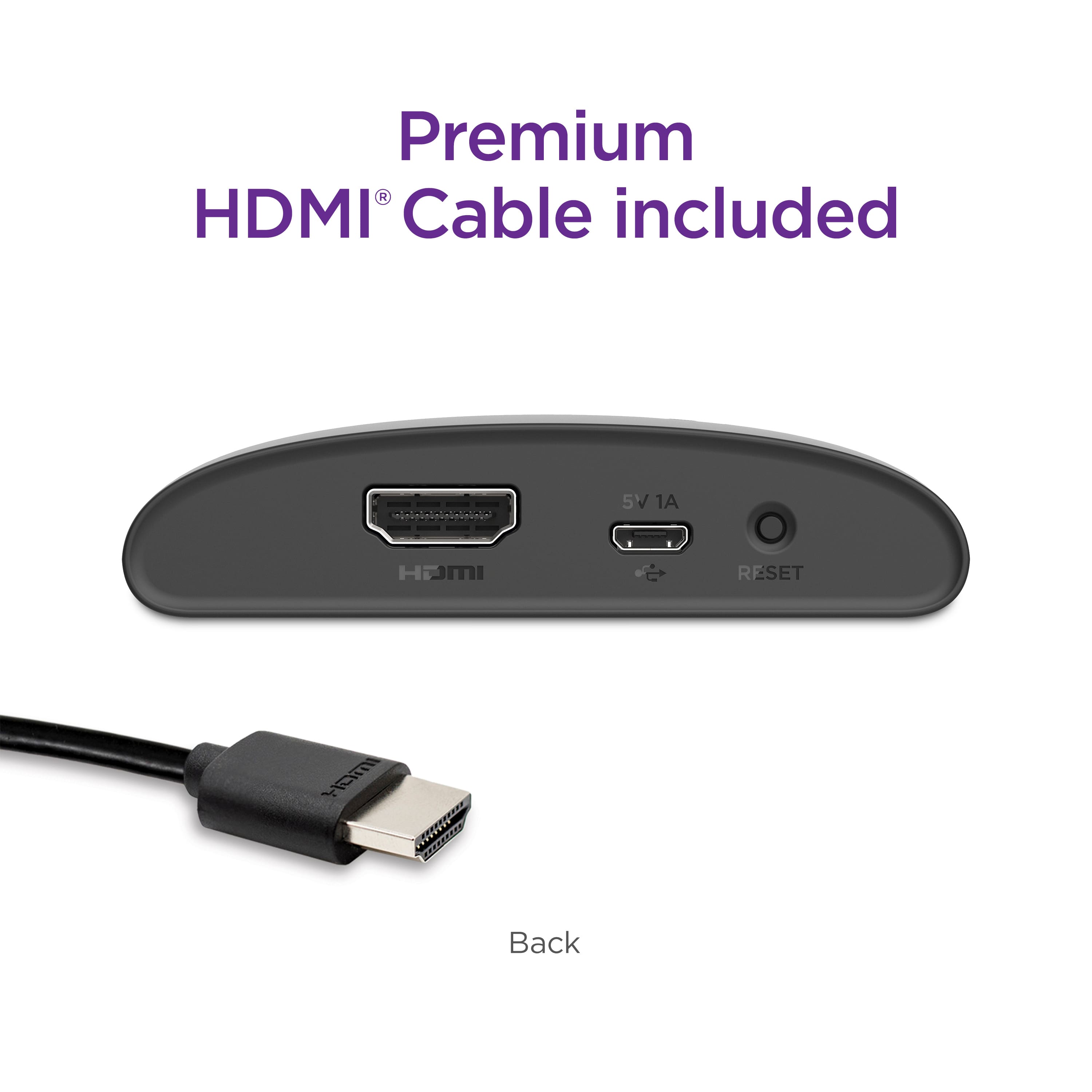
There should be a button on the back of the Roku system also and you would press both buttons the one inside the battery cover and on the back of the device at the same time and it will blink . Hopefully that will help you .
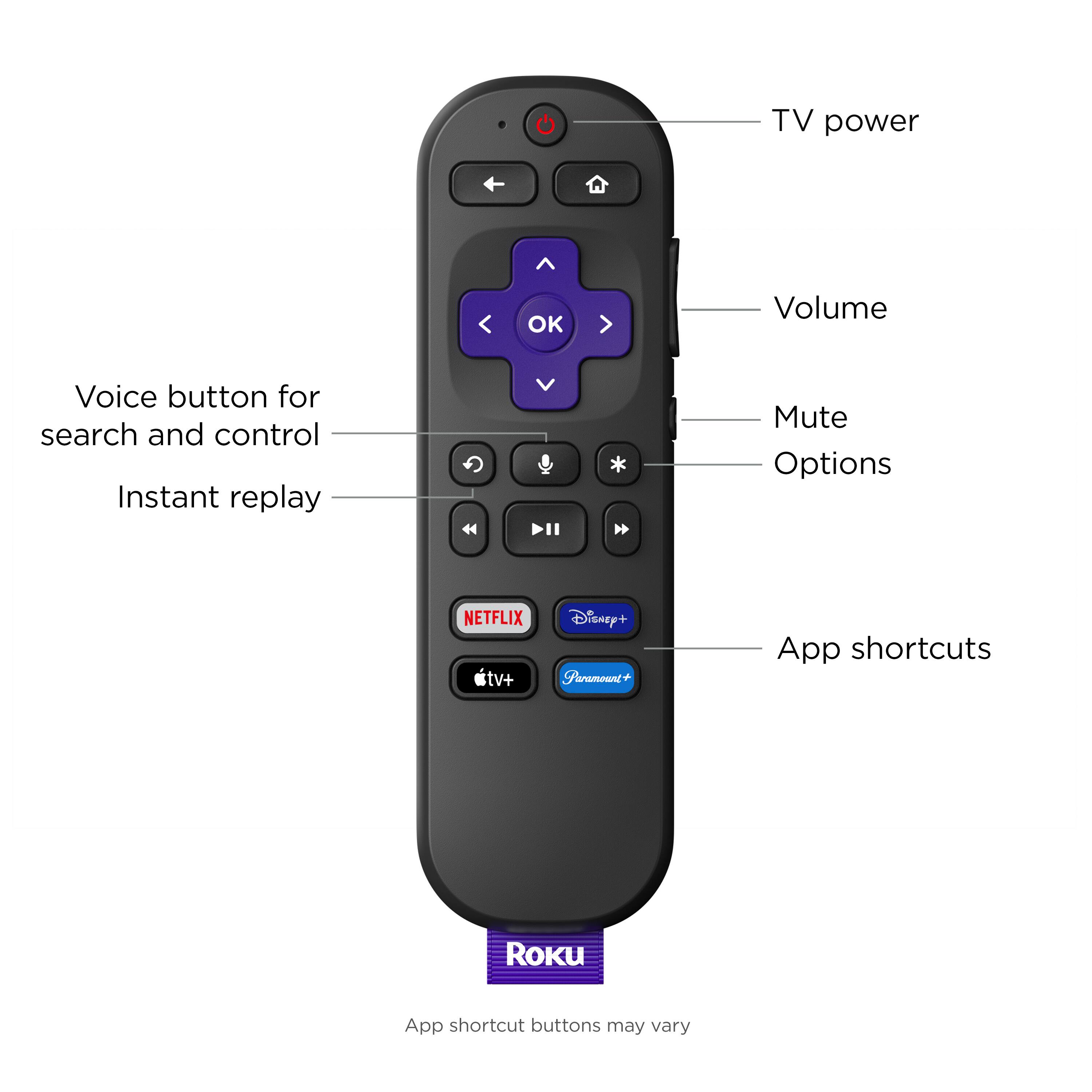
A:AnswerYou can download a app To your cell phone or to a tablet and use it for free or you can buy a replacement for $10 -$15 on Amazon from Roku Company . I have been using the cell phone app and love it and I can use it on Multiple Roku Systems .