A:AnswerI think you need an old device with the appropriate outputs. I think HDMI standards are such that video capturing is prevented or as least greatly disrupted with a “handshake” between devices. The old VIDEO IN jacks do not have this feature. In other words, You need an HDMI converter that will provide this “handshake”. I don’t know of one.
A:AnswerThe answer to this lies in what you may be seeking. It is not necessary to have cable to watch shows as the Roku provides an alternative way of watching tv. The downside is that not all “live” broadcasts are accessible via Roku. For example, I like to watch live sports but not all channels that I watch on my Xfinity are available on the Roku. Thus, I still have cable also.
The most important thing to make sure is that your internet package has speeds capable of streaming videos. The more videos you plan to stream at once (I.e. you have multiple devices streaming on the same internet), the better internet you will need.
A:AnswerHi Chris! Yes, Roku does support the Xfinity Stream Beta app and is available to download in the Roku Channel Store. Please note that Xfinity internet and cable are necessary in order to use the app and channel availability is based on your current channel lineup with Xfinity.
A:AnswerThat seems a simple question, with a complicated answer. Try reading through this if you don't mind getting a headache! lol
https://www.reddit.com/r/Roku/comments/zwntbh/does_the_roku_express_4k_supports_dolby_atmos/
A:AnswerYes! Spectrum TV is available for all Roku customers to download. If you're having trouble locating the channel, make sure that your device is on the newest software update.
A:AnswerYes it is. That’s the great thing. I had the main cable box, I bought 2 Roku’s for my daughters TVs and downloaded the xfinty streaming app. Save on paying for additional cable boxes. Love Roku
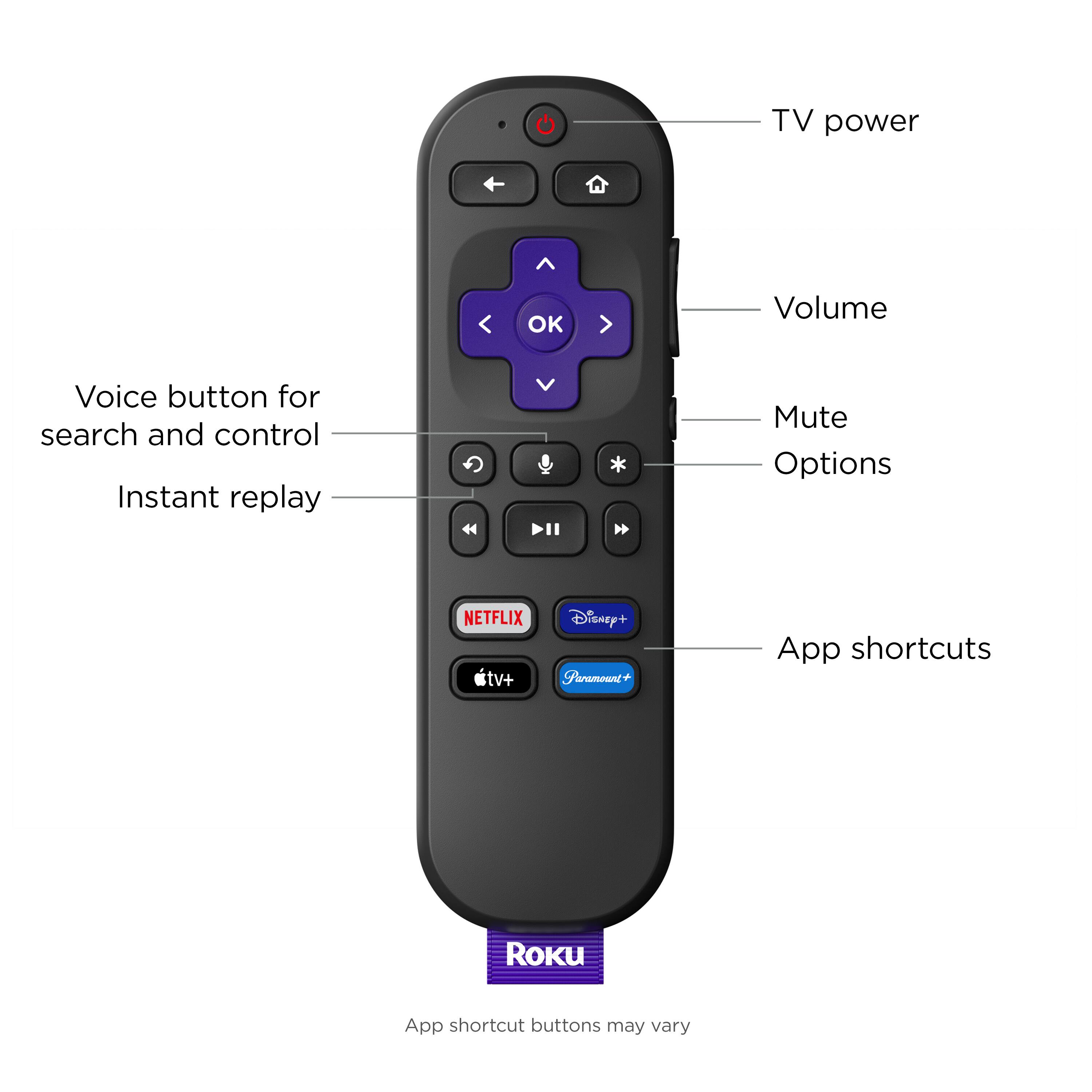
A:AnswerRoku Voice Remotes will only control a TV via IR commands. If a sound device (AVR or soundbar) is connected via HDMI and supports CEC, then the volume and mute buttons will also control those devices. I have no problem controlling the volume on my Yamaha AVRs with the Roku remotes. But if your Roku is connected directly to the TV, and you are using optical out from the TV to an AVR or soundbar, then the Roku remote will not be able to control the volume.
A:AnswerHi! After doing a quick search on the Roku Channel Store it appears the Shahid channel is not currently available.However Roku Streaming players including the Roku Express 4K + have a feature called screen mirroring available on Android™ and Windows® devices.This feature allows you to replicate (or “mirror”) the screen of your compatible Android or Windows device wirelessly onto your TV screen. With screen mirroring, you can send web pages, videos, photos, music, and more to your Roku Express 4k+. You can also use a similar feature for iOS devices called AirPlay. Apple AirPlay lets you stream, control, and share content from your iPhone, iPad, or Mac to your compatible Roku streaming device. You can watch movies, TV shows, and family videos, listen to popular music, or browse vacation photos. You can even mirror exactly what you see on your Apple device.
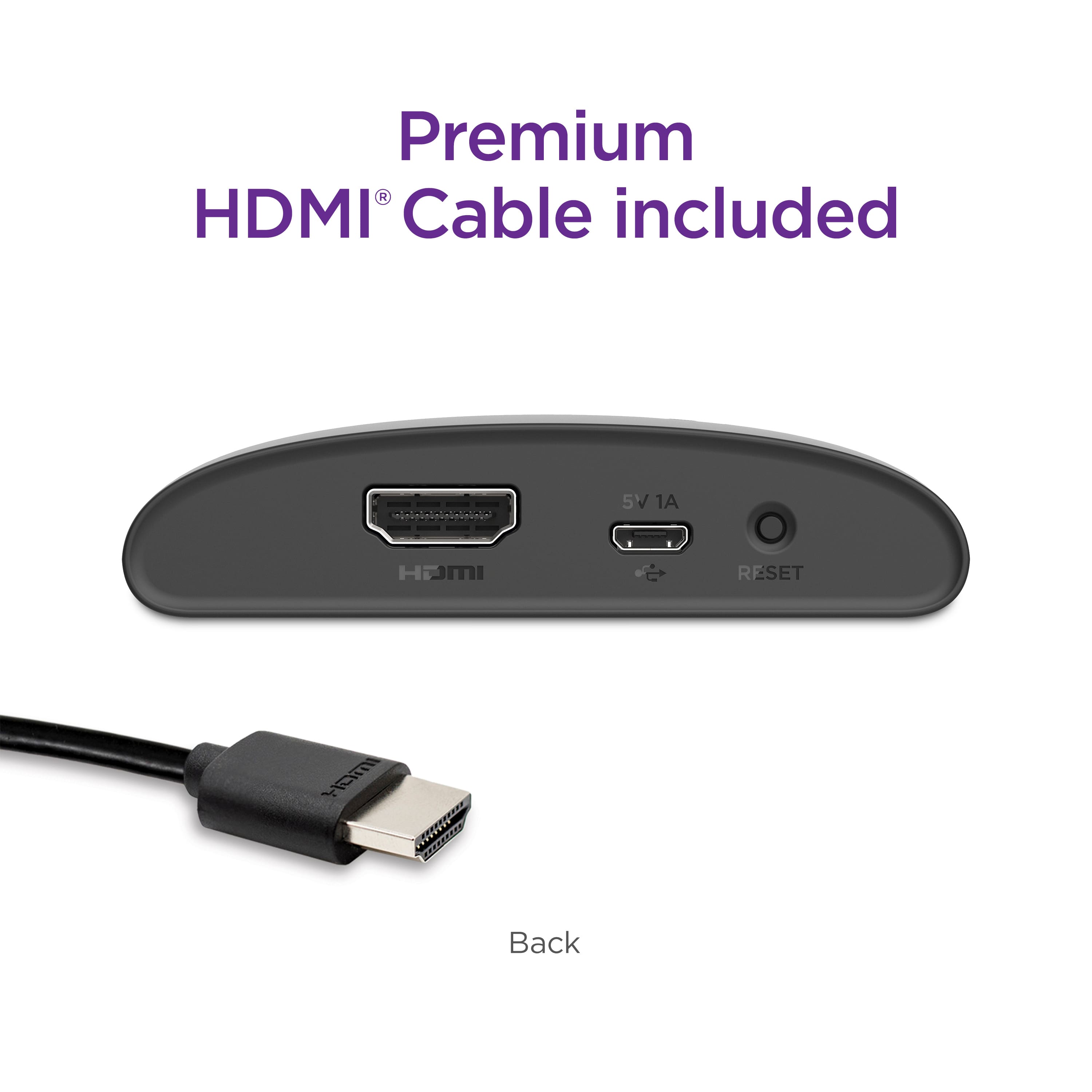
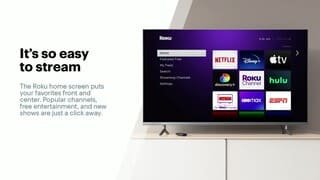
A:AnswerHi MJ! No, Roku devices are designed to turn a non-smart TV into a smart TV or make a smart TV even smarter. Simply plug the device into your TV's HDMI port, connect it to your home Wi-Fi network and follow the easy setup instructions on the screen to start streaming!