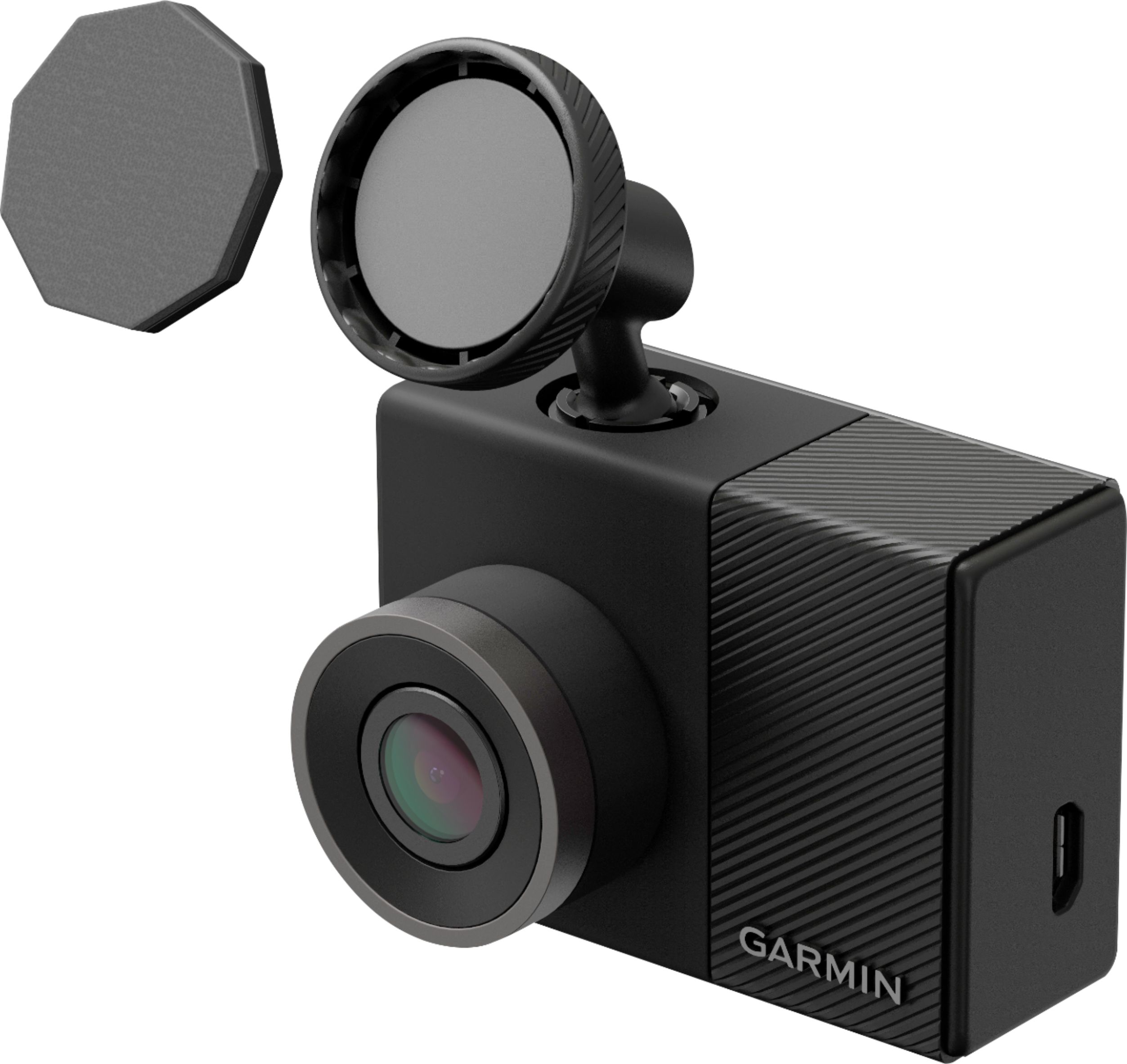
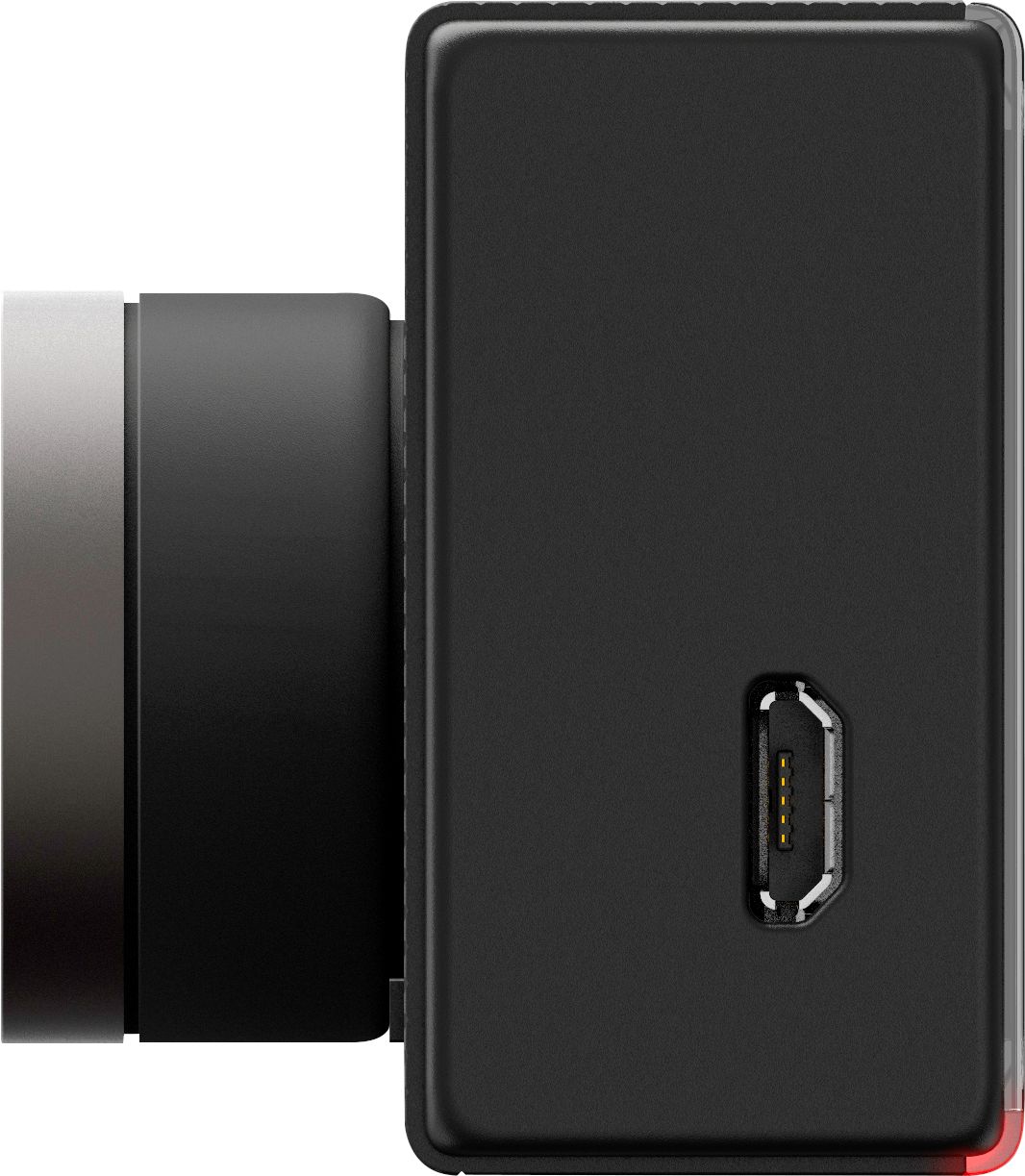
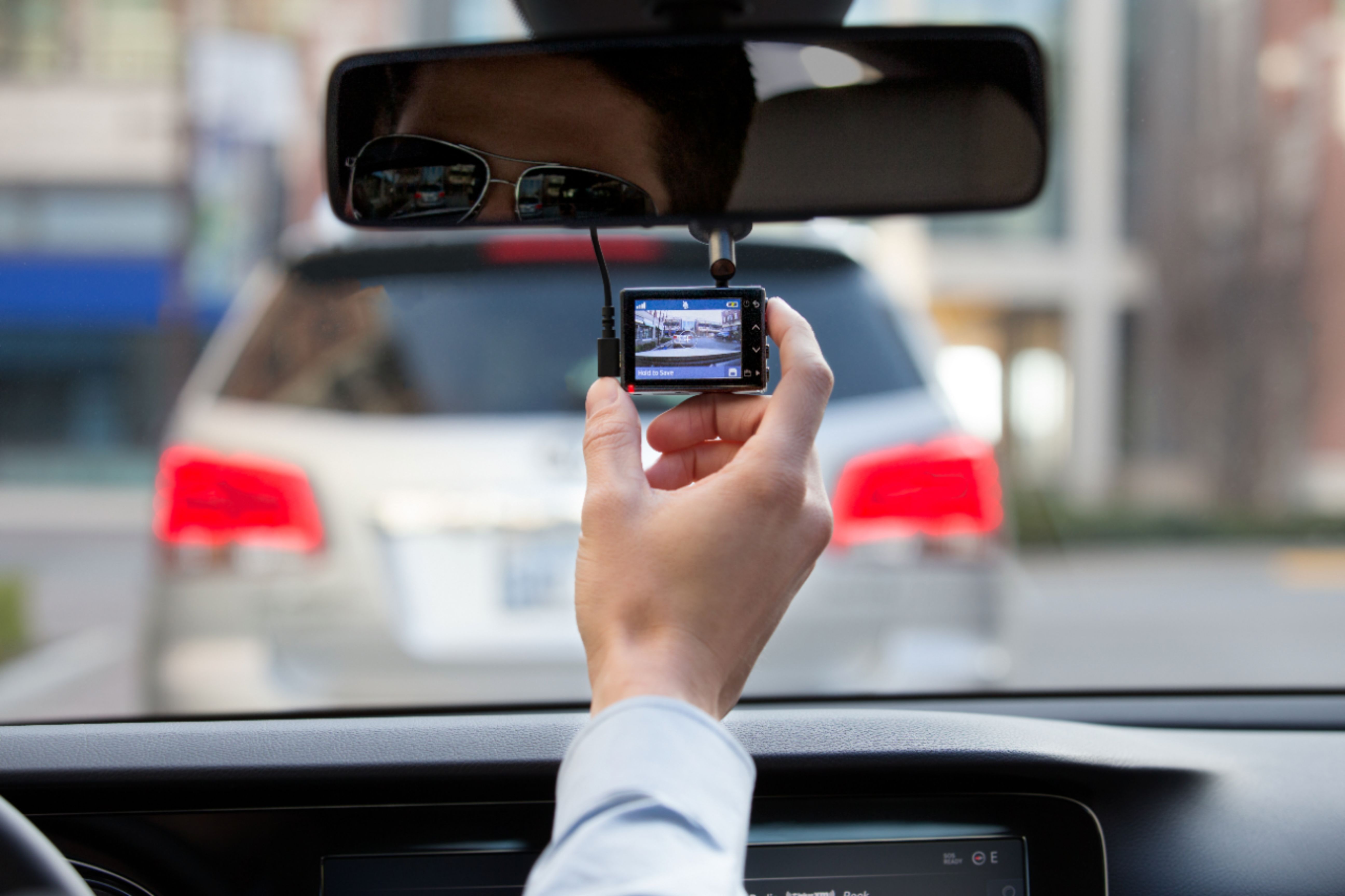
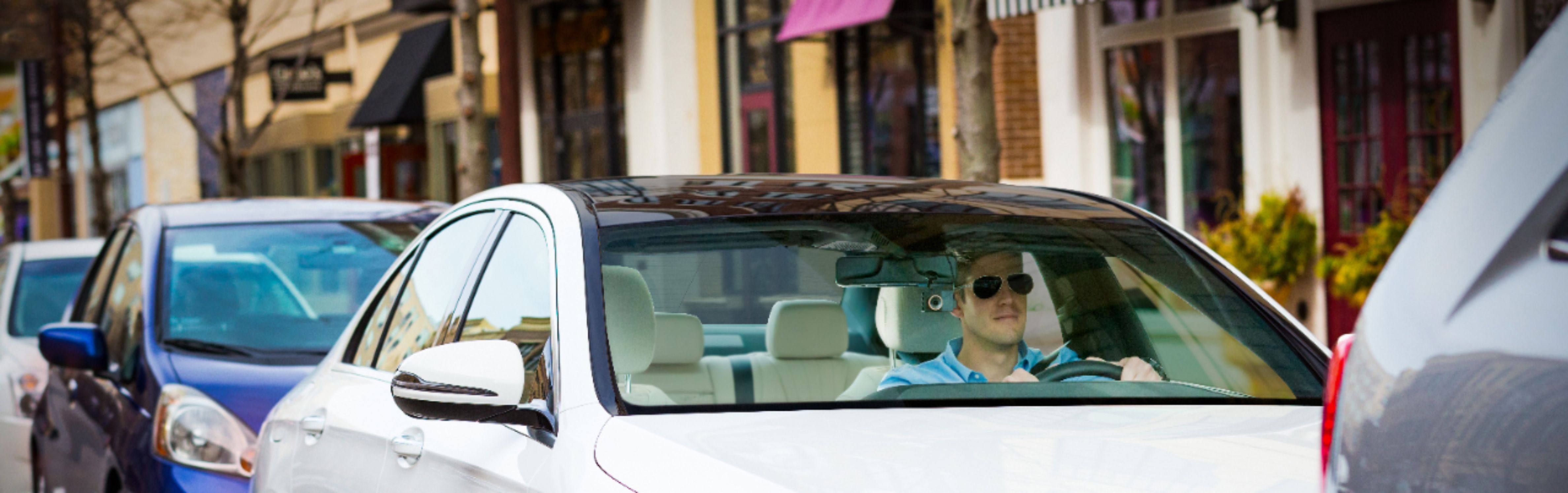
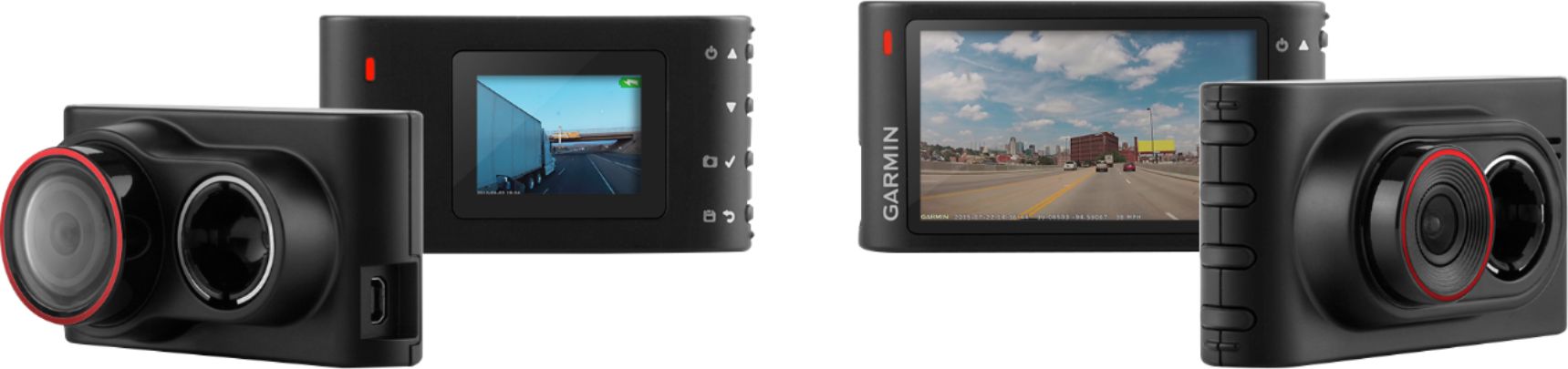
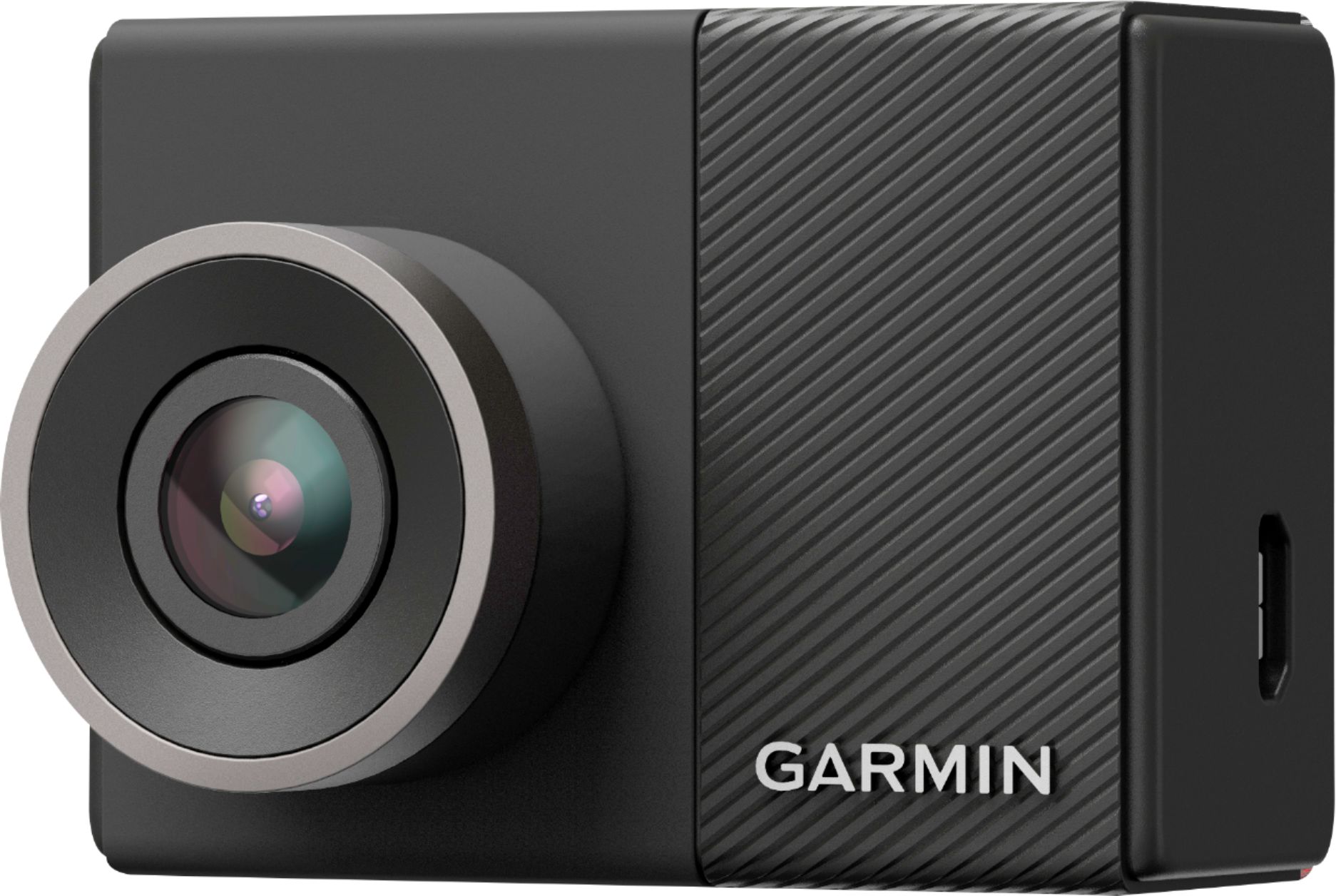
A:AnswerI use the aux power plug(Cigarette lighted plug). there is an optional harness you can by to hard wire to the vehicles electrical but I believe that one will keep it on all the time . I have mine plugged in to a splitter that I can turn on/off with a push of a button because I have multiple things hooked up.
* check YouTube for more options
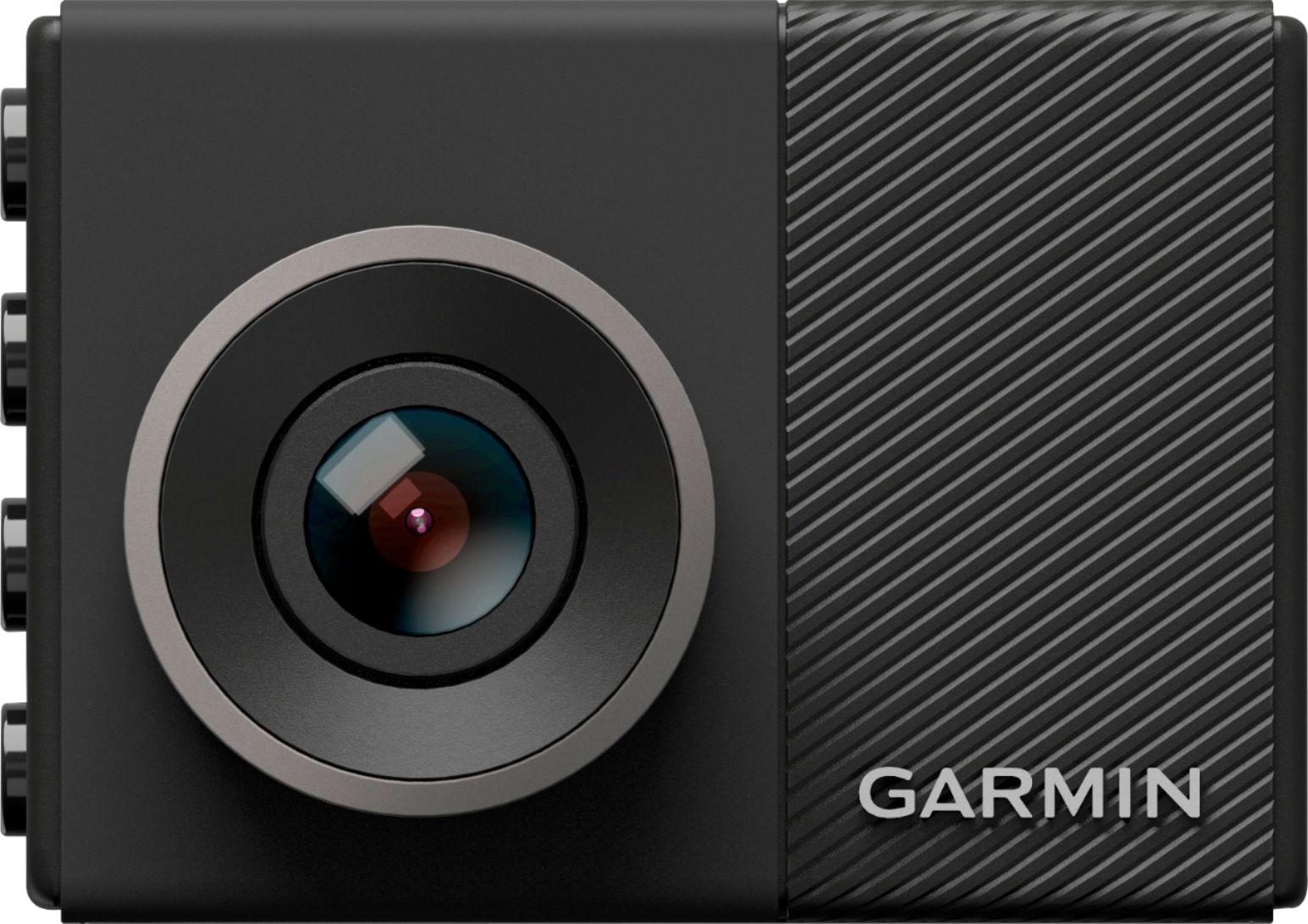
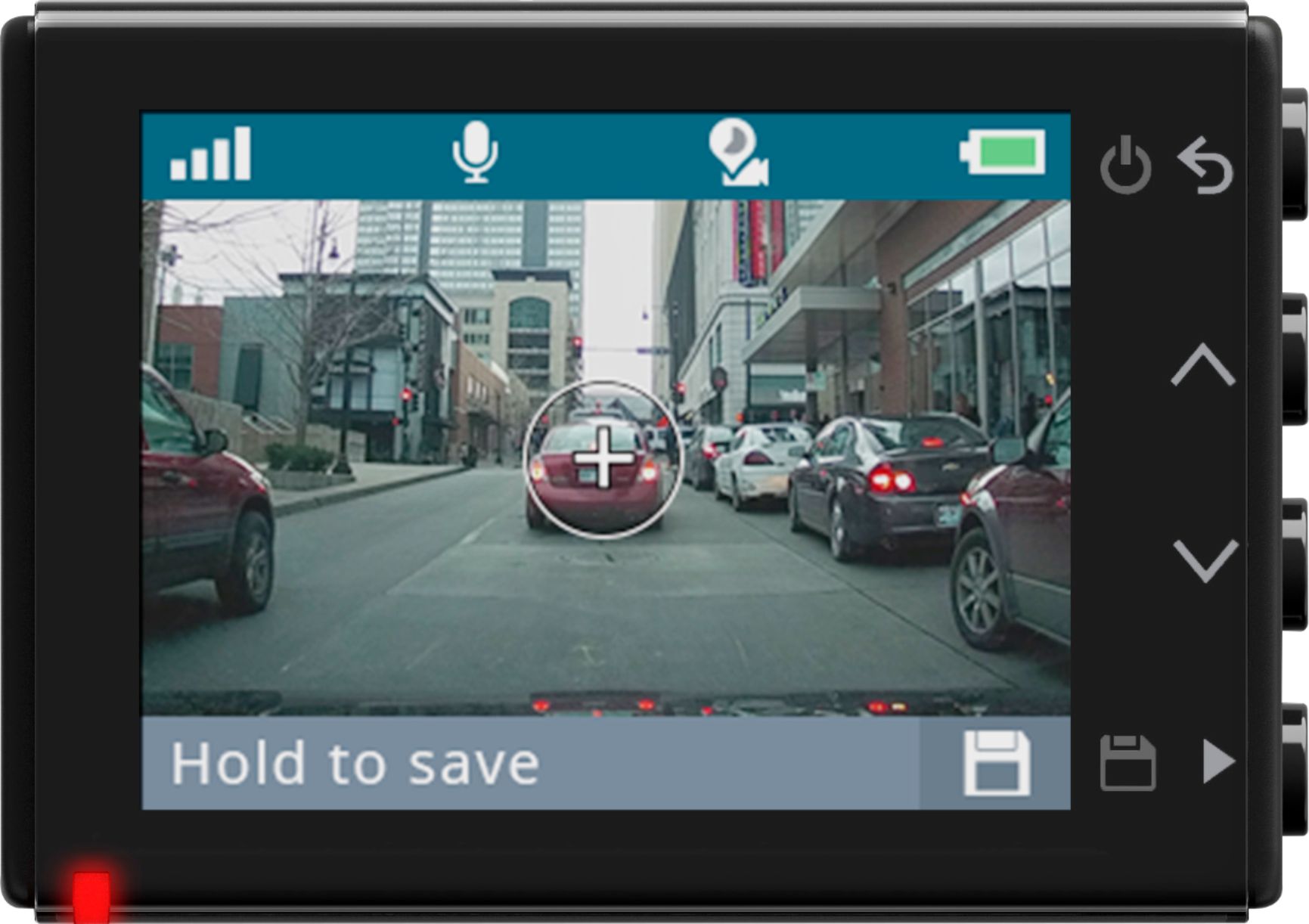
A:AnswerUnfortunately, the plus sign or crosshairs cannot be removed or turned off. They are used to confirm proper alignment of the camera. The crosshairs do not appear in the video.
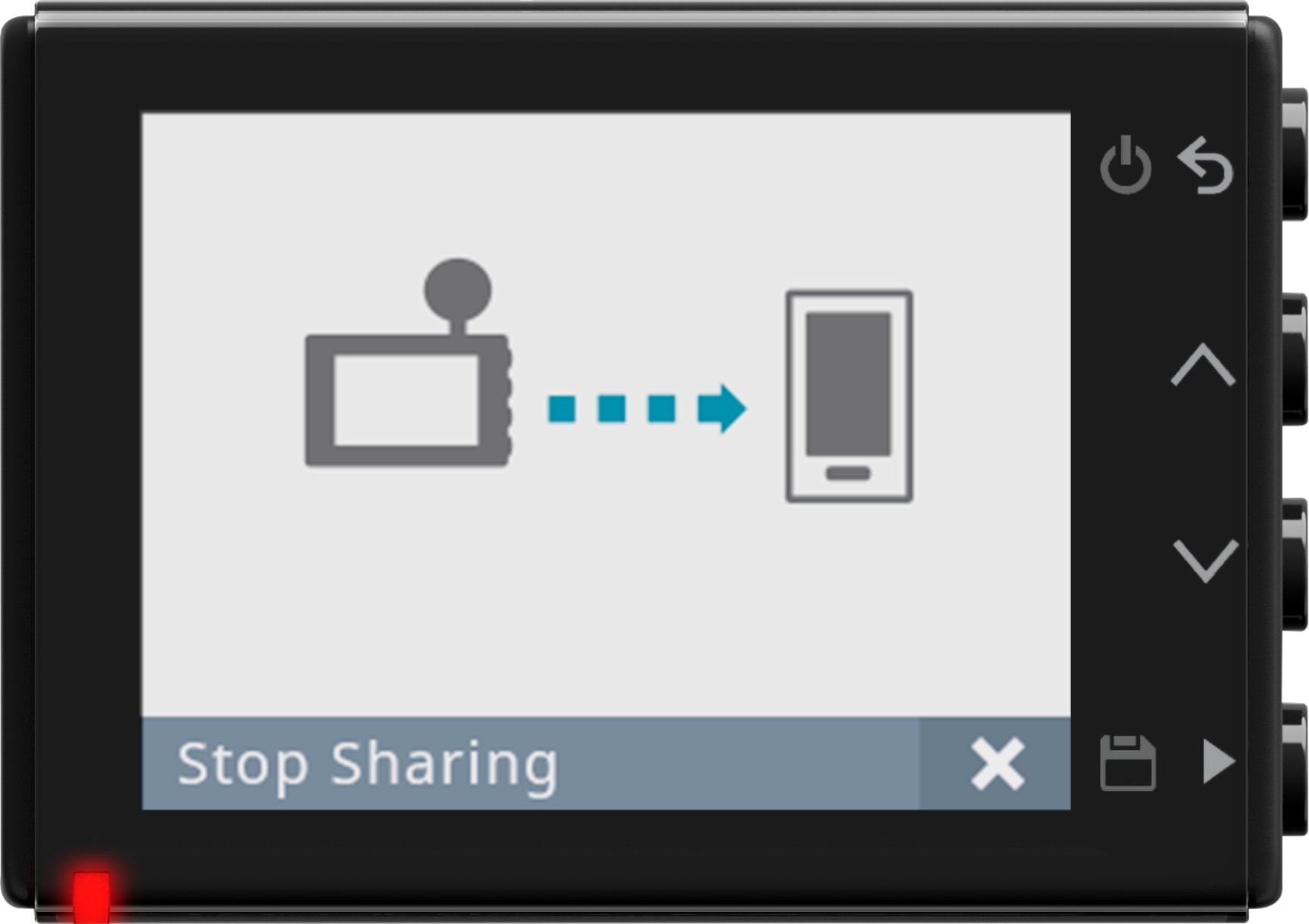
A:AnswerThis camera offers 3 options for viewing the video clips. You can view the videos and photos on your computer, on the Dash Cam itself or using the VIRB mobile app on your phone.
A:AnswerWhen viewing the raw files inside the memory card of your Dash Cam enabled device, unsaved video files will appear as 1-minute long fragments. However, viewing the unsaved video footage using the VIRB app will appear as one contiguous file for each recording session. This Garmin FAQ gives additional details about saved video files: https://support.garmin.com/faqSearch/en-US/faq/content/nSiqgPiZYB5NJQpkUMNPkA
A:AnswerThe Garmin Dash Cam™ series, 45, 55 and 65w, are standalone dash cams that will work alongside any Garmin navigator including the DriveSmart 61 LMT-S
A:AnswerFrom owners manual: "Select > Settings > System > Setup.Units: Sets the unit of measure used for distances.Time: Sets the time, date, and format for the time stamp."