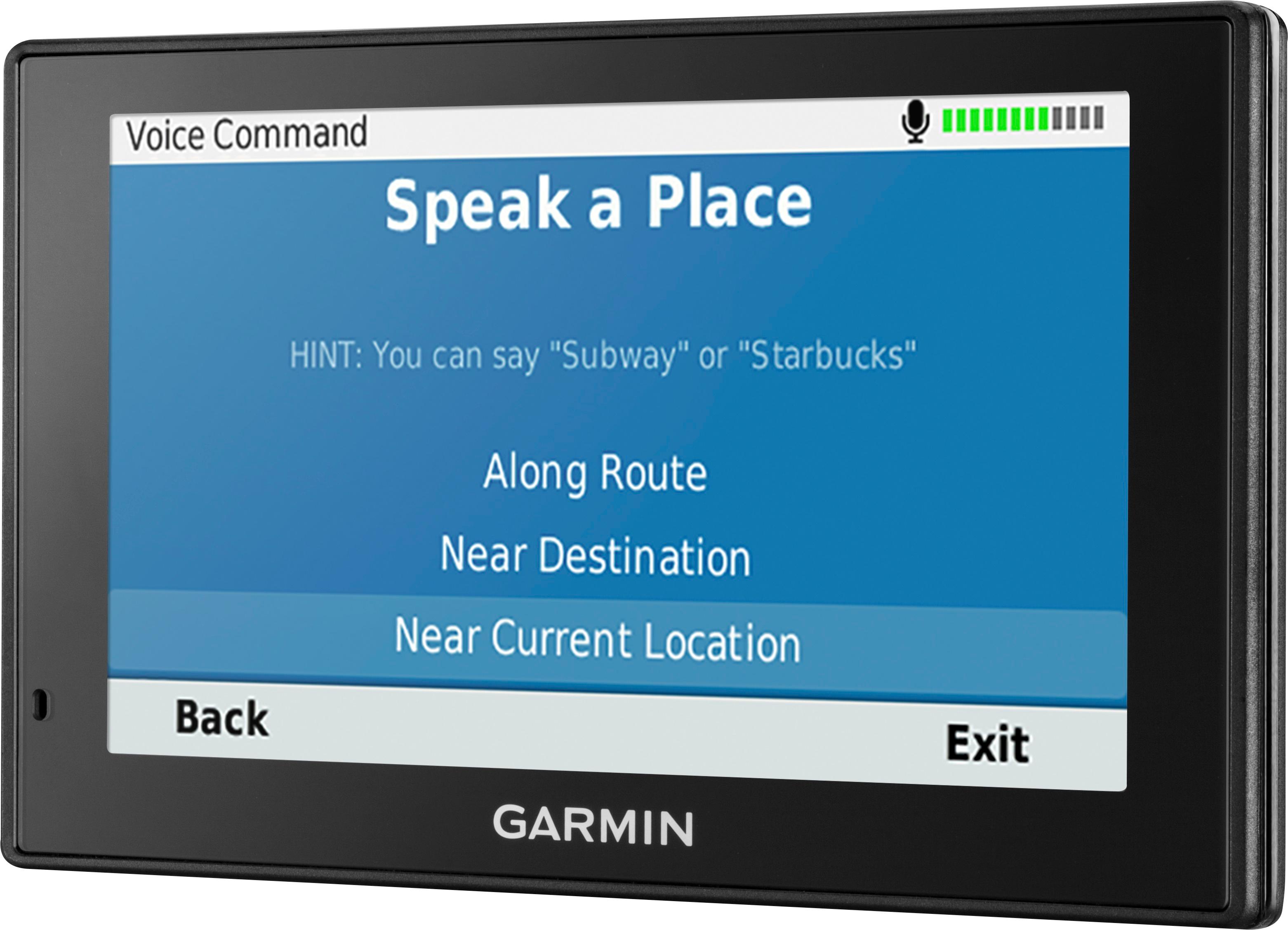
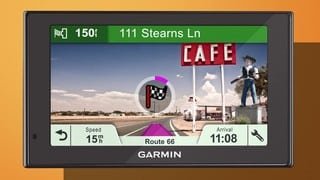
A:AnswerWhile the GPS is ready to use out of the box, we suggest checking for map and software updates that were released while the device was in transit and on the retailer’s shelf. This model includes Built-in Wi-Fi® for easy map and software updates. Additional help can be found on the Garmin Support Center.
A:AnswerNo, this device is designed to be paired to a Bluetooth-enabled phone, such as your smartphone for hands-free calling and to share information via the Garmin Smartphone Link app. This GPS will not pair to the Bluetooth in your vehicle, hearing aids or any type of headset.
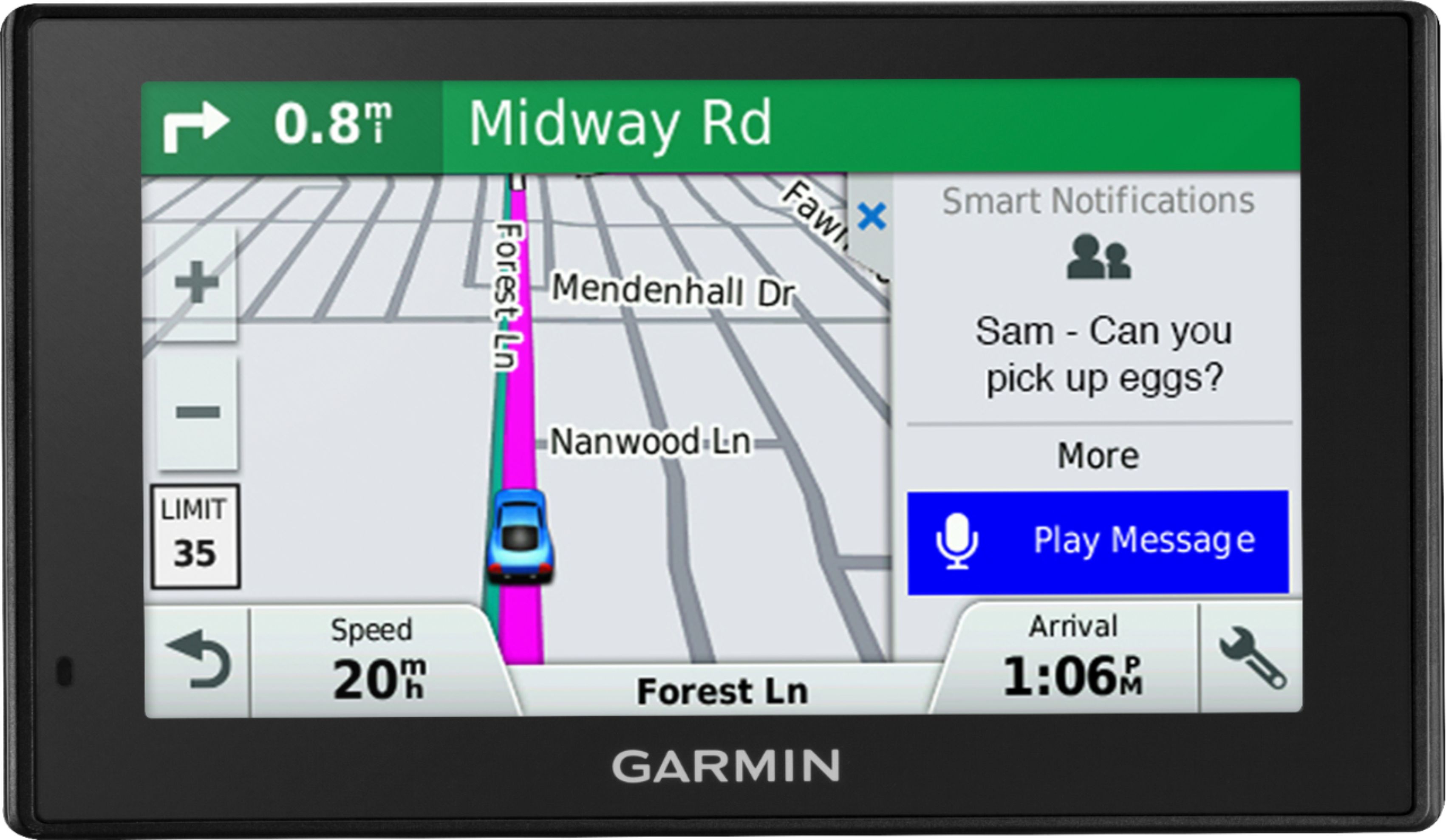
A:AnswerThis model should fit in most vehicles. It includes a Vehicle suction cup mount to attach the GPS to your vehicle’s windshield and a vehicle power cable that connects to the vehicle’s cigarette lighter/power port.
A:AnswerCity Navigator® Europe maps can be purchased and added to this device. There are two options for adding these maps to this device: Purchase a pre-programmed microSD™/SD™ Card or Purchase downloadable maps to be installed with the Garmin Express program.
A:AnswerIt sounds like there is a power issue. If you’re unable to get the device powered on, Garmin Product Support would be happy to offer additional assistance. Our contact information and hours of operation can be found on the Garmin website.