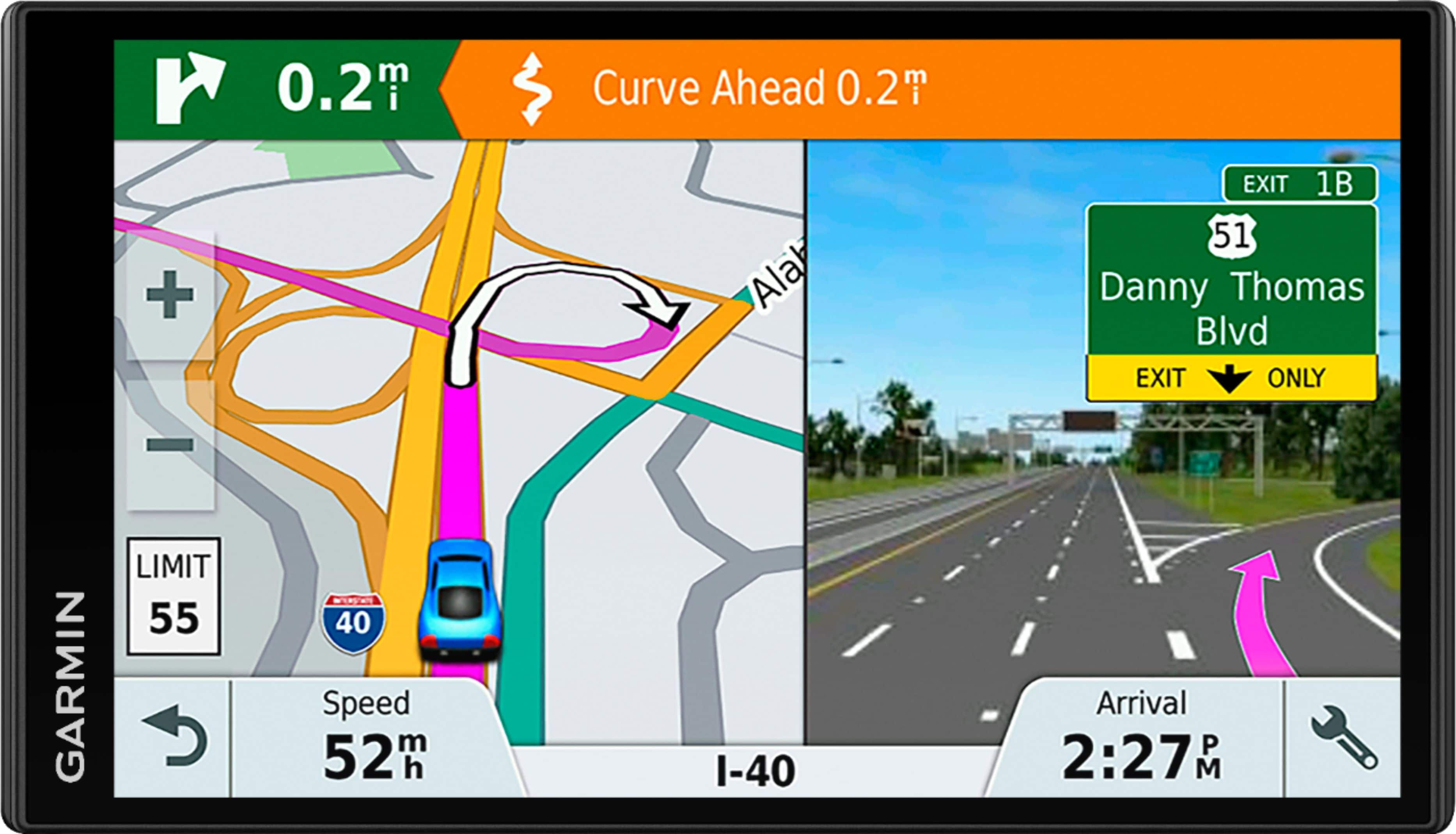
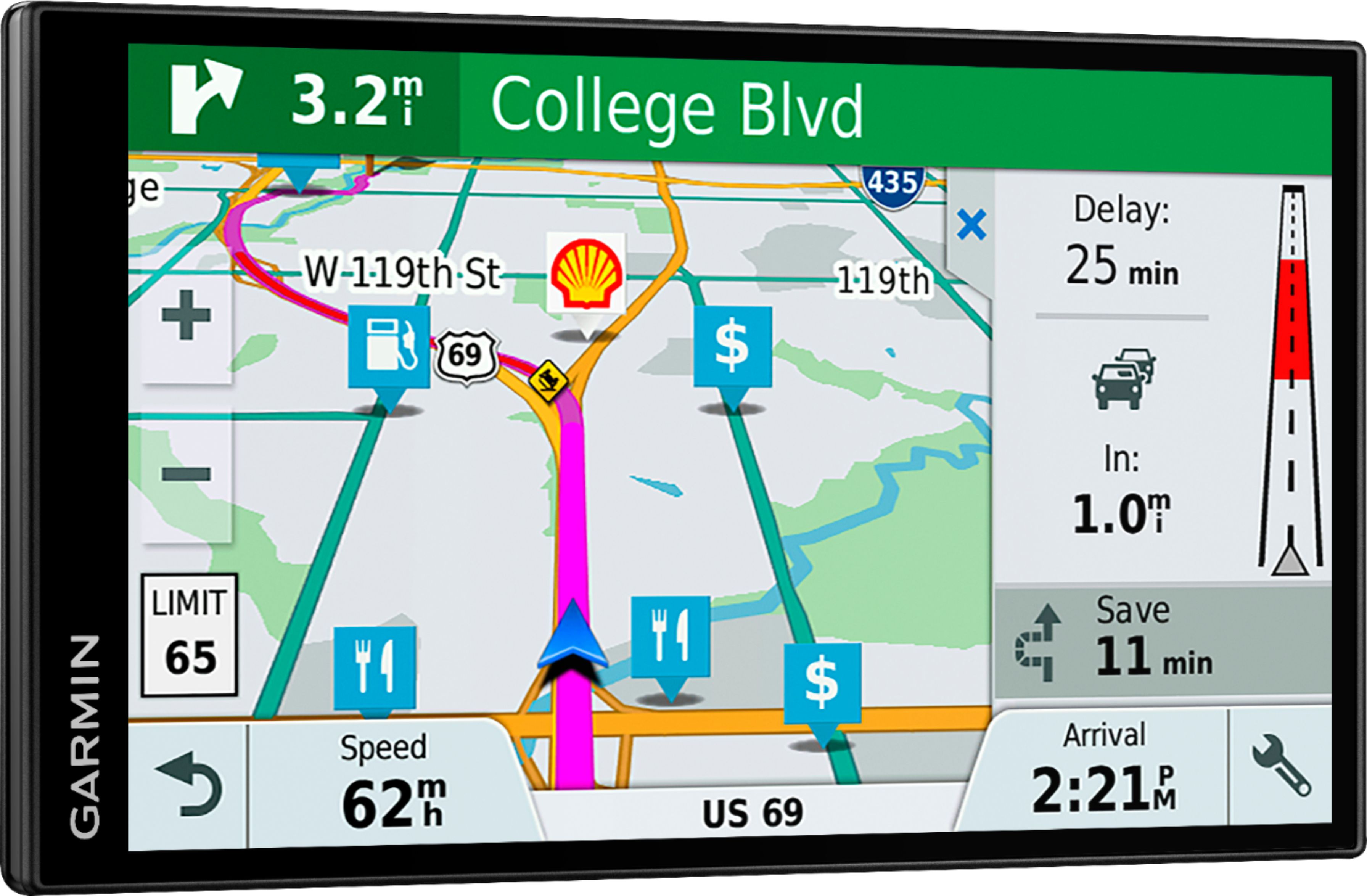
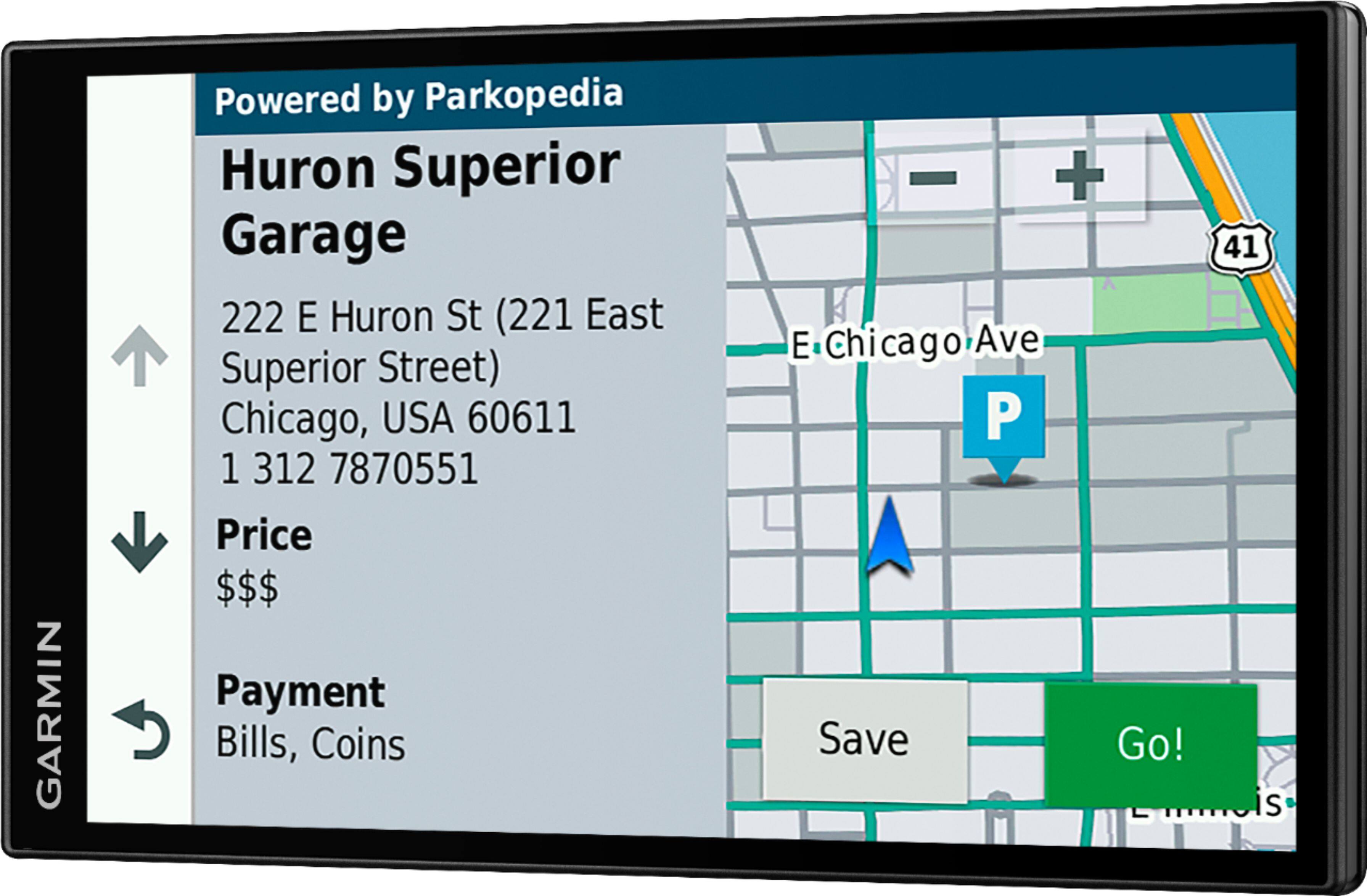
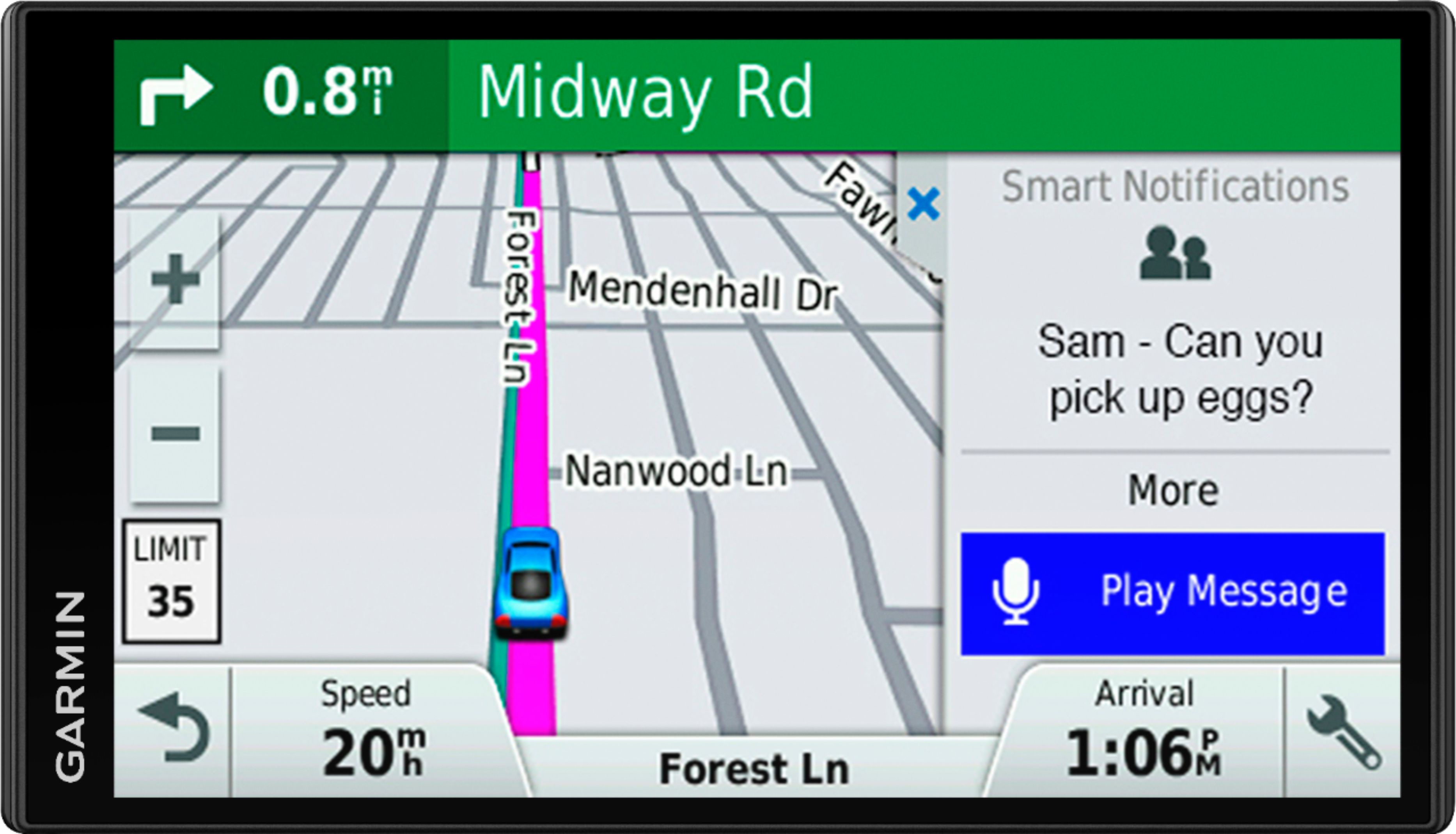
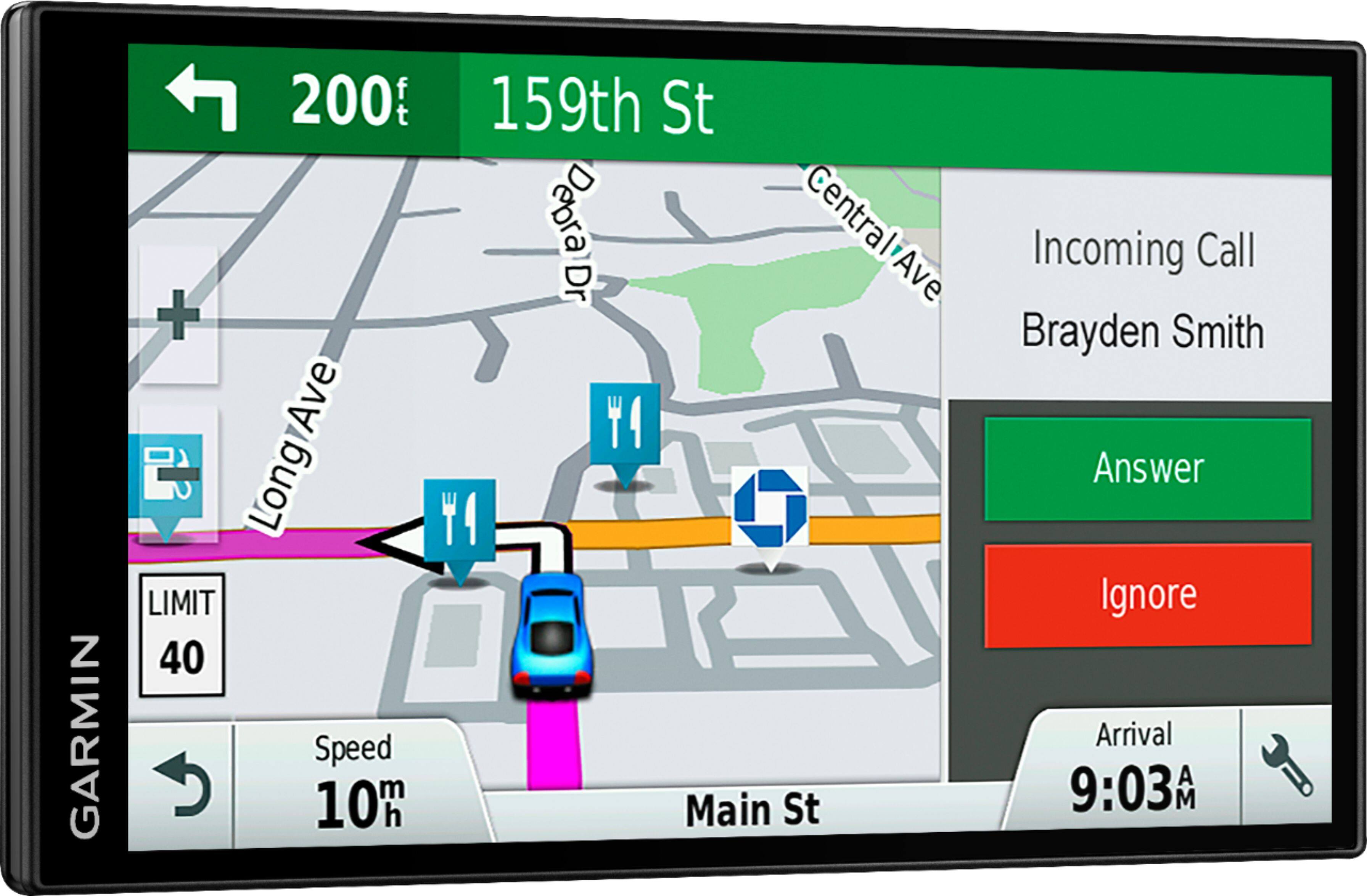
A:AnswerThis device does have both portrait and landscape orientation options. On the device select Settings > Display and then the top option should be Orientation. . Visit the following link for information on Display Settings: http://bit.ly/2rAIdB6
If the Orientation option isn’t available confirm that the device is using the most current version of software using the Garmin Express program. If you haven't installed Garmin Express please download it from the following link: www.garmin.com/express
Garmin Product Support will also be happy to assist. Our contact information, including telephone number and hours of operation, can be found on at: https://support.garmin.com/en-US/
Thanks, James
A:AnswerI have not done that yet but I figured it did anyway. The main charger is for the cigarette lighter so I'm guessing it will through usb.. My phone does when USB connection is to computer.
A:AnswerIf your device powers on and displays text in a language you cannot read (wrong language), it can be corrected by going through the settings to change the text language. Here is a Garmin FAQ that gives detailed instructions: http://bit.ly/2kb8feN Thanks, James