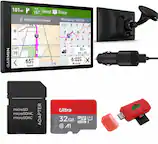
A:AnswerCity Navigator® Europe maps can be purchased and added to this device. There are two options for adding these maps to this device: Purchase a pre-programmed microSD™/SD™ Card or Purchase downloadable maps to be installed with the Garmin Express program. More info can be found here: https://bit.ly/3b8NdoT
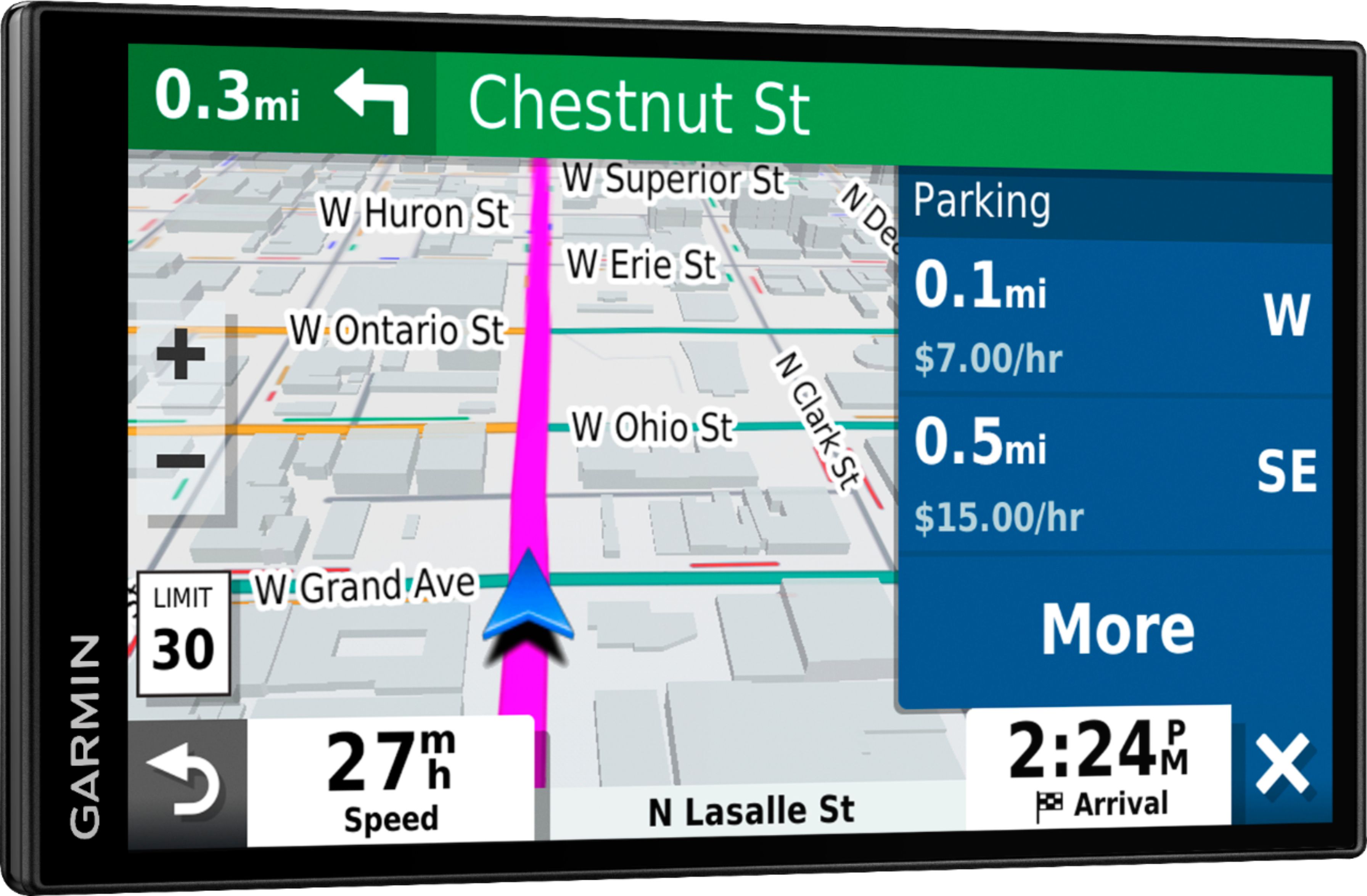
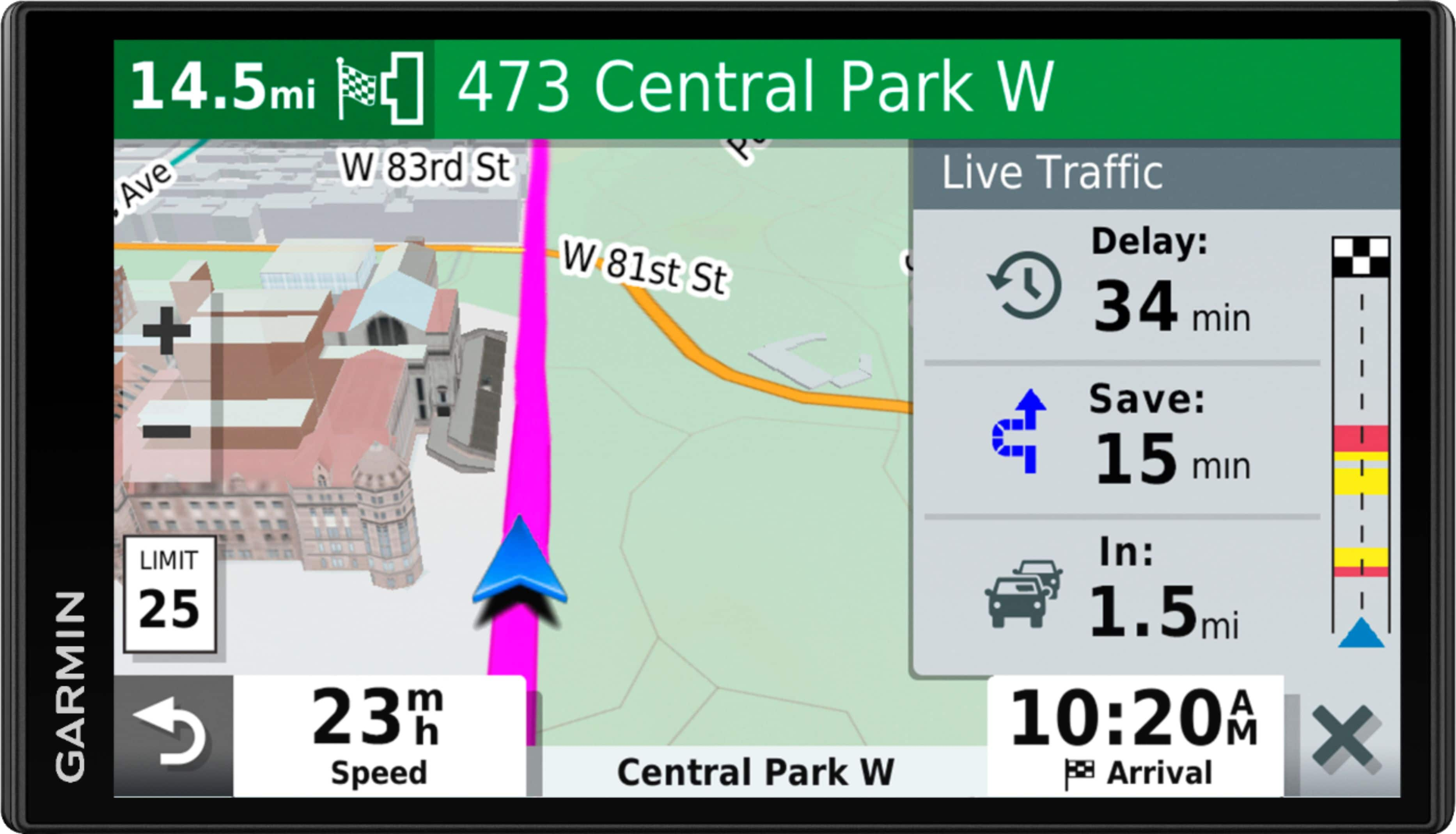
A:AnswerYes, pair this smart navigator with your phone, and download the Garmin Drive™ app. This gives you access to real-time information, such as live traffic, basic weather and live parking.
A:AnswerIf you read the manual, a download in their website, it will detail how to work this. But why bother, disconnect the GPS and take it inside to connect to your PC. That way it will be powered throughout the updating process and not dependant on the limited battery in the unit.
A:AnswerThis GPS is compatible with the Garmin deluxe portable friction mount, part number 010-10908-02 and the portable friction mount, part number 010-11280-02.
A:AnswerNo, this model doesn’t include any RV specific routing. The Garmin RV series includes detailed maps for North America that also include RV-related restrictions – like bridge heights, sharp curves, weight limits and more – and related information for most major roads and highways. It also includes a directory of RV parks and services.
A:AnswerNo, this model is designed for passenger vehicles and doesn’t include any truck specific routing. The Garmin dēzl™ series includes detailed maps for North America that include truck-related restrictions – like bridge heights, sharp curves, weight limits and more – and related information for most major roads and highways.
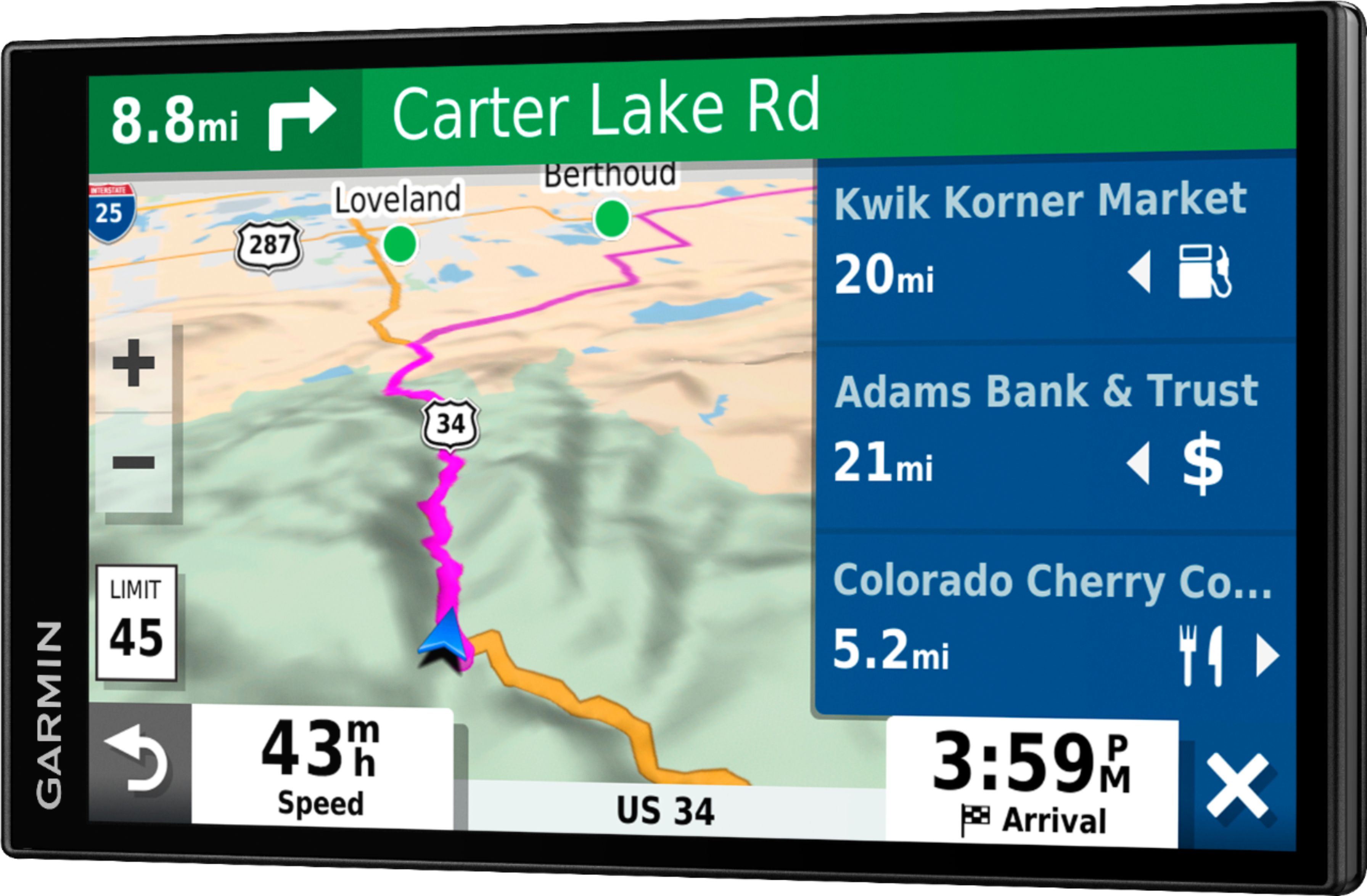
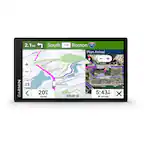
A:AnswerYes, this model includes the Up Ahead tool, it provides information about upcoming locations along your route or the road on which you are traveling. You can view upcoming points of interest, such as restaurants, fuel stations, or rest areas. When traveling on a highway, you can also view information and available services for upcoming exits and cities, like the information on highway road signs.
A:AnswerNo, this model is designed for passenger vehicles and doesn’t include any truck specific routing. The Garmin dēzl™ series includes detailed maps for North America that include truck-related restrictions – like bridge heights, sharp curves, weight limits and more – and related information for most major roads and highways.