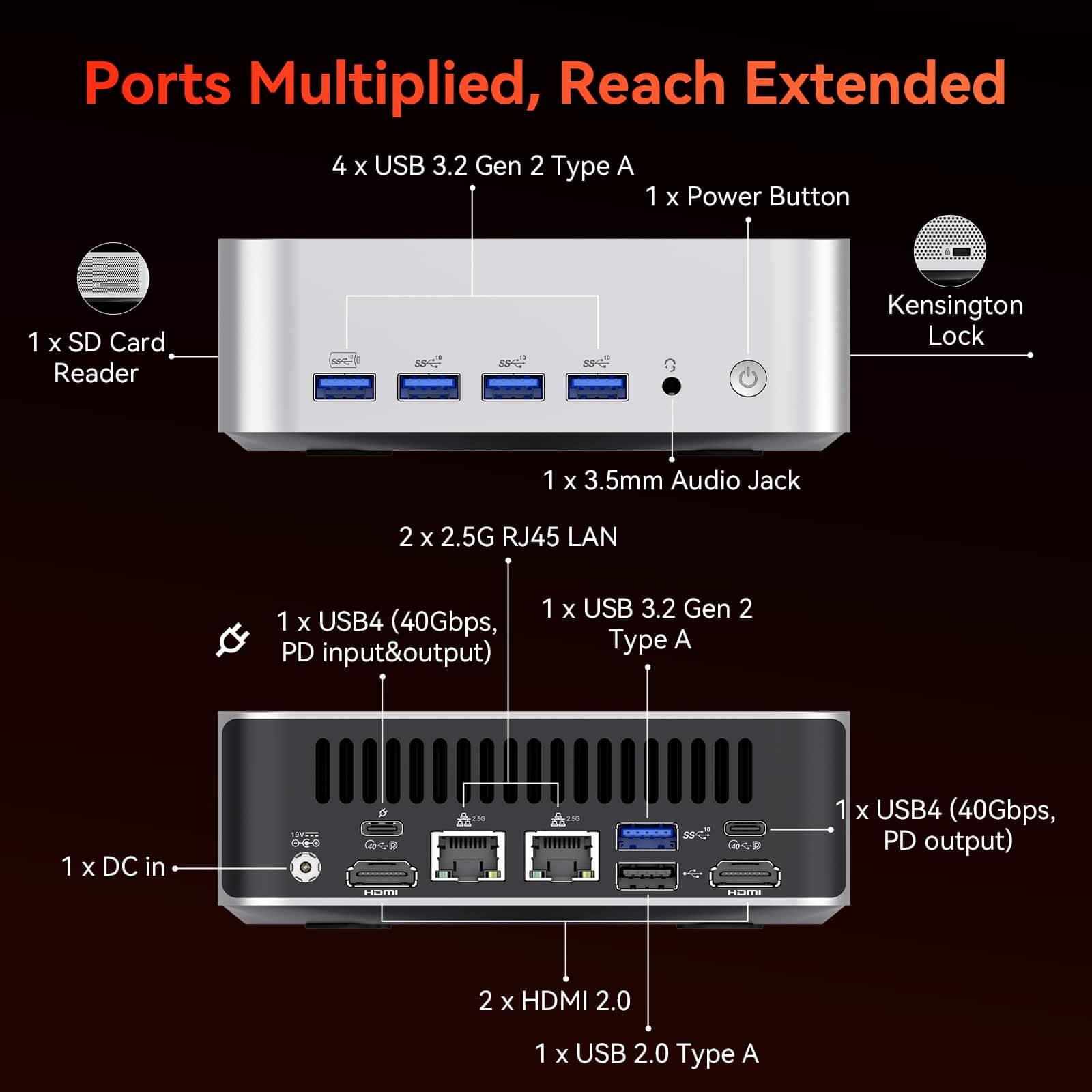
A:AnswerFirst of all, I assume you mean hard DRIVE, rather than hard desk, since a desk would usually just be a hunk of metal, plastic, and/or wood and not do much more than hold things off the floor. With that in mind, hard drives vary from those that only need the power supplied by a USB port, and some that require a secondary power source. The first will work with any computer, while the second often supply a separate power source, akin to what a laptop has. In that case, you would need a drive with a USB port for this secondary power supply, or a suitable adapter for a barrel-type connector; otherwise, the actual power requirement is easily met by the PD specification, which supports up to 100W (20V at 5A).
A:AnswerMentioned in Specifications, Features, artwork AND the manual. The only place it isn't is on your person. Apparently that is the only place you looked.
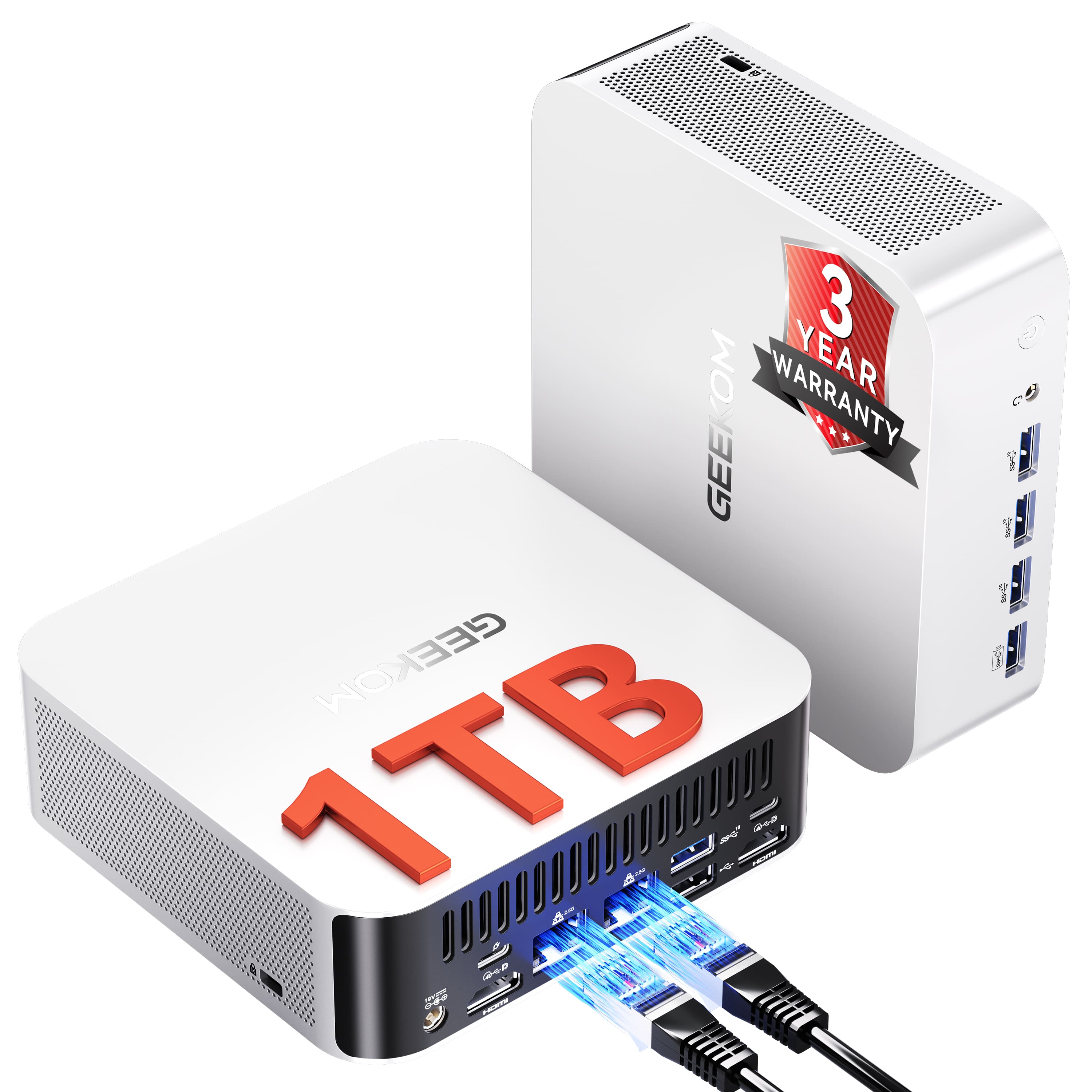
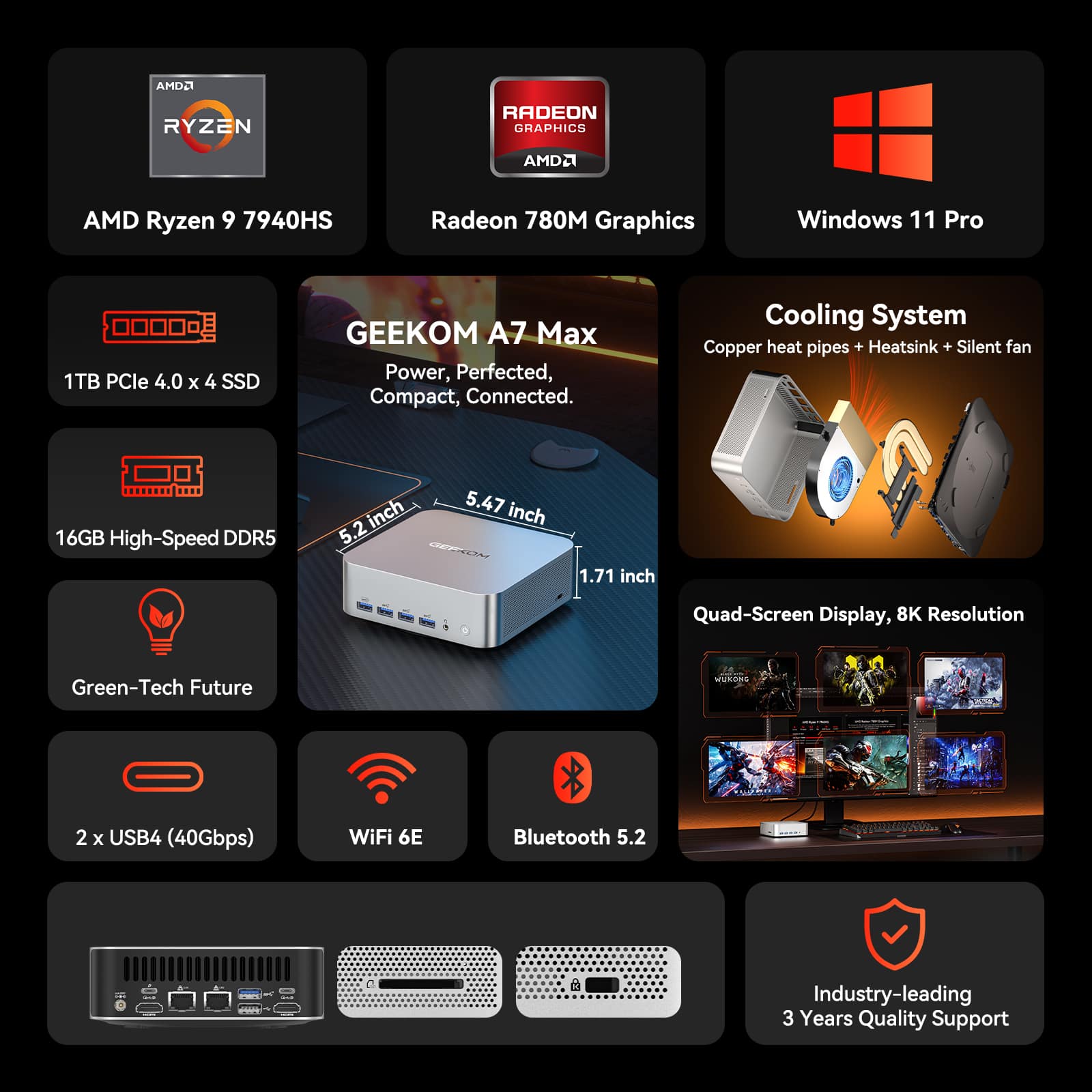
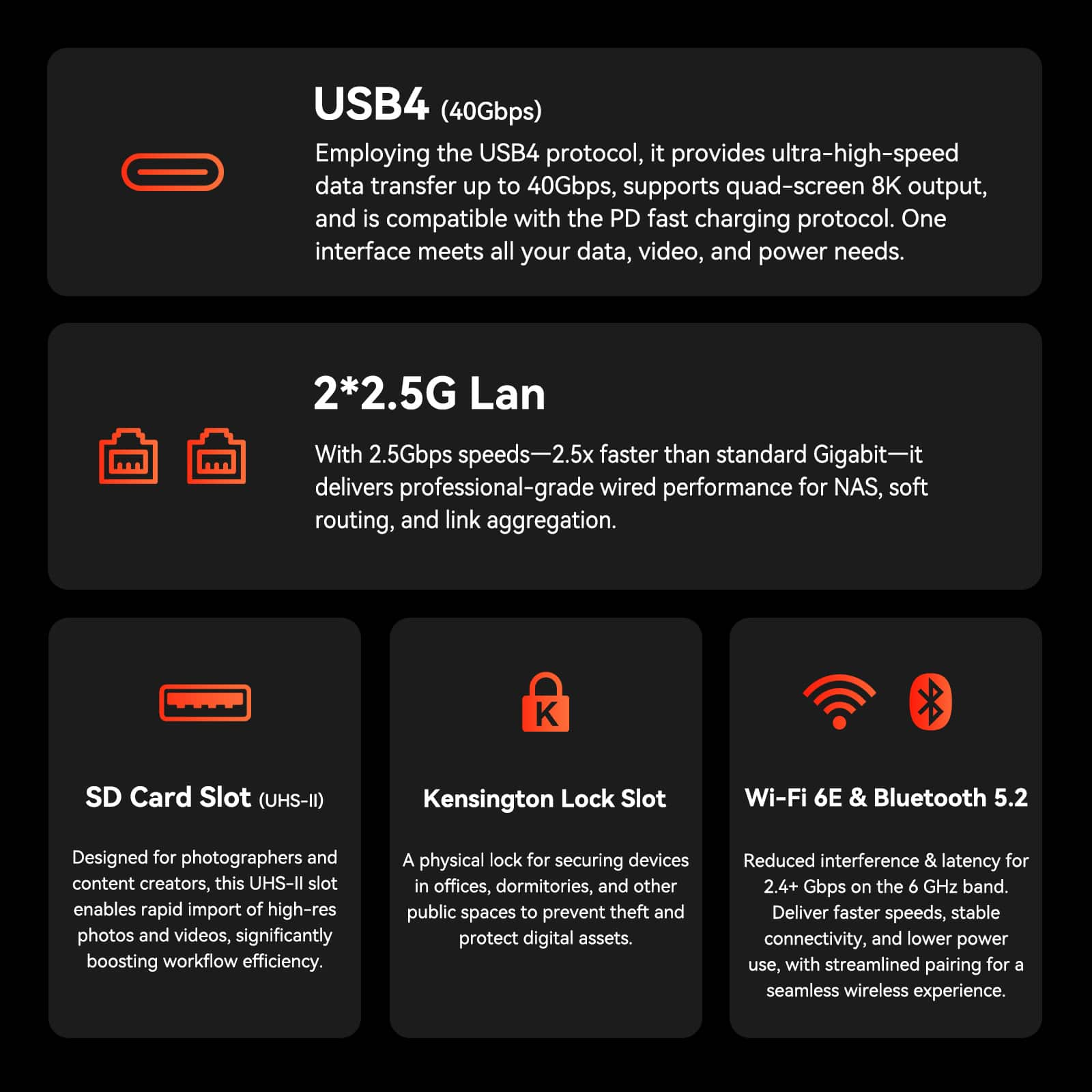
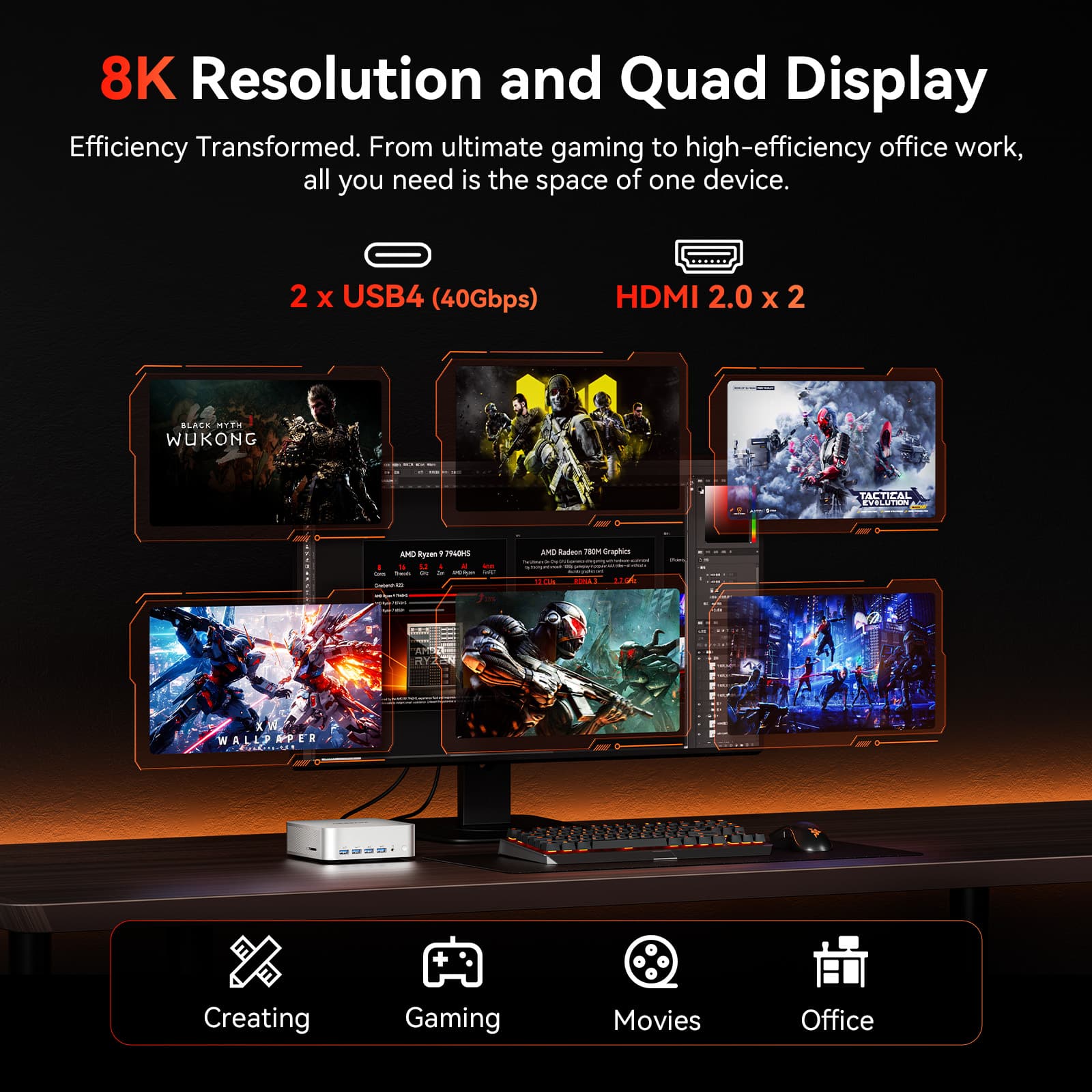
A:AnswerThunderbolt is a specification of USB-C ports, i.e., a subcategory, and a manufacturer has to pay for this, so no, none of the USB-C ports have the certification, but two of them, the USB-4s, have similar specs.
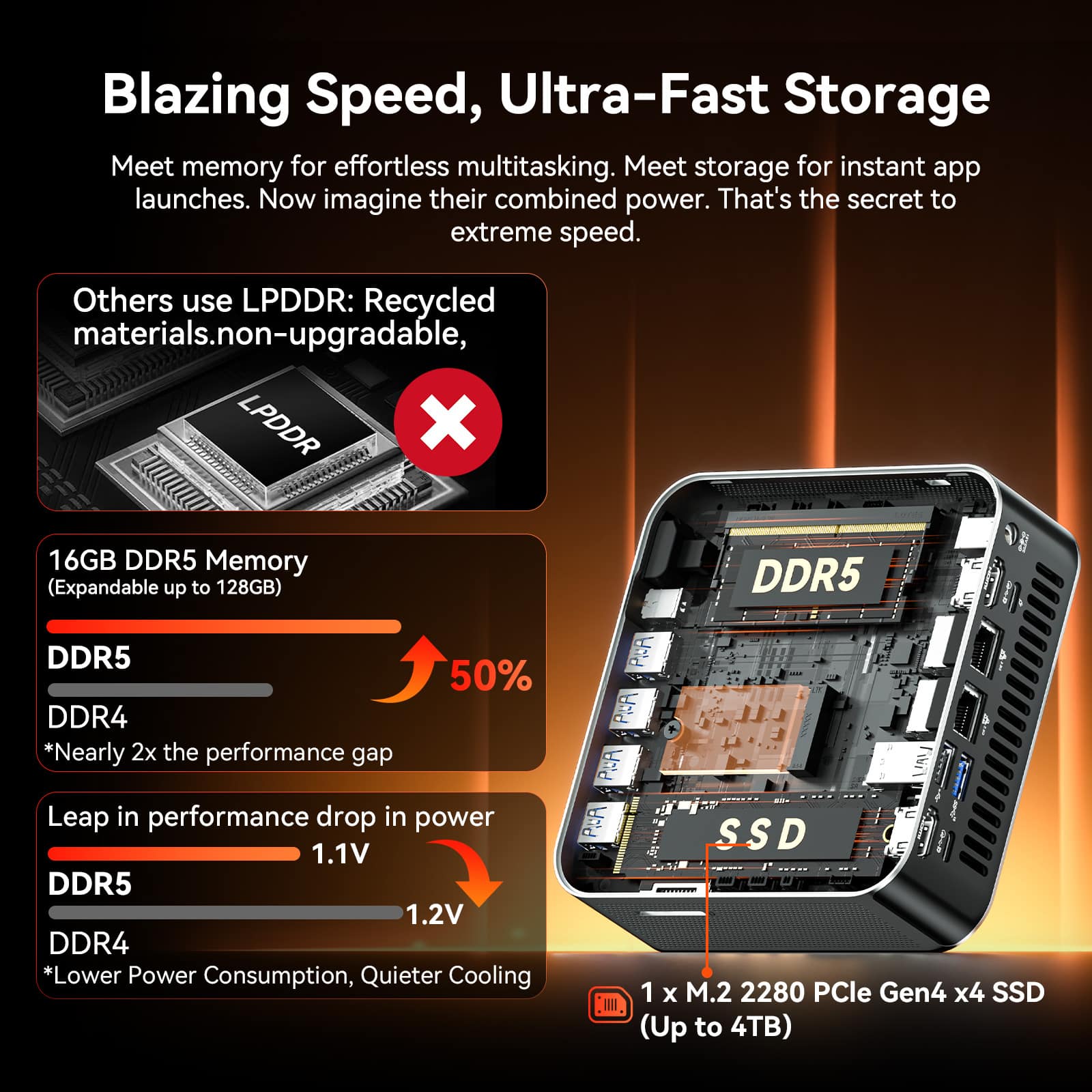
A:AnswerAsk BB's Geek Squad to do it, and they will. There is a charge for the installation as well as the additional RAM. if you aren't concerned about dual-channel for your RAM, you could just add a 48GB stick to the preexisting 16.
But adding RAM is very easy on PCs. Even a newbie can do it. If you're serious about getting to know computing, this is a good place to start.
A:AnswerNope. Adding speakers to it would defeat the small form factor they are attempting to achieve. Plus any built it PC speakers are crap. Way better off at all levels getting ones you like and work well.
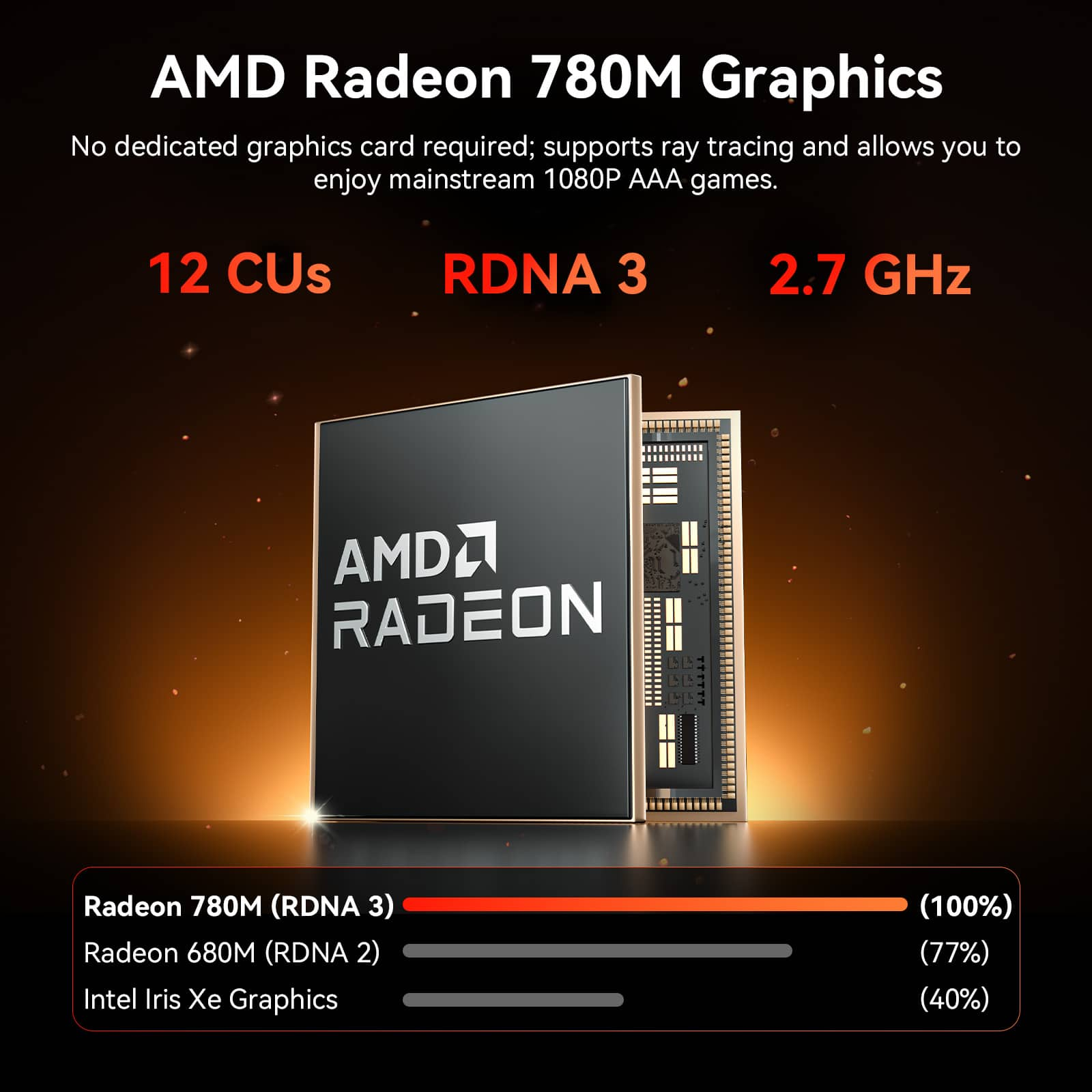
A:AnswerThe integrated GPU can handle eSports titles at high fps (1080p), most older and some and modern AAA games (e.g., Cyberpunk 2077, Starfield) at playable 30–60 fps settings, generally using medium/low settings or AMD FSR. In other words, it performs similarly to entry-level dedicated laptop GPUs, but you should probably get an external GPU if you are very serious about your gaming and want the top performance.
A:AnswerAny computer with the MS OS can get a free, 30-day trial copy of the MS Suite (now called MS 365) from the MS website. You can also get different levels of the Suite, from a permanent purchase, various subscriptions and levels, down to free, limited use of Word, Outlook, and PowerPoint through the Edge browser. You can also get a third party, completely compatible suite on the web, like Kingsoft.
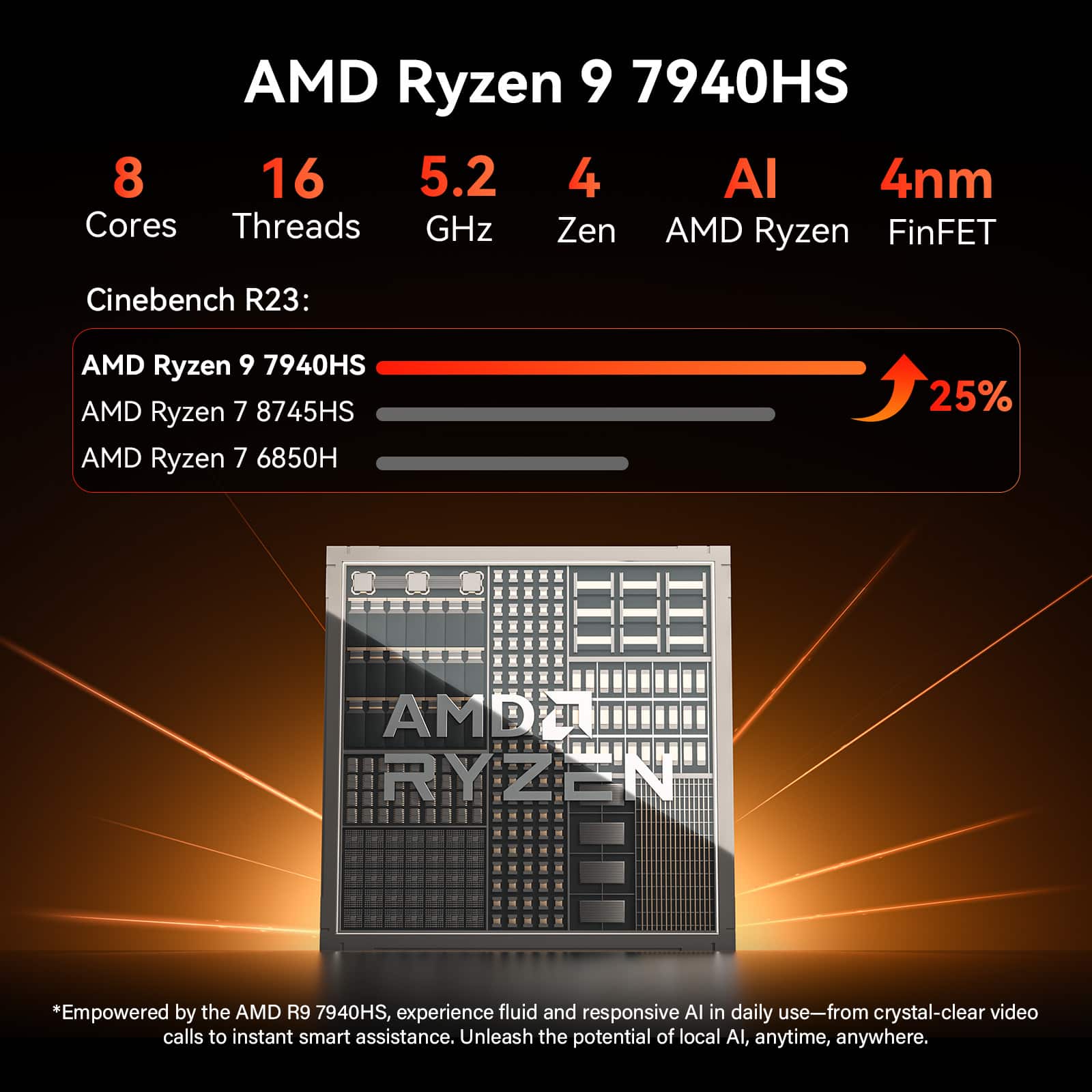
A:AnswerIf you have to ask this question, you probably are not ready for OBS and Tik Tok Studio. This PC is much more than what you need for those. You just need to be certain your camera is full HD and you have an upload speed of at least 2.5-5Mbps.
A:Answer1. No, it an be upgraded to 128GB.
2. If you think 32GB would be enough to use this PC as an AI server with 32GB RAM, you are not ready to run an AI server, especially if you want to local Large Language Models (LLMs) or image generation models. 64GB is necessary for high-performance AI, allowing for efficient model loading and inference, running 7B to 30B+ parameter models locally via tools like Ollama or LM Studio. You should also be prepared to enable AMD EXPO in BIOS to maximize RAM speed.
A:AnswerApparently the artwork was improved/updated since this question was asked. It now clearly shows the 2 USB-4 ports and the 5 USB-Cs, for a total of 7.